Verified | 4.0 Rating |
About App
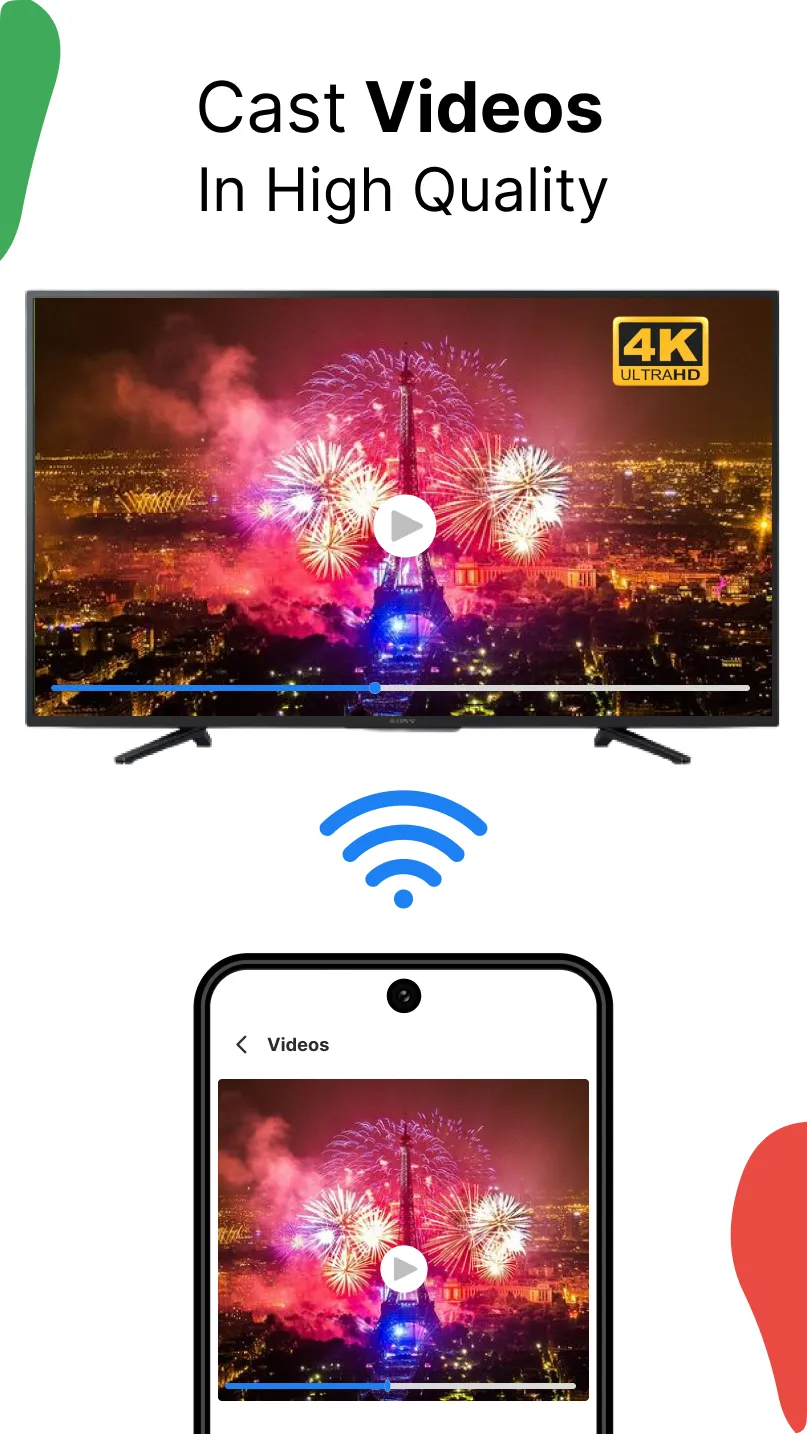
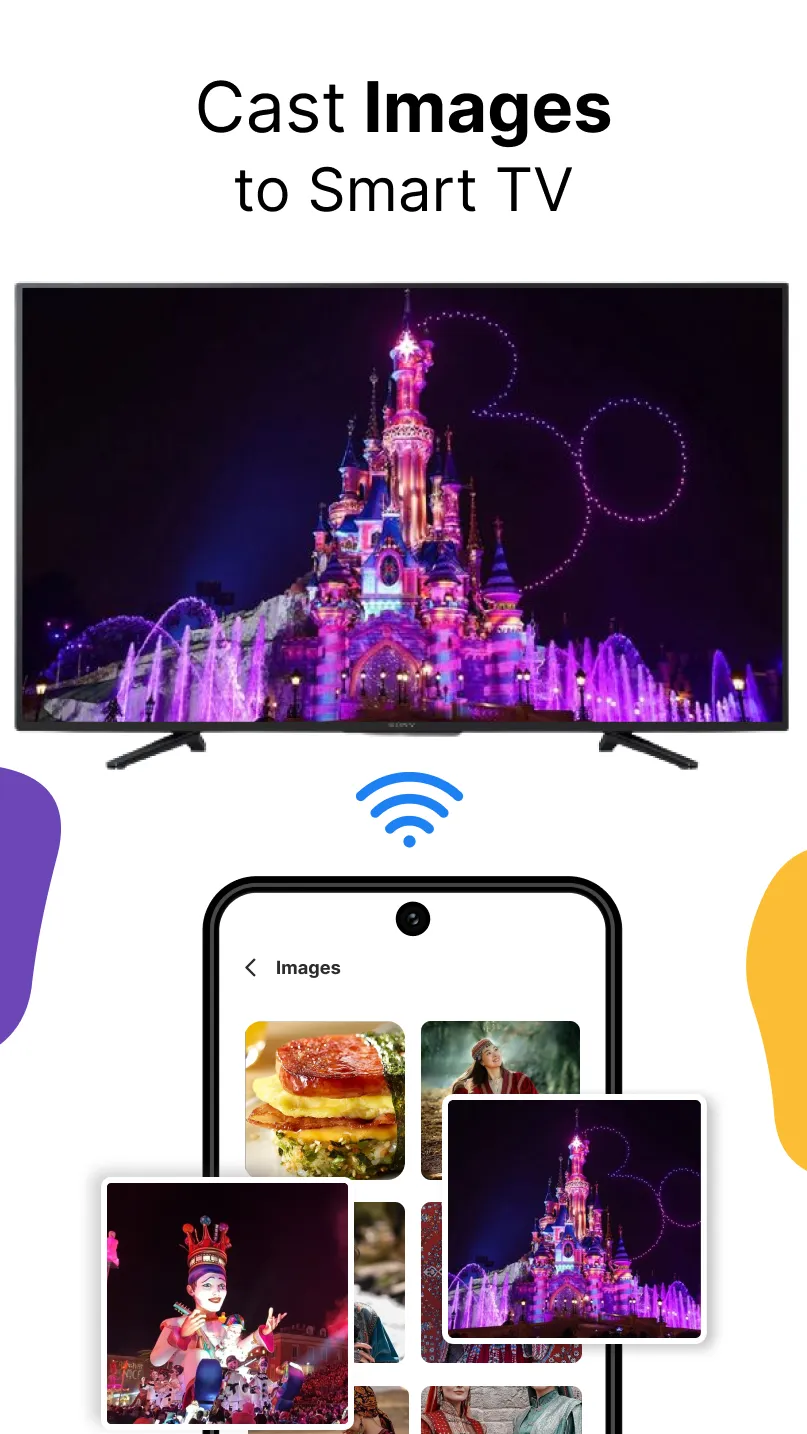
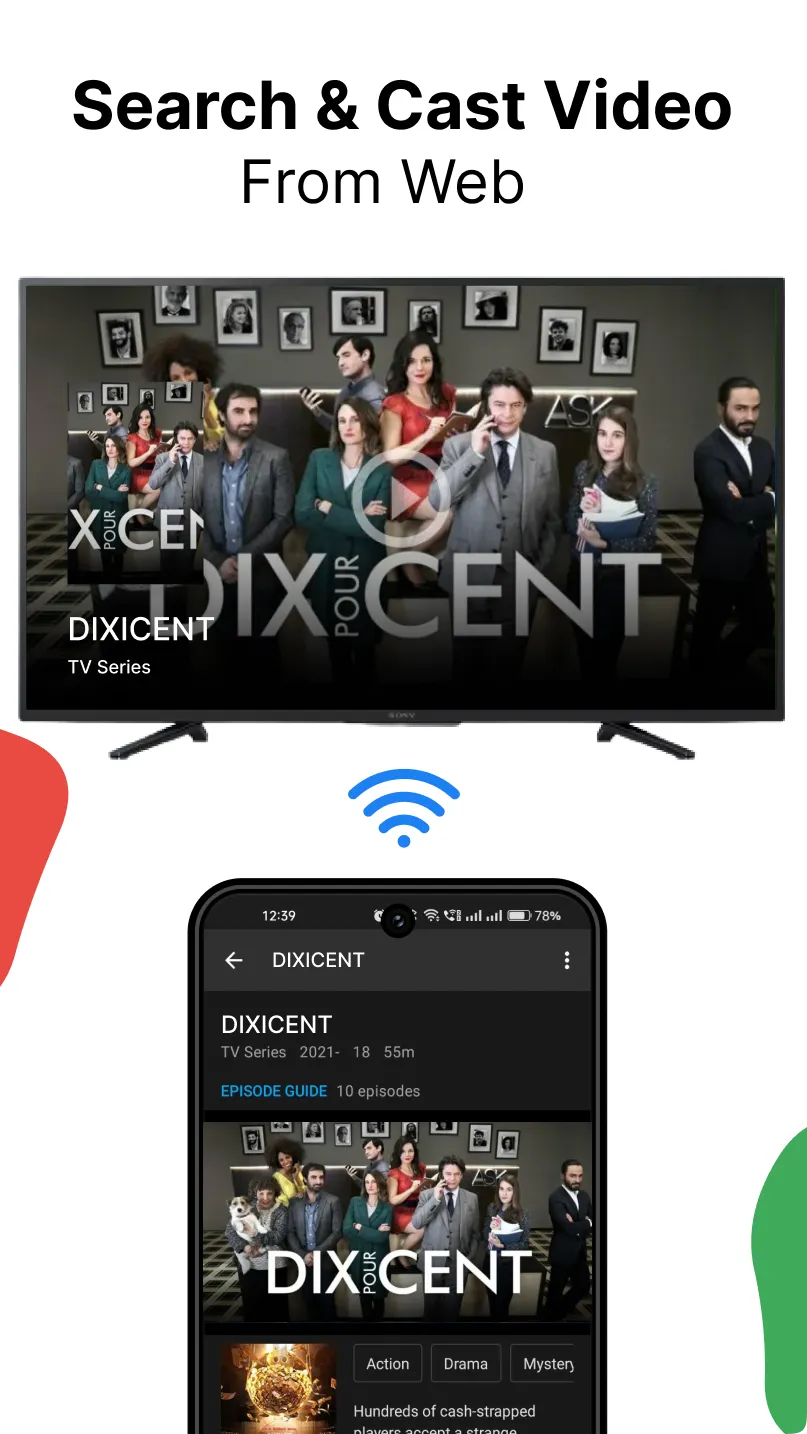
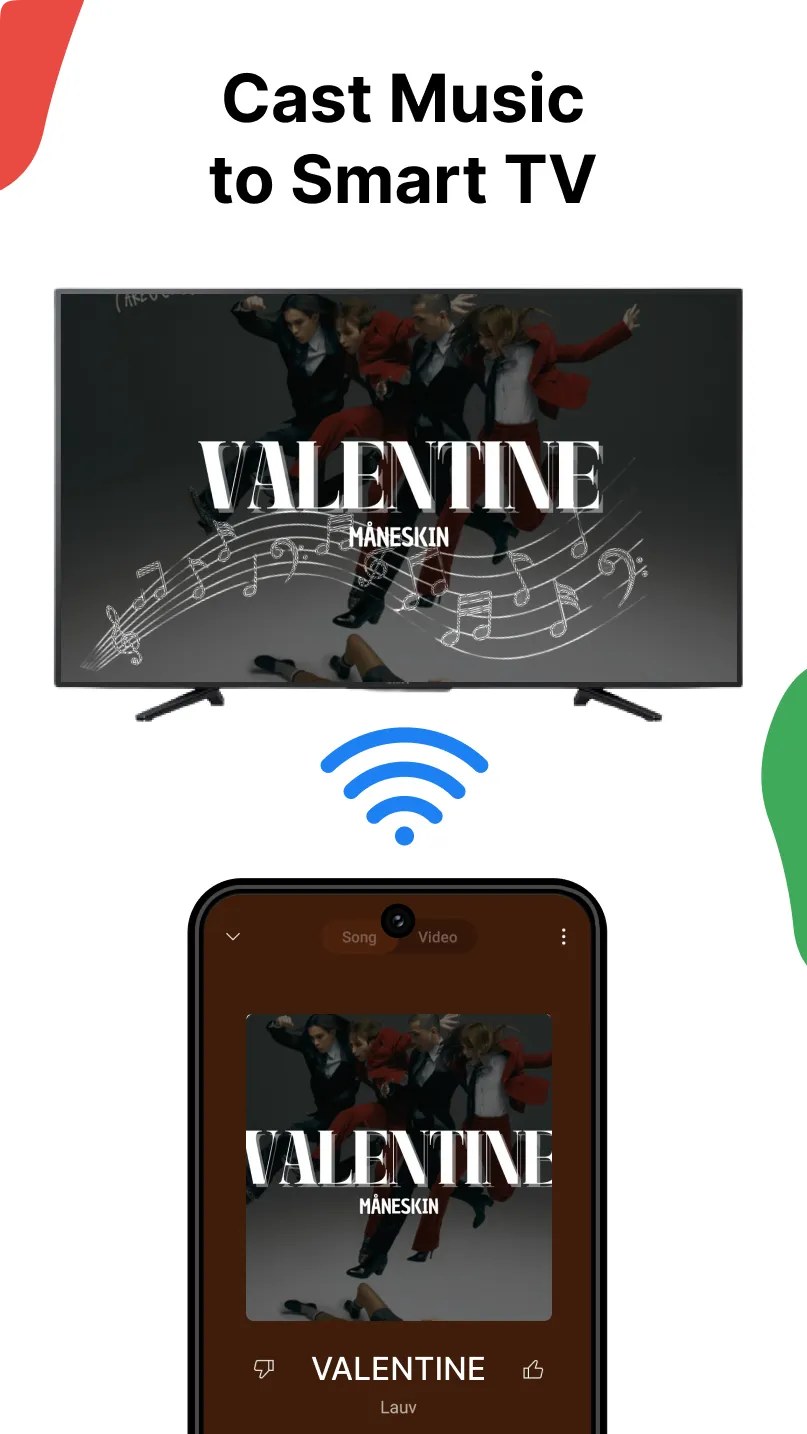
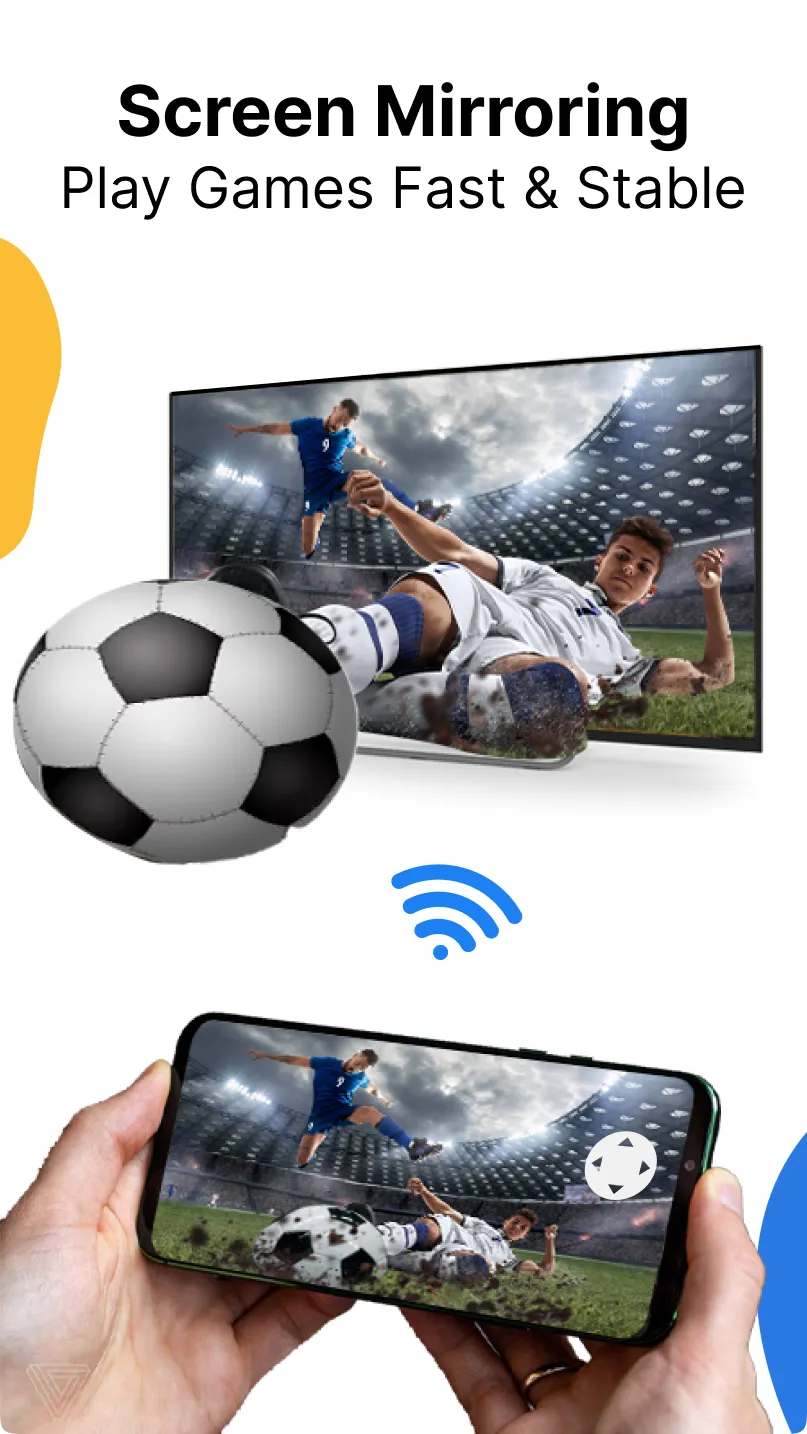
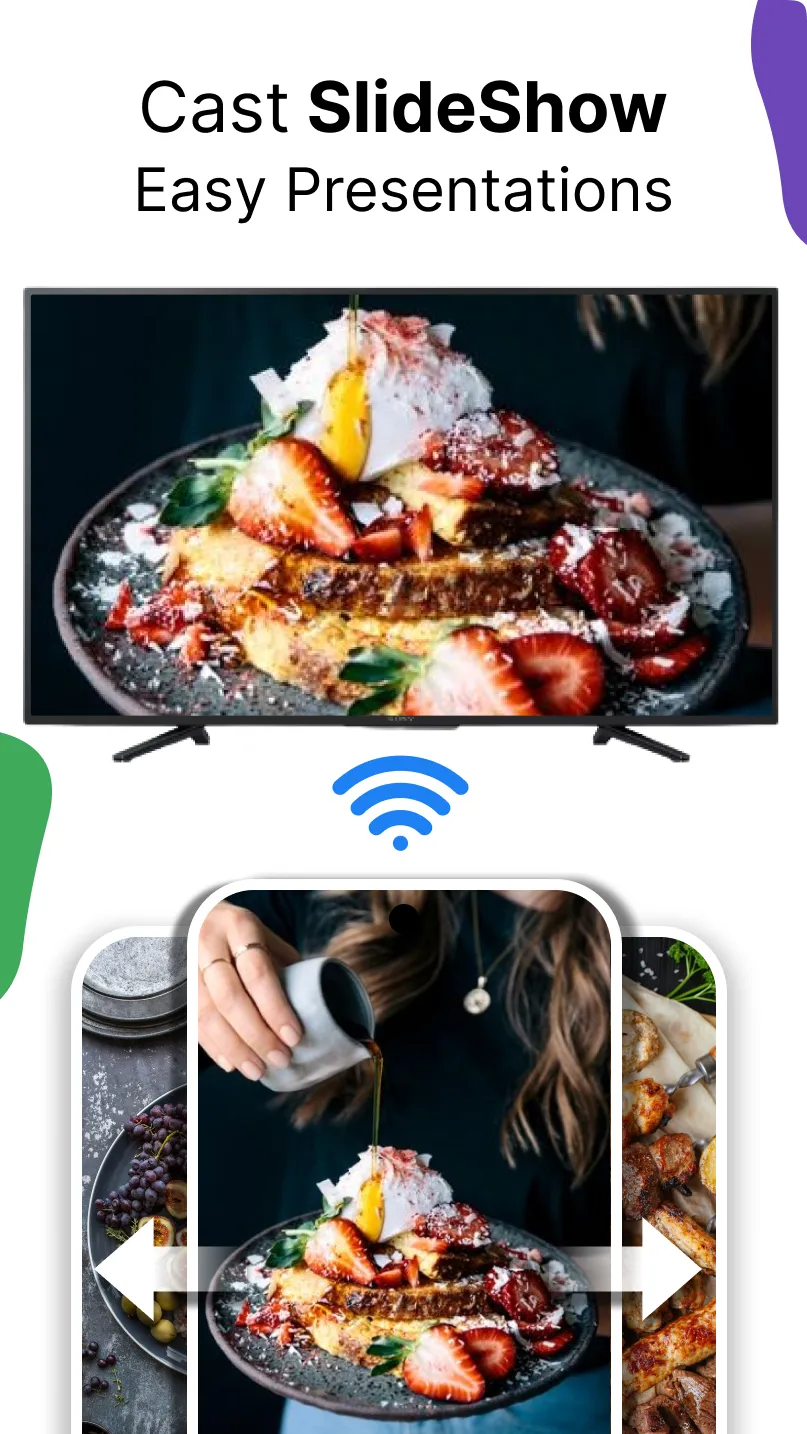
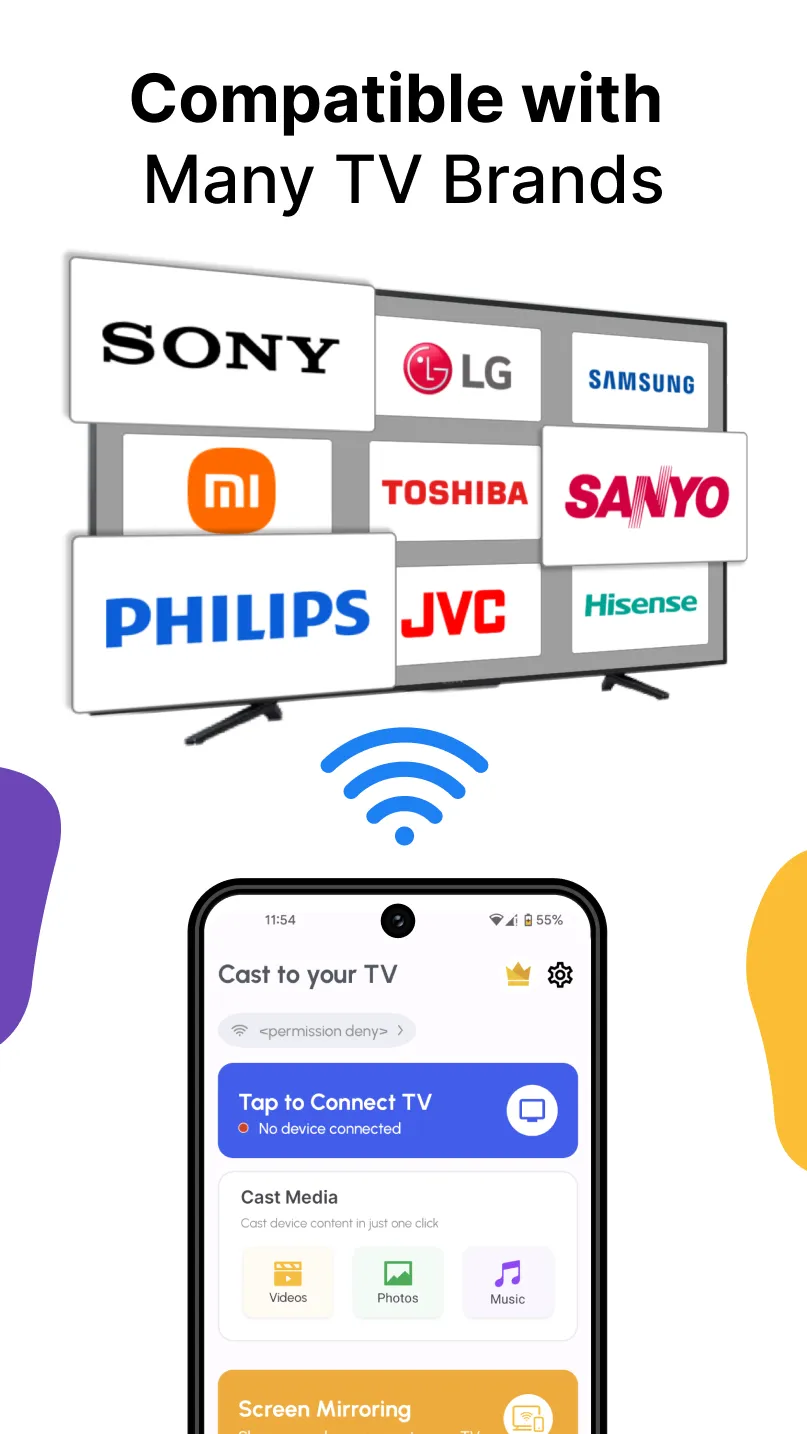
Cast to TV Cast for Chromecast 😎 Cast to TV or Cast for Chromecast helps casting your phone screen to any TV, including Chromecast TV, Roku TV, and other smart TV, with just a few taps. Enjoy your favorite shows and series with ease using Cast to TV, which supports cast or screen mirroring on various TV brands like Chromecast, Roku TV, Fire TV, Xbox, Samsung, LG, DLNA, and more. Stream series, songs, videos, and movies with Cast to TV. With the Cast to TV app, you can mirror your screen and cast audio or video in real time from your Android phone or tablet to TV. If you're seeking "How to Connect Phone to TV Without HDMI?" Here is the screen mirroring Cast to TV. With the Cast to TV app, you can instantly mirror your screen to any TV, even Roku TV, and link it to your phone or tablet. Connection and setup go quickly and easily. Features of Cast to TV - A Chromecast built-in or Chromecast-enabled App ...
Developer info
Popular Apps