
Riverside
Verified | 4.0 Rating |
About App
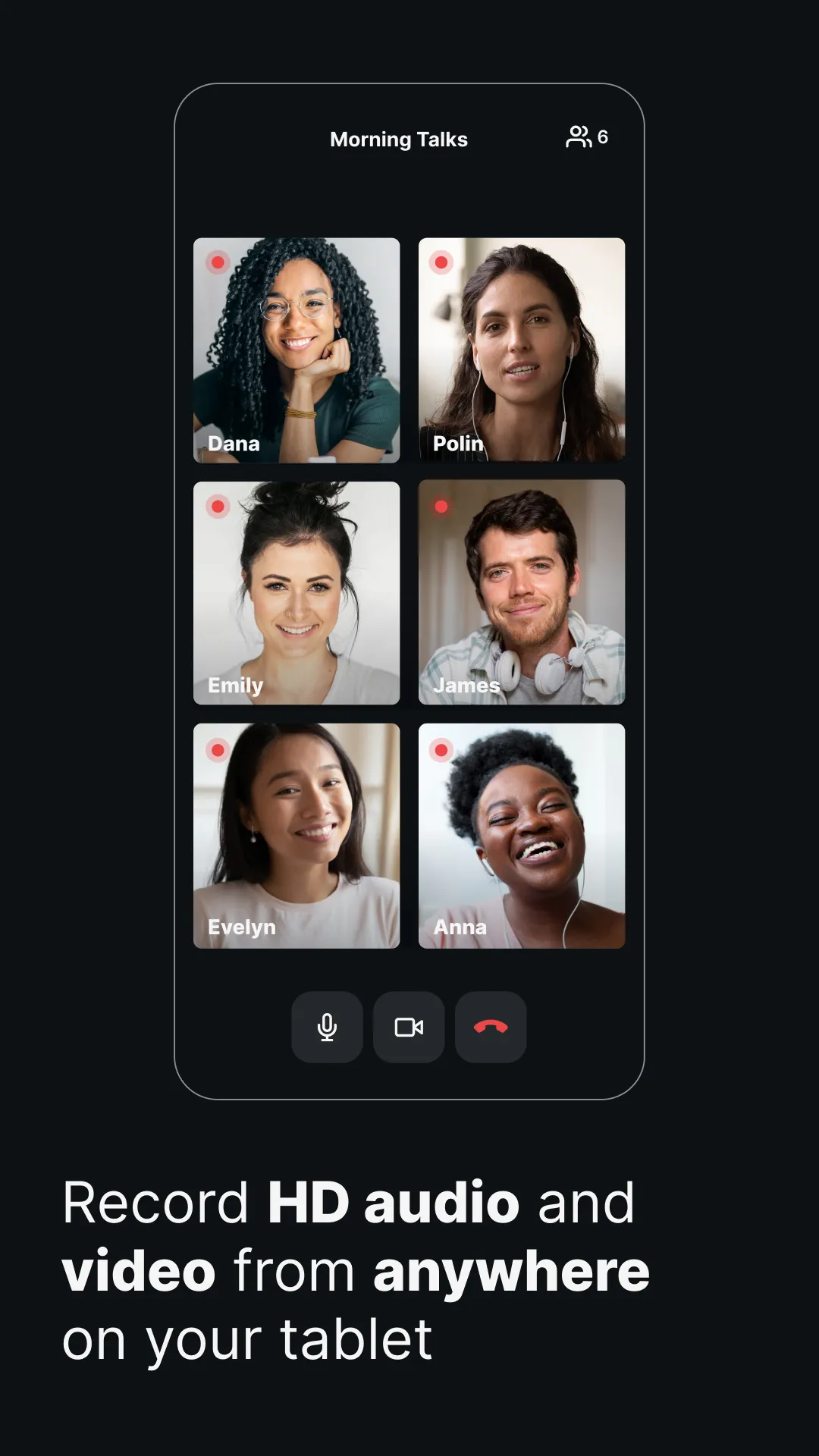
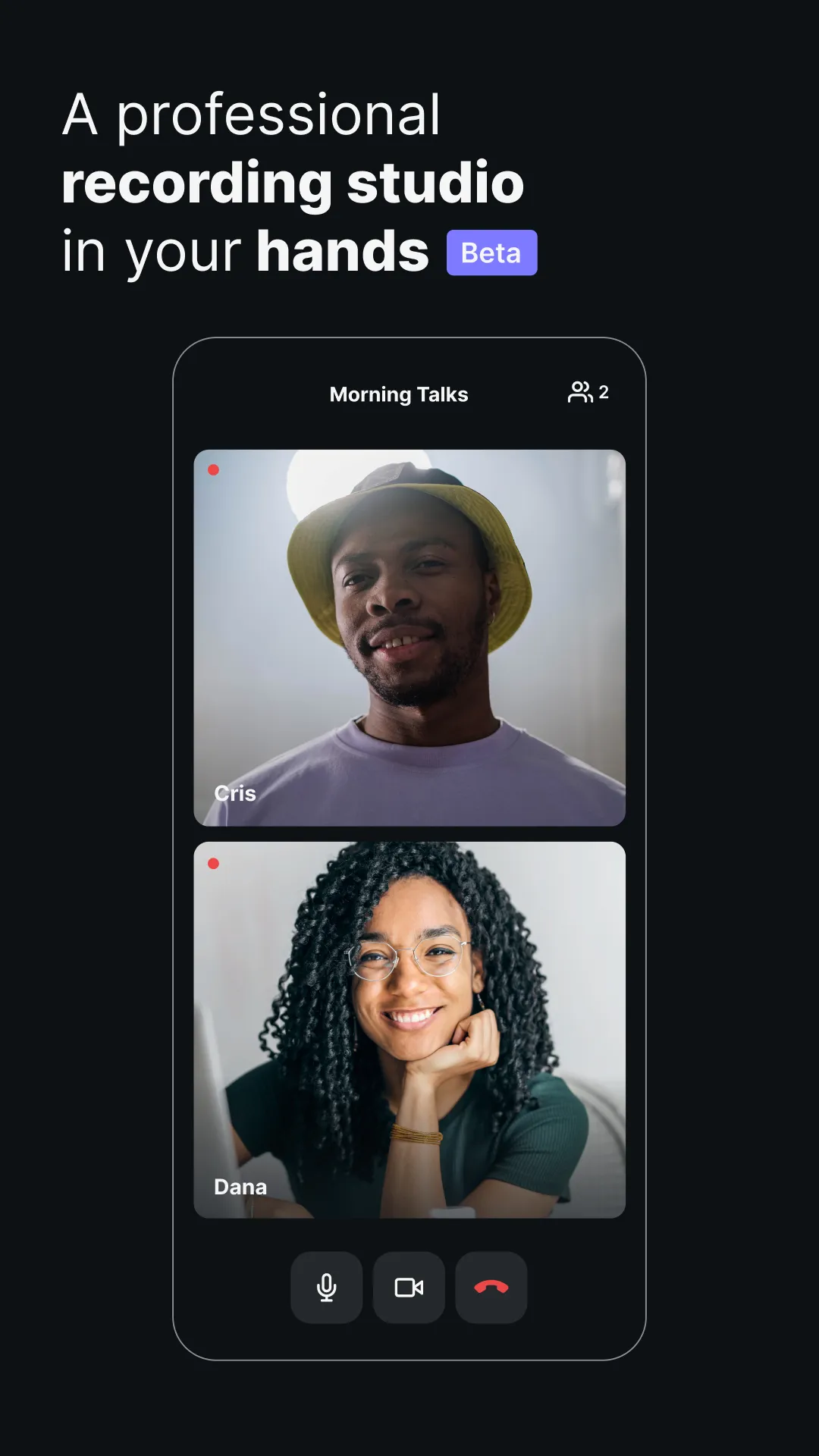
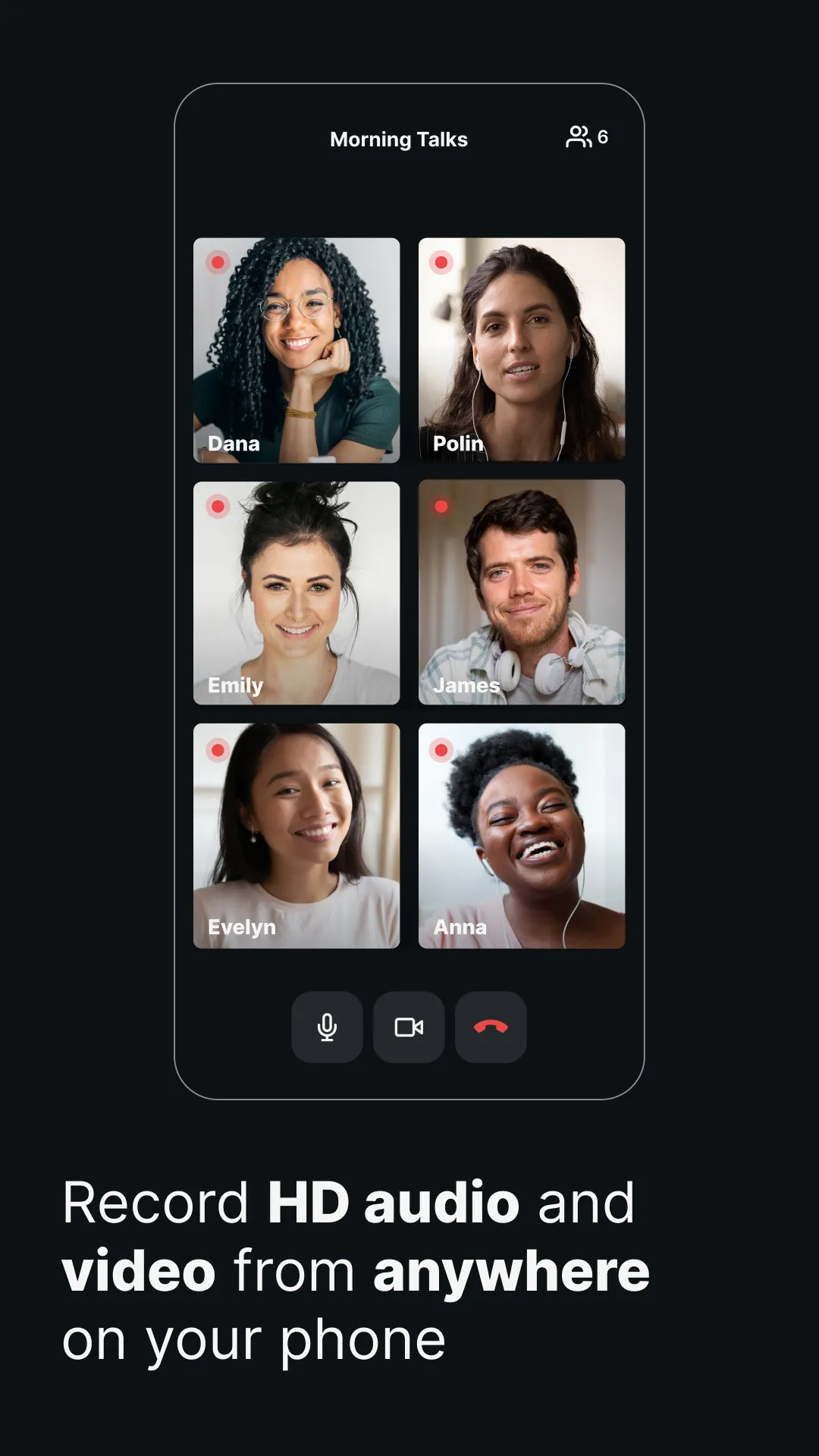
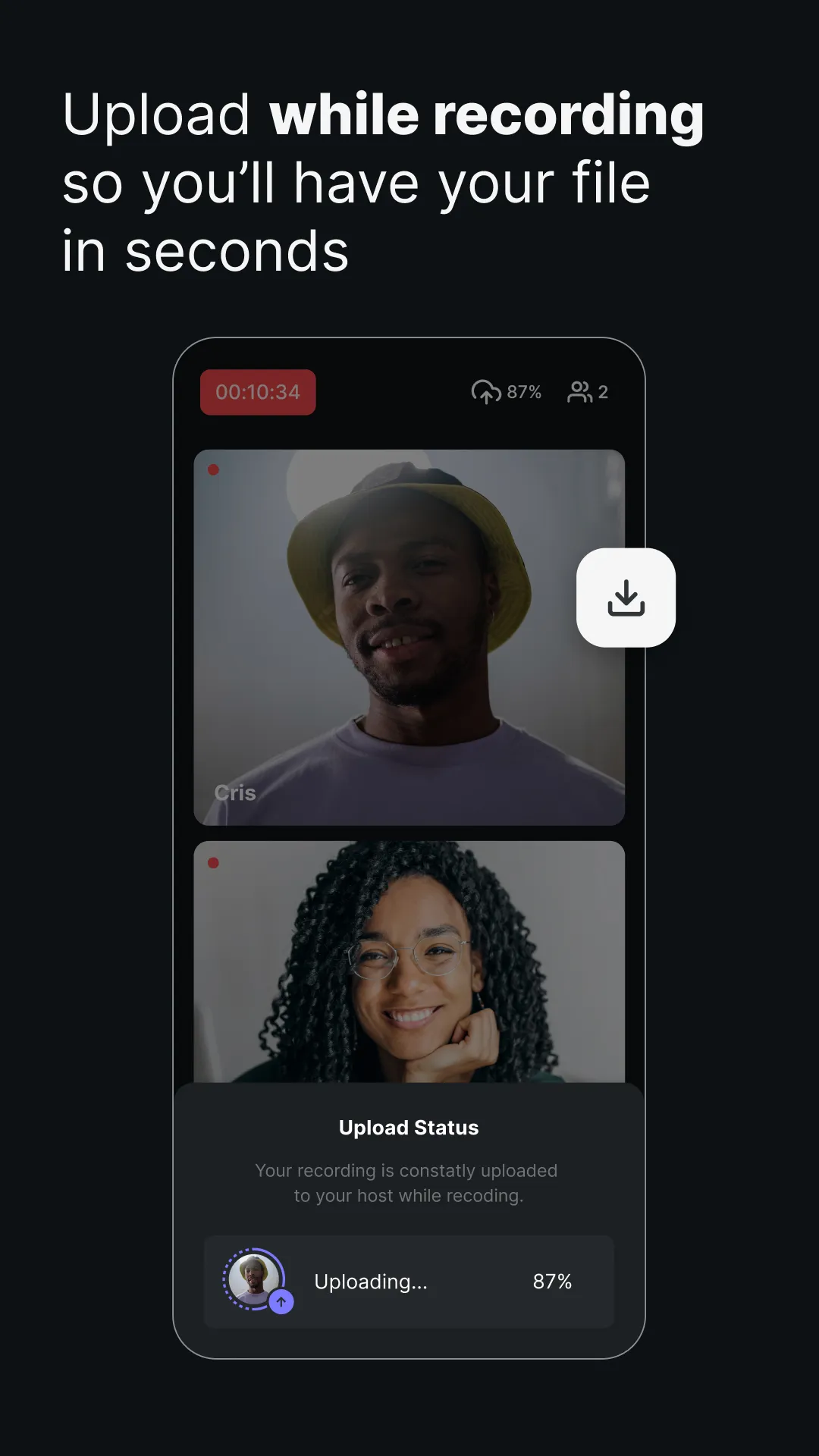
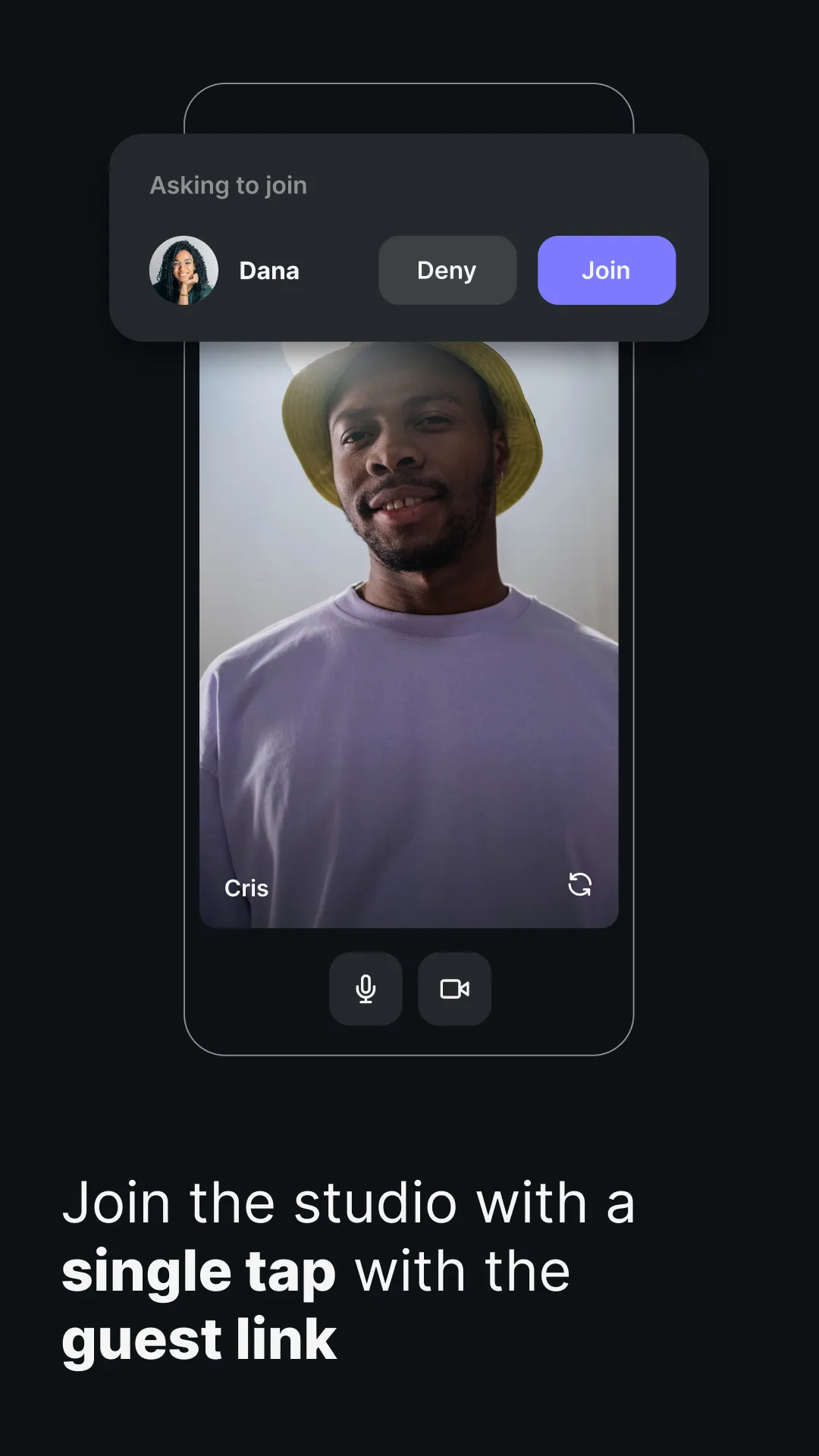
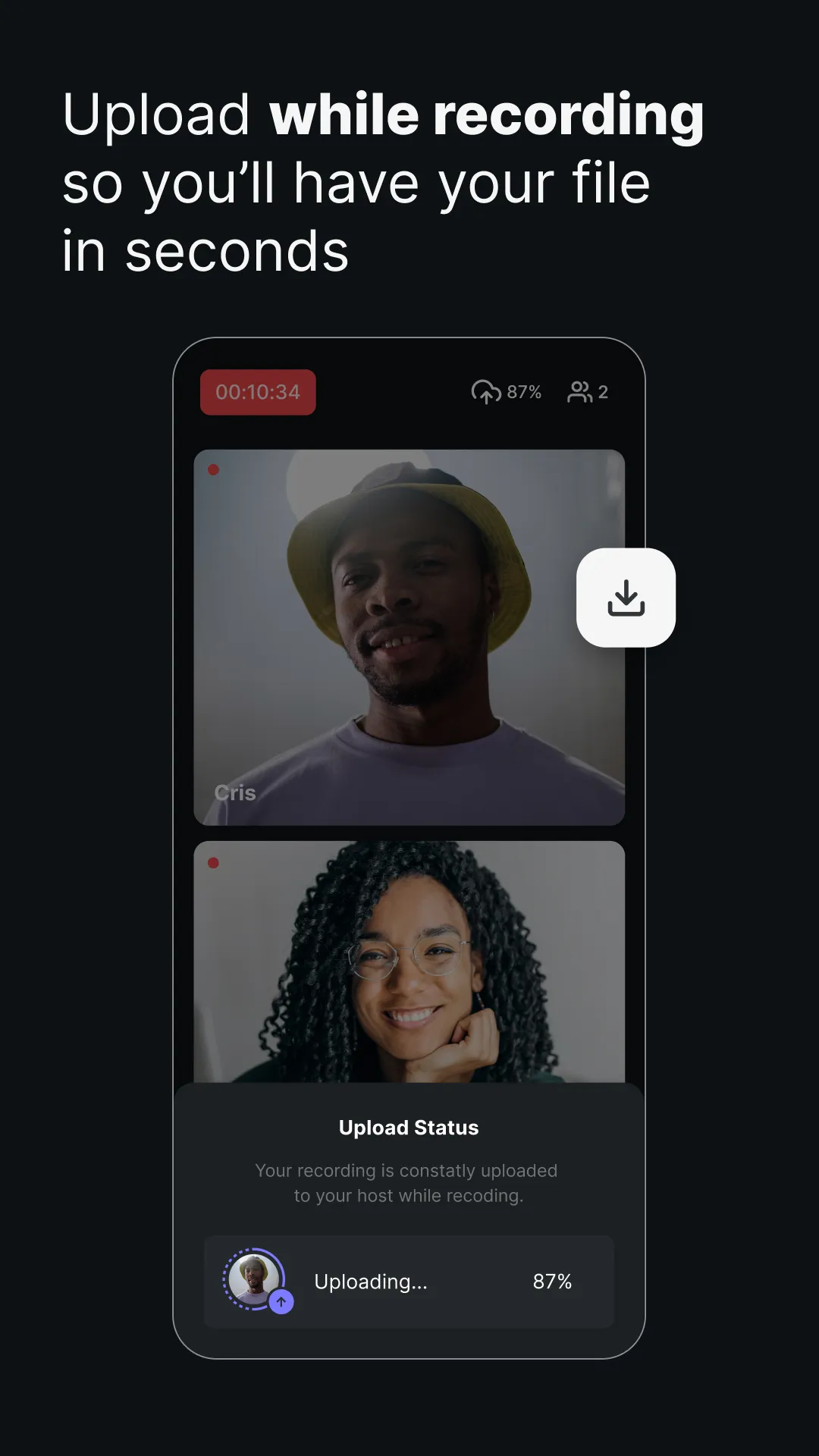
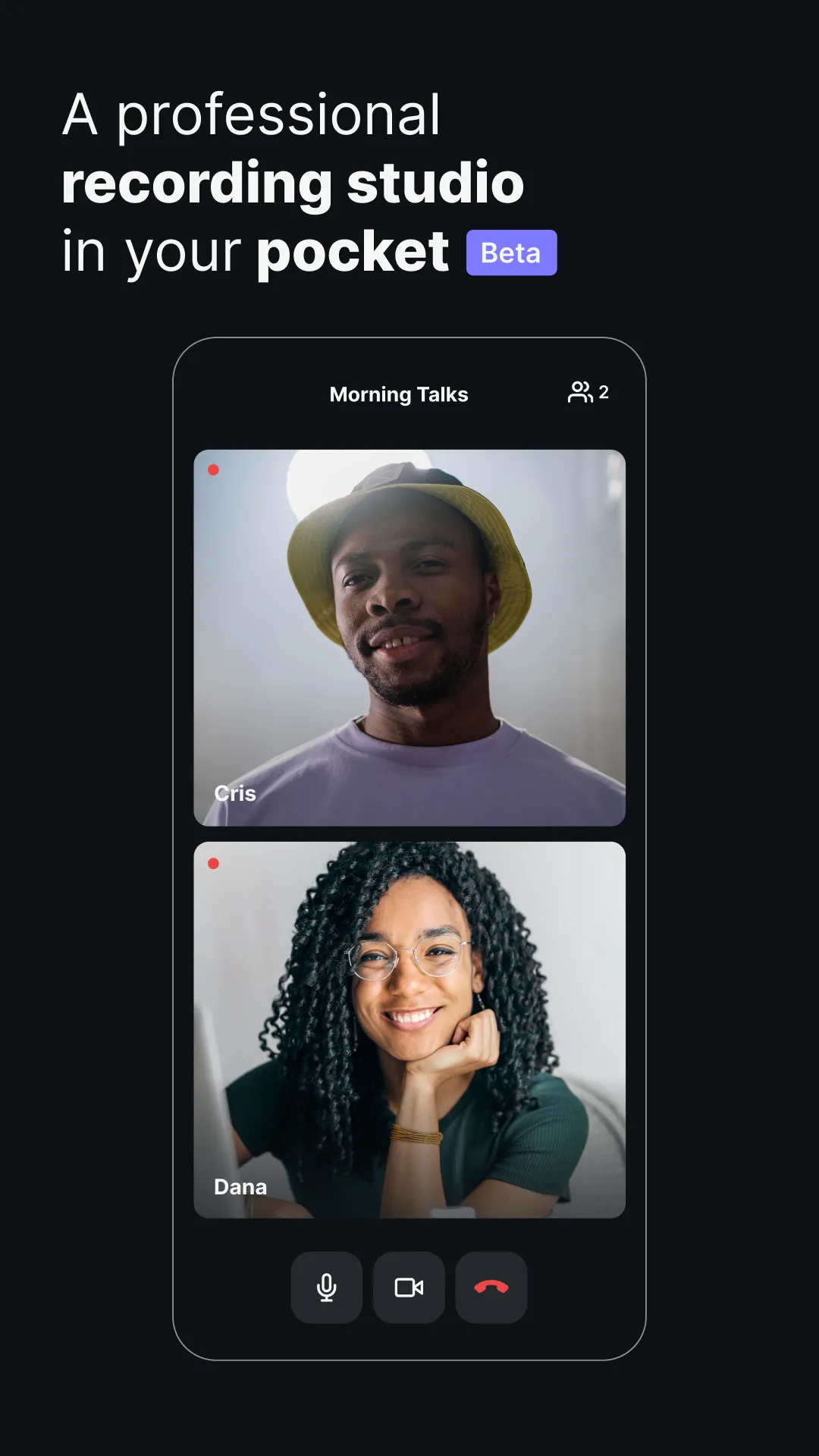
Riverside.fm is the easiest way to record podcasts and videos in studio quality from anywhere. The platform is ideal for podcasters, media companies, and online content creators that prioritize quality. You can capture up to 4K video and 48kHz WAV audio, regardless of your internet connection. With local recording, everything records directly on your device instead of over the internet. The app automatically uploads all files to the cloud so you can access them from your desktop and use Riverside’s online tools, to enhance your content. Record with up to 8 participants in one session, and download separate audio and video tracks to maximize your editing control. Plus, you can use Multicam mode to turn your phone into a secondary webcam for your desktop (and often your mobile phone has a far better camera than your laptop webcam). With Riverside.fm, you can record high-quality audio and video content even when you're on the move. It’s the perfect solution for dynamic webinars or talking head-style videos that can be shared on TikTok, YouTube or Instagram. The easy-to-use platform is used by podcasters, media companies, and online content creators that care about quality. You receive locally recorded, individual WAV audio and up to 4k video tracks for up to 8 participants per session. ★★★★★ “Riverside.fm allowed us to record speakers locally in remote locations… We would always get high-quality video & audio every time we recorded, which was a huge help!” - TED Talks...
Developer info
Popular Apps