Screen Mirroring
Verified | 4.0 Rating |
About App
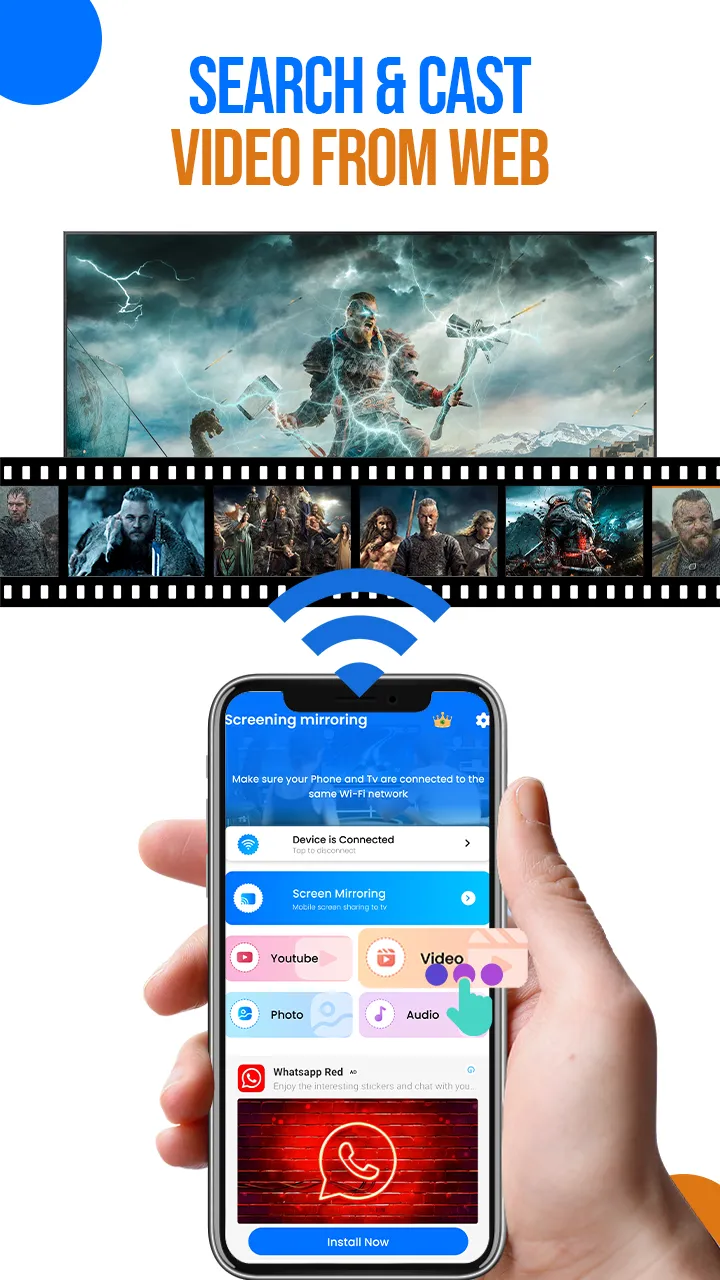
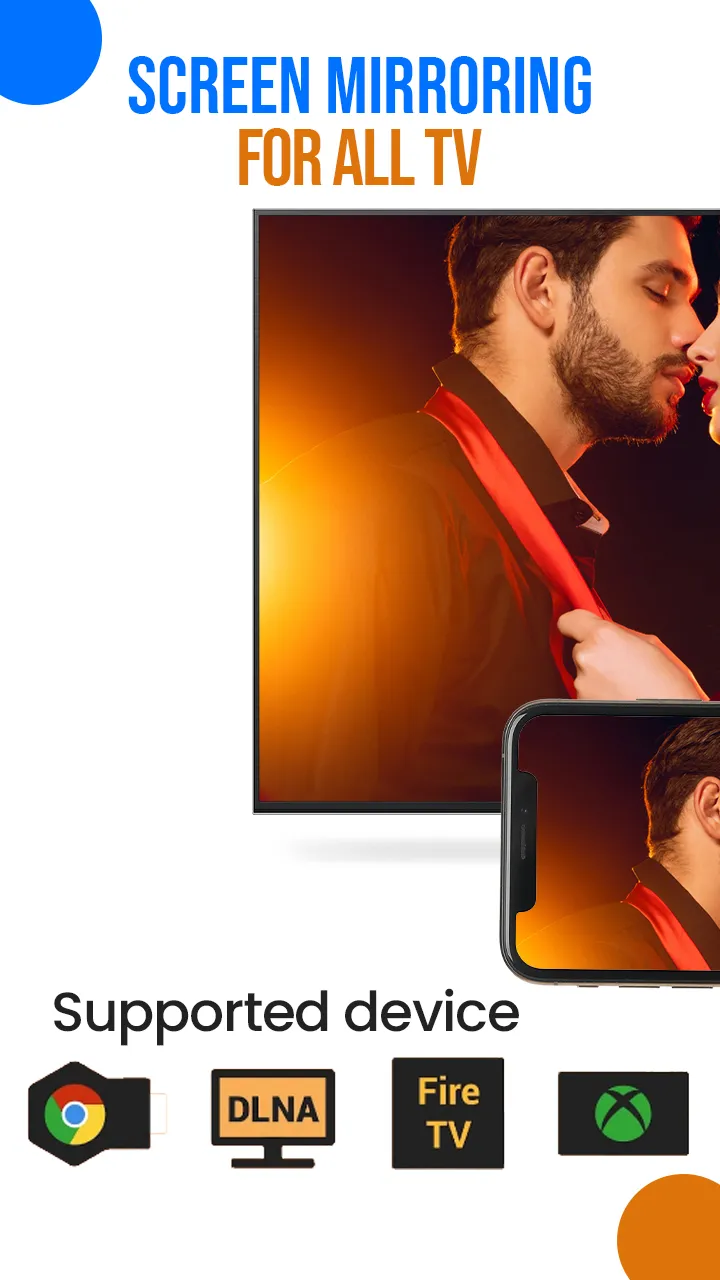
Screen-mirroring is a Universal Screen Mirror app that lets you easily show your phone screen on a TV screen, so you can watch videos, play games, or view photos from your phone on a larger display. Screen Mirroring App is simple to use and provides high-quality real-time streaming. With Cast to TV, you can cast web videos on the TV screen. Cast videos from your phone, no smart mirror is needed, just use features like Web Video Caster or Screen Cast. Say goodbye to your small screen and enjoy a smart view together in the comfort of your living room. 🔍How to get started screen mirroring - Miracast App: 1- Download & install the Chromecast mirroring app. 2- Make sure your phone and casting device are connected to the same Wi-Fi. 3- After connecting to the same Wi-Fi select the device you want to connect....
Developer info
Popular Apps