
Volume
Verified | 5.0 Rating |
About App
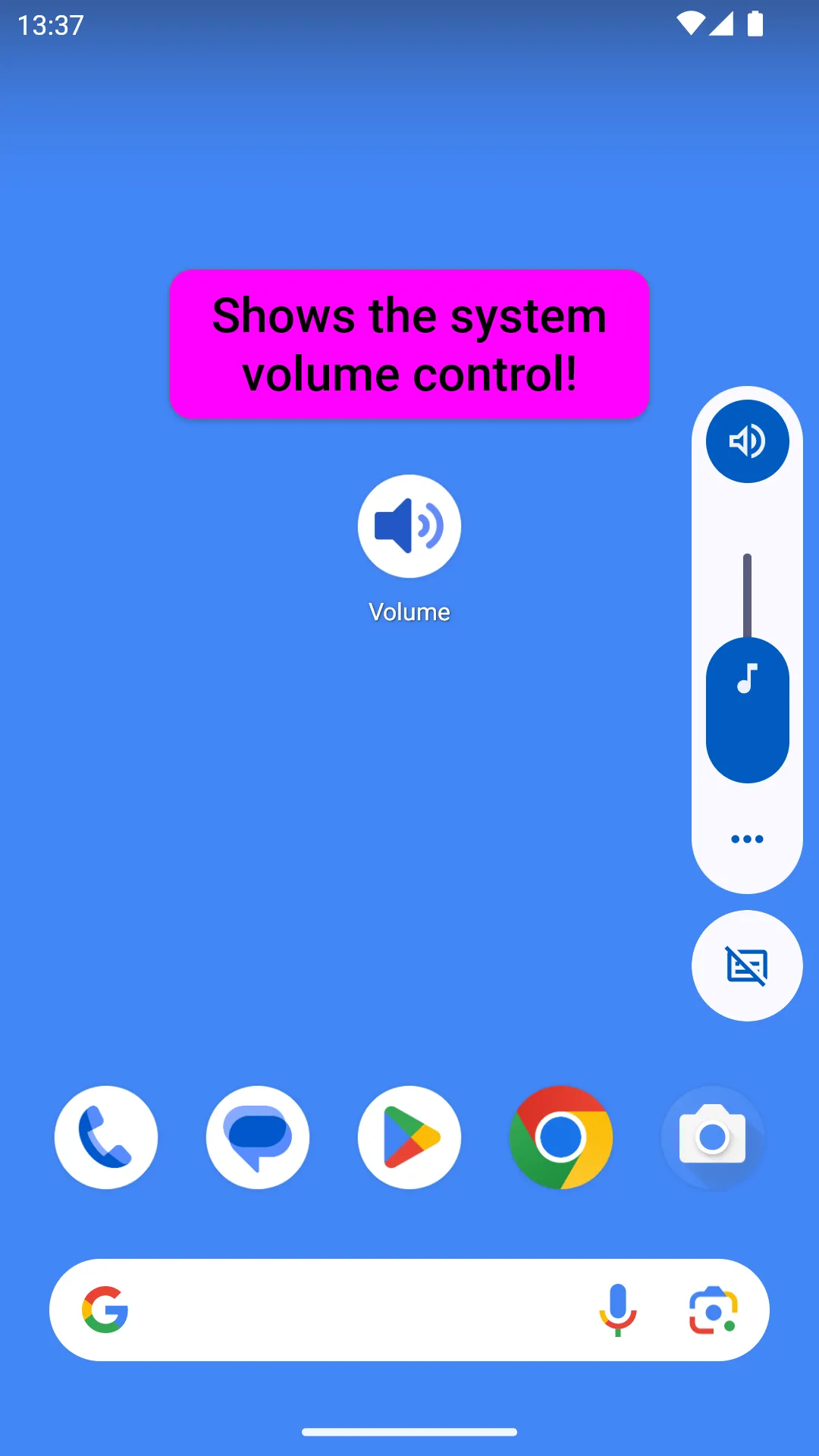
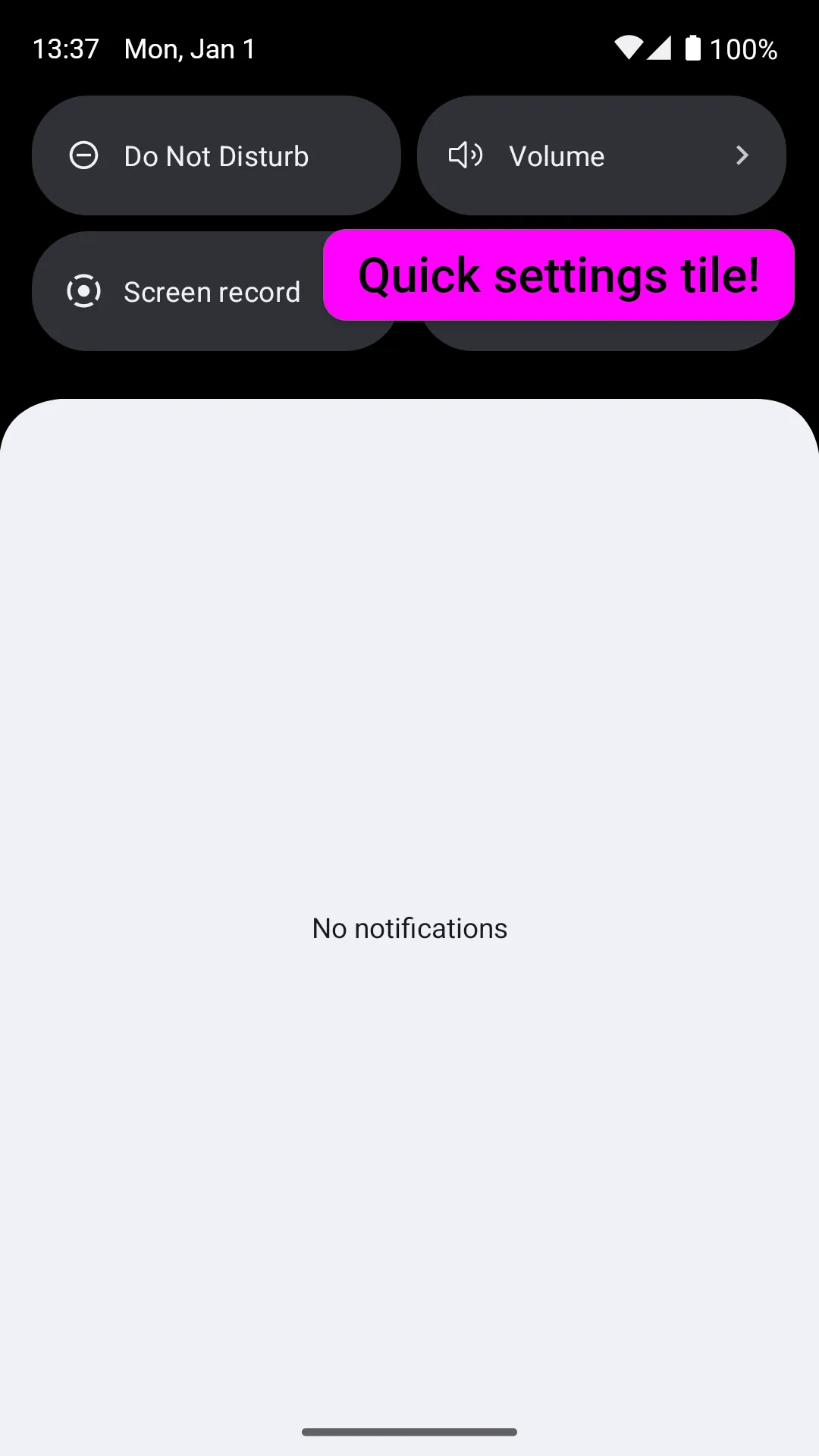
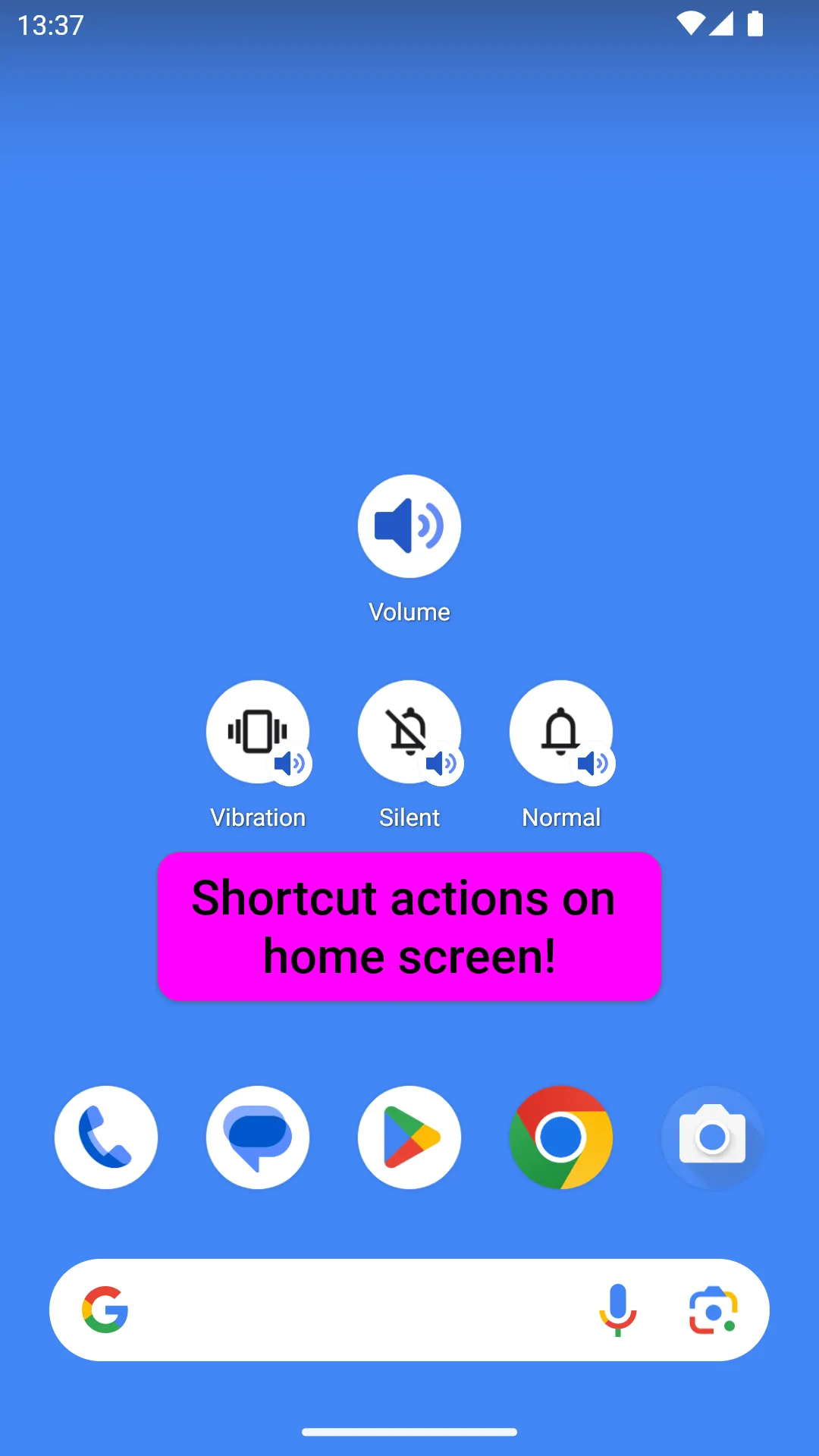
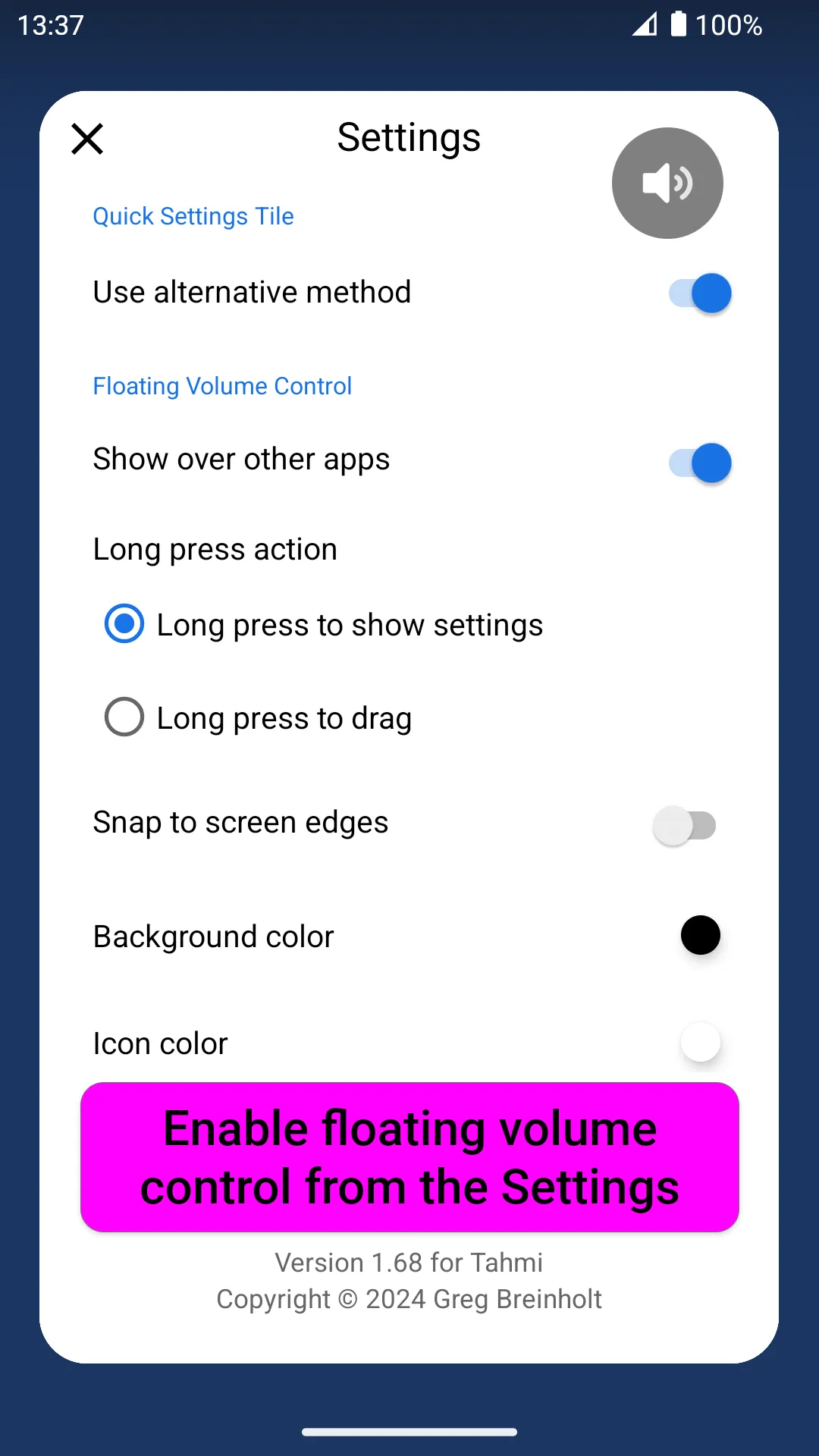
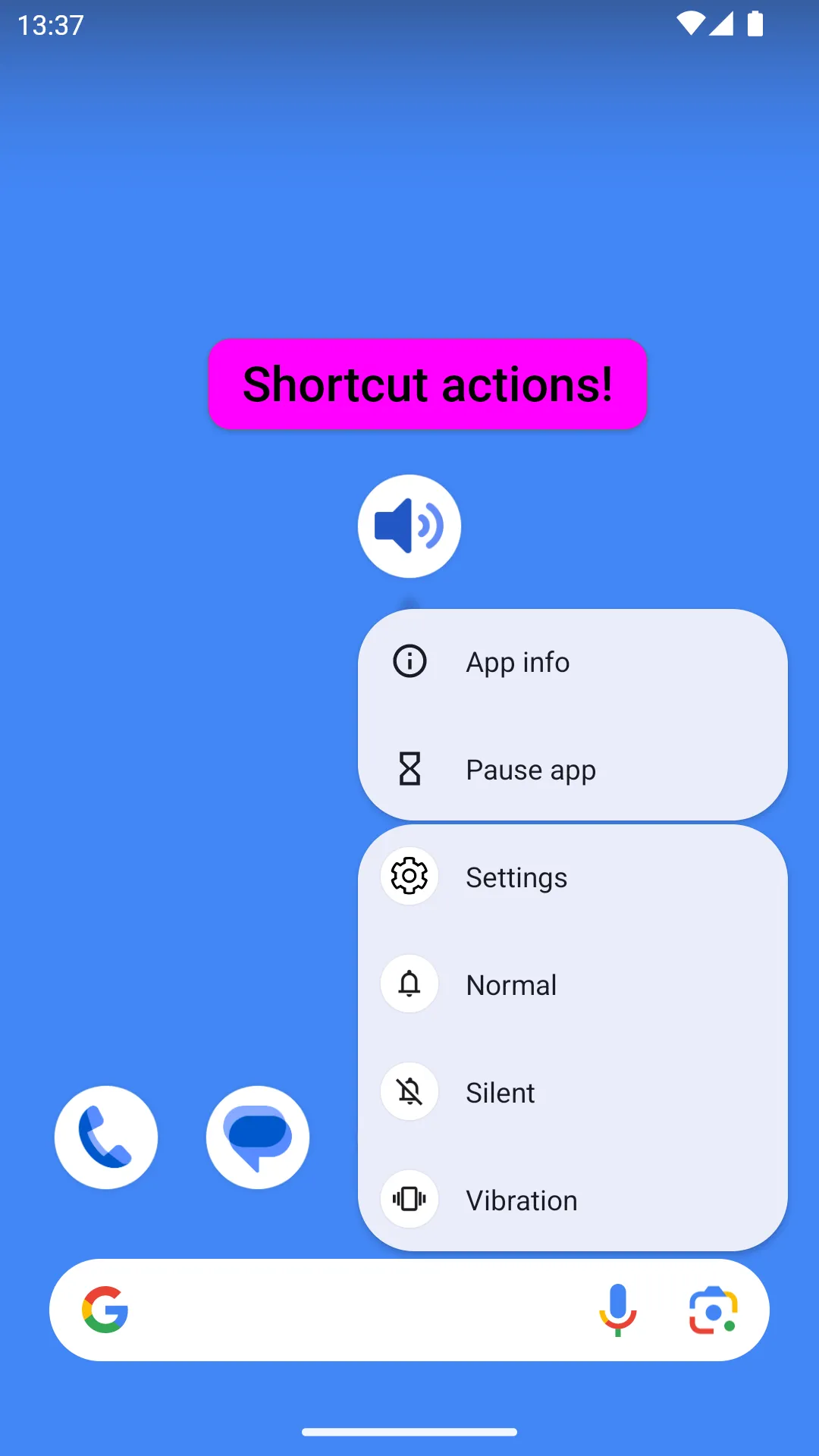
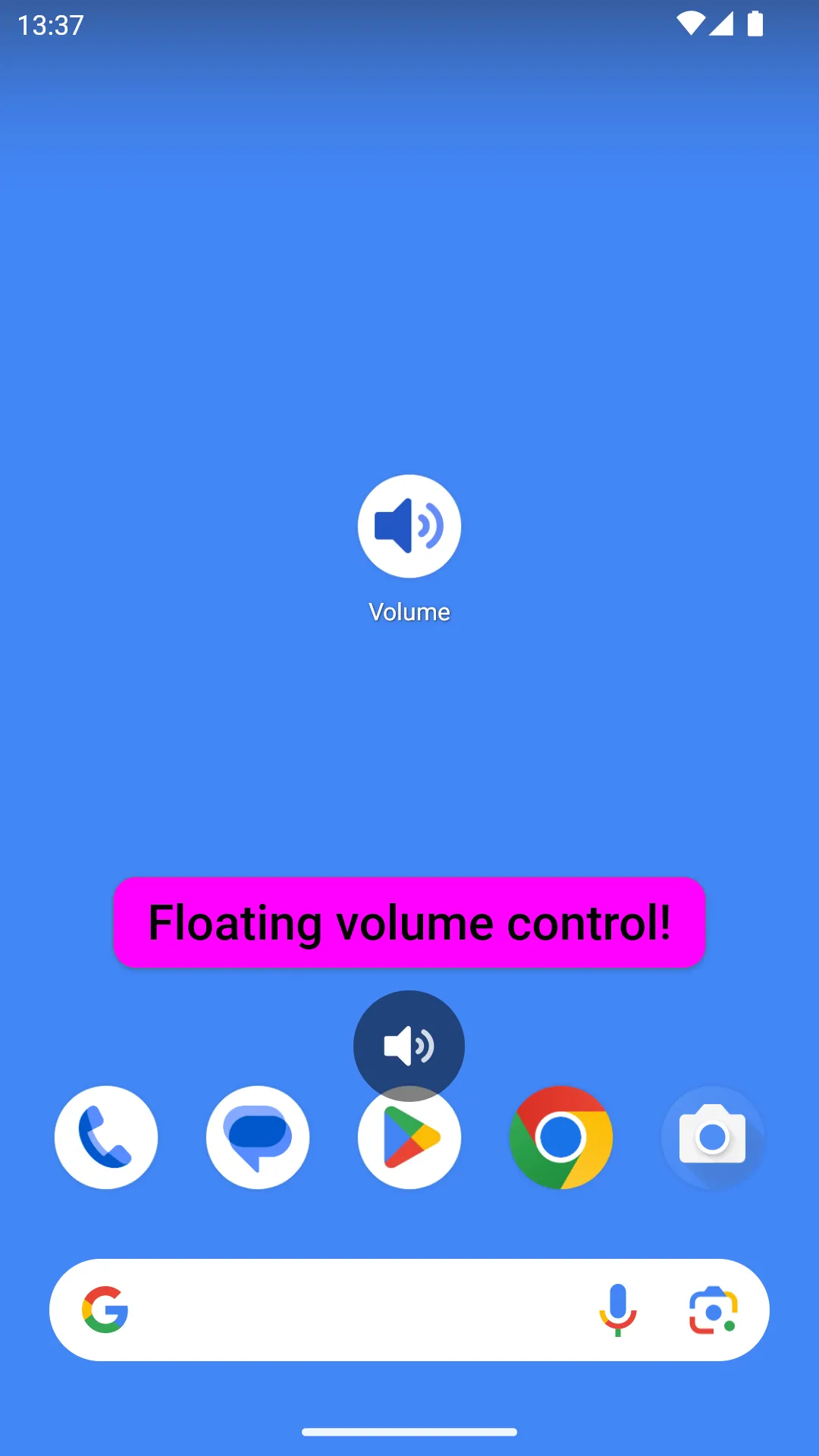
If the volume buttons are broken on your phone, show the native volume control with a simple tap! Yes, that's all the app will do ;-) Want a floating Volume control? Long press on the app icon and then choose Settings from the pop-up menu. Floating control will be shown over other apps. Drag to reposition and long press it to show the Settings (this can also be changed to only allow dragging with a long press). Use a Quick Settings tile (for Android 7 and above) to show a control above the Notifications panel. If the Quick Settings Tile is not working, try the new Setting that sets an alternative method. ...
Developer info
5.0
1 total rating(s)
5
100%
4
0%
3
0%
2
0%
1
0%
Popular Apps