
4.0
ratings4 MB
SizeVerified
SCREENSHOTS (5)
About the app
Text Extractor is a powerful, 100% offline text extraction app that lets you capture and convert text from any screen, document, book, or image — instantly, without needing an internet connection. Whether you're scanning live with your camera or importing a saved image, OCR Master turns it into clean, editable, copyable text in seconds.
✅ KEY BENEFITS:
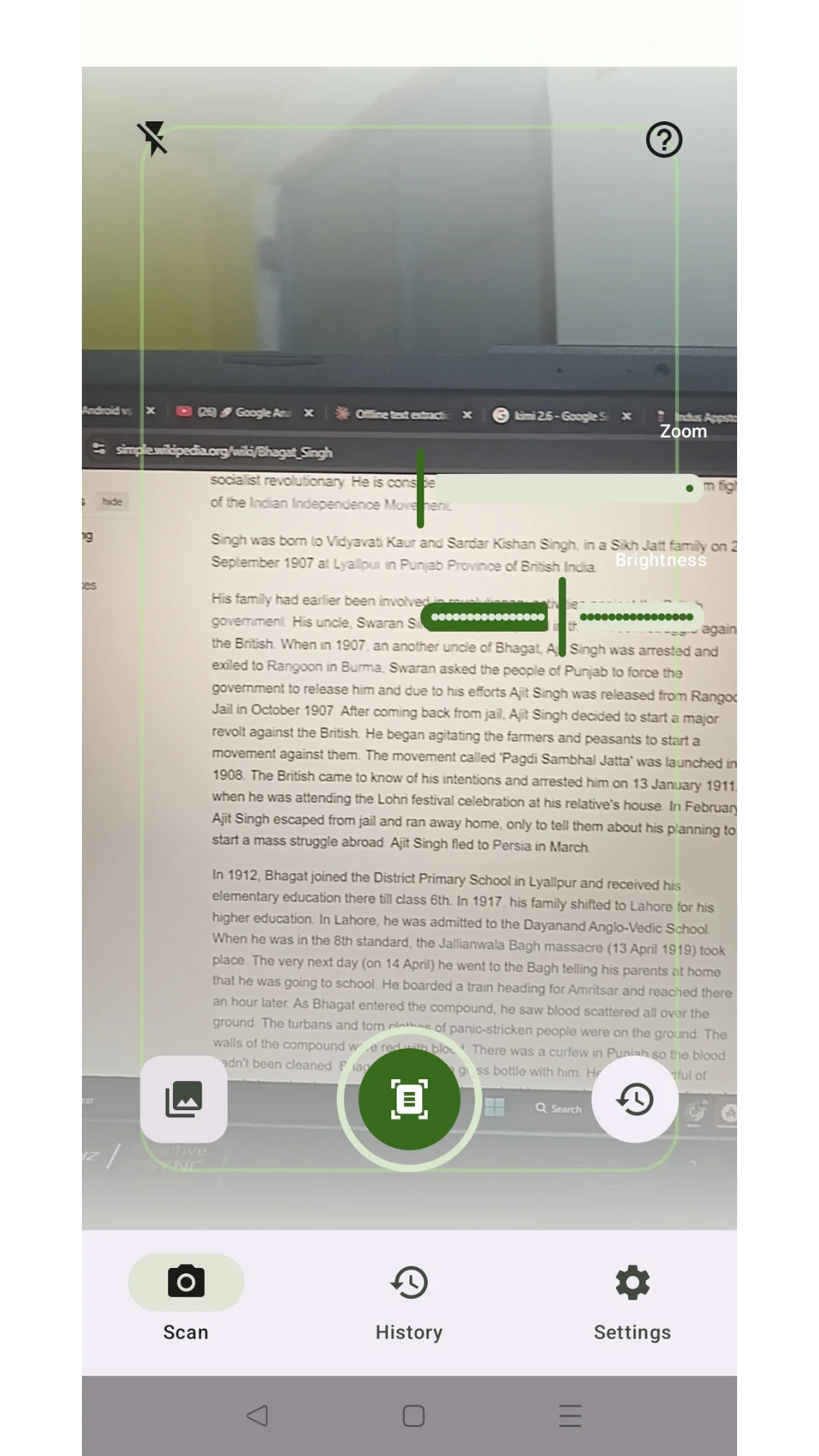
- Live Camera Scan – Point your camera at any screen, book, page, or printed text and extract it on the spot
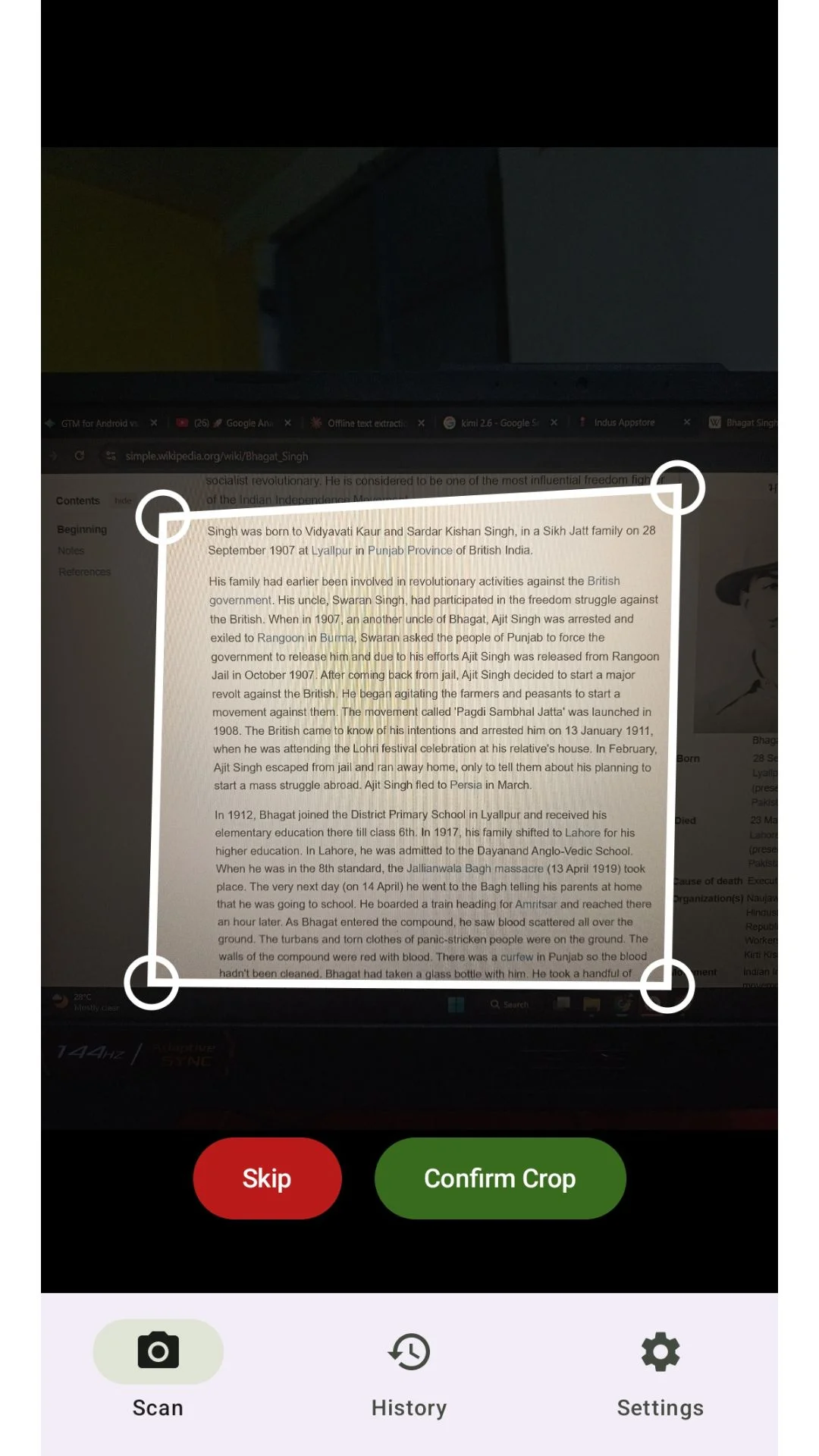
- Smart Crop Tool – Adjust corners precisely to capture exactly the text you need, nothing more
- Zoom & Brightness Controls – Fine-tune your scan for perfect accuracy, even in low light
- Import from Gallery – Extract text from existing photos, screenshots, or saved images
- 100% Offline OCR – No internet required, your images and text never leave your device
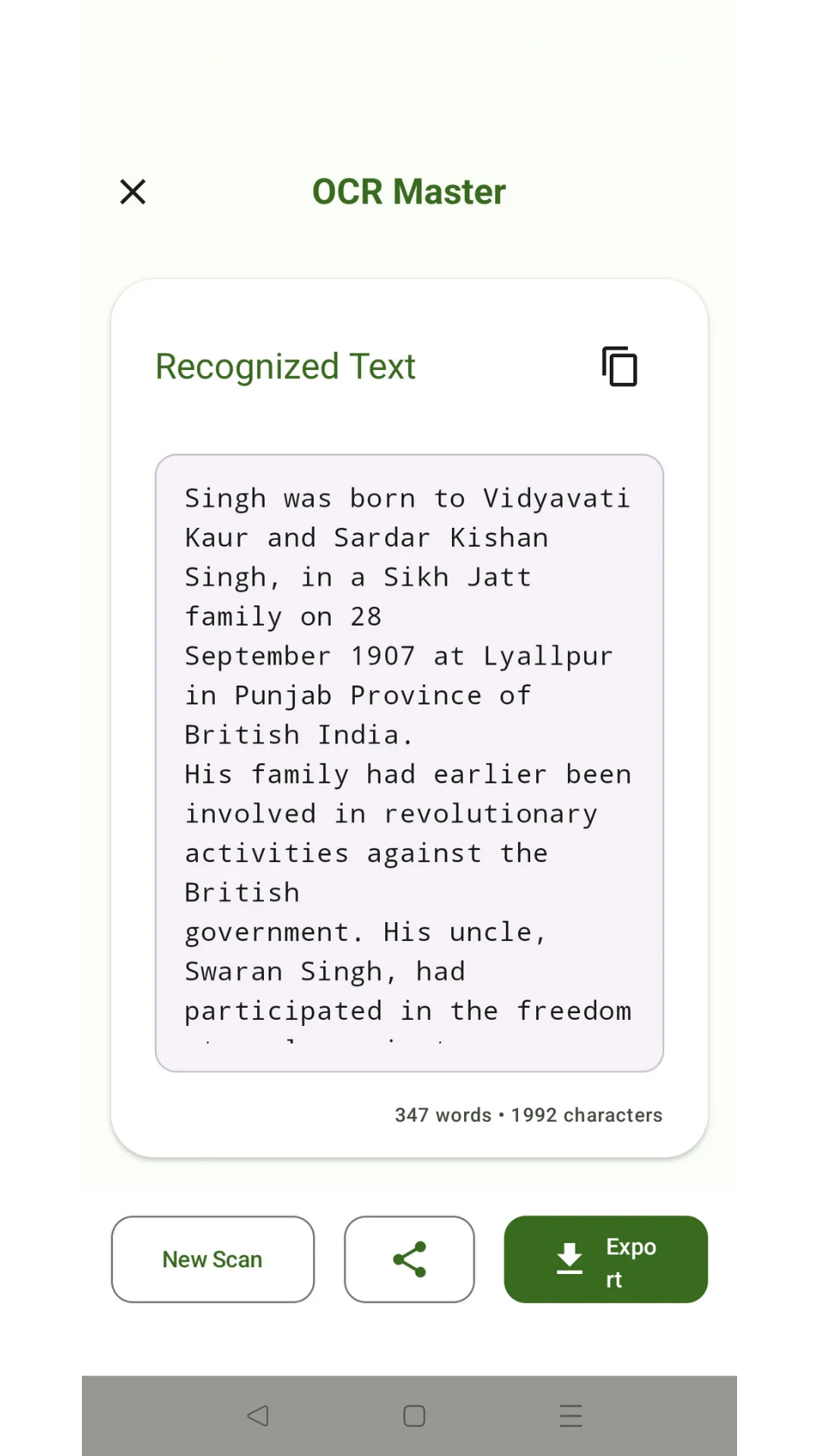
- Instant Word & Character Count – See exactly how much text was recognized at a glance
- Auto-Copy to Clipboard – Extracted text copied automatically, ready to paste anywhere
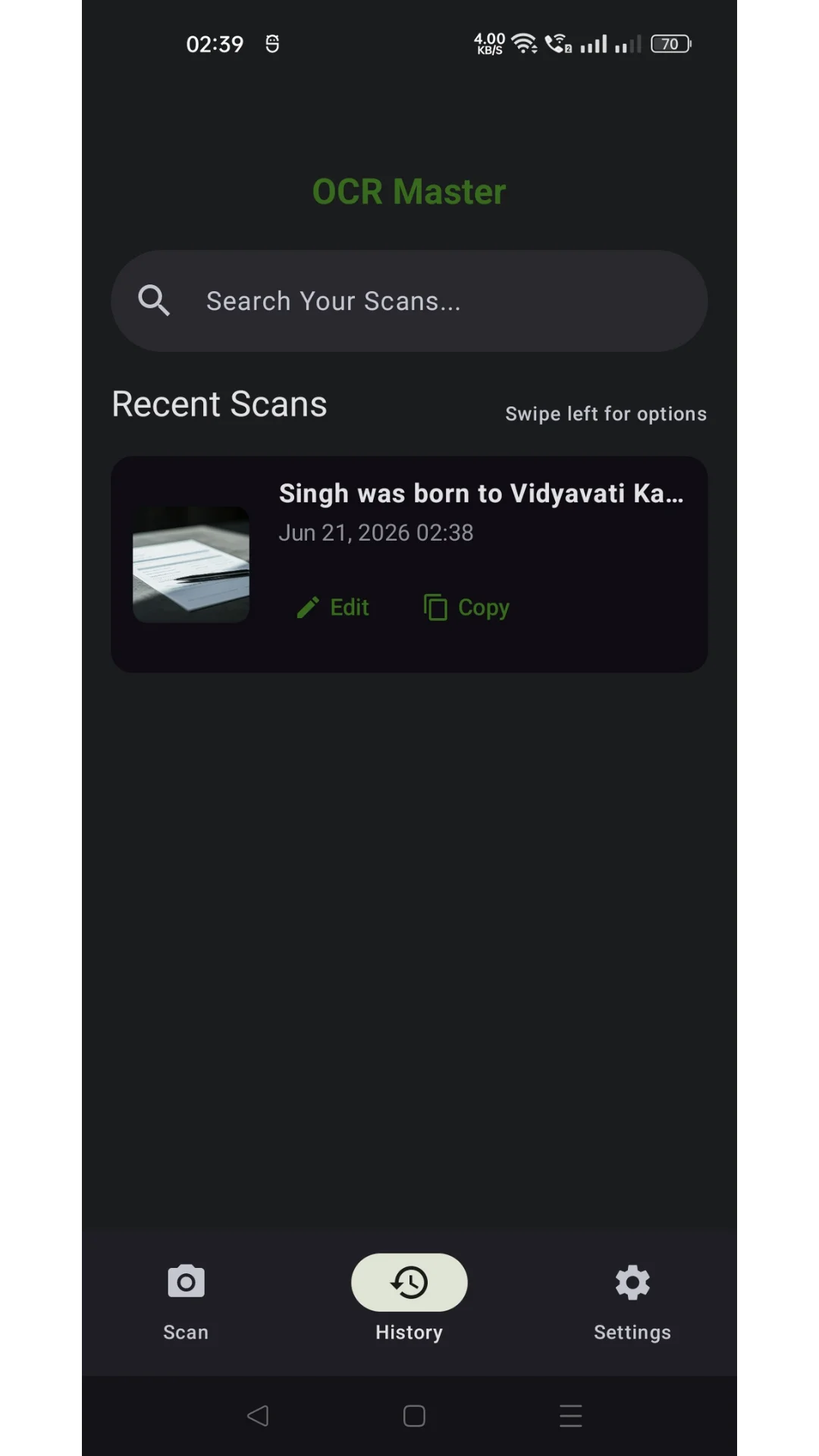
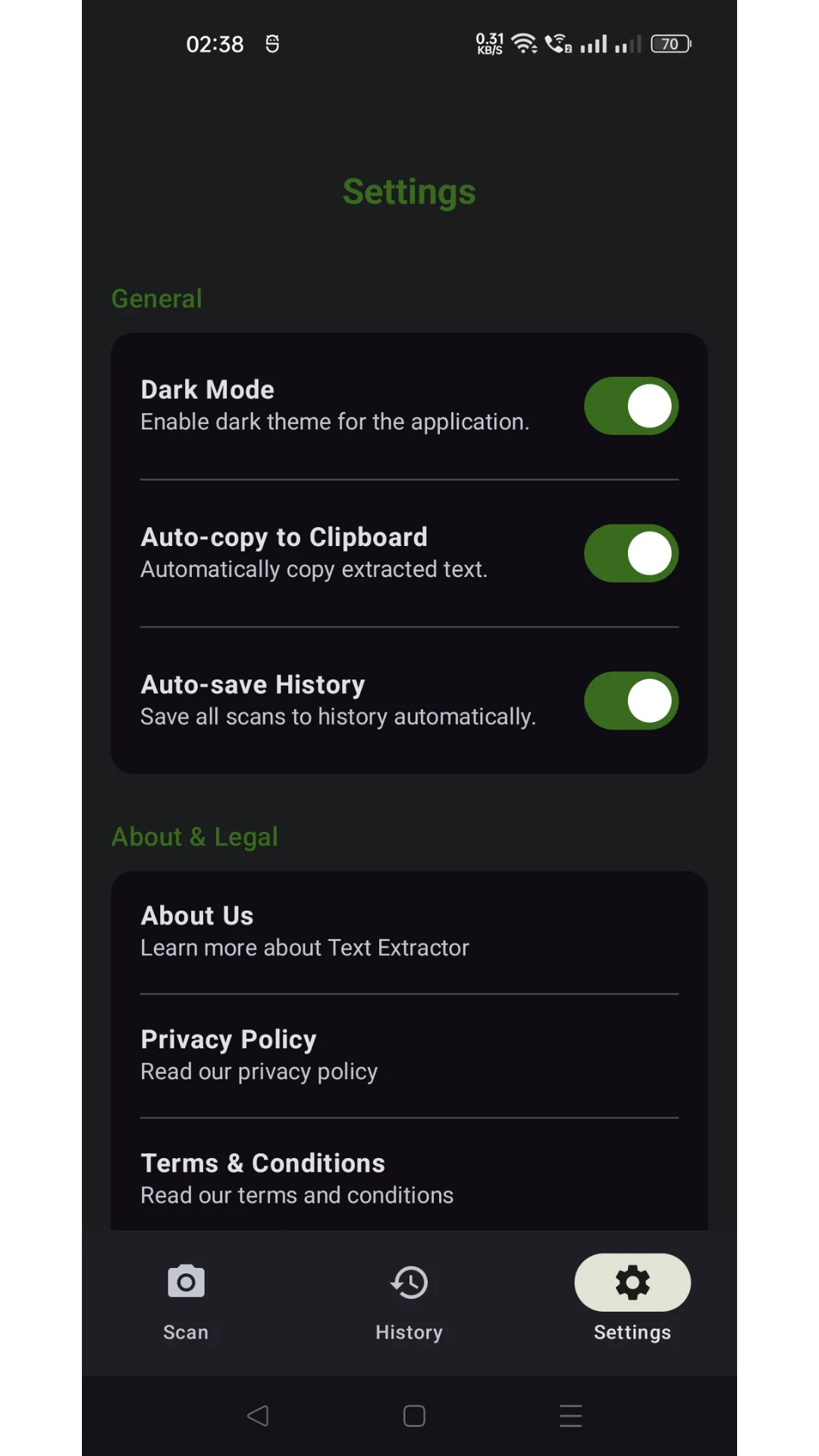
- Searchable Scan History – Every scan is saved automatically; search, edit, or copy past results anytime
- Export as TXT or PDF – Save your extracted text as a file for later use
- Share Anywhere – Send extracted text directly to any app — WhatsApp, Email, Notes, and more
- Dark Mode – Comfortable, eye-friendly interface
- Privacy First – No data uploaded to servers, fully on-device processing
📱 PERFECT FOR
- Students extracting text from books, notes, slides, or whiteboards
- Professionals digitizing documents, forms, or business cards
- Anyone converting screenshots or saved images into editable text
- Researchers and readers who need to quickly copy text instead of retyping it
- Users in low-connectivity areas who need a fast, reliable offline tool
🔒 WHY CHOOSE TEXT EXTRACTOR
Most OCR apps need constant internet access and send your images to remote servers to process. OCR Master works completely offline — your scans, photos, and extracted text stay on your device. That means faster results, stronger privacy, and zero dependency on your network.
⚡ HOW IT WORKS
1. Open Text Extractor & tap Scan
2. Point your camera at the text, or import an image from your gallery
3. Adjust the crop to select the exact area
4. Get instantly recognized text, complete with word and character count
5. Copy, edit, export as TXT/PDF, or share it anywhere
No sign-up. No internet. No limits. Just fast, accurate, on-device text extraction whenever you need it.
Download Text Extractor today & turn any screen, page, or photo into editable text in seconds!
Productivity
Ratings
0
0 total ratings
5
73%
4
10%
3
4%
2
3%
1
10%
REVIEWS
No reviews yet. Be the first one to review this app

Permissions
Internet: use your internet connection
Camera: take pictures and record video
Curated for YouSee all




Scan to download on PhonePe Appstore