Miracast
Verified | 4.5 Rating |
About App
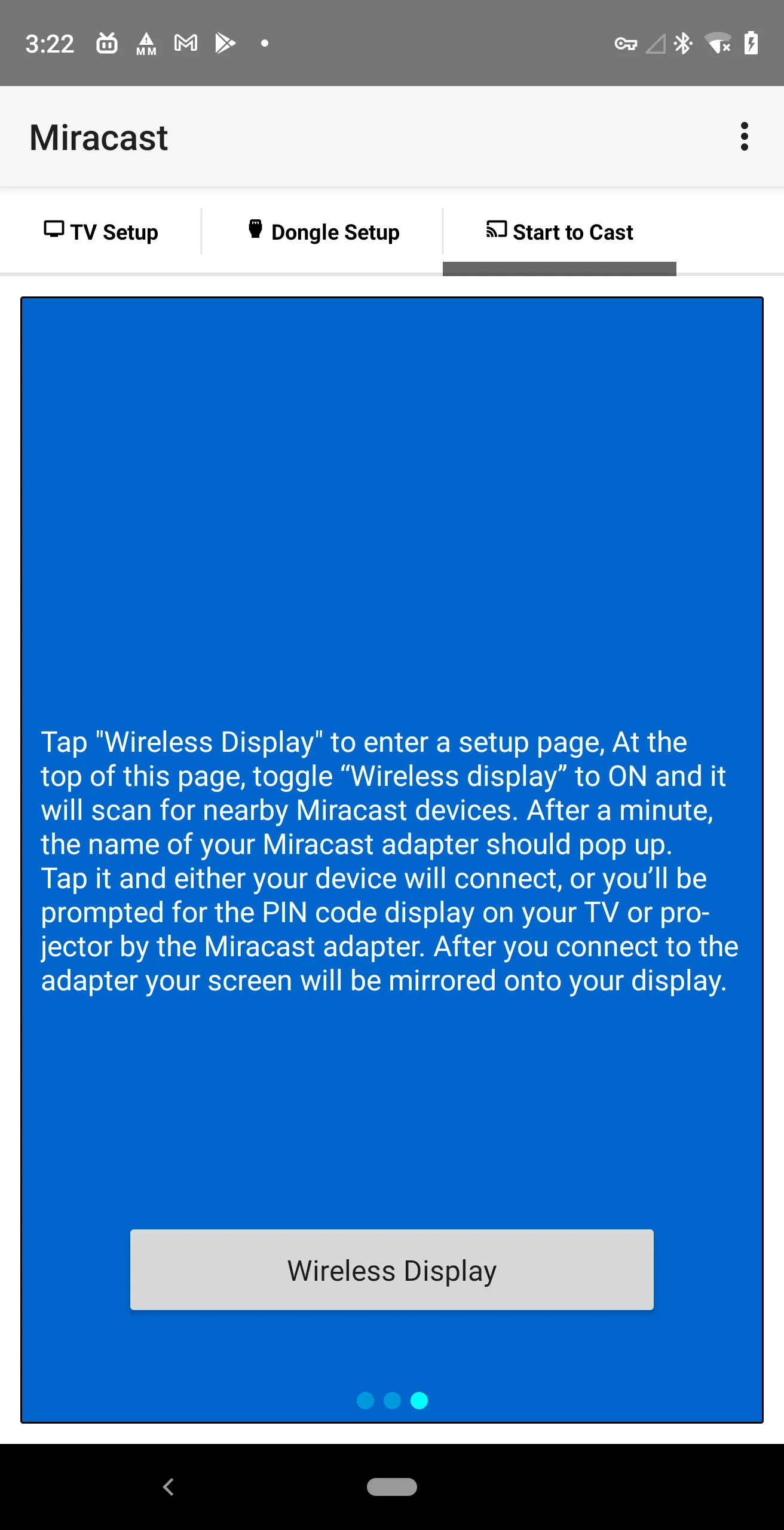
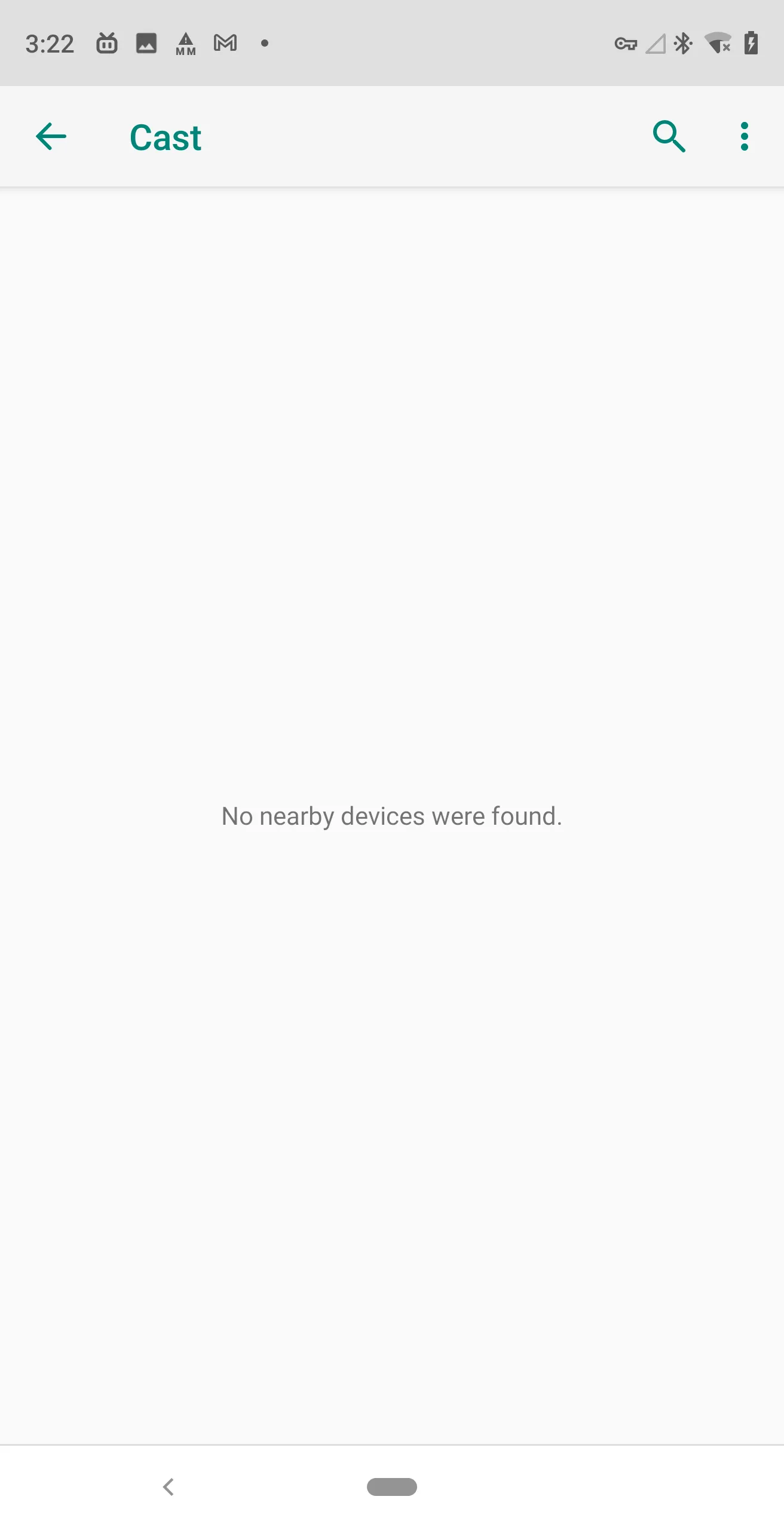
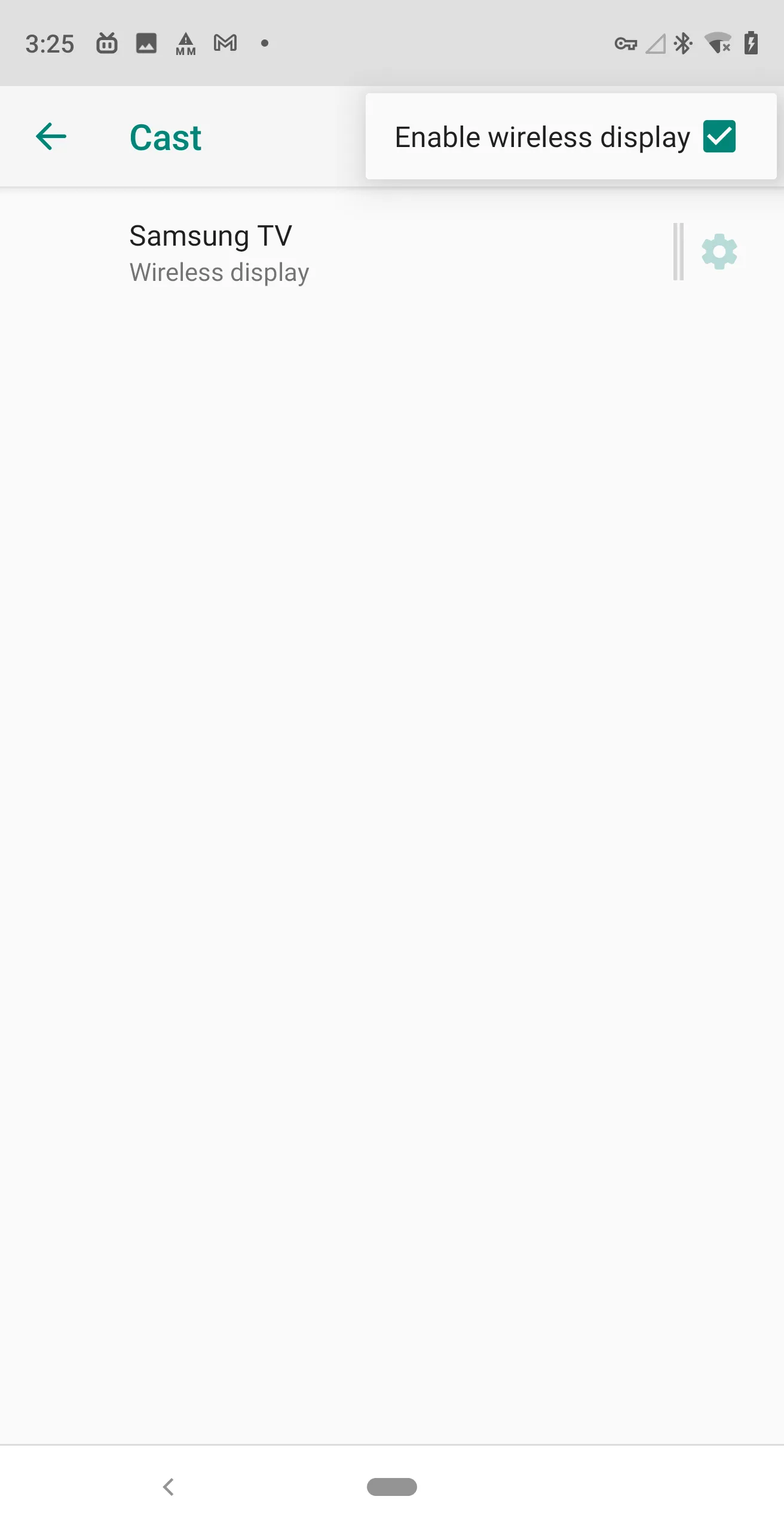
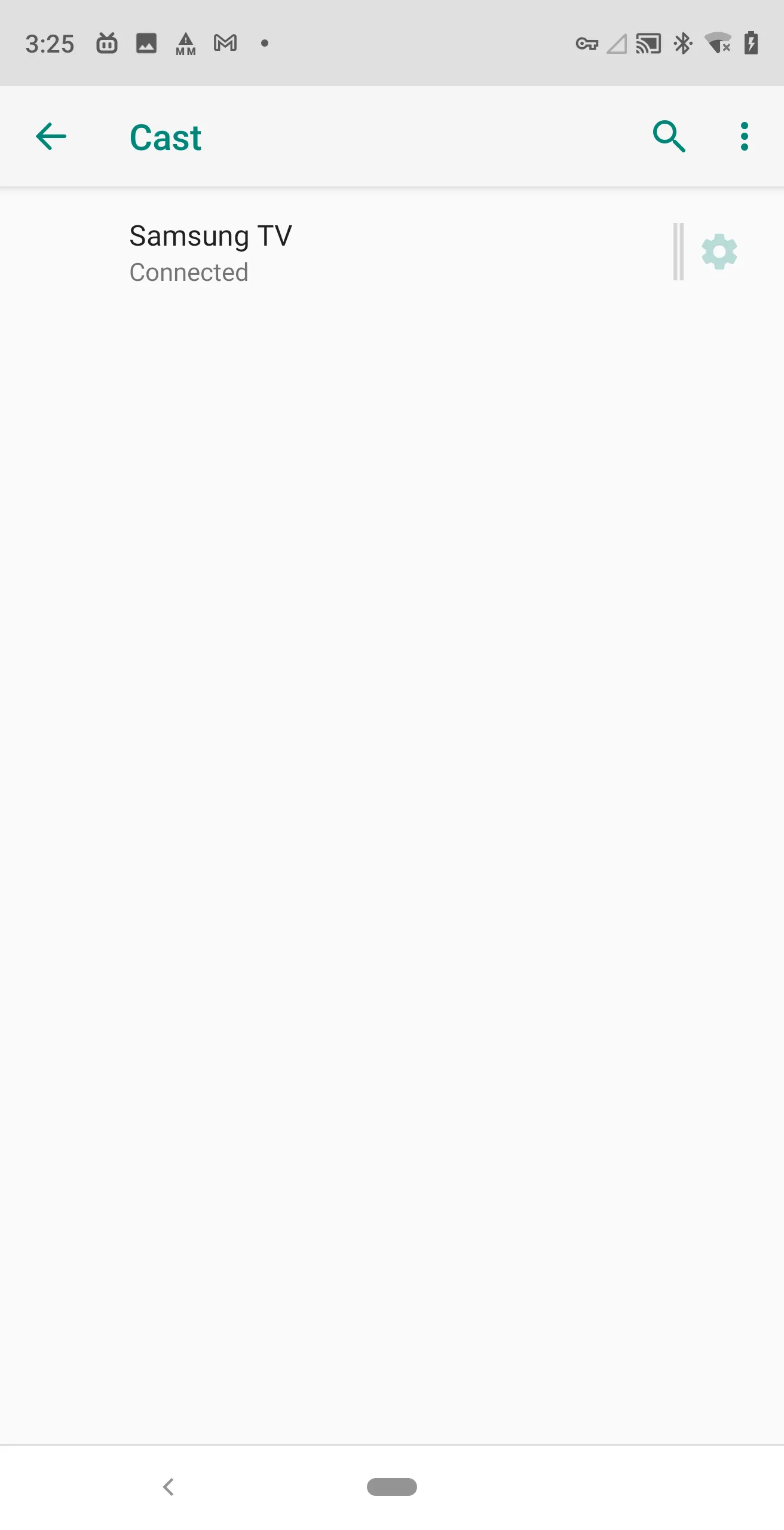
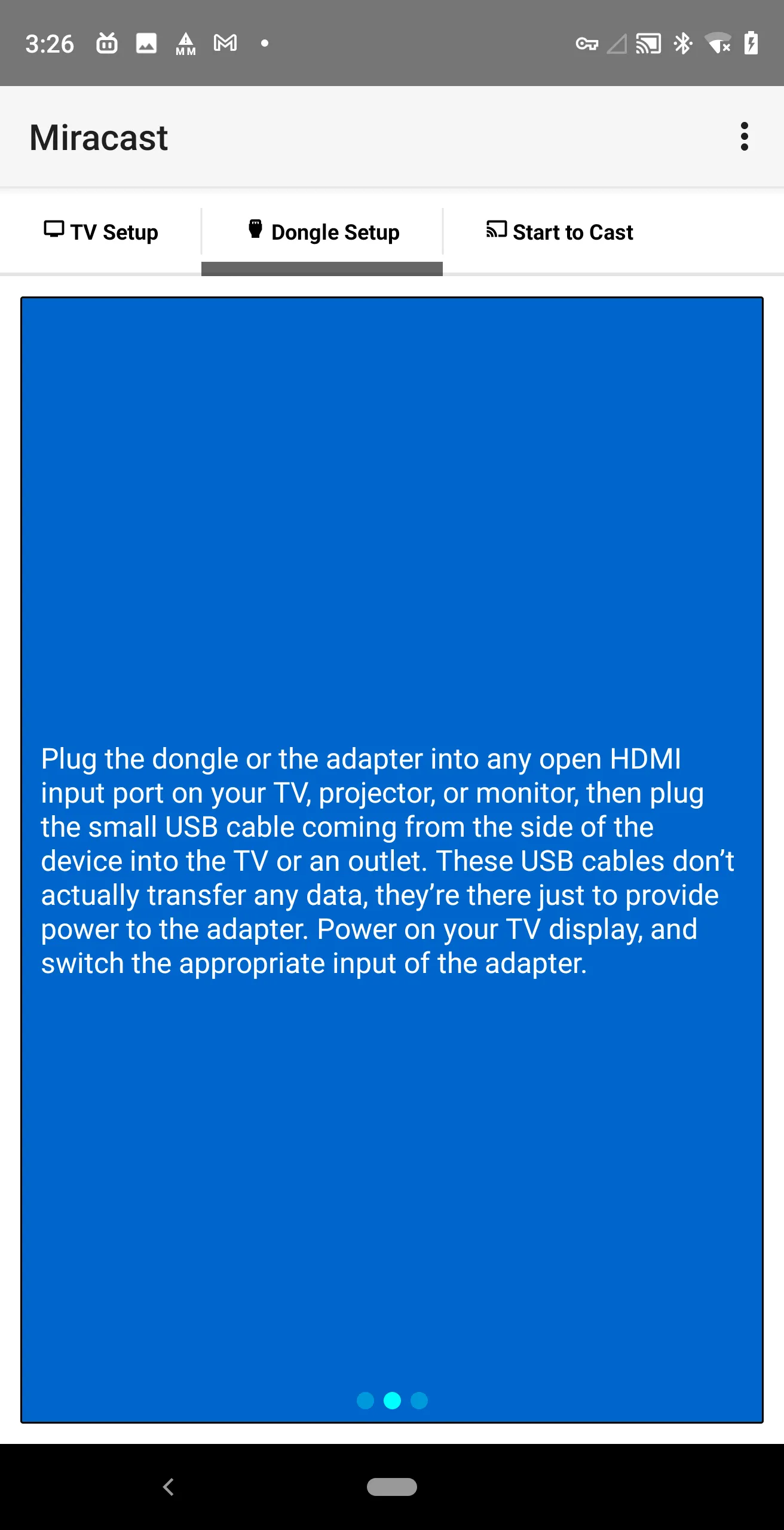
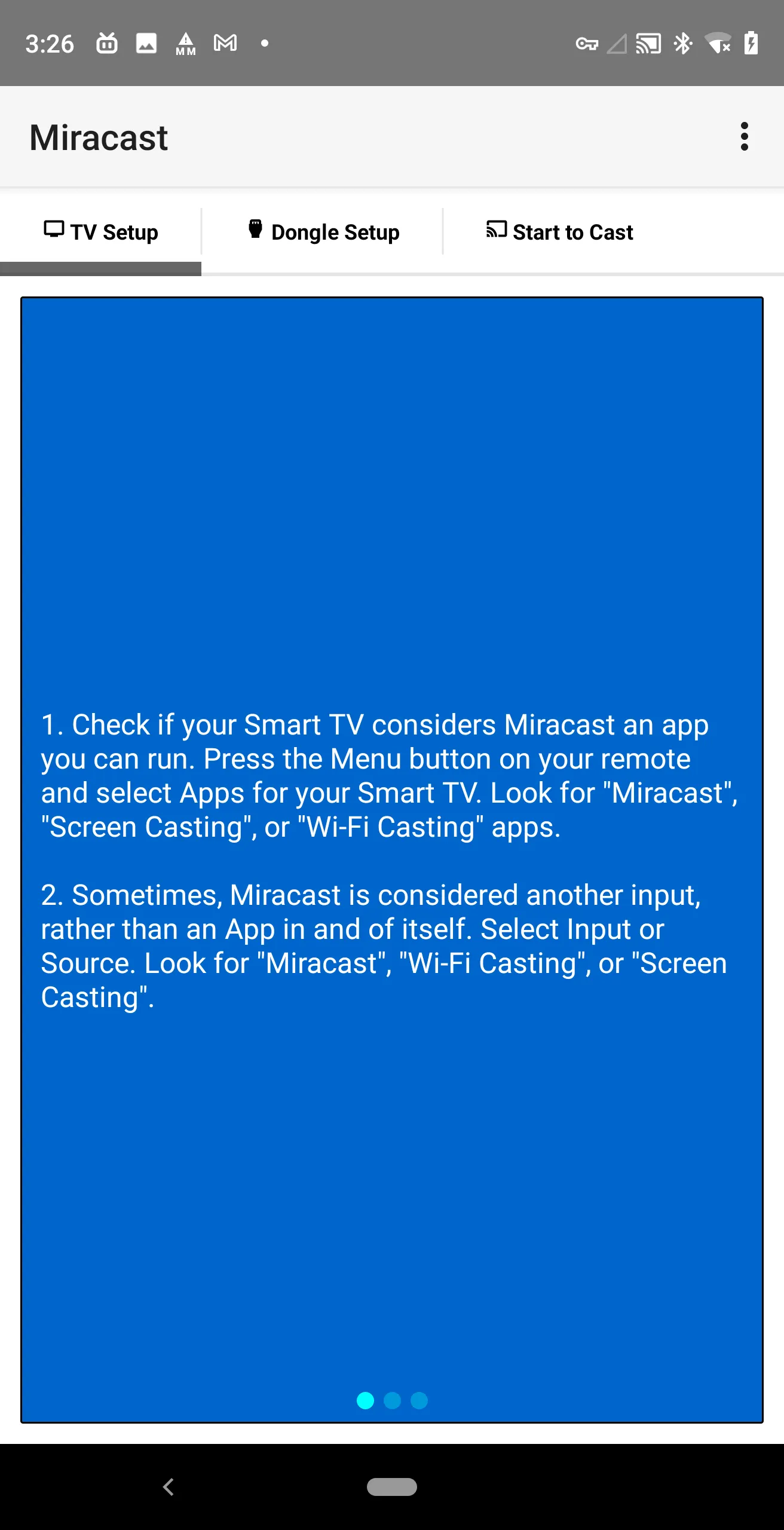
* What's Miracast? Cast Android device screen to Smart TV screen (The TV must support Wireless Display / Miracast). * How to use Miracast? Tap "Wireless Display" to enter a setup page, At the top of this page, toggle “Wireless display” to ON and it will scan for nearby Miracast devices. After a minute, the name of your Miracast adapter should pop up. Tap it and either your device will connect, or you’ll be prompted for the PIN code display on your TV or projector by the Miracast adapter. After you connect to the adapter your screen will be mirrored onto your display. * How to setup Smart TV? 1. Check if your Smart TV considers Miracast an app you can run. Press the Menu button on your remote and select Apps for your Smart TV. Look for "Miracast", "Screen Casting", or "Wi-Fi Casting" apps....
Developer info
4.5
2 total rating(s)
5
50%
4
50%
3
0%
2
0%
1
0%
Popular Apps