LCP image
Sketchbook icon
Sketchbook
4.9
13 ratings
57 MB
Size
Verified

SCREENSHOTS (8)

Screenshot
Screenshot
Screenshot
Screenshot
Screenshot
Screenshot
Screenshot
Screenshot

About the app

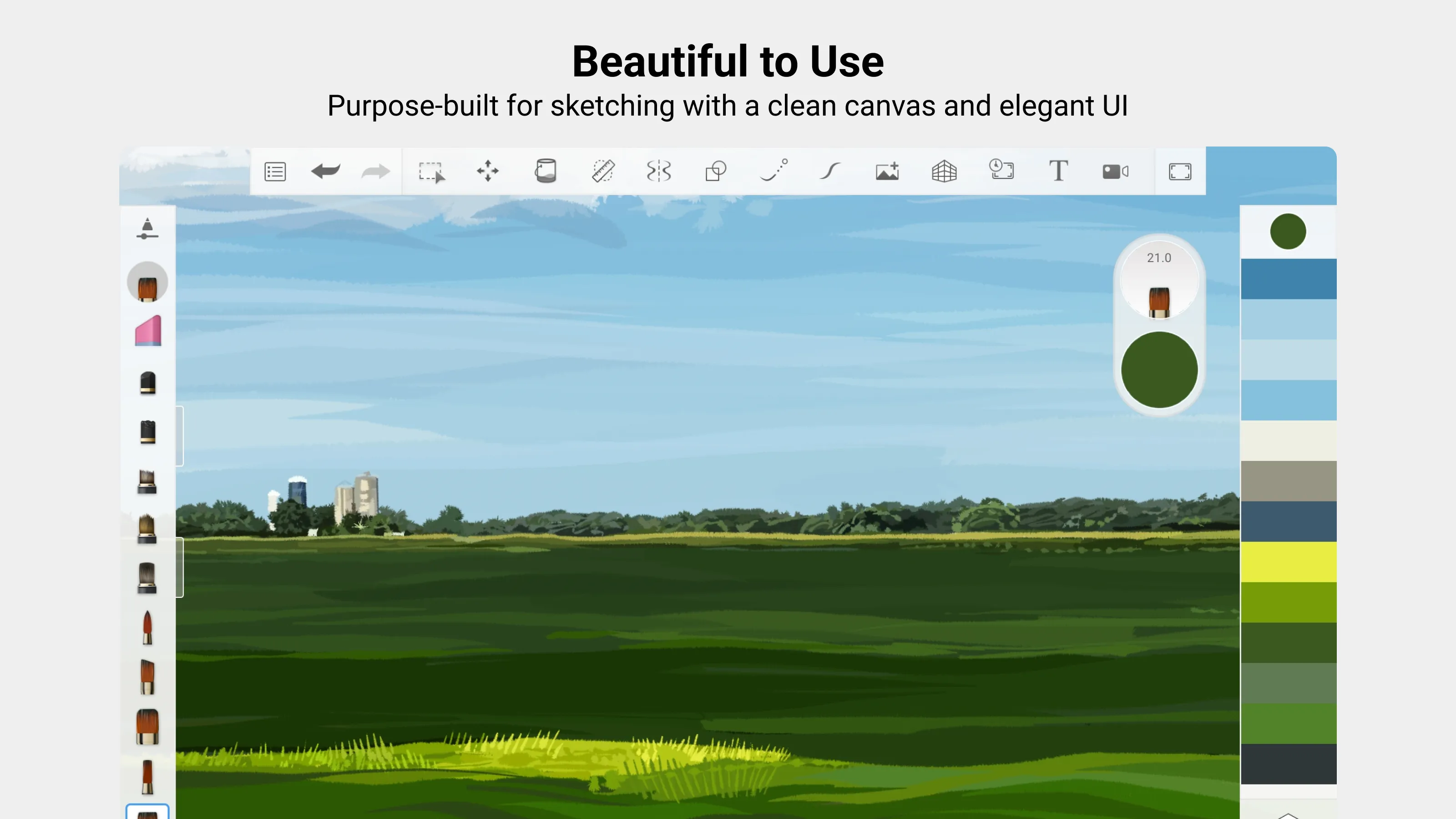
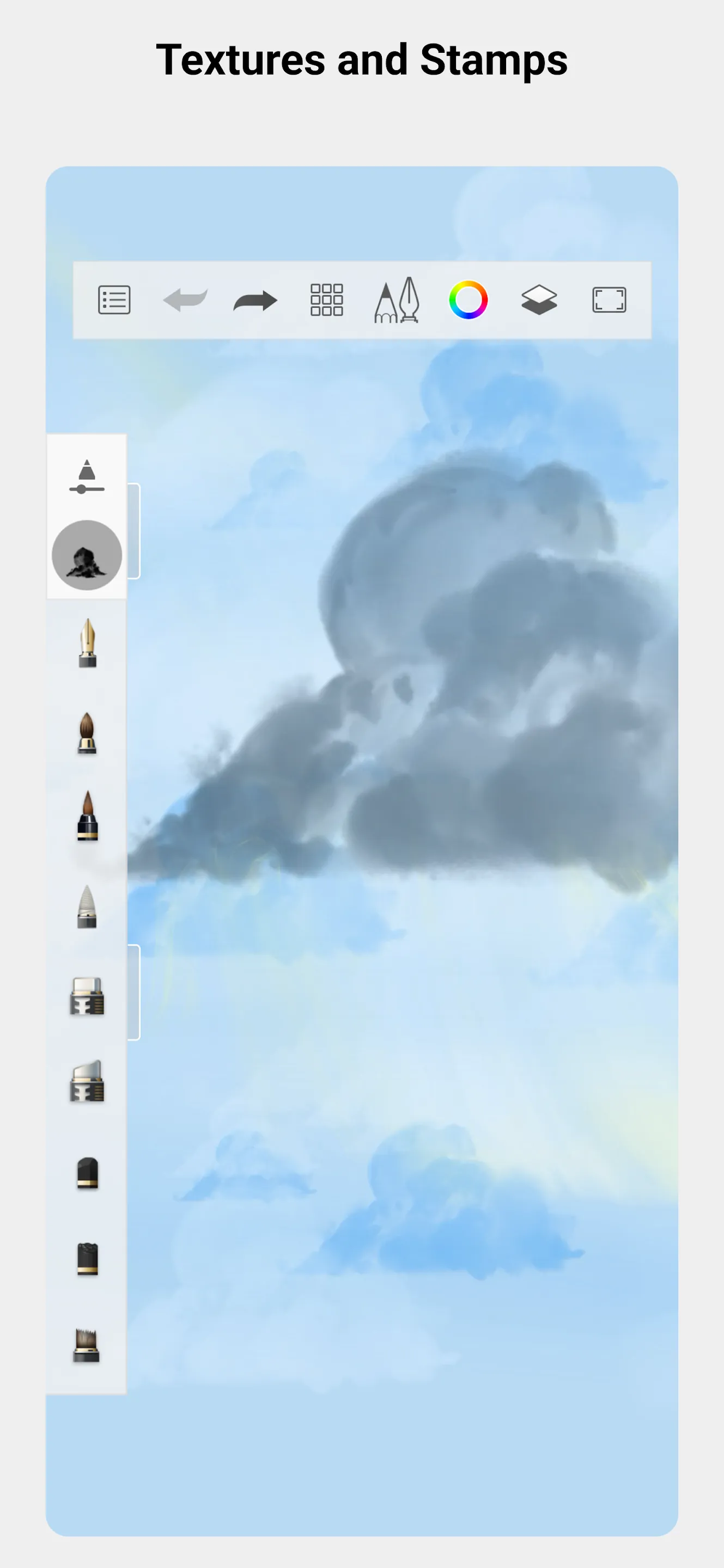
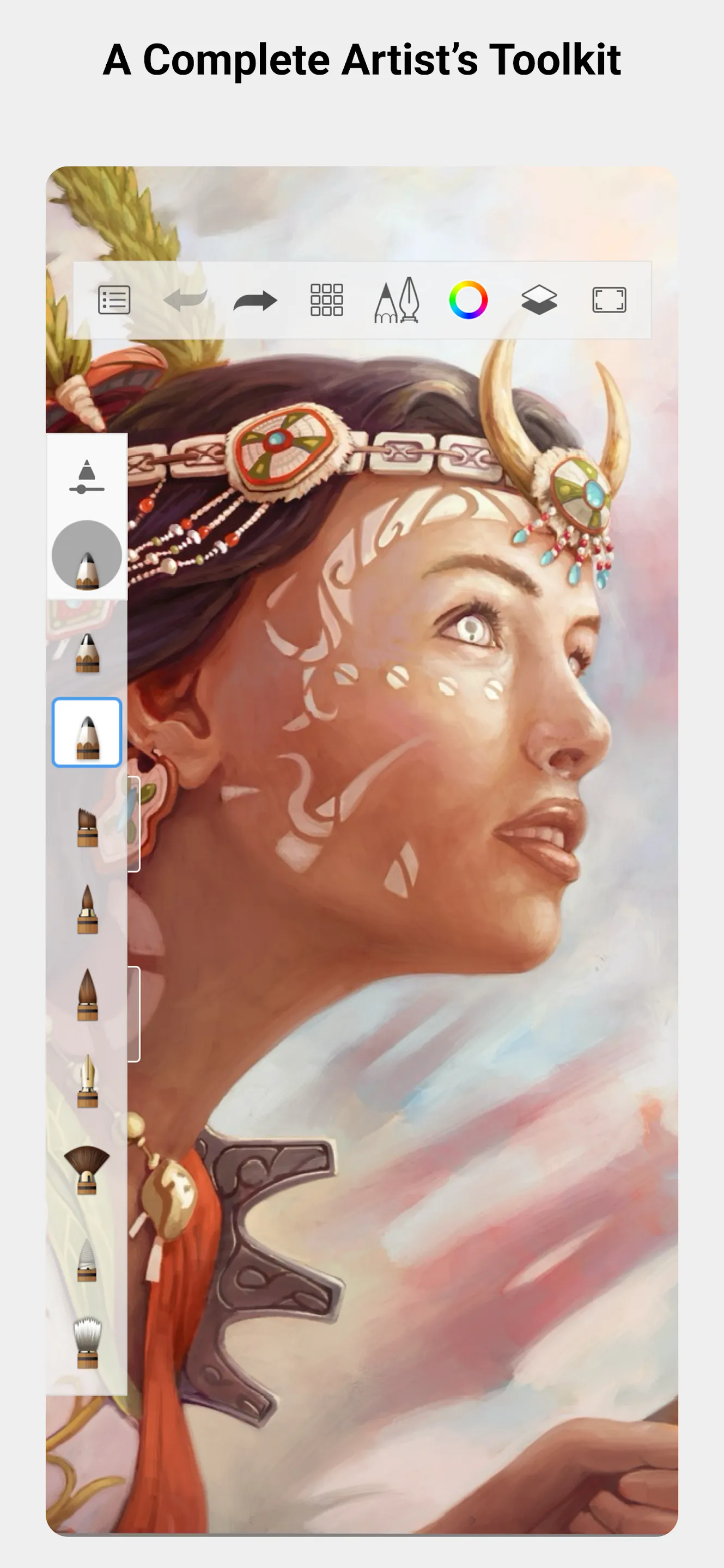
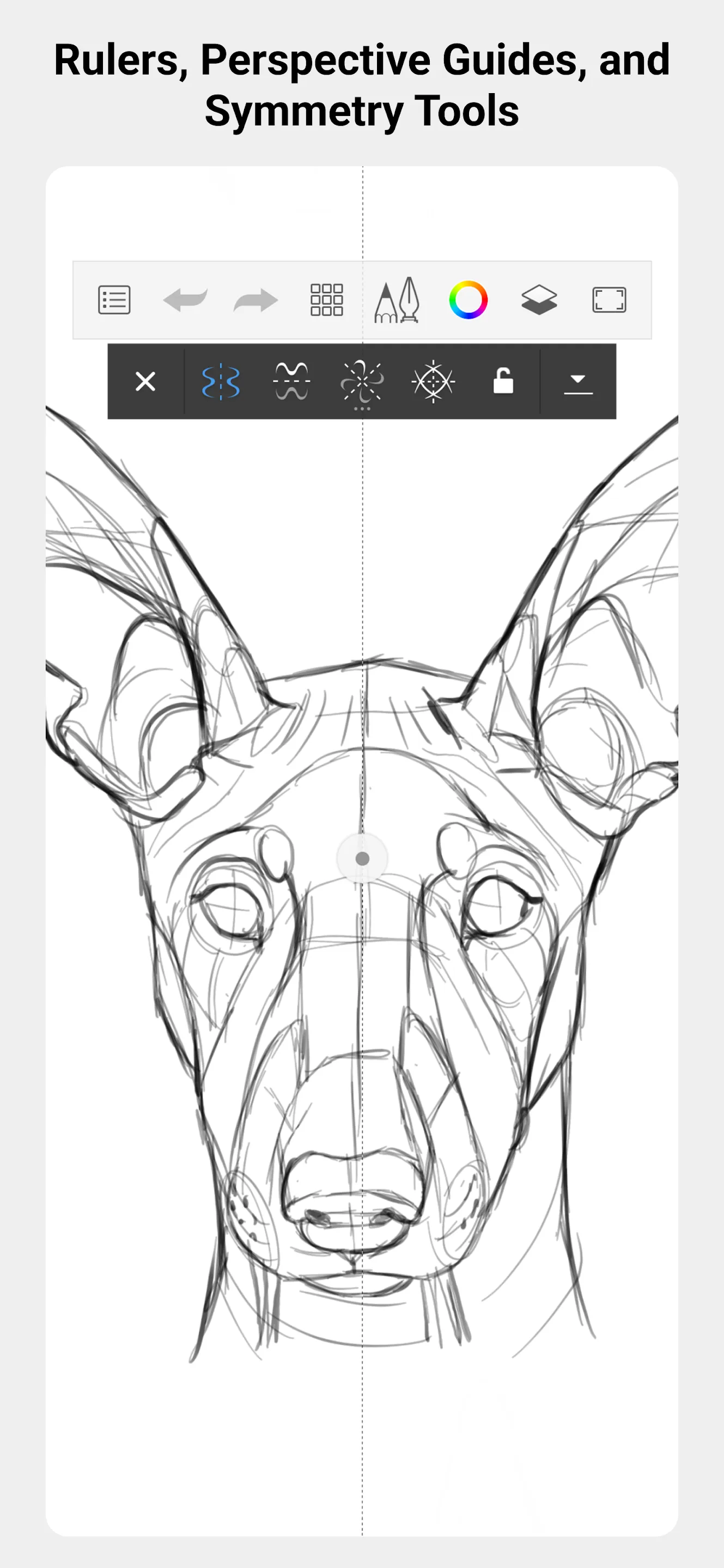
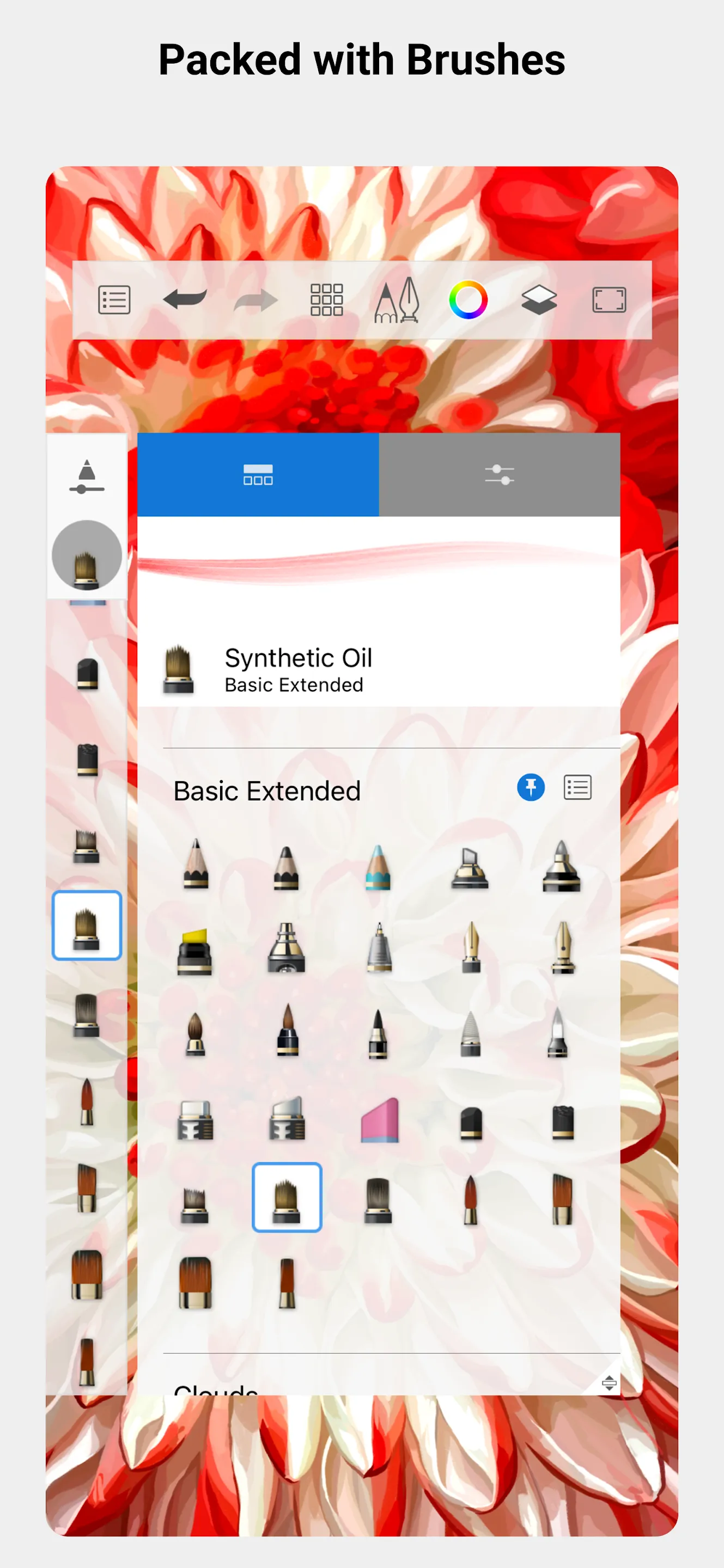
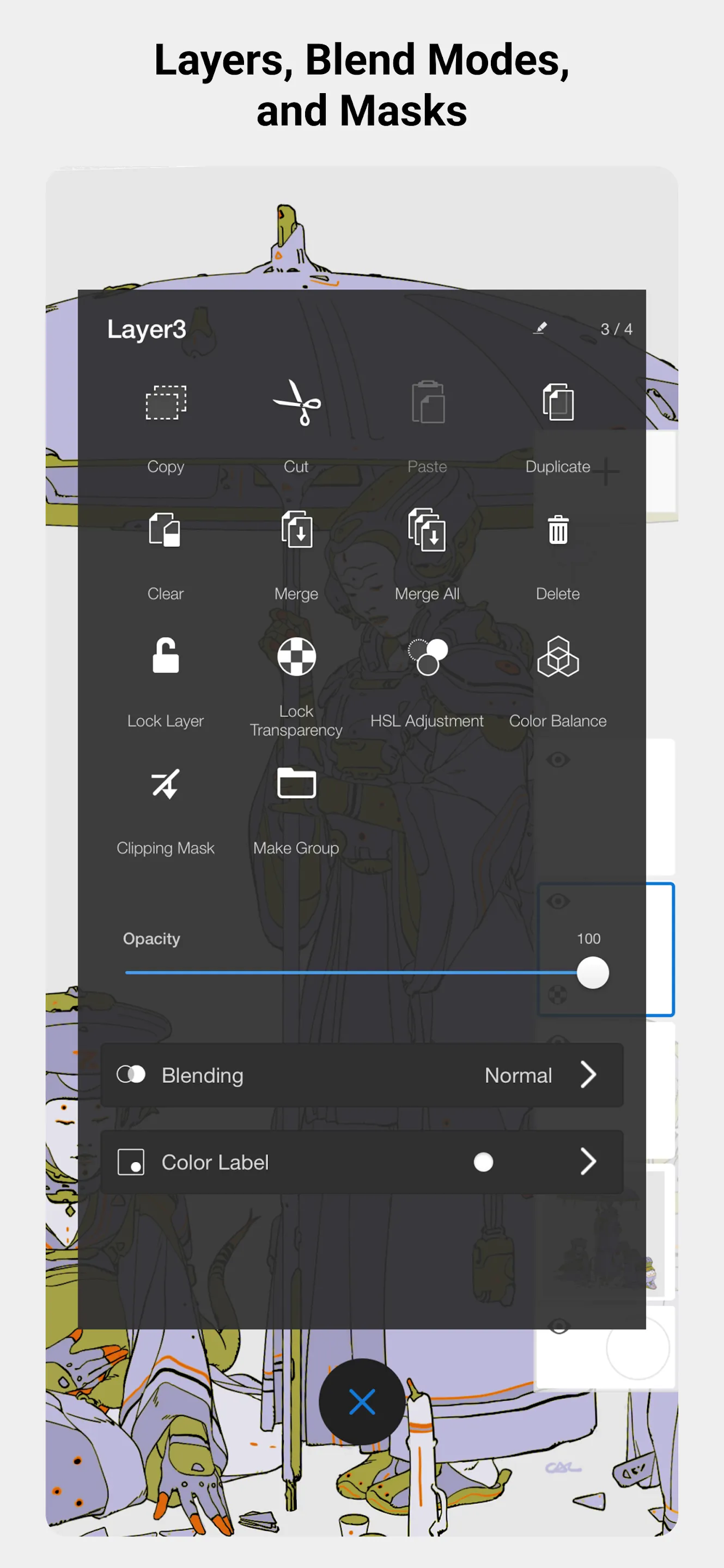
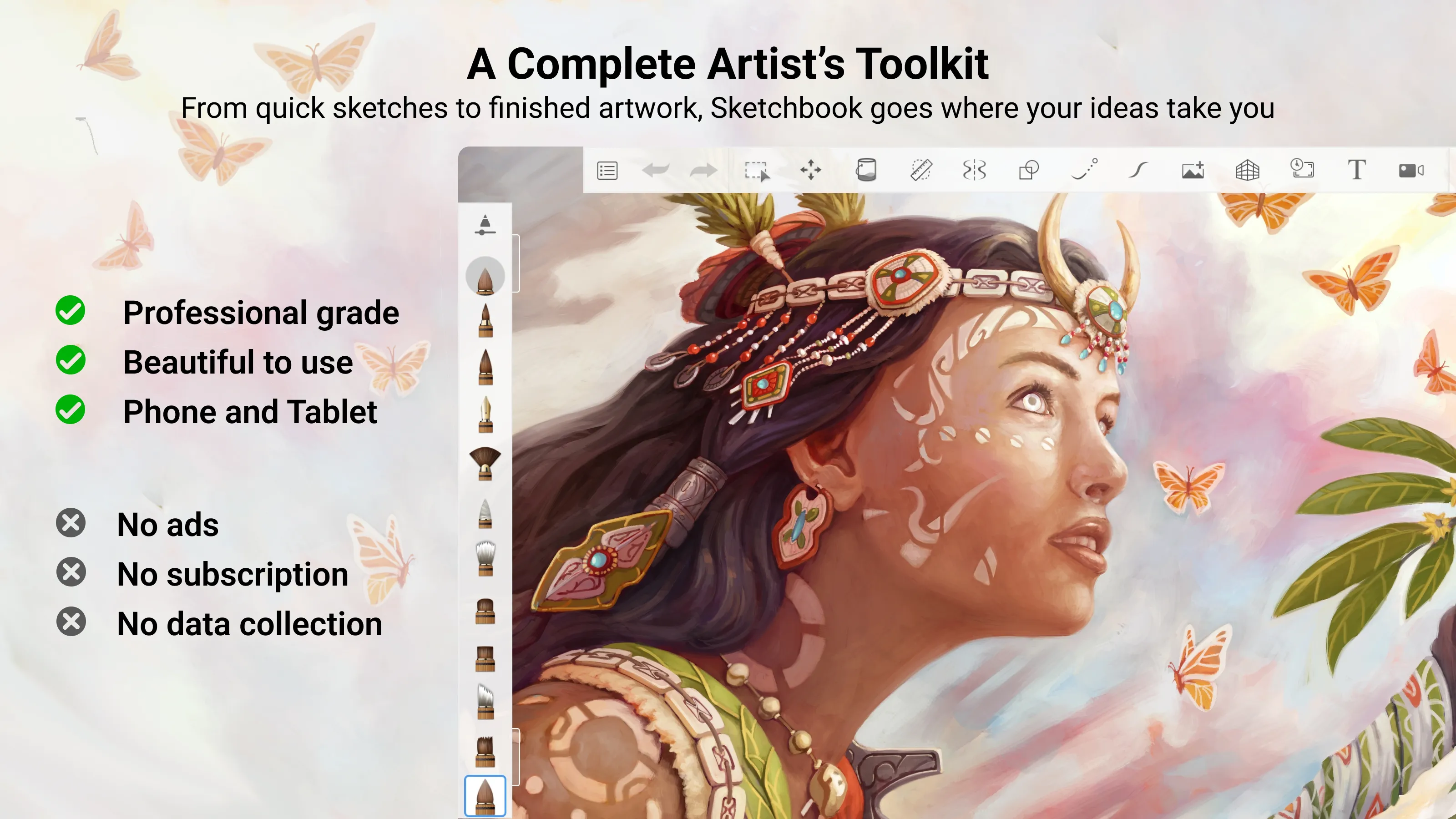
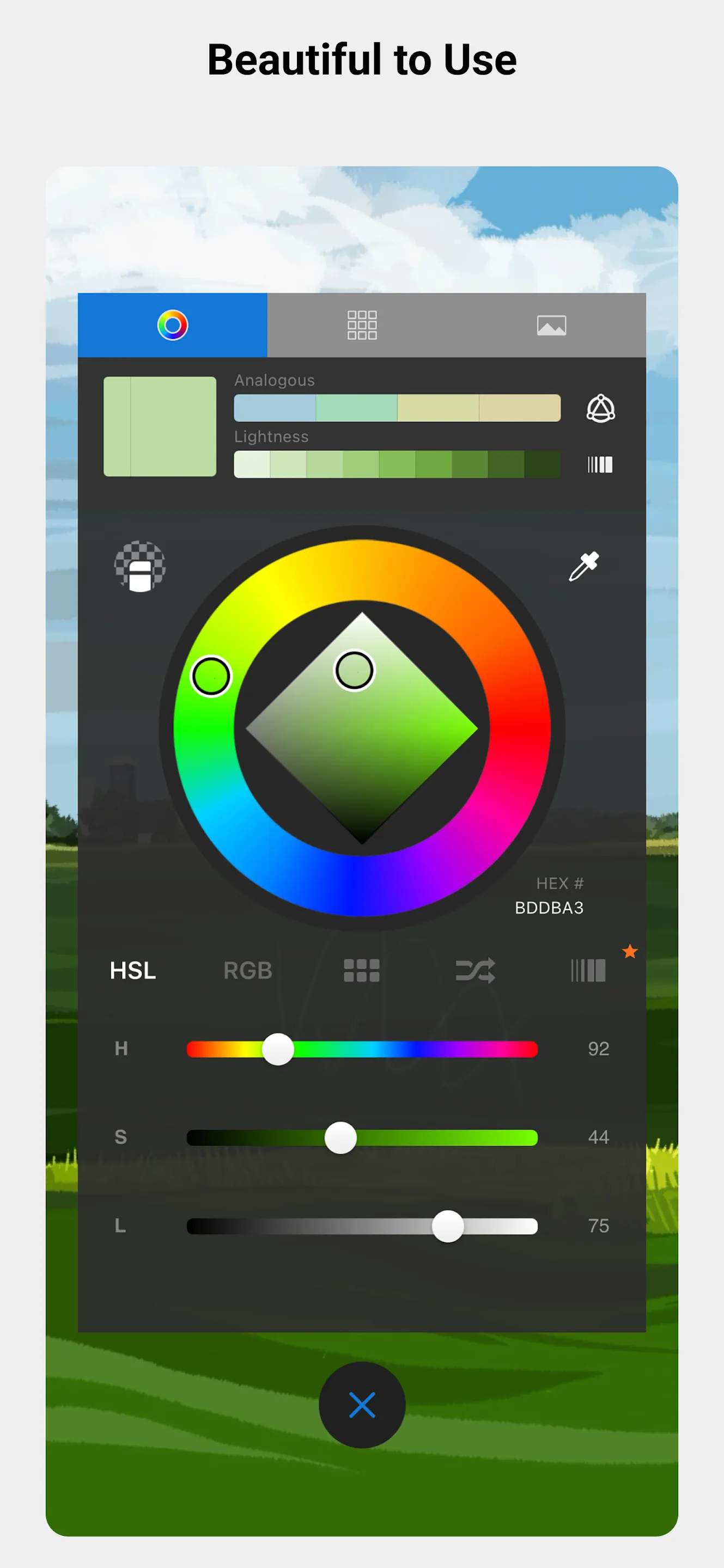
From quick sketches to fully finished artwork, Sketchbook goes where your creativity takes you. Sketchbook is an award-winning sketching, painting, and drawing app for anyone who loves to draw. Artists and illustrators love Sketchbook for its professional-grade feature set and highly customizable tools. Everyone loves Sketchbook for its elegant interface and natural drawing experience, free of distractions so you can focus on capturing and expressing your ideas. • A full complement of brush types: pencils markers, airbrushes, smear and more that look and feel just like their physical counterparts • Brushes are highly customizable so you can create just the look you want • Guides, rulers and stroke tools support precision when you need it • Layers with a full complement of blend modes deliver the flexibility to build up and explore drawings and color • Purpose-built for sketching, the interface is clean and unobtrusive so you can focus on drawing

Art and Design

Ratings

4.9

13 total ratings

5

92%

4

8%

3

0%

2

0%

1

0%

REVIEWS

******9659

08/02/2026

It is a very good application for sketching. The pressure sensitive controls are better compared to other applications. Also, there is a huge variety of tools to choose from and it feels natural, as if you are actually sketching on paper. You can also change the aspect ratio, useful for designing in specific formats. The biggest pro point is the versatility. Con: You can undo only limited strokes, and it can be a problem if you only want to erase part of the artwork which is dense with pencil strokes.

******3465

19/12/2025

ravihembrom

Permissions

Storage: access photos, media, and files on your device

Internet: use your internet connection

Camera: take pictures and record video

Scan to download on Indus Appstore