Device requirements:
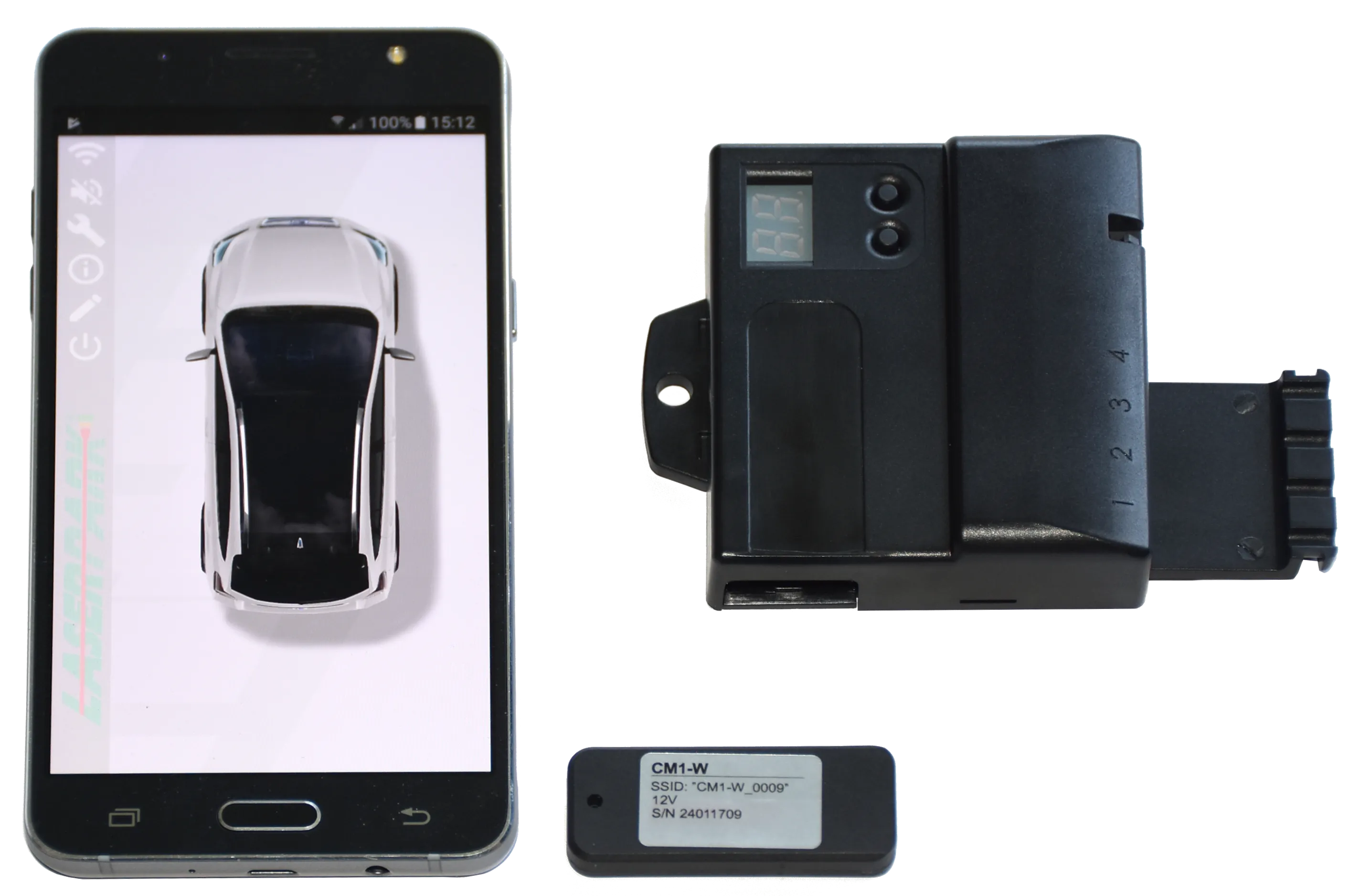
Application is designed for mobile devices with Android operating system version 4.0 and higher. The device must support WiFi. KBSS unit with installed wireless module is required for functionality.
First run:
Before first launching the app, there is need to turn on the WiFi and power on the KBSS unit with installed wireless module, so it can be than paired with mobile device. Turn on the ignition and engage the reverse gear. Run LaserPark. After first start, application will start registration of new wireless module (or use Connection menu). Select your module from list of discovered networks. (default name is CM1-L) and enter the password (serial number printed on wireless module). Now the network is configured. The system is now active and optically and acoustically indicates the obstacles in front and rear of the vehicle (depends on KBSS unit version).
Functional description:
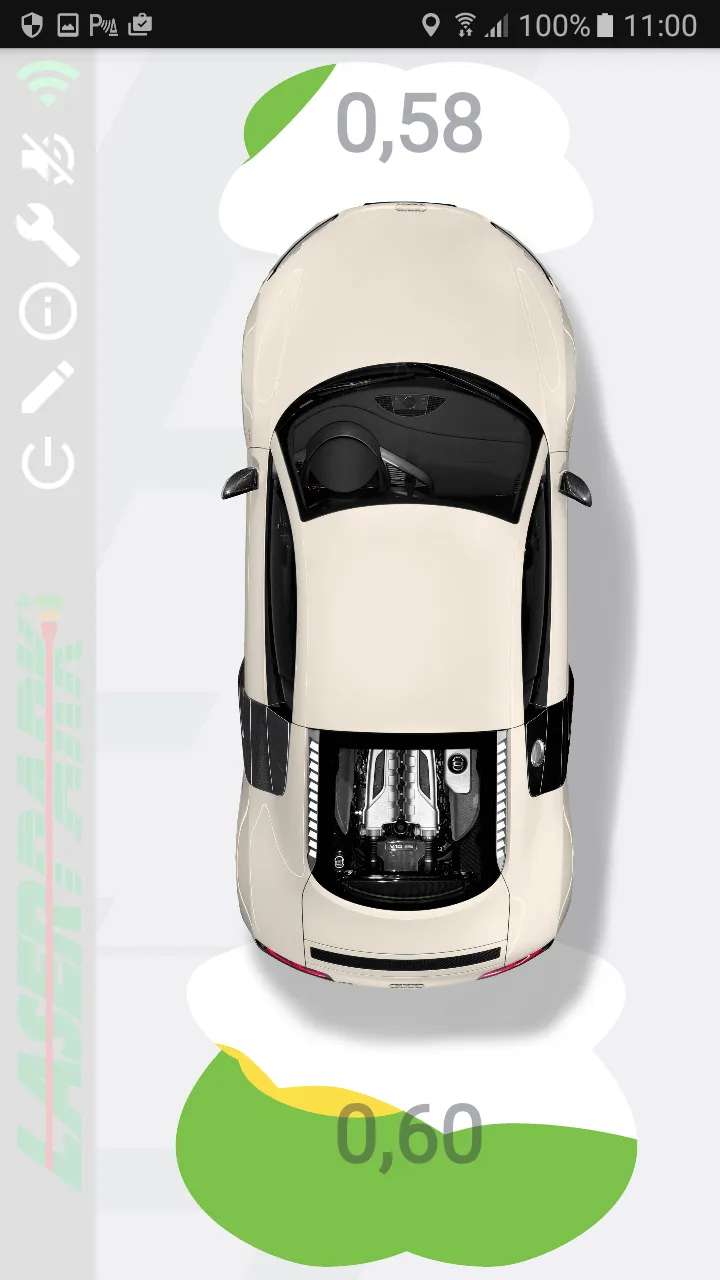
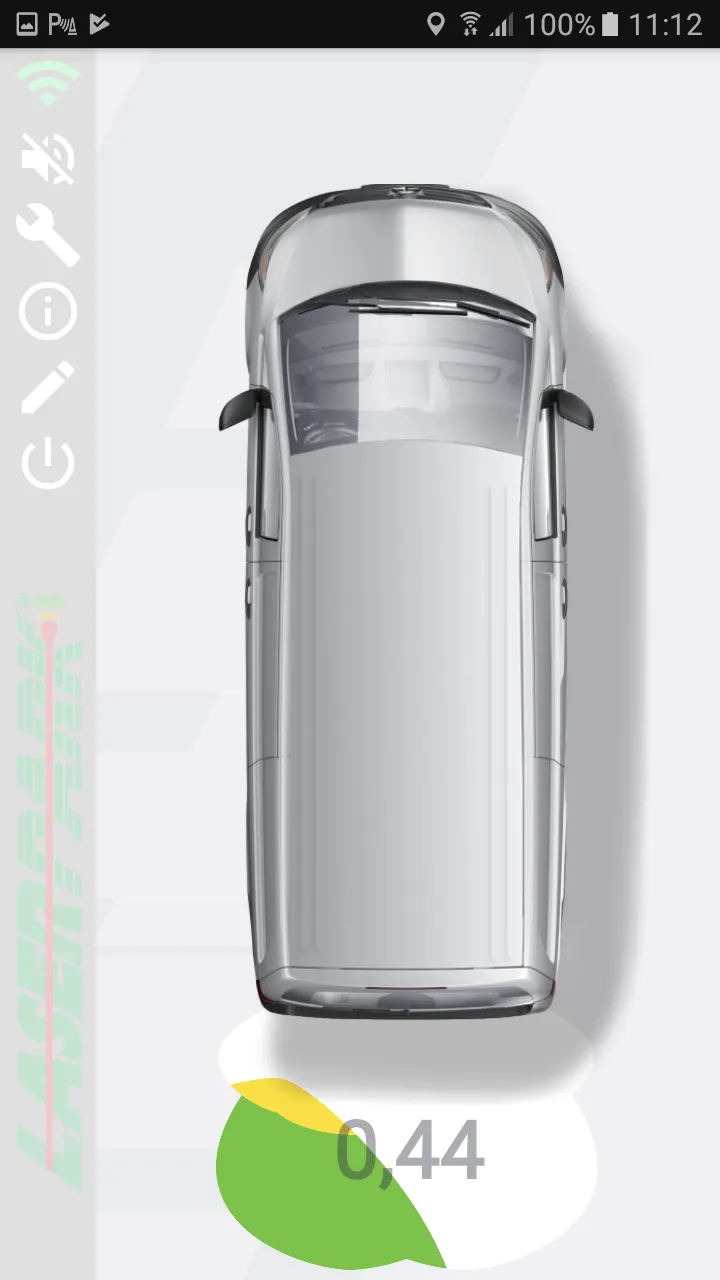
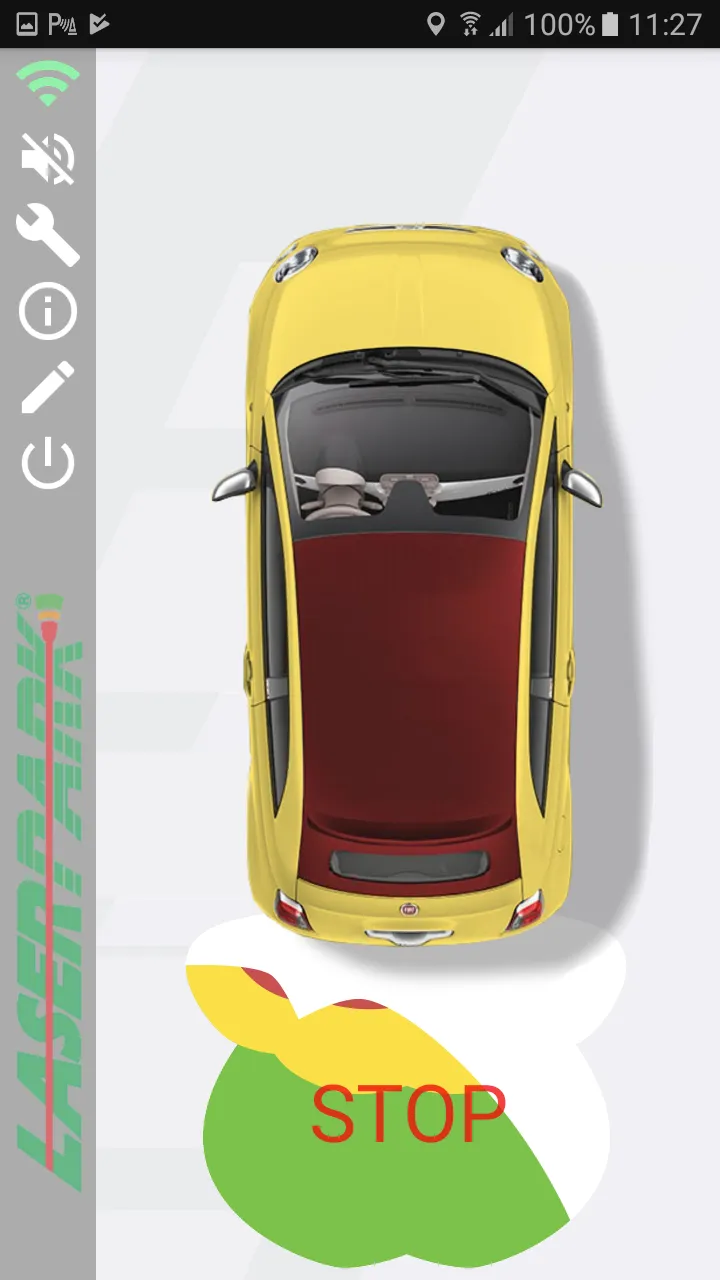
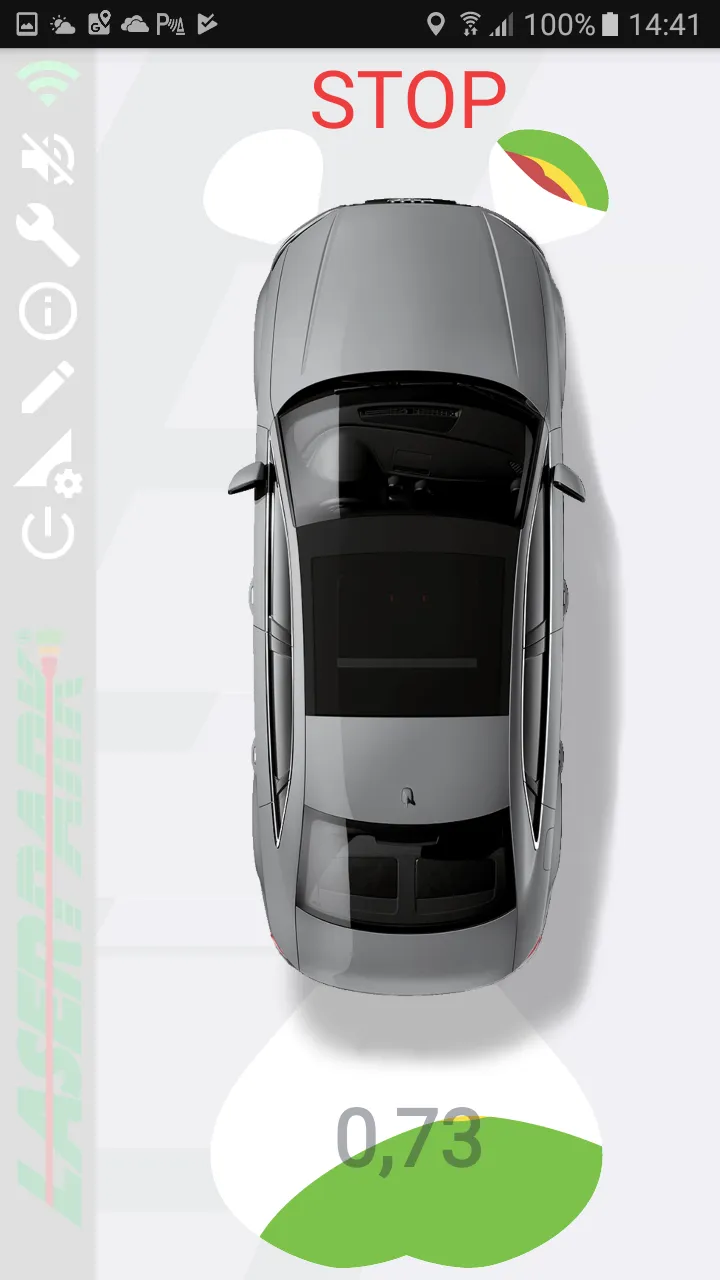
Application contains also background running service, which checks for available paired KBSS unit with wireless module. If found, the service establishes a connection and after activation of front or rear parking sensors, launches the app in obstacle detection mode. After deactivation of all sensors, app is shut down.
User can also launch application manually and in this case it will not be shut down in situation when all sensors are deactivated or connection with KBSS unit is lost.
There is vertical menu, located on left side of application window. It contains these items:
• Connection manager – Here is possible to pair app with particular KBSS unit (equipped with wireless module).
• Acoustic indication switch – This switch enables or disables acoustical indication of obstacles in application.
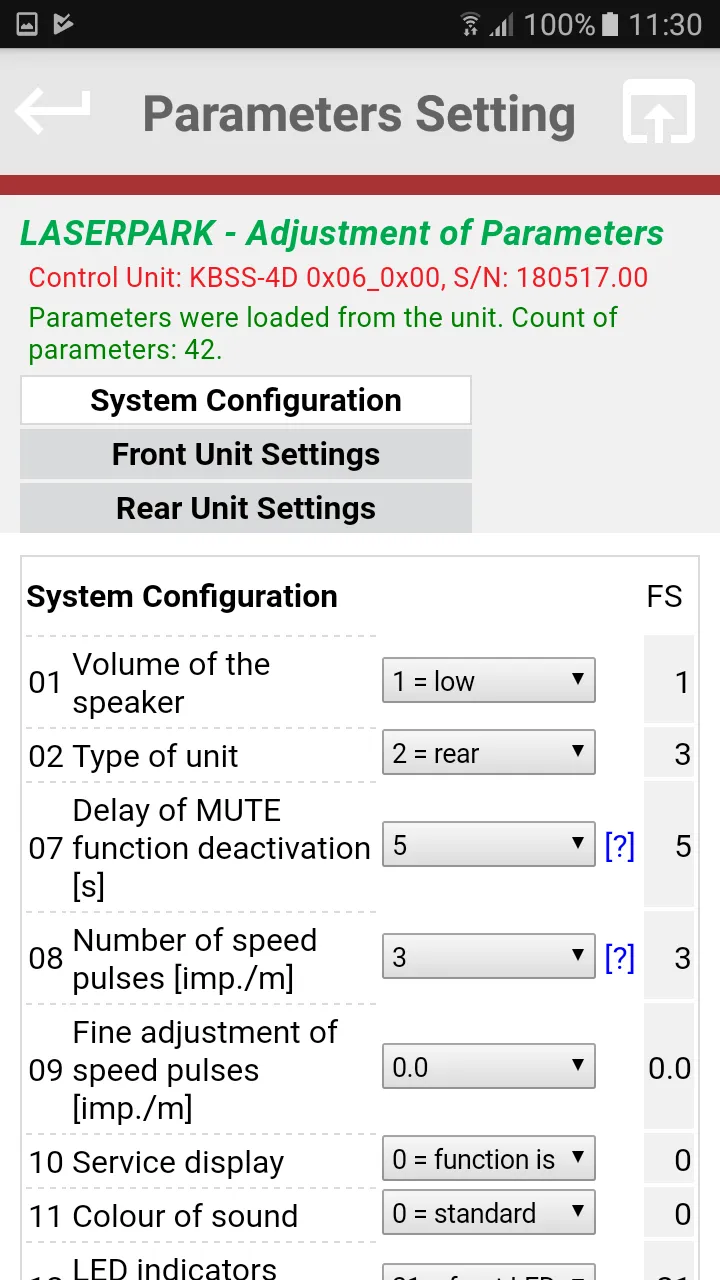
• Parameters setting menu – Allows to load, edit and save parameters of KBSS unit.
• Application info – User manual and contact for technical support.
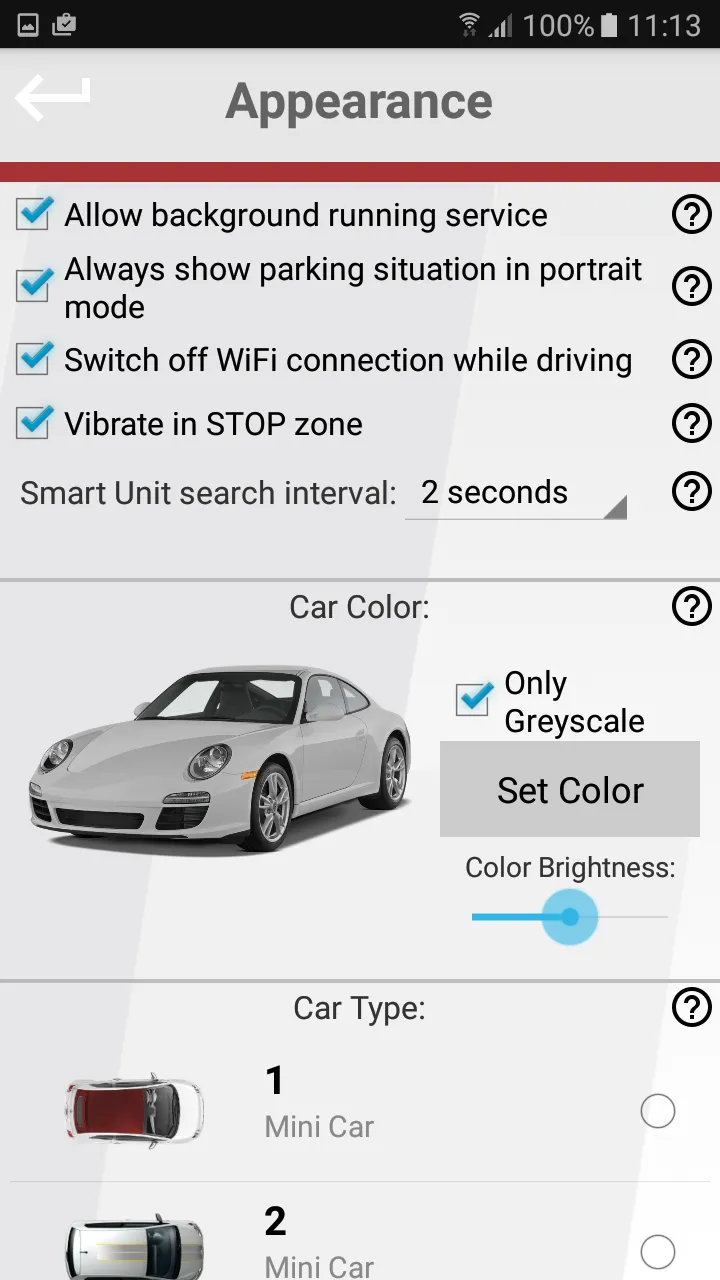
• Appearance menu – Setting of application behavior and vehicle customization.
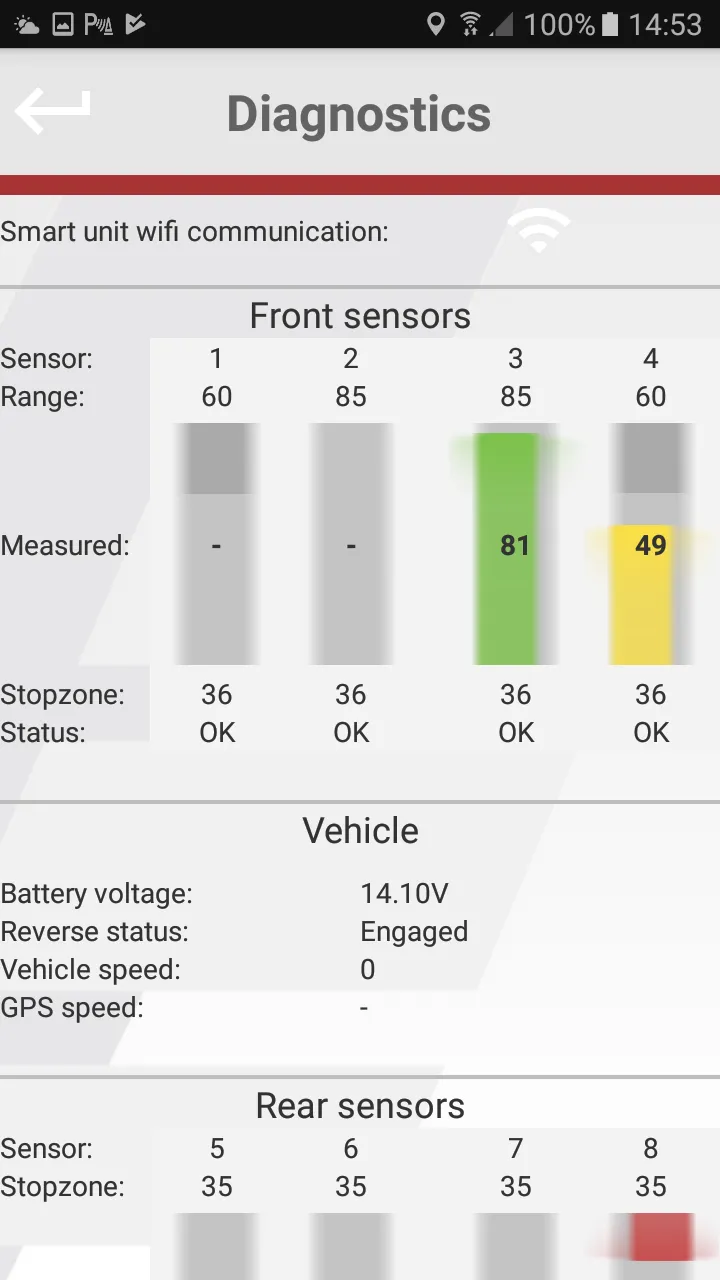
• Diagnostics - Shows wiew of each sensor, battery voltage, I/O states of the unit. Useful for troubleshooting.
• Shut down the app - It will prevent the app to show on screen automatically, until next start of the main unit.
Auto and Vehicles
Ratings
0
0 total ratings
5
73%
4
10%
3
4%
2
3%
1
10%
REVIEWS
No reviews yet. Be the first one to review this app
Scan to download on Indus Appstore
Permissions
Location: access this device"s location
Storage: access photos, media, and files on your device