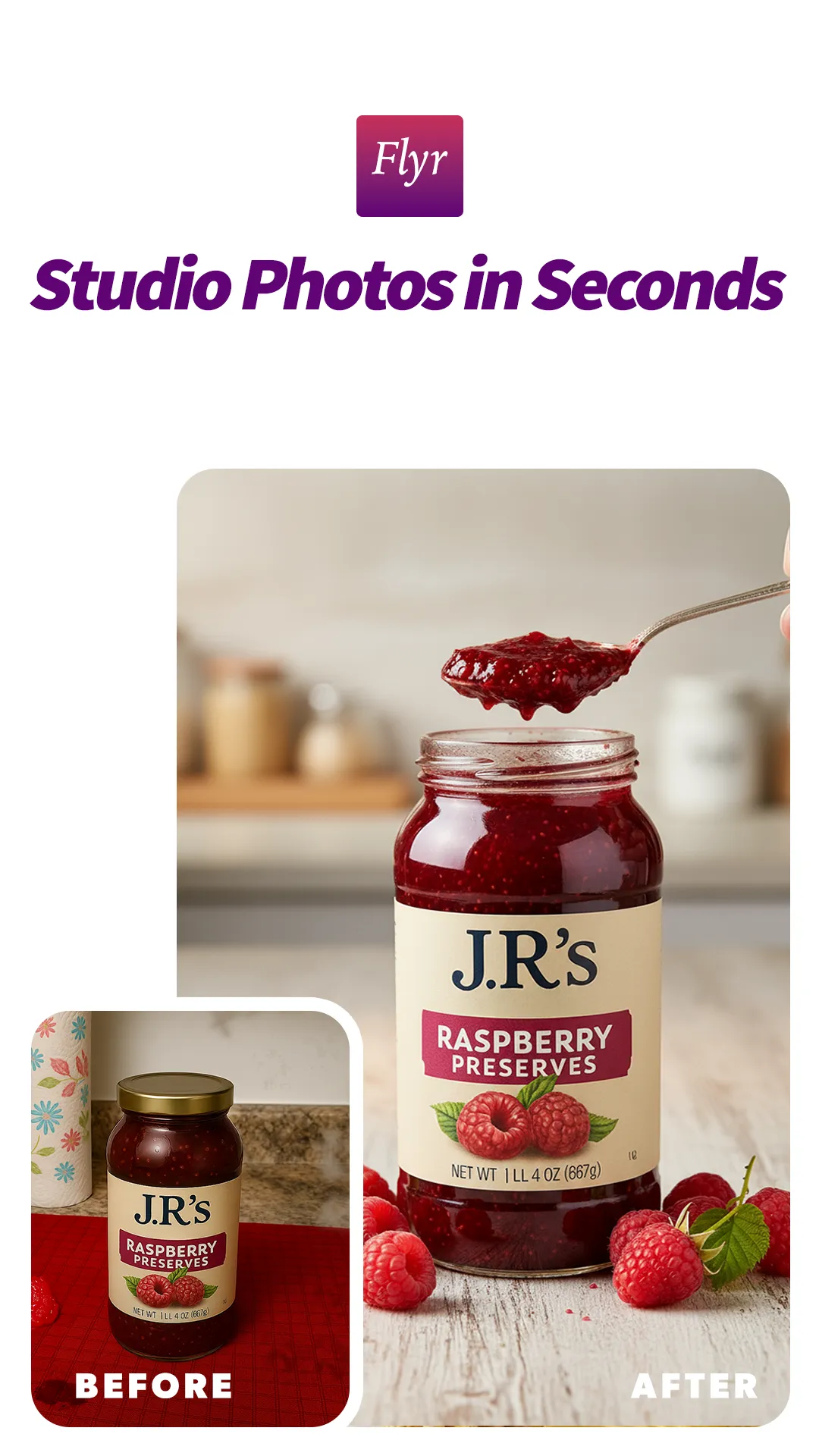
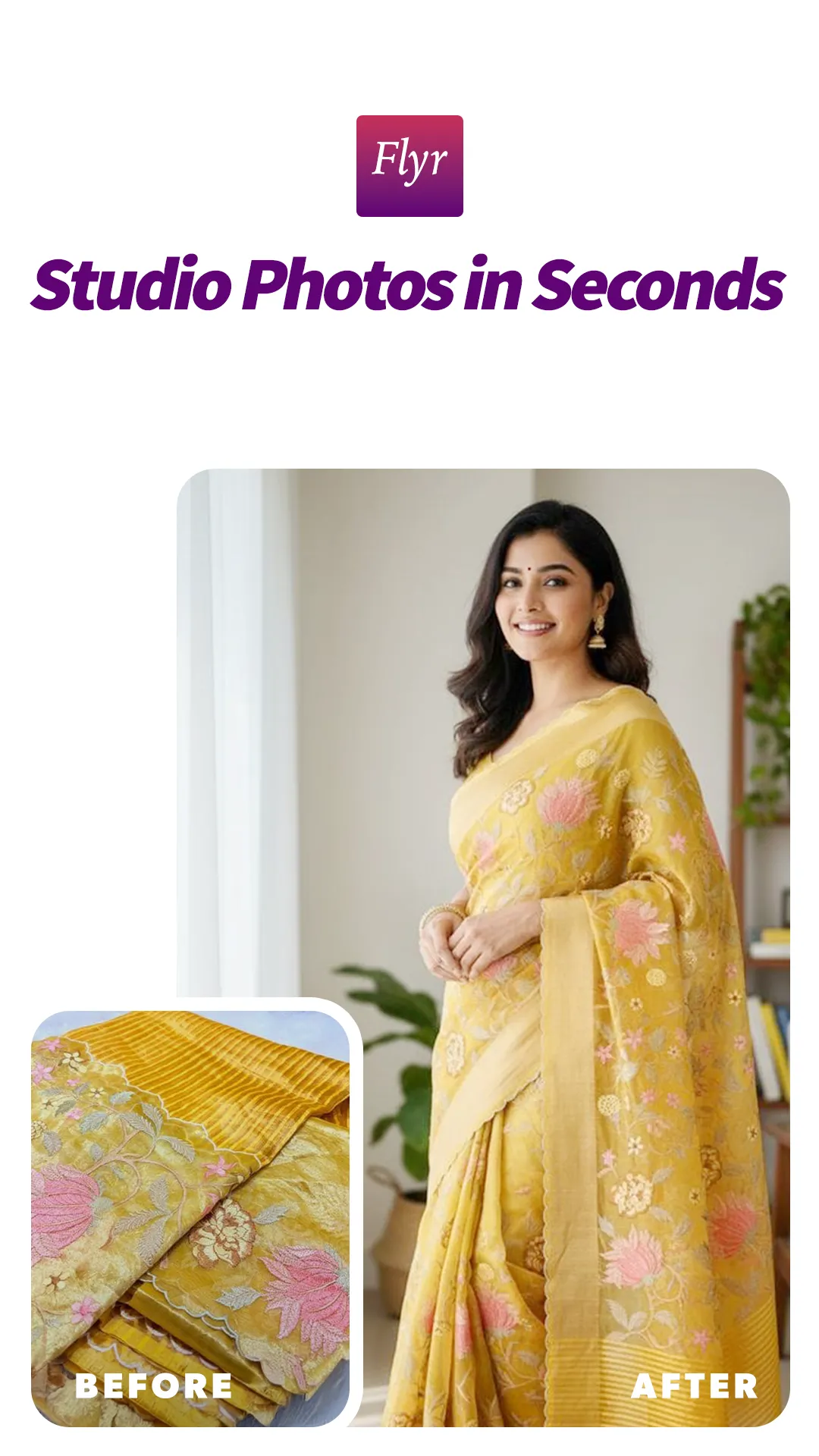
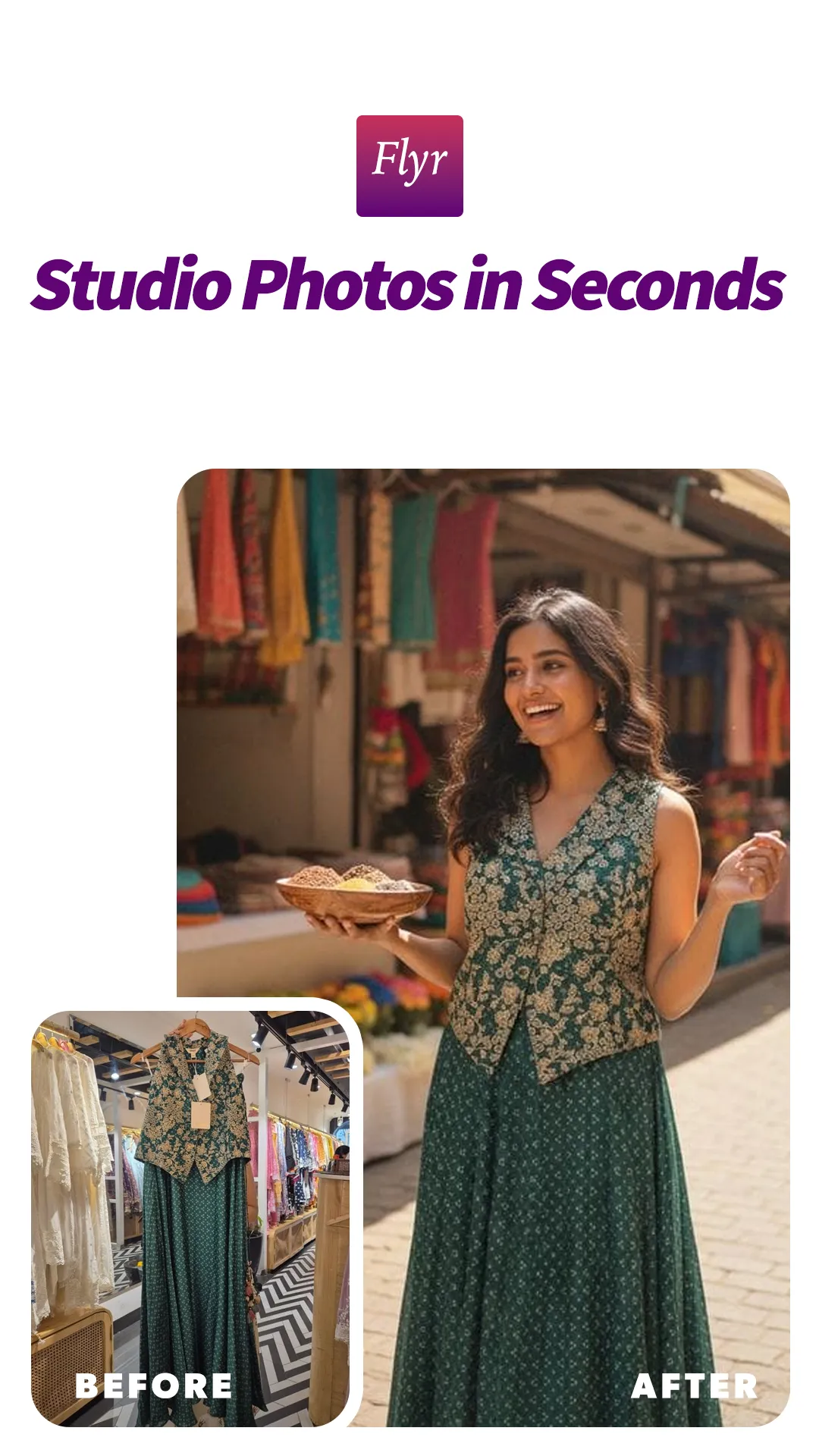
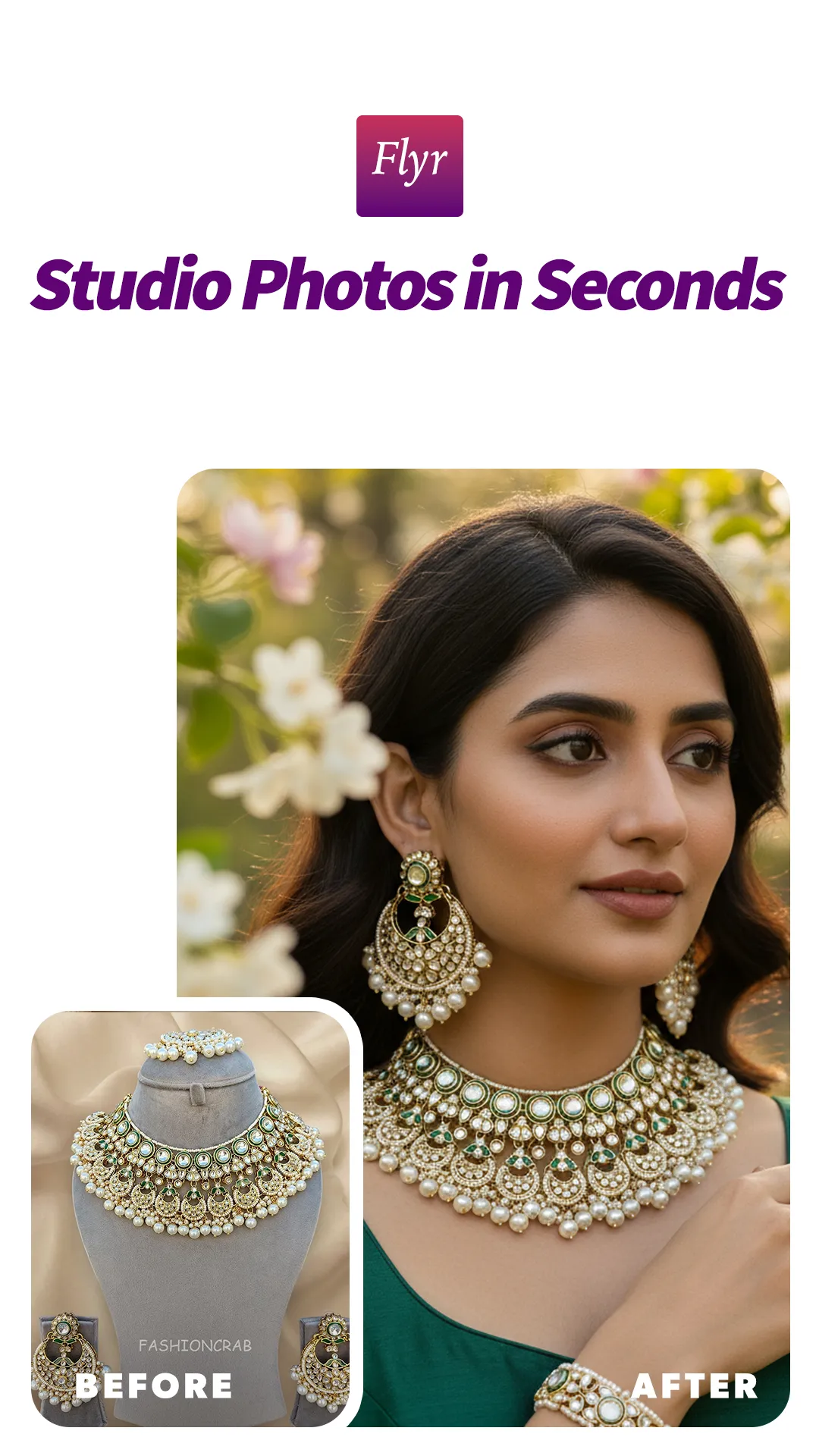
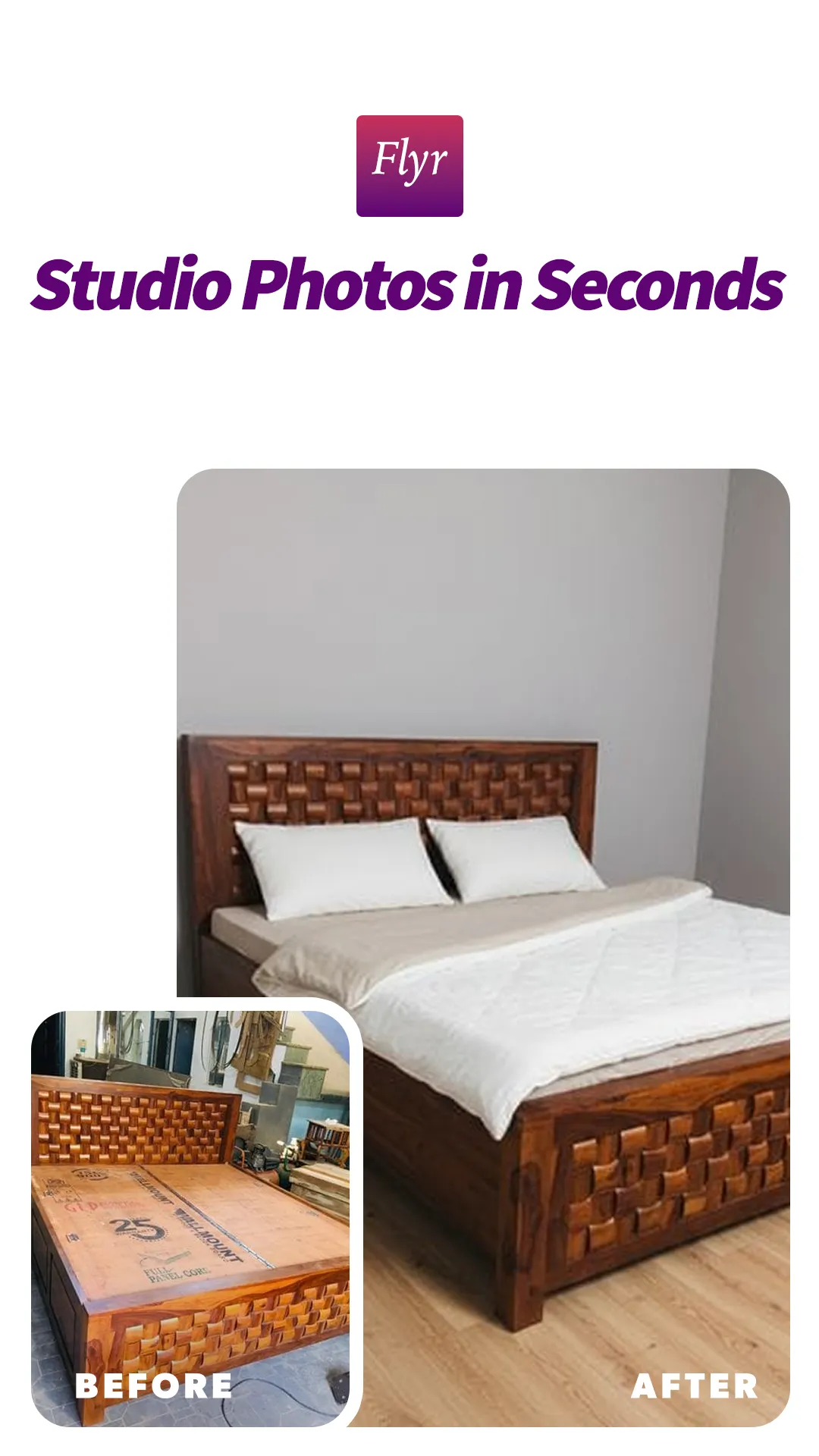
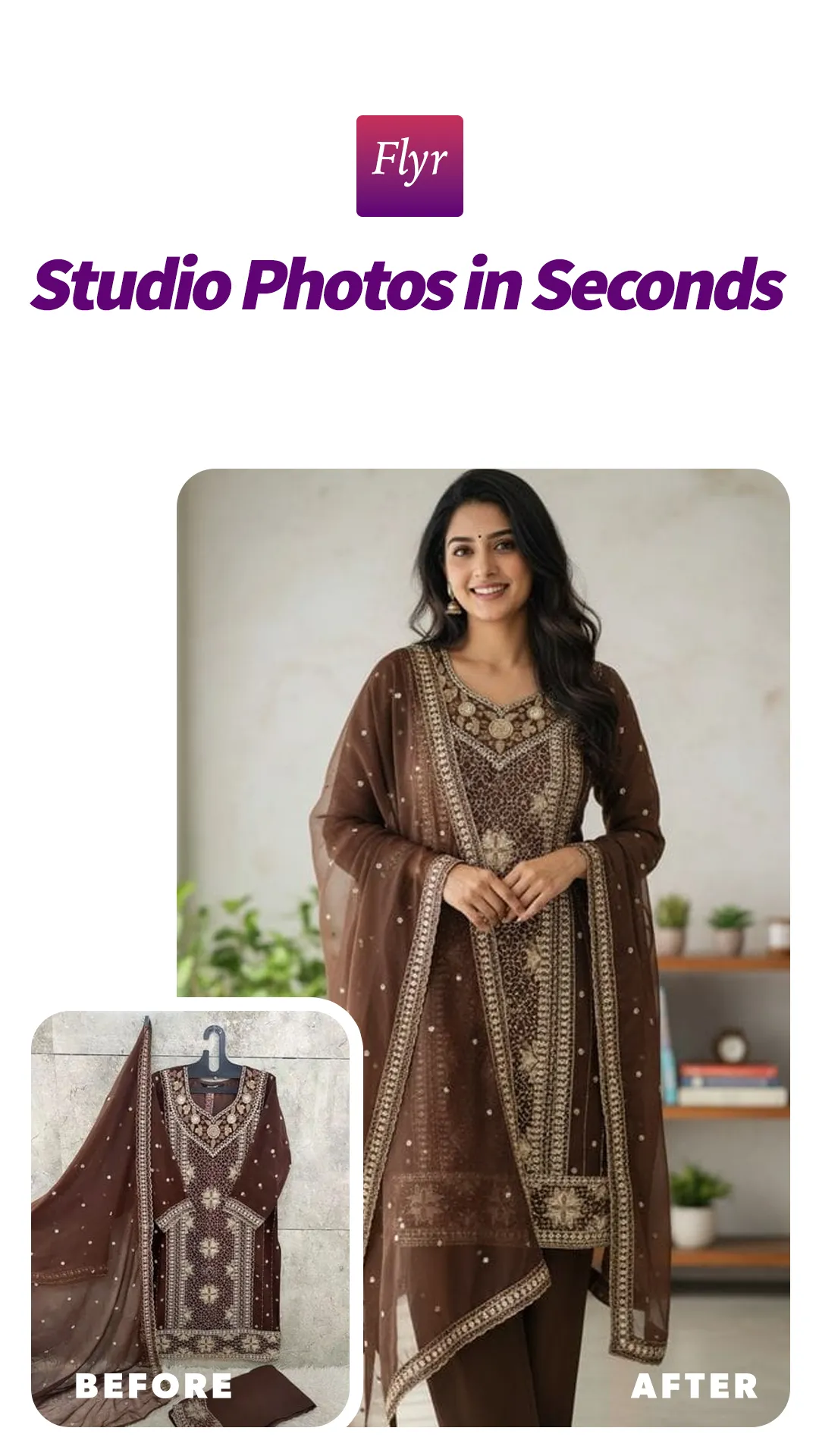
Flyr helps sellers, creators, and brands turn ordinary photos into polished, ready‑to‑share visuals in seconds. Upload a photo, let AI enhance it, and swipe the before/after slider to compare. Save your best shots to Projects, and revisit everything in your Feed—fast, lightweight, and optimized for mobile.
Key features
AI enhancements: Improve clarity, lighting, and overall look—automatically
Before/After slider: Instantly compare results with a smooth carousel
Projects: Organize shoots and assets by client, product, or campaign
Feed: Browse recent creations and quickly reuse what works
Fast loading: Smart image compression for snappy previews and smooth scrolling
Simple login: Secure OTP-based sign‑in
Why Flyr
Professional results without a studio
Built for D2C, marketplace sellers, and social media creators
Mobile‑first speed and reliability
How it works
1) Upload or select a photo
2) Let AI process and enhance it
3) Swipe to compare (After first, Before second)
4) Save to a Project or share your result
Notes
Flyr is continuously improving; expect frequent performance and quality updates.
For best results, start with clear, well‑lit photos.
Make every product shot look premium—with Flyr.