What M3U8 Saver gives you:
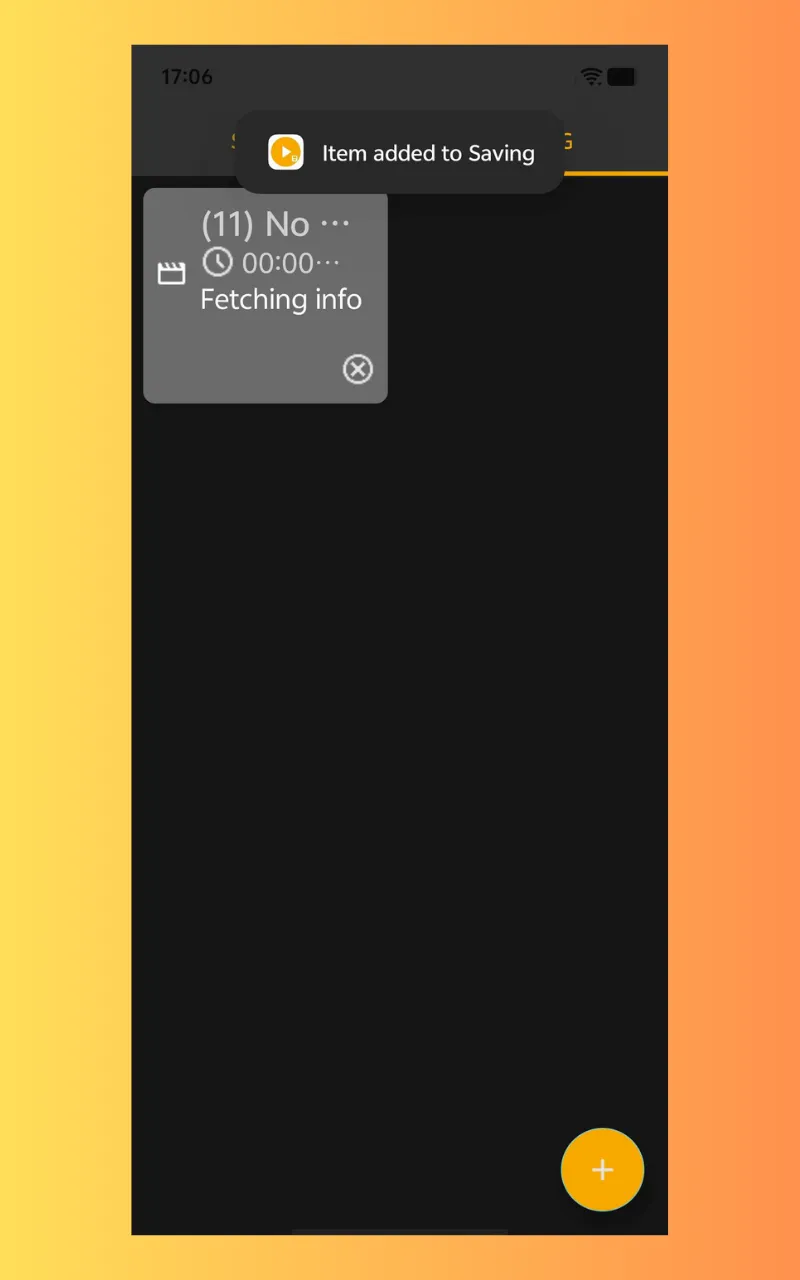
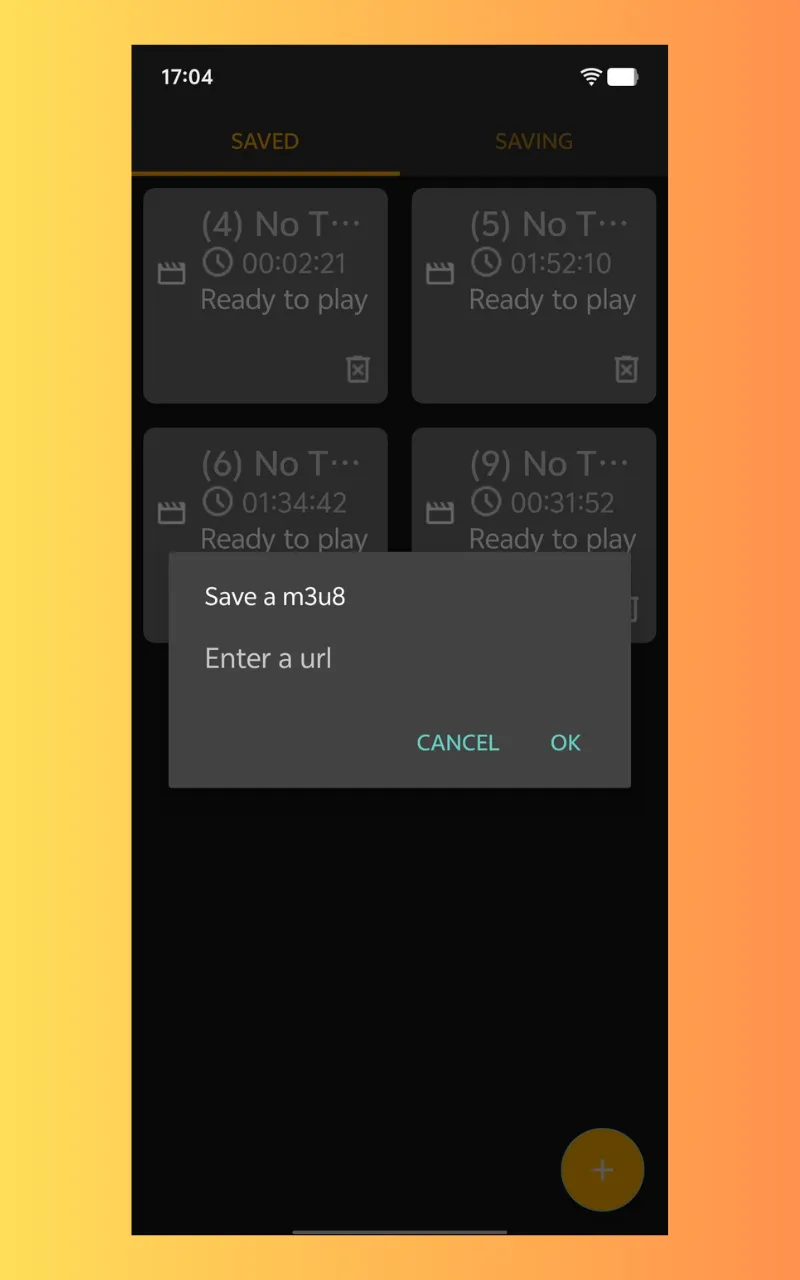
Save Streaming Videos: You can paste an M3U8 URL, and the application will save the video segments automatically.
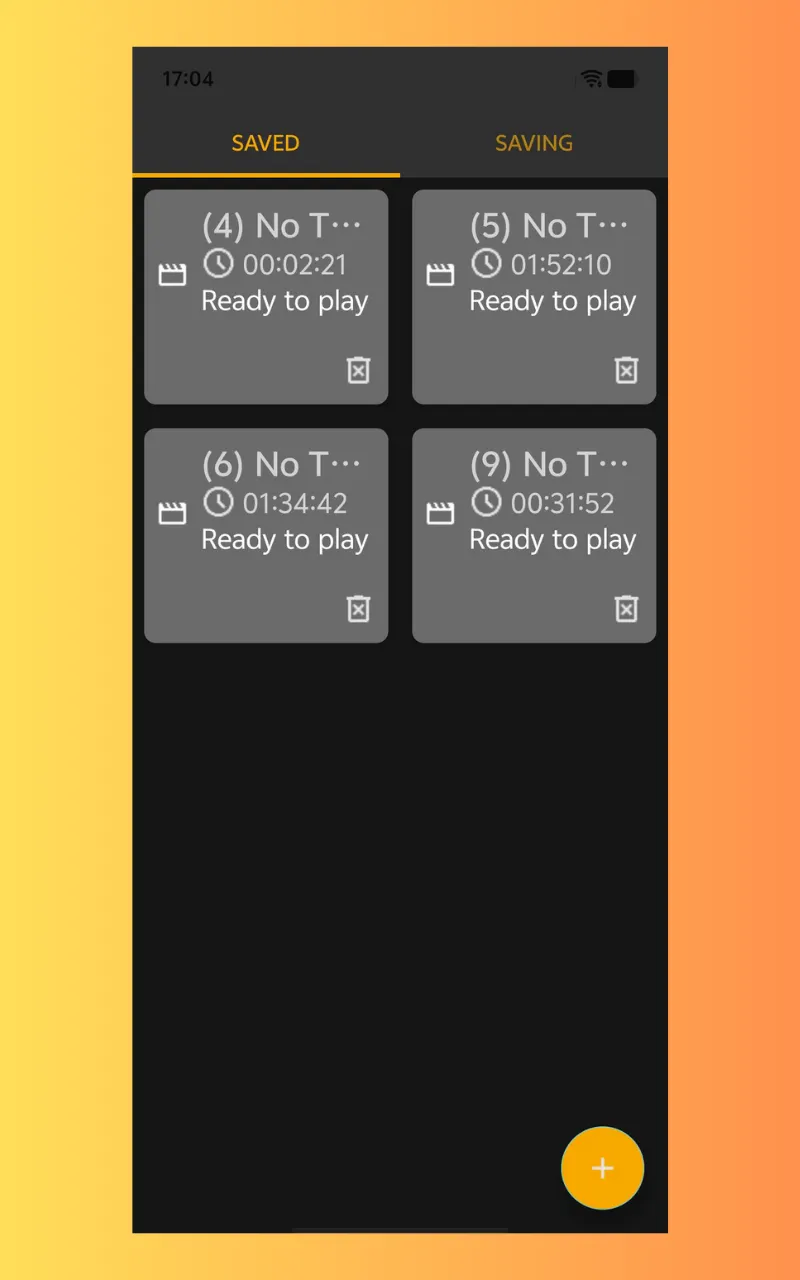
Merge segments: The application can allow you to playback videos that are in a segment in a single file (e.g., MP4, MKV) as it can automatically merge video segments.
Save to multiple video formats: M3U8 Saver allows you to select videos that are saved to multiple formats.
Saving videos in Standard and HD: save videos in the best quality (standard or HD) available to get videos that are crisp and have clear audio.
What M3U8 Saver gives you:
User-Friendly Interface: Paste your M3U8 link, hit “save,” and the application will do the rest.
Merge Segments Automatically: The application automatically combines the segments, so you will no longer have to do it.
Batch saving: save multiple M3U8 links and save several videos at once.
Fast & Reliable: save videos at fast speeds and enjoy the reliability that M3U8 Saver offers.
Why Use an M3U8 Saver?
Anytime Playback – save a streaming video any time you want to watch it offline.
Simplistic Design – Enter the M3U8 link, and the video is yours.
Save Live Streams – save live events, including broadcasts and even live sporting events.
Here's How to Use it:
Obtain the M3U8 — Locate the M3U8 playlist link of the stream you want to save.
Enter the Link – Launch the M3U8 Saver application and enter the M3U8 link into the given text area.
Saving and Merging – Allow the application to save the video, and M3U8 Saver will merge it for you.
Offline Playback – Enjoy the video any time you want after saving.
Business
Ratings
0
0 total ratings
5
73%
4
10%
3
4%
2
3%
1
10%
REVIEWS
No reviews yet. Be the first one to review this app