Contacts, a Smart Contact Manager & Phone Dialer app for Android. The phone contact app simplifies managing, organizing, and syncing your phone book.
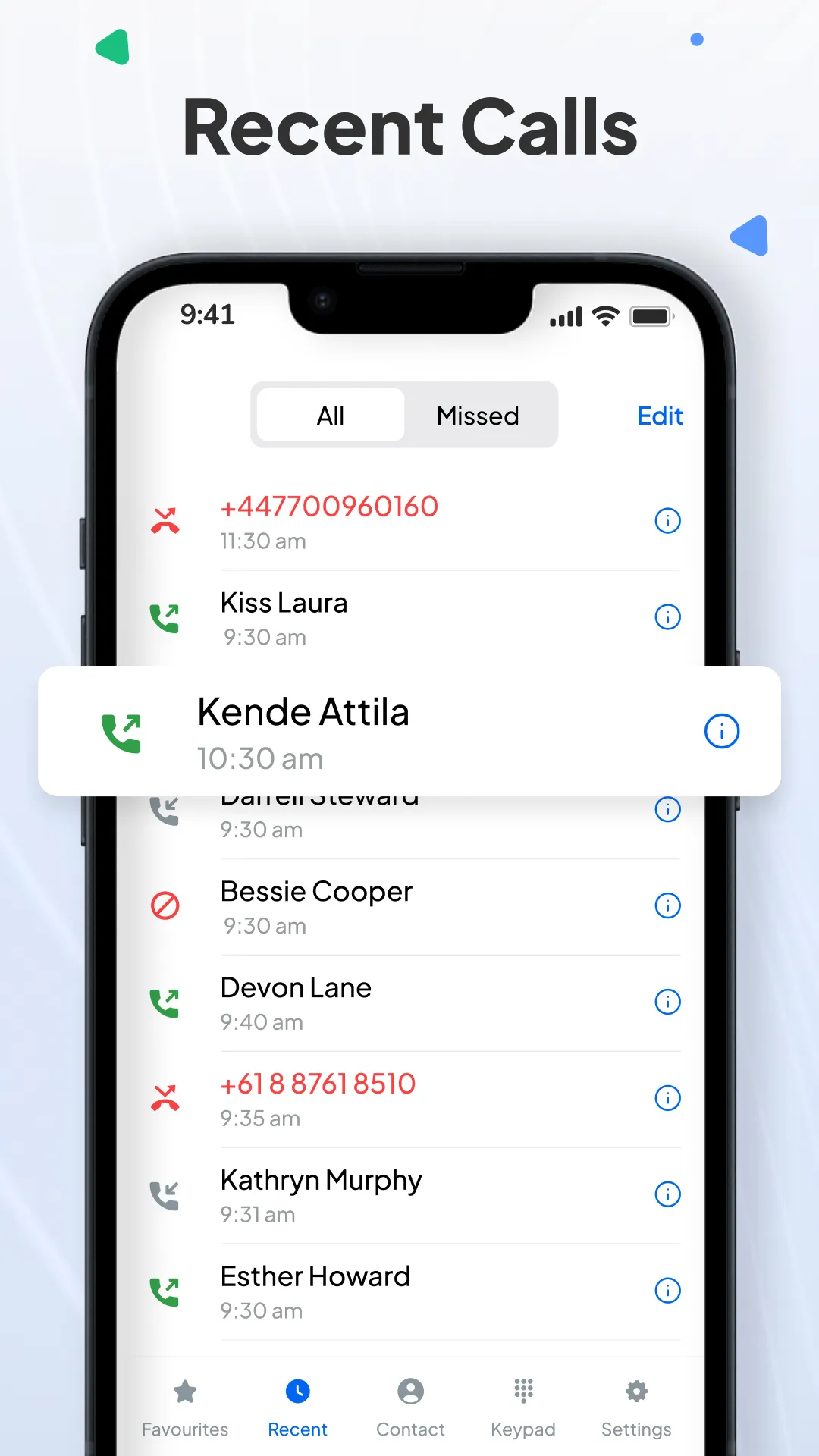
The Phone contact is a fast, secure, and reliable contact app for android users with Caller ID. You can easily access your recent calls, favorites, all contact lists, and advanced call history.
• Manage All Your Contacts in One Place
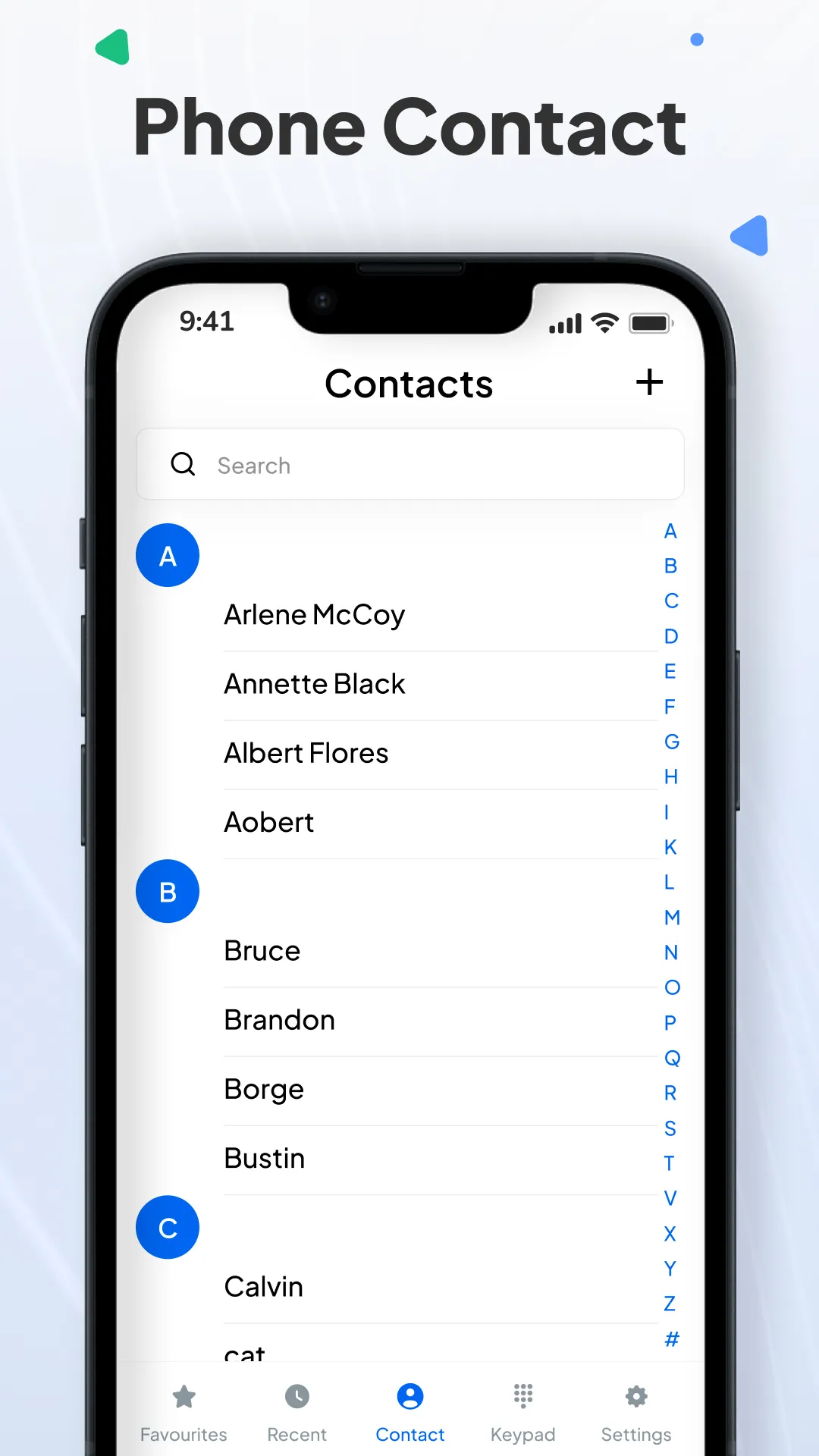
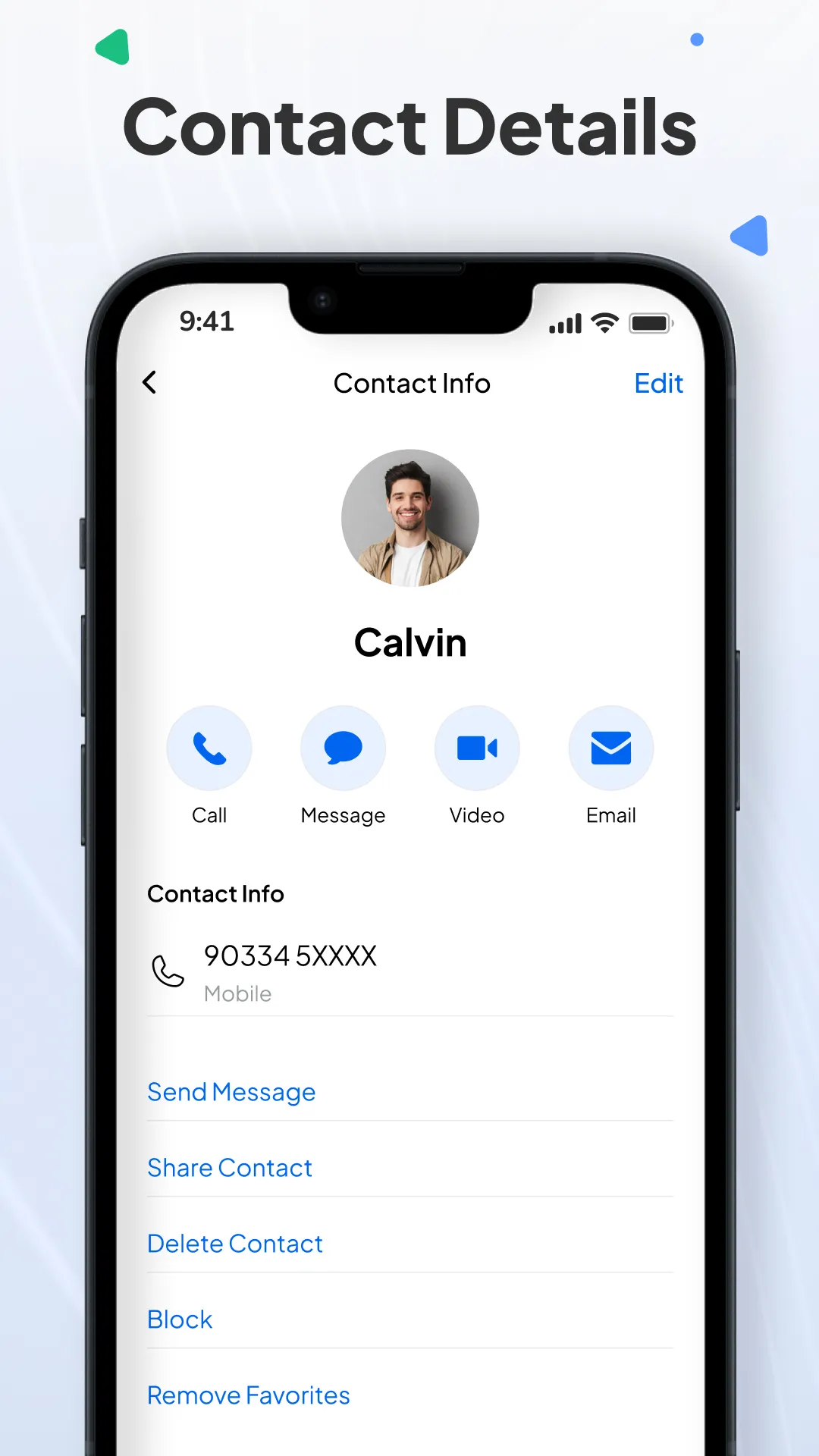
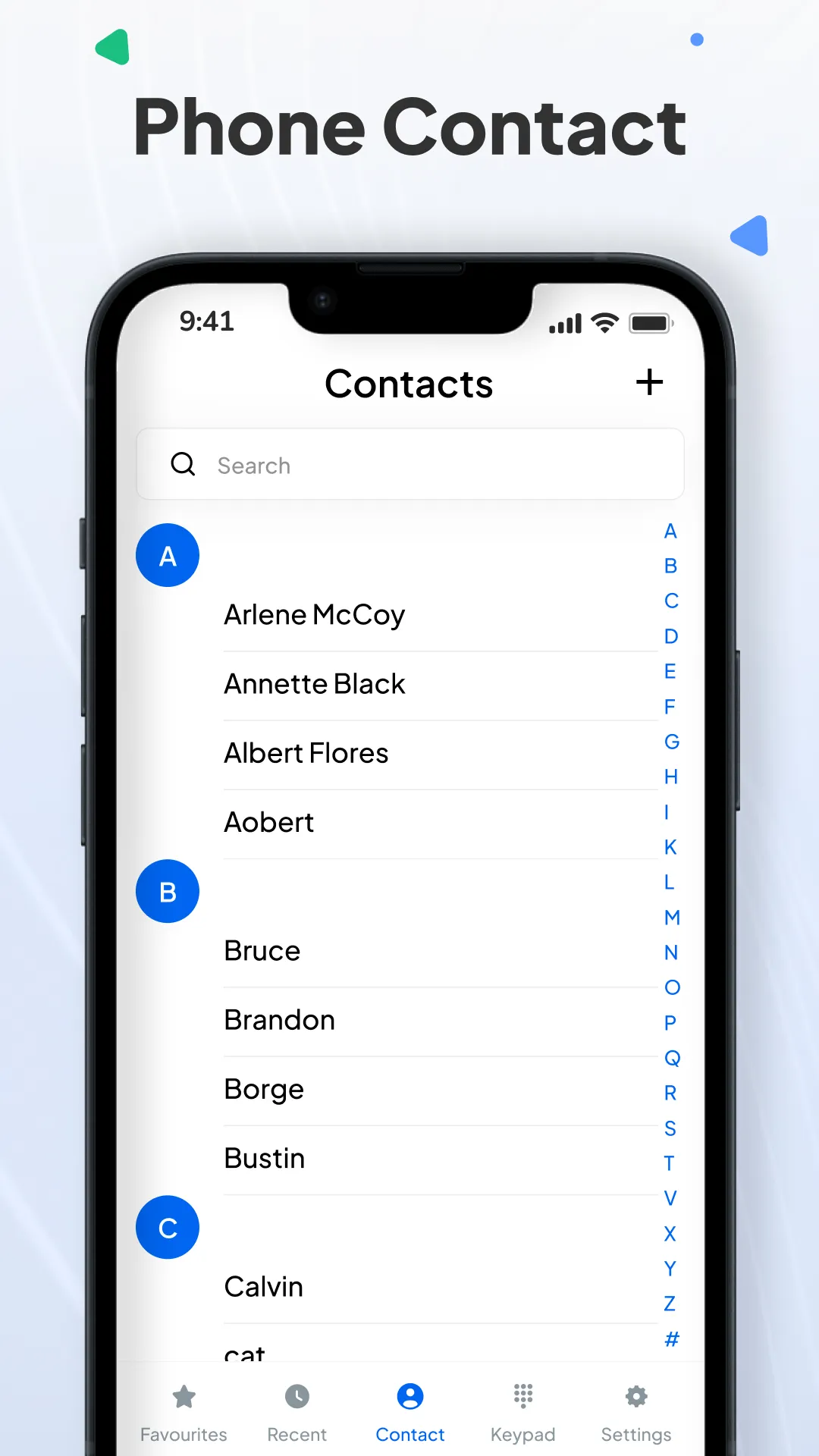
Quickly access your phonebook and manage contacts with ease. Add, edit, delete, block, or share contacts instantly.
• Import and Export Contacts
Securely import or export your contacts. Easily back up or transfer your entire contact list from Gmail accounts, SIM cards, and phone storage without any data loss.
• Smart During Call & After Call Tools
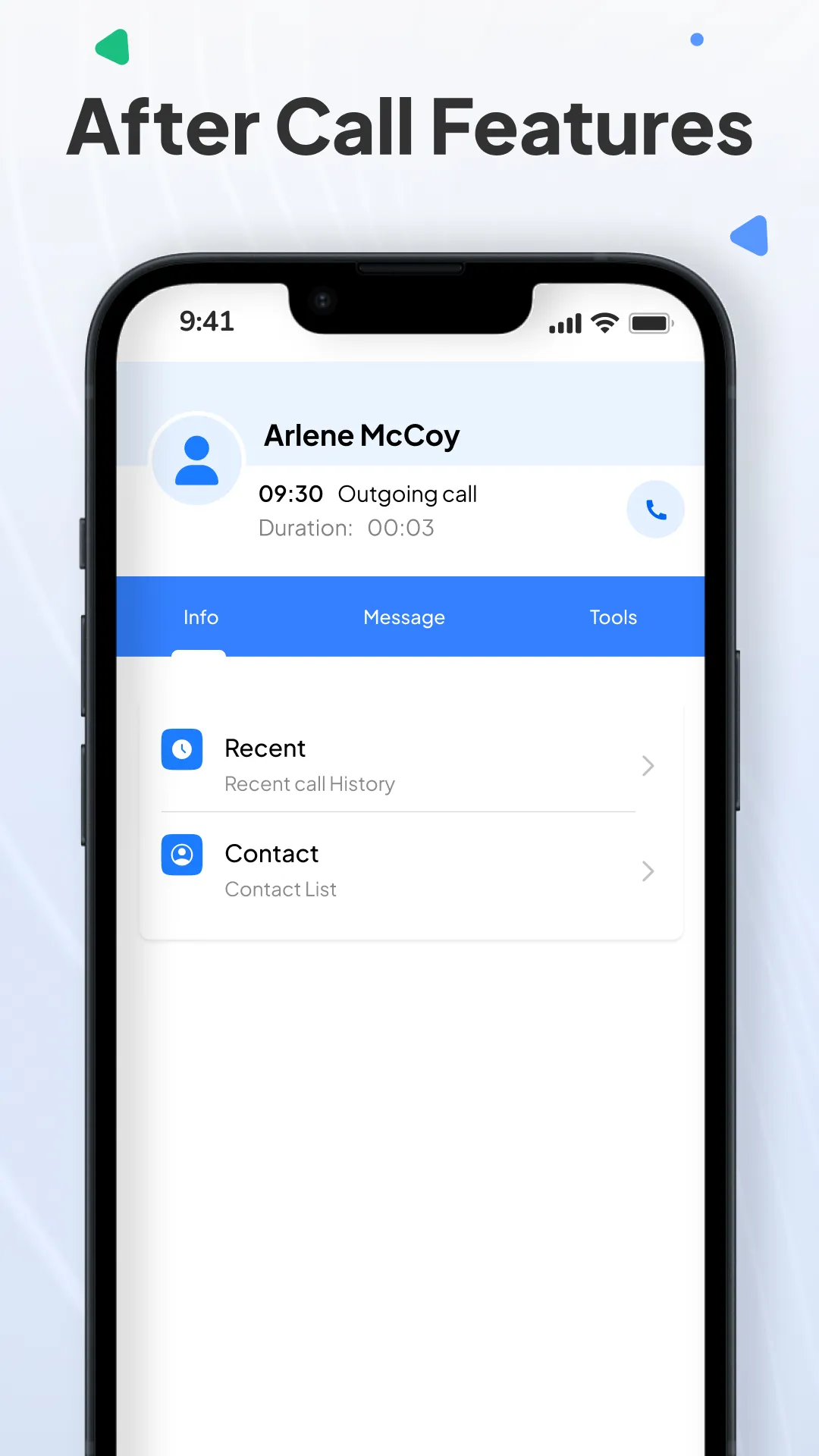
- Make your calls more useful with our smart in-call tools. During a call, you get instant access to key actions like the call time and quickly set a reminder, send a message, or open your calendar without leaving the screen.
- After the call ends, the same tools appear so you can follow up, schedule something, or send a quick reply. It’s an easy way to stay organized during and after every call.
• Fast Dialer with Recent Call Logs
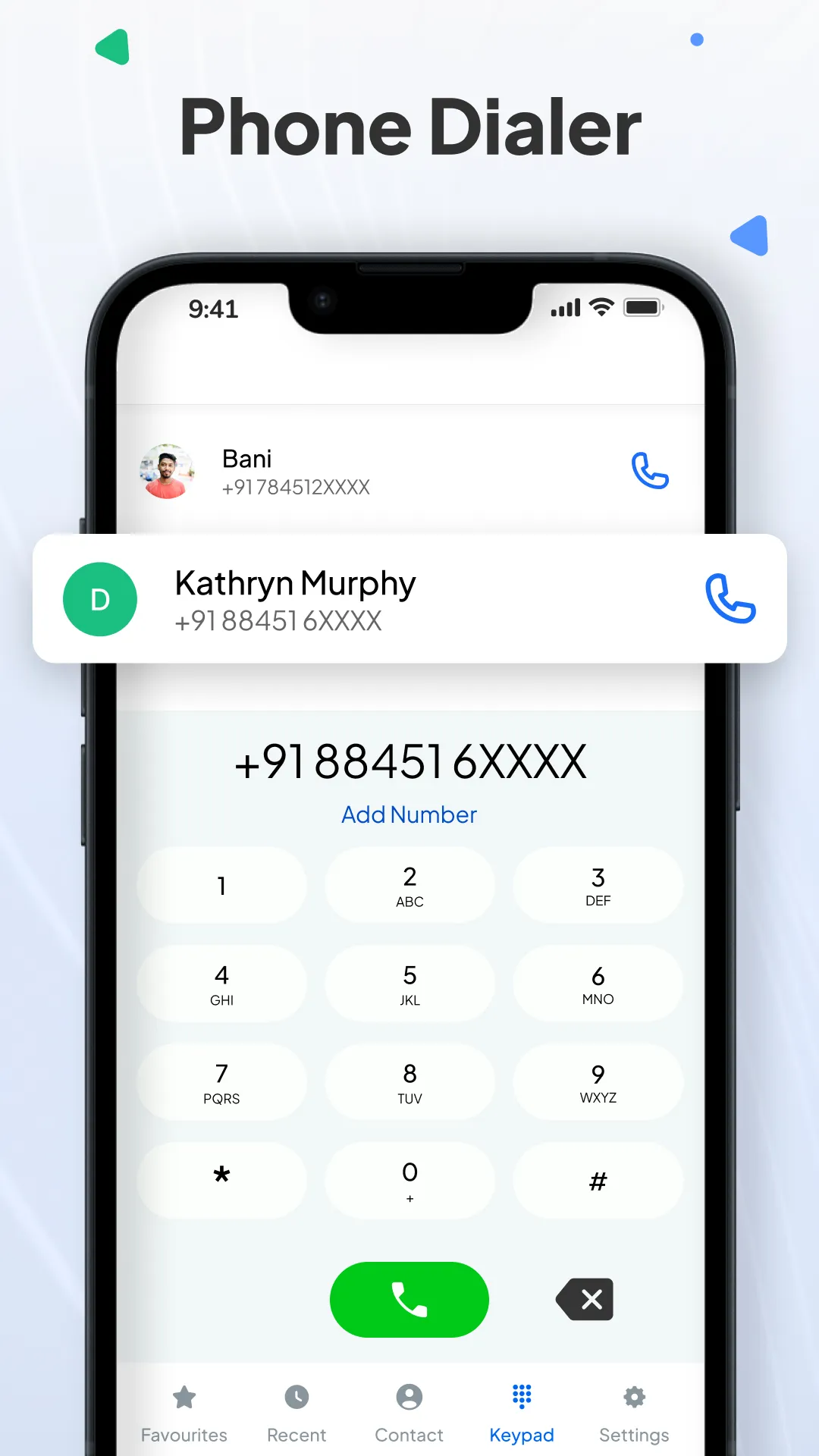
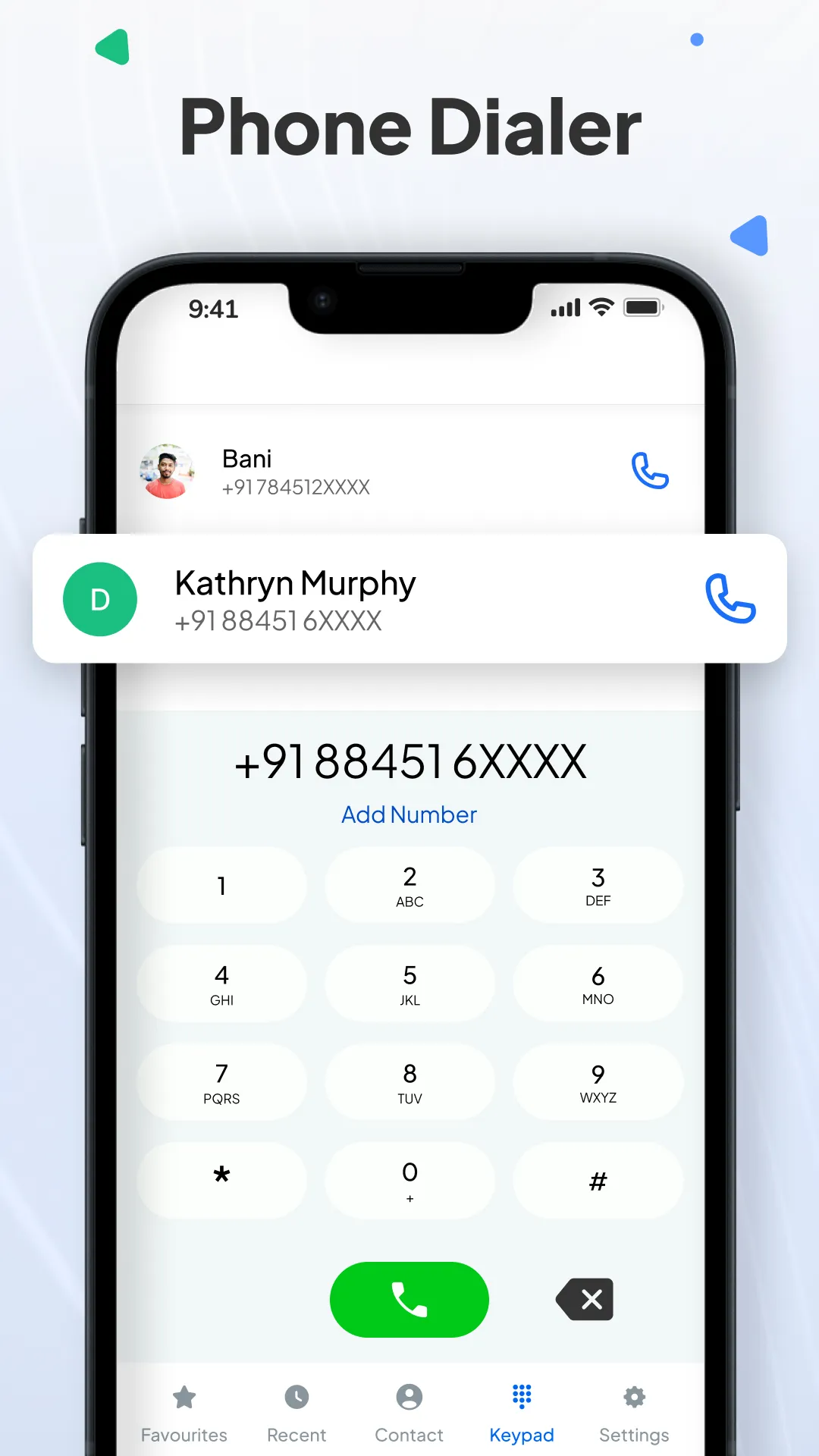
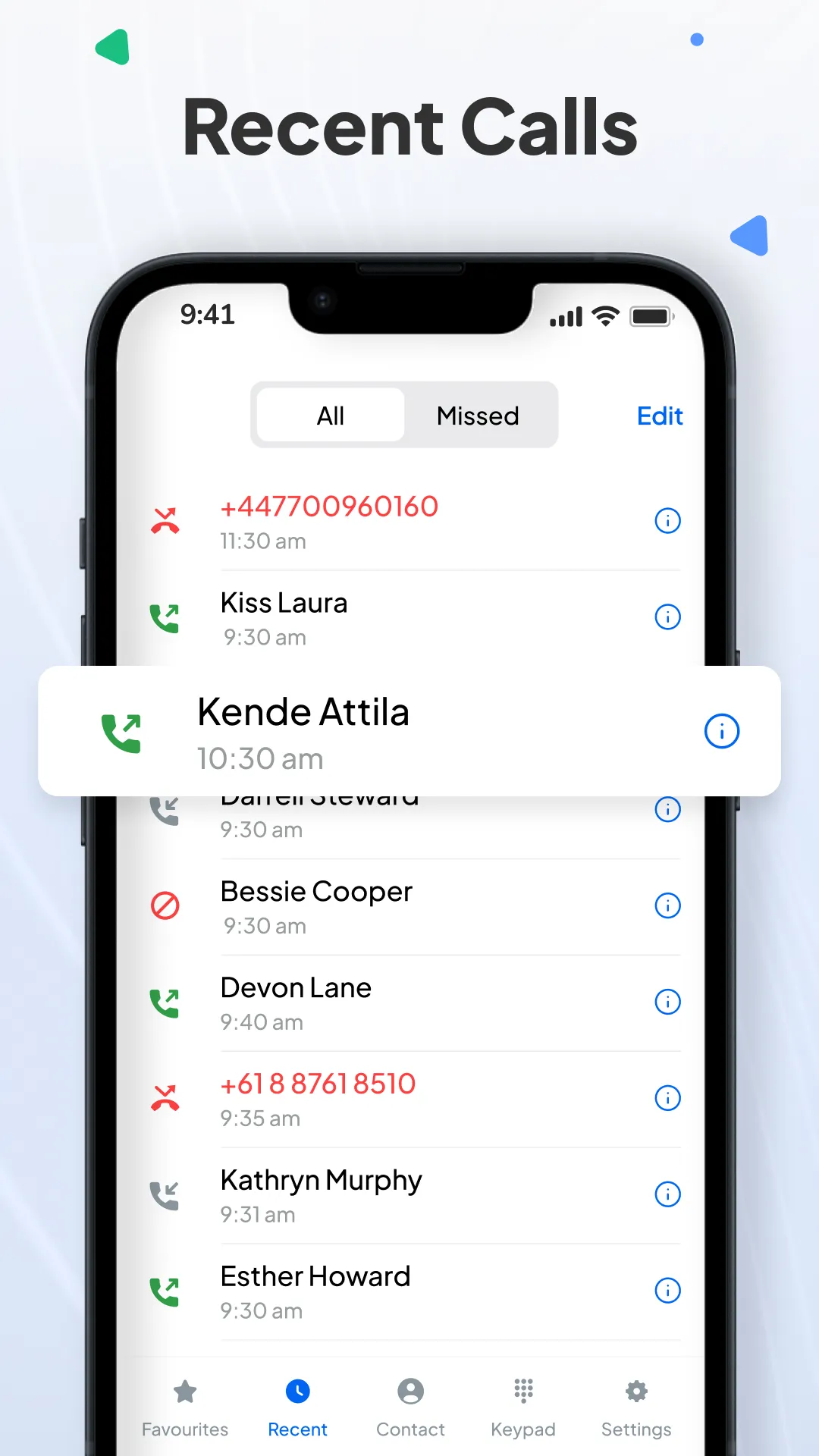
Make calls faster using the built-in phone dialpad. Easily view your complete call history — missed, received, and outgoing calls — and save new numbers directly from the dialer.
• Smart Contact Management & Sync
- Add or edit contacts, merge duplicate entries, share or backup contacts safely. Organize contacts by first or last name, manage blocked numbers, and sync with your Google account so your contacts are always backed up and accessible.
- Easily save the contact information like person's name, numbers, email address, and other information.
• Dual-SIM Support
Easily switch between SIM cards or set a default SIM for calling. You can choose to save contacts to phone memory, SIM, or your Gmail account — ideal for Indian users with dual SIM phones.
• Call Blocker
Block spam calls or unwanted numbers with one tap. You can also manage blocked contacts anytime from settings.
• Dark Mode
Enjoy dark mode to save battery and reduce eye strain. You can switch to dark mode or match it with the system's default options to suit your device and preferences.
• Favorites Contacts
Mark important contacts as favorites to quickly reach the people you talk to most.
• Powerful Extras Features You’ll Love
- Works perfectly as your default phone app.
- Smart tools on the during and after call screen: set reminders, send messages, or open calendar directly.
- Instantly delete multiple contacts or clean up duplicates.
- A simple, clutter-free design that makes managing your contacts a breeze.
Disclaimer:- To provide better experience, we need a call log permission (READ_CALL_LOG, WRITE_CALL_LOG) & contacts (READ_CONTACTS, WRITTE_CONTACTS) in the application as it acts as default phone handler.
Phone Contact is the best solution for users who want more than just a phonebook. Whether you're trying to sync my contacts, find a clean and simple dialer app, want to take contacts backup or manage a large list of phone contacts, this is your go-to tool.
If you have any questions or feedback about Contacts - Phone Contact App, don't hesitate to reach out to us immediately. We're always here to help.