
LCP image
Keyboard Browser icon
Alain Grange
4.0
ratings
9 MB
Size
Verified

SCREENSHOTS (6)

Screenshot
Screenshot
Screenshot
Screenshot
Screenshot
Screenshot

About the app

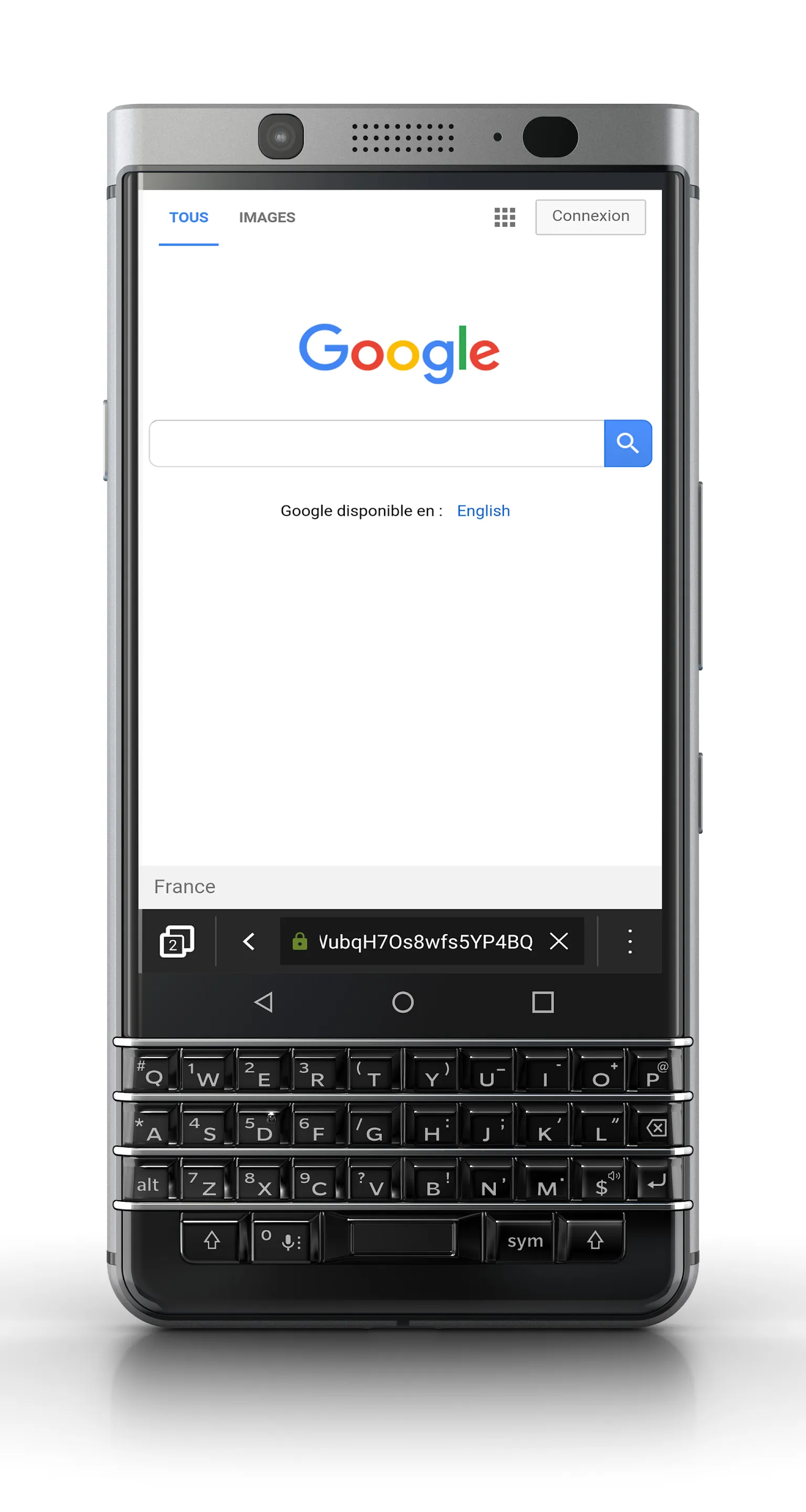
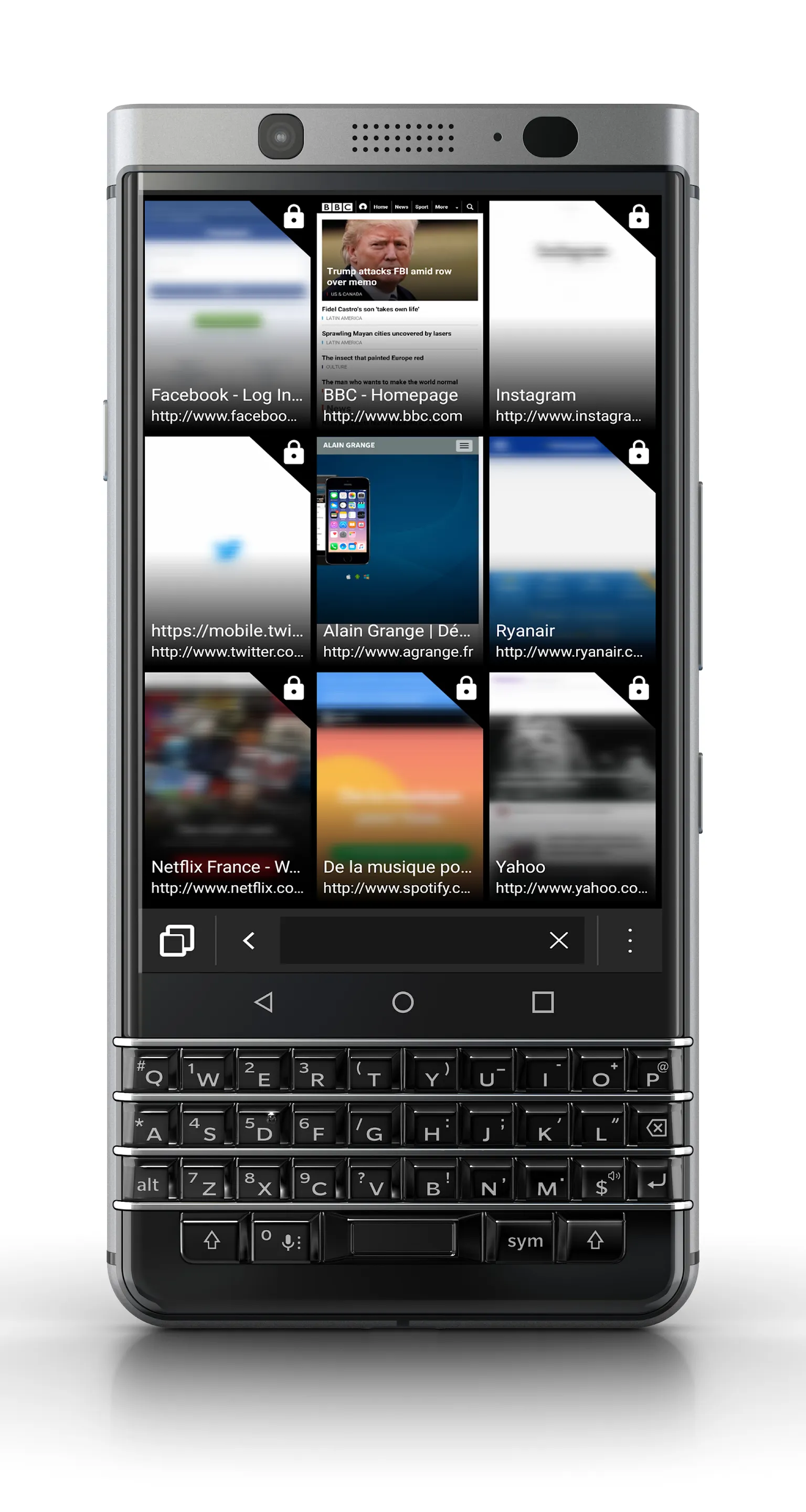
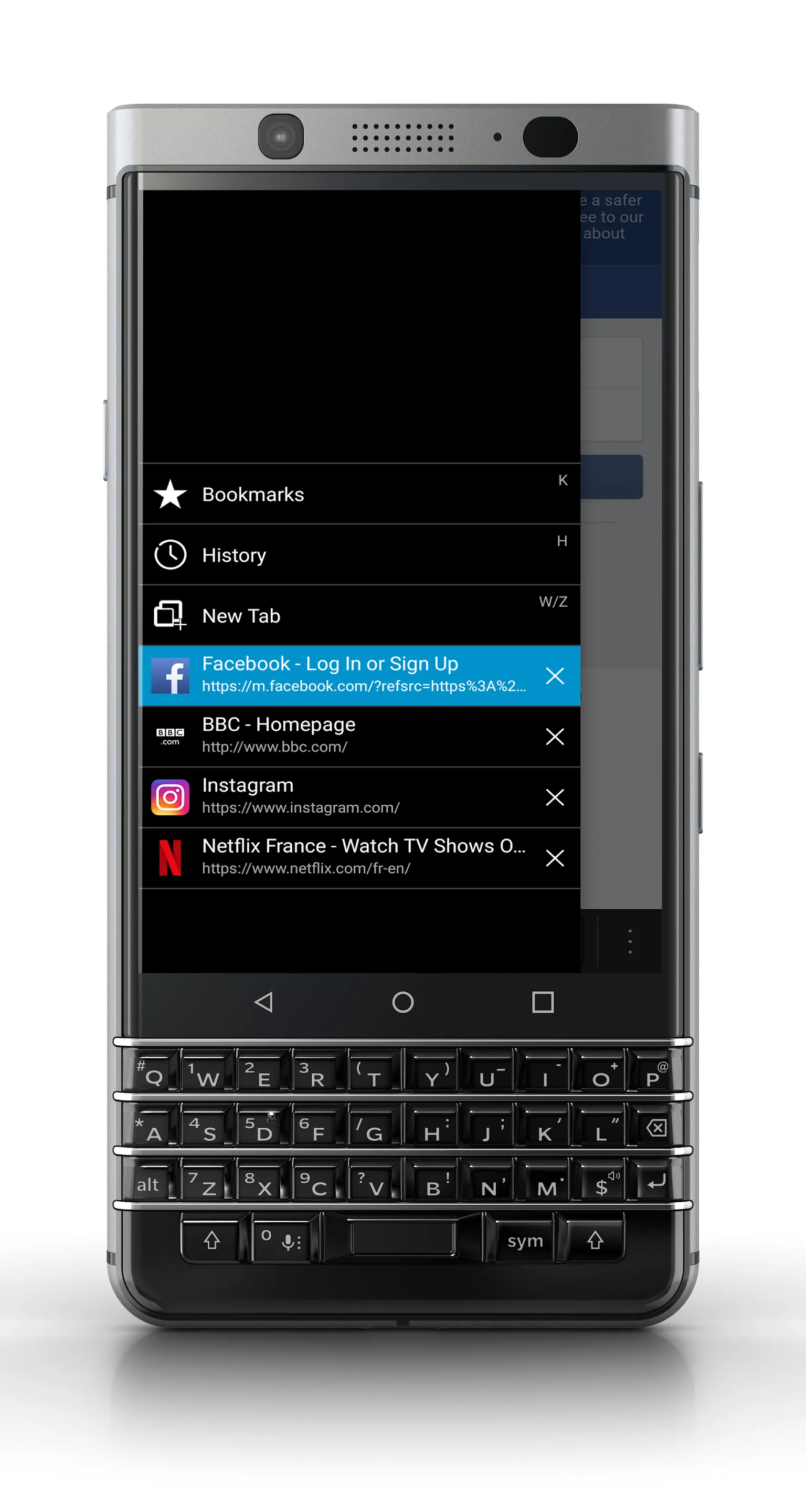
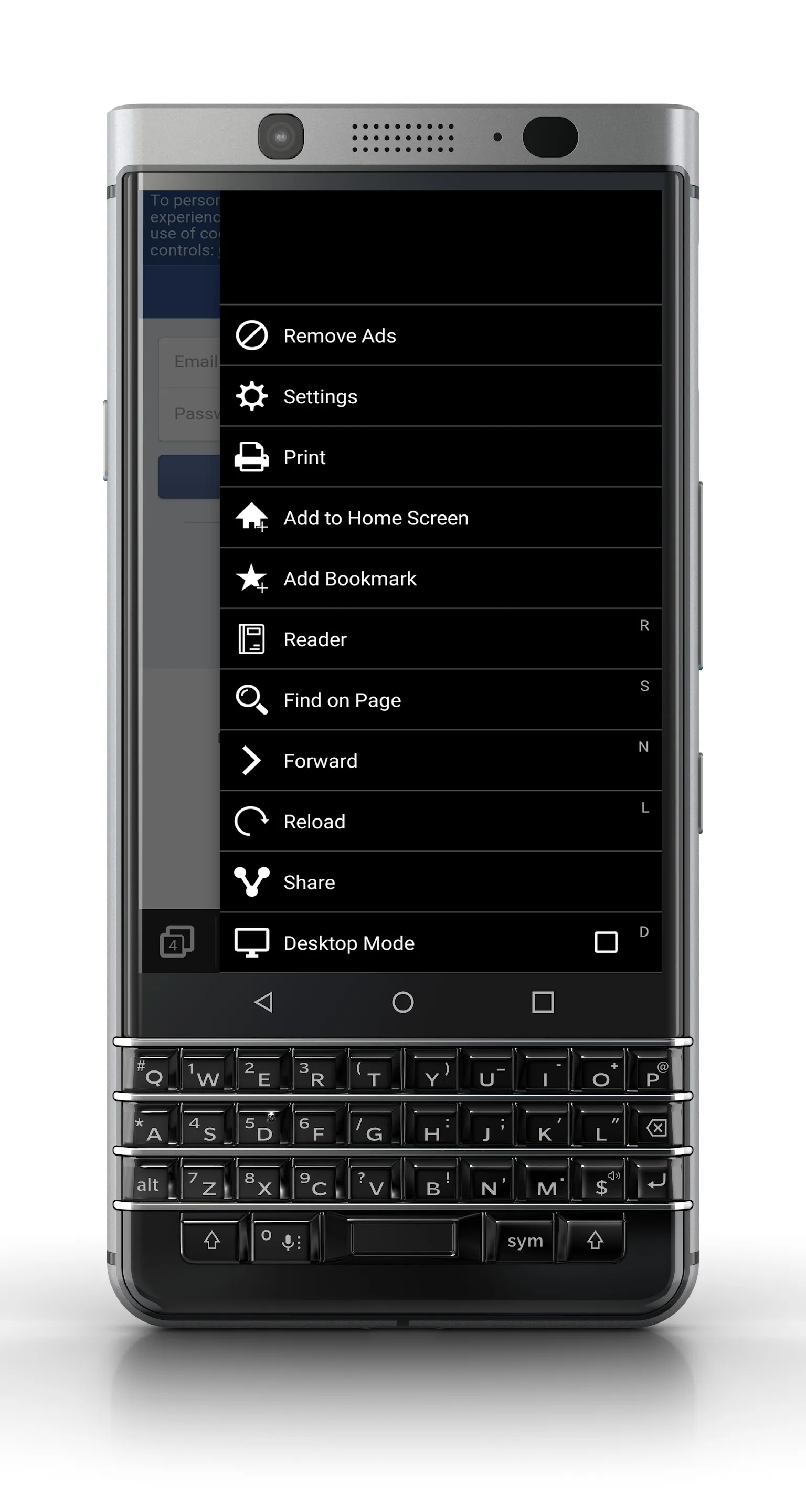
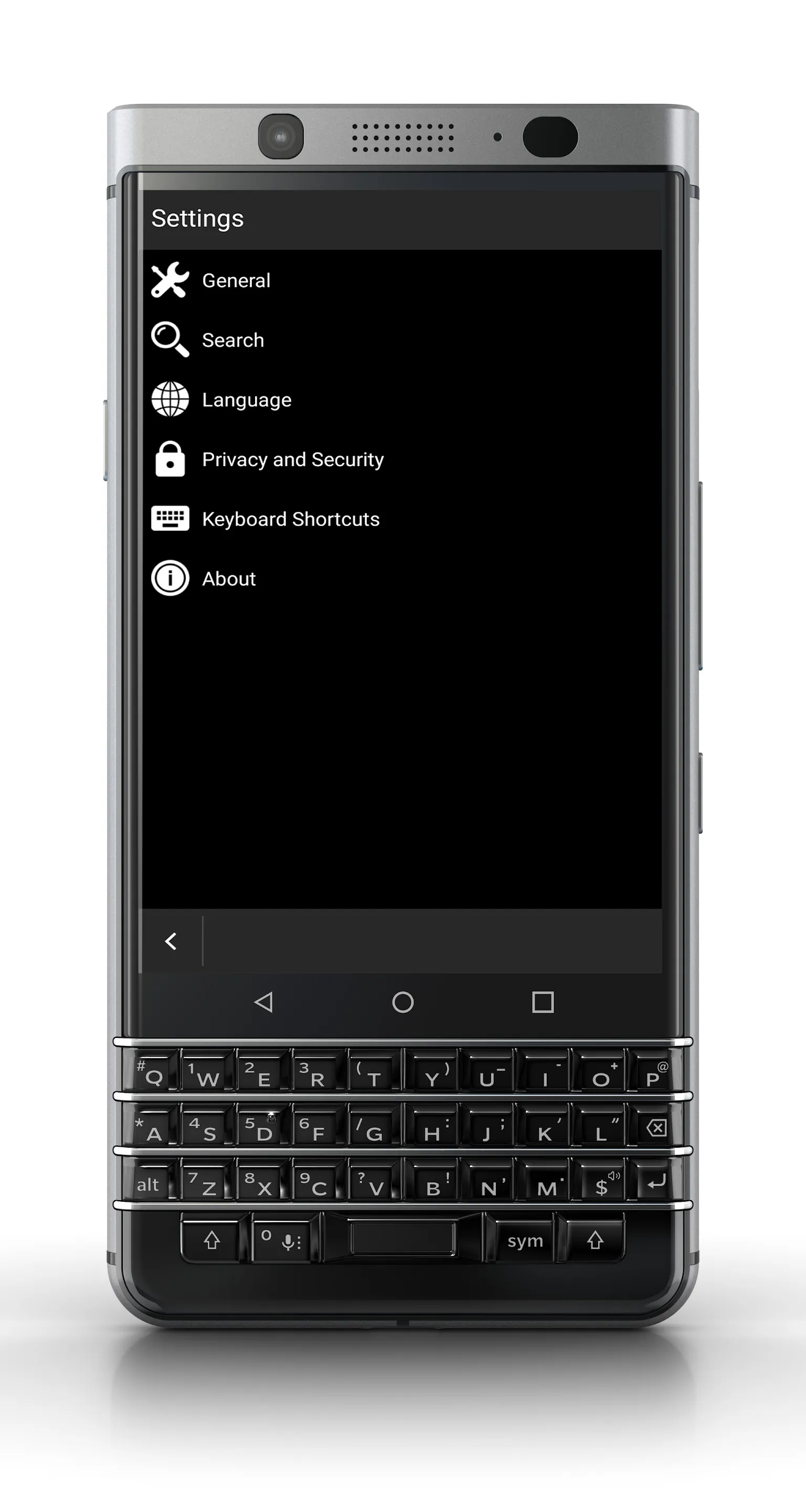
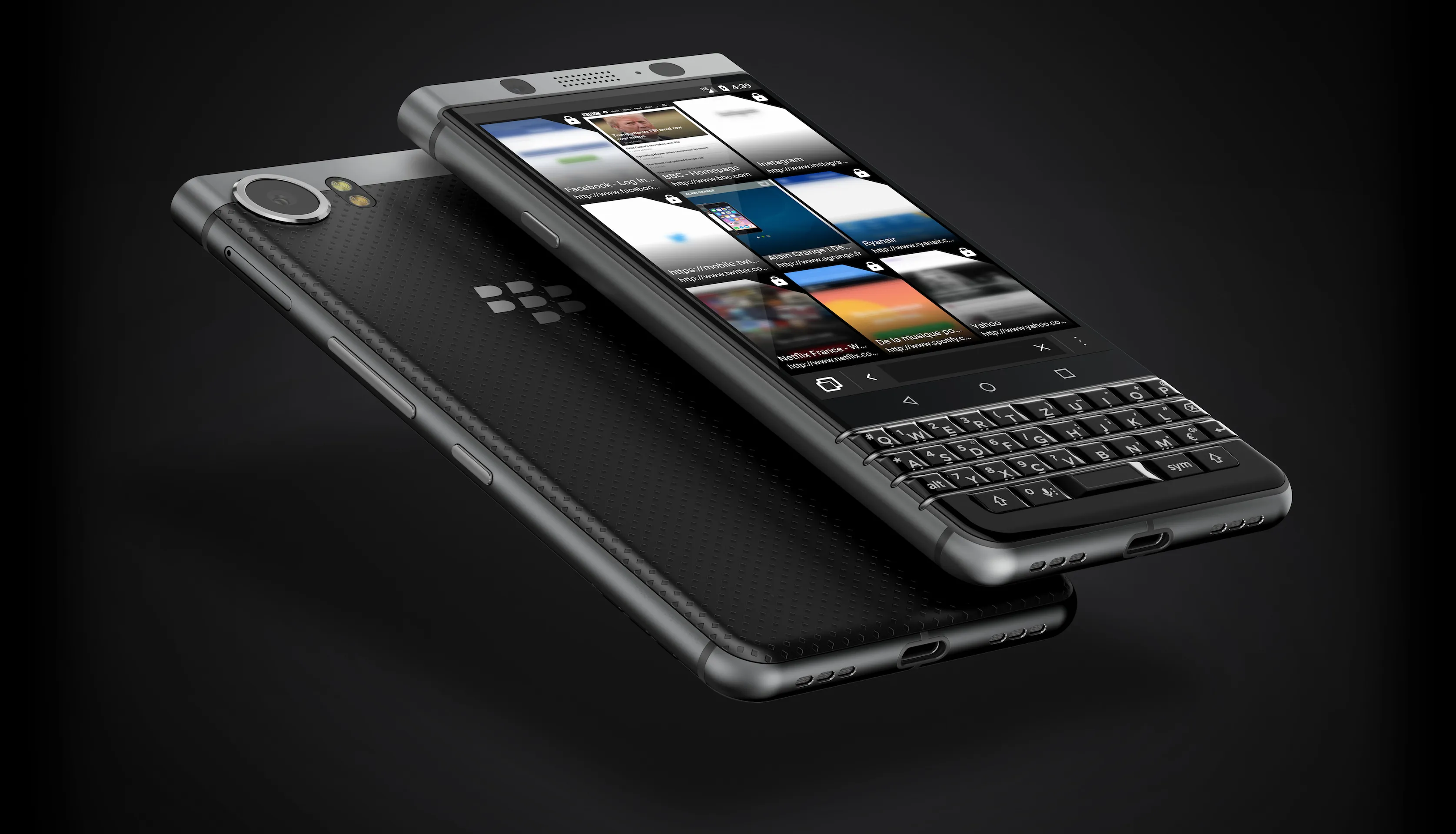
Keyboard Browser for Android allows you to enjoy the benefits of a physical keyboard for your internet browsing. Improve your productivity with devices like BlackBerry PRIV or KEYone. List of shortcuts: - A/Q: Display menu - W/Z: New tab - P: Previous - N: Next - L: Reload - D: Desktop mode - I: Zoom in - O: Zoom out - R: Reader mode - S: Find on Page - T: Go to top - B: Go to bottom - Space: Scroll down - Shift+Space: Scroll up - K: Bookmarks - H: History - U: Select URL - Del.: Delete Tab (menu open) - Pinch In/Out: Zoom In/Out - Swipe Up/Down: Previous/Next tab (menu open) Any ideas or suggestions? [email protected] Follow me on Twitter @alaingrange

Communication

Ratings

0

0 total ratings

5

73%

4

10%

3

4%

2

3%

1

10%

REVIEWS

No reviews yet. Be the first one to review this app

Permissions

Location: access this device"s location

Storage: access photos, media, and files on your device

Internet: use your internet connection

Scan to download on Indus Appstore