🔐 AppLock Pro - Lock Apps with Fingerprint, pattern & PIN
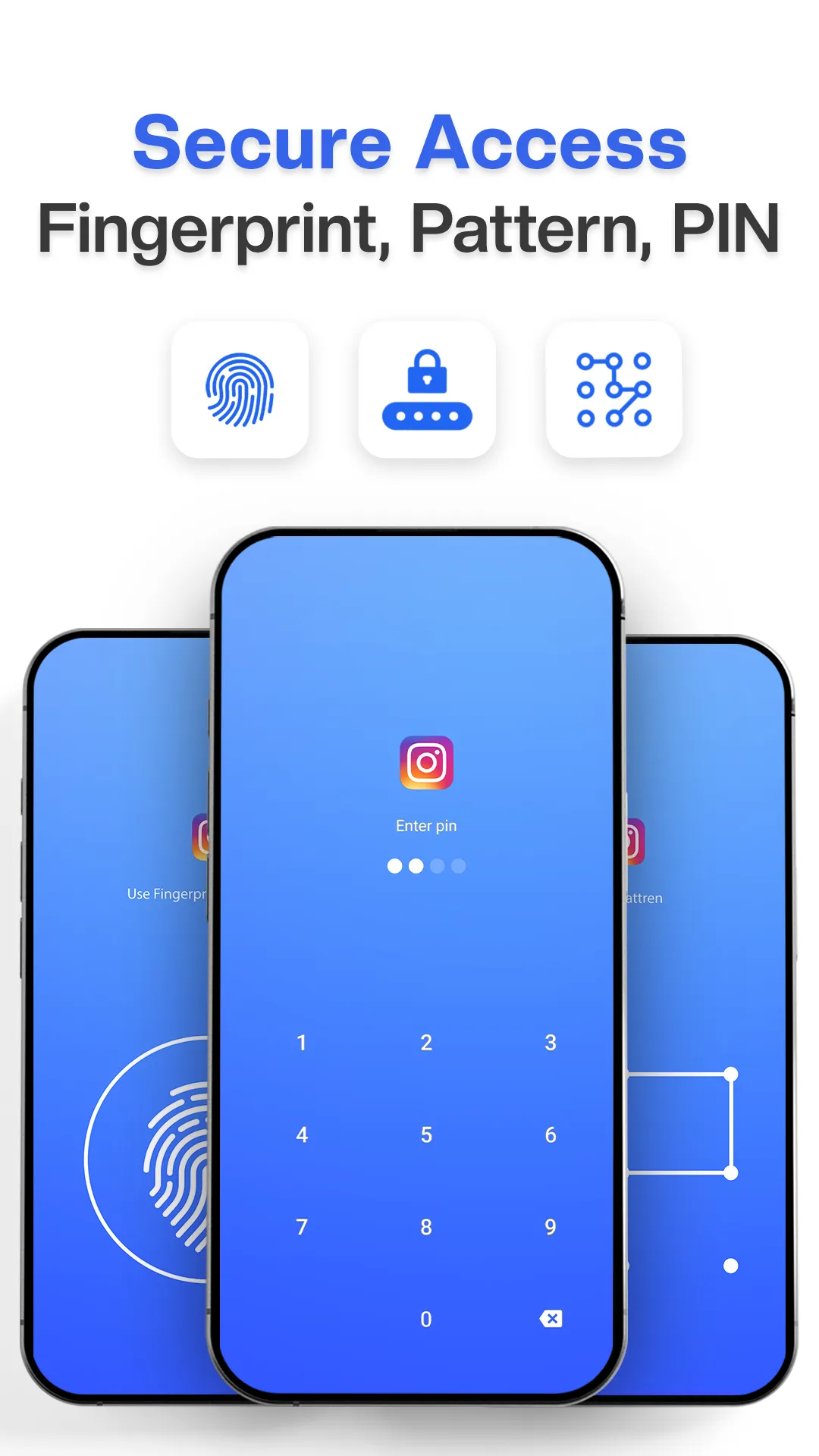
🔑 Multiple Lock Options
• Fingerprint Lock - Instant biometric app lock access
• Pattern Lock - with hidden path to protect apps
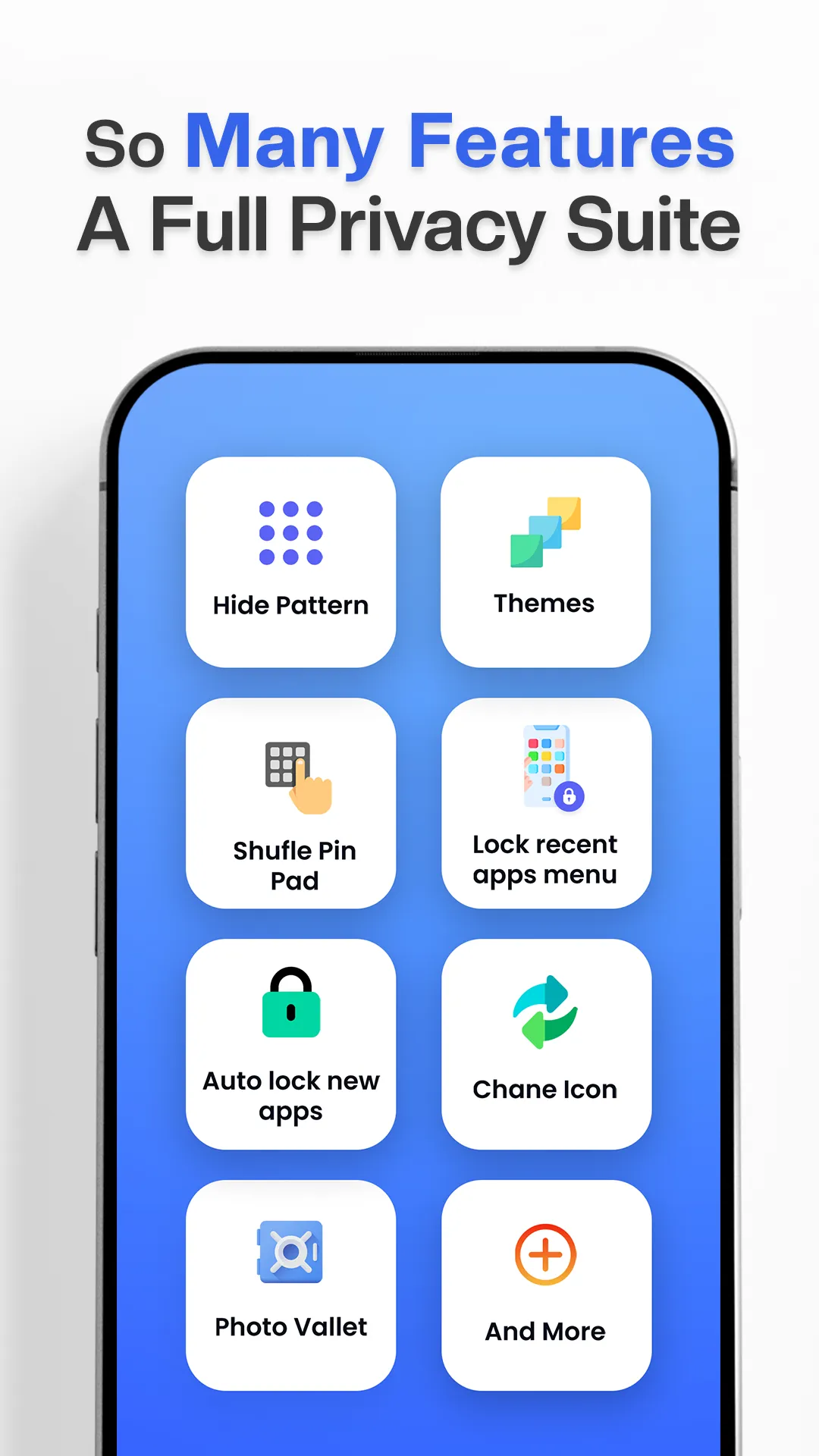
• PIN Lock - with shuffle option
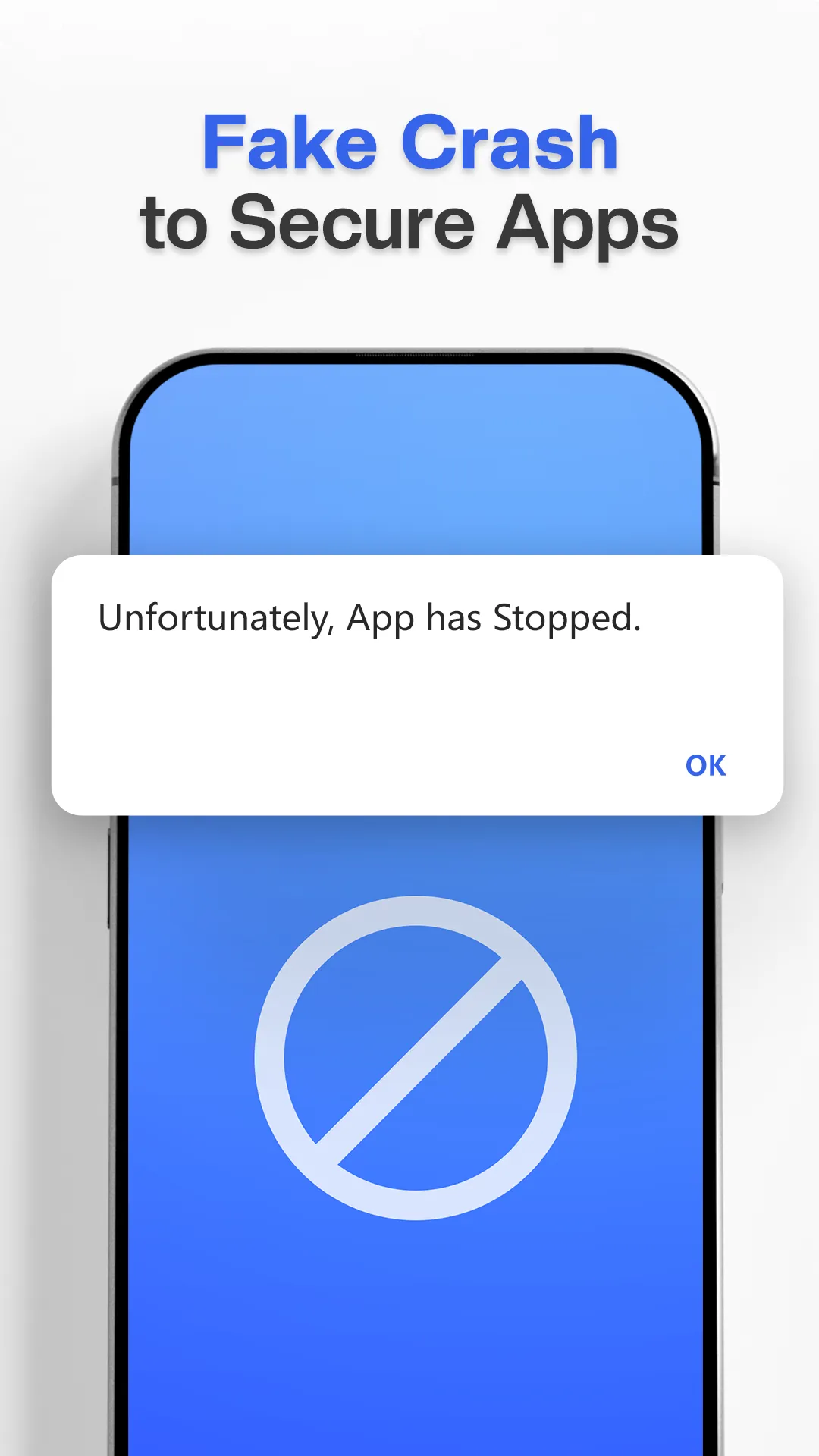
• App Locker - with fake crash screen disguise
📸 Intruder Selfie Email Alerts
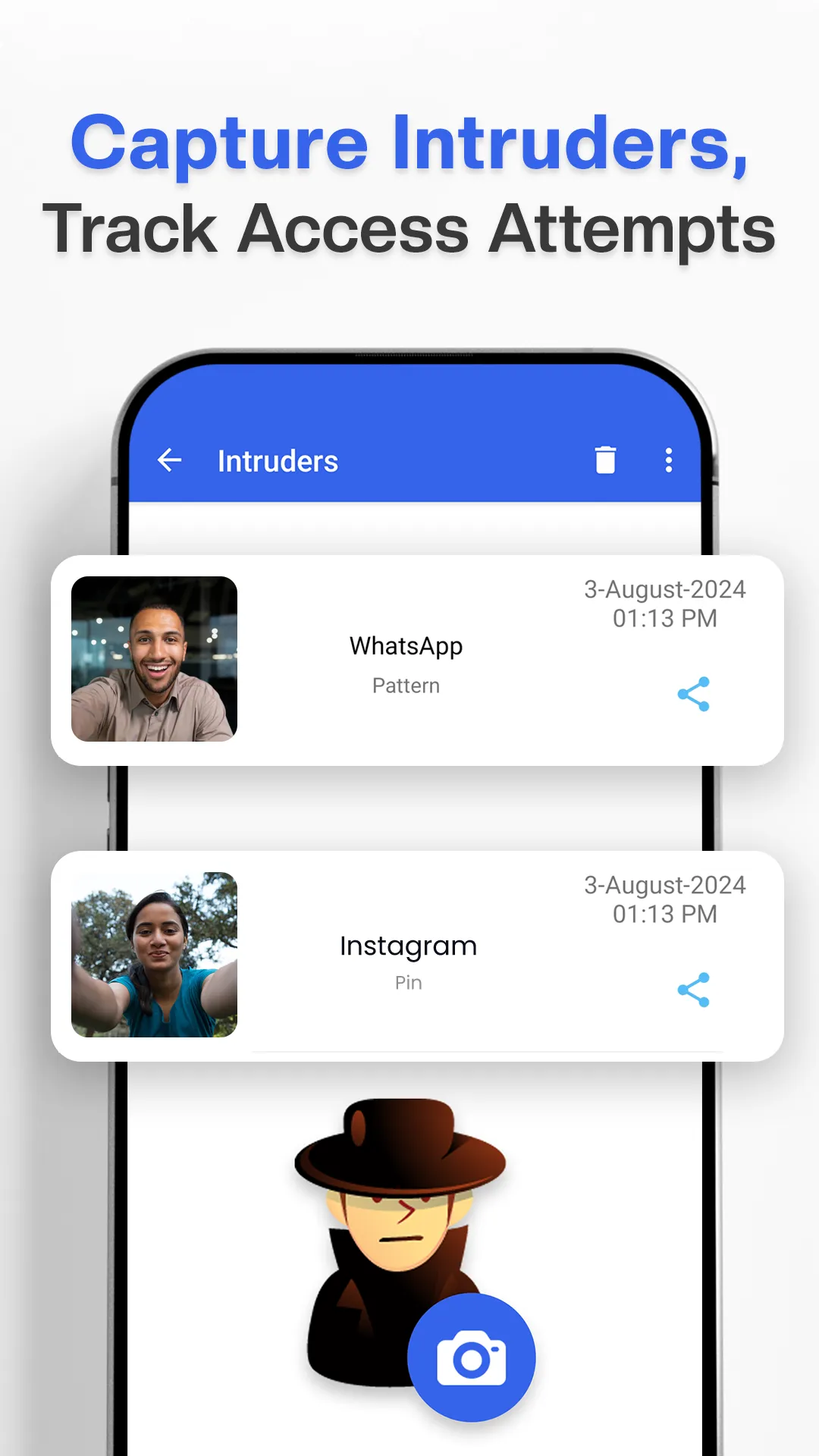
• Intruder selfie captures unauthorized access attempts
• Photo evidence of anyone trying to unlock your locked apps
• Email alerts with intruder selfie
• Customizable wrong attempt thresholds
🚀 Advanced App Lock Features
• Change AppLock Icon
• Lock apps instantly upon installation
• App Lock with custom timeout settings
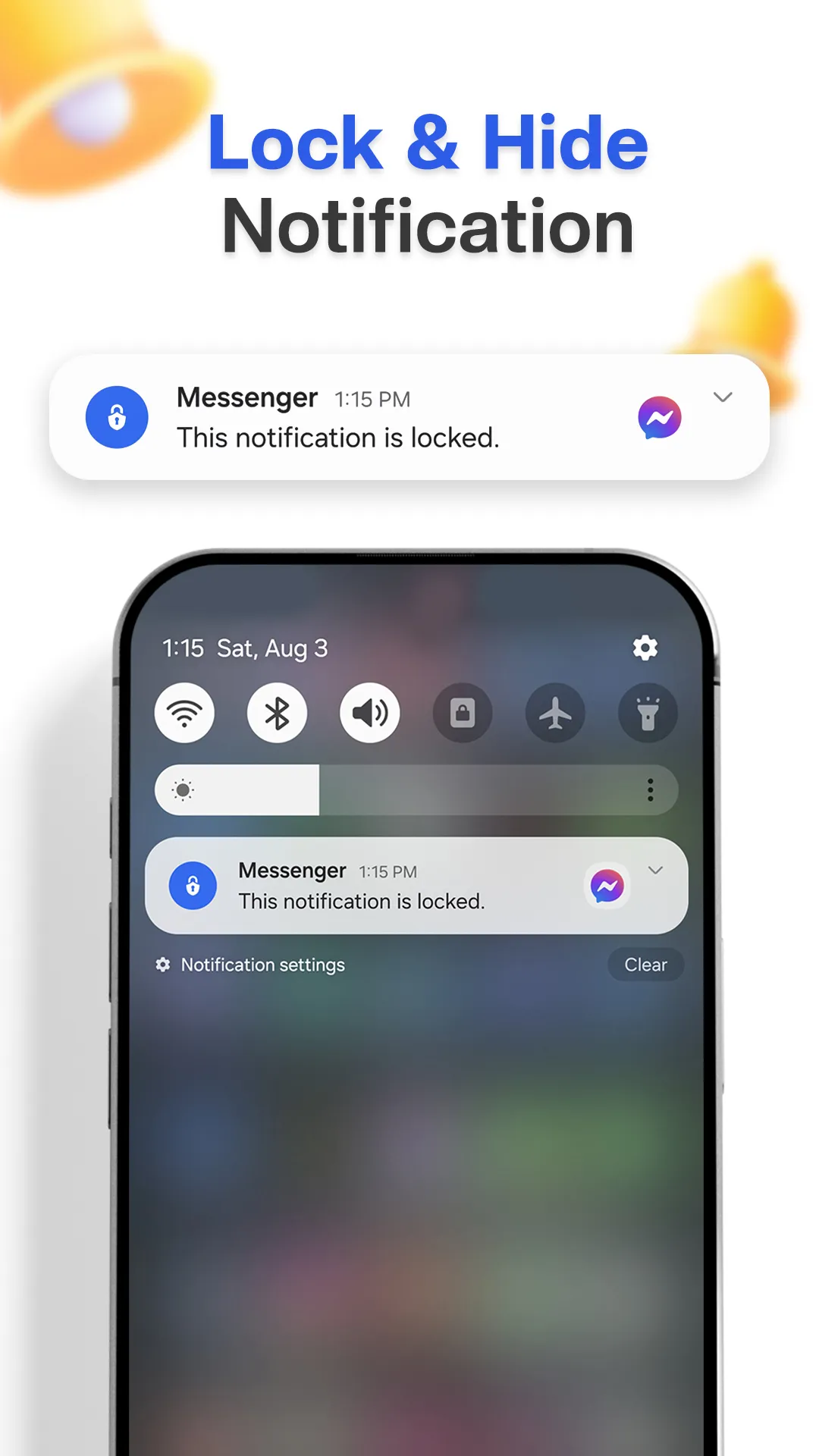
• Privacy protection for notifications
• Security shield for recent apps menu
• Protect apps from uninstallation
• AppLock works seamlessly after restart
🎨 Customization Options
• Multiple app locker profiles for different scenarios
• Beautiful themes for your App Lock screens
• Dark/light mode for AppLock interface
• Material You design with smooth animations
💪 Premium App Lock Pro Benefits
FREE Version:
• Basic lock apps functionality
• 5 password lock profiles
• Standard pattern lock features
• Essential privacy tools
PRO Version:
• Unlimited App Lock Pro profiles
• Ad-free app locker experience
• VIP support for AppLock issues
🎯 Perfect Use Cases
✅ Protect apps containing personal photos and videos
✅ Lock WhatsApp, Instagram, Facebook
✅ App Lock for banking and financial applications
✅ Privacy protection for work related apps
✅ Security for children's device usage
✅ App locker for shared device scenarios
❓ Why Choose AppLock Pro?
✓ Trusted by many worldwide
✓ Lightweight and battery•efficient
✓ Regular updates and security improvements
✓ Complete privacy
✓ Works on Android 6.0+ devices
Download AppLock Pro now and take control of your digital privacy! Your personal apps deserve professional protection.
📋 Permissions Explained:
• Accessibility Service: AppLock uses Accessibility Service to enable our "Enhanced Protection" feature, which instantly detects when protected apps are opened while reducing battery consumption by up to 70%. This service only monitors app launch events - it never reads screen content or collects/share personal data.
• Draw Over Other Apps (Overlay): This permission allows App Lock to display lock screens on top of your protected apps, ensuring immediate security when locked apps are accessed.
• Usage Access: App Locker uses this permission to detect when locked apps are launched, providing reliable app protection and monitoring app usage patterns for security purposes.
• Device Administrator: This permission is optional but recommended for "Force Stop Protection." It is used only to prevent the unauthorized uninstallation and force stop of AppLock Pro, ensuring your locked content remains secure from intruders.