NumKey
Verified | 4.0 Rating |



About App
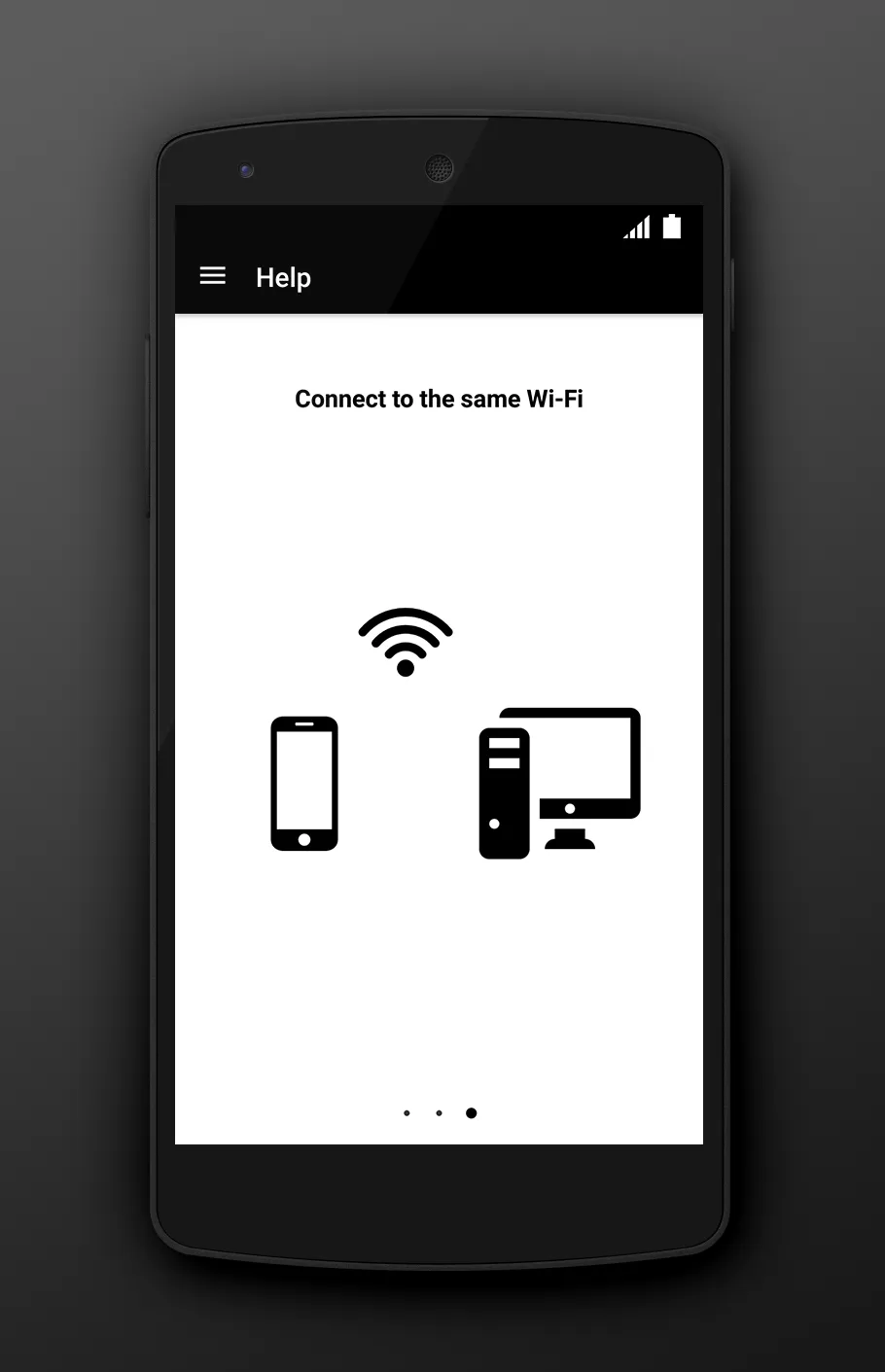
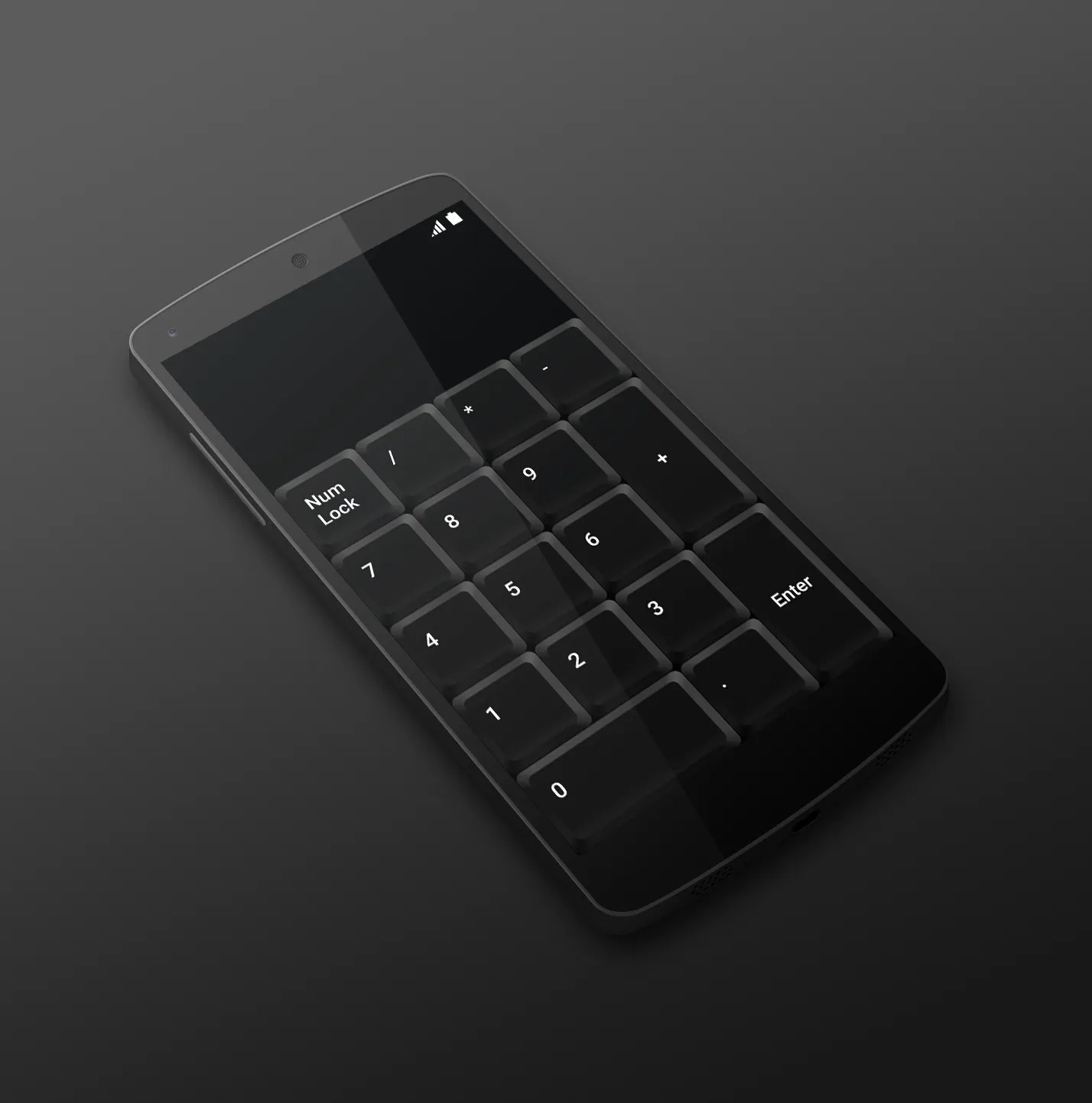
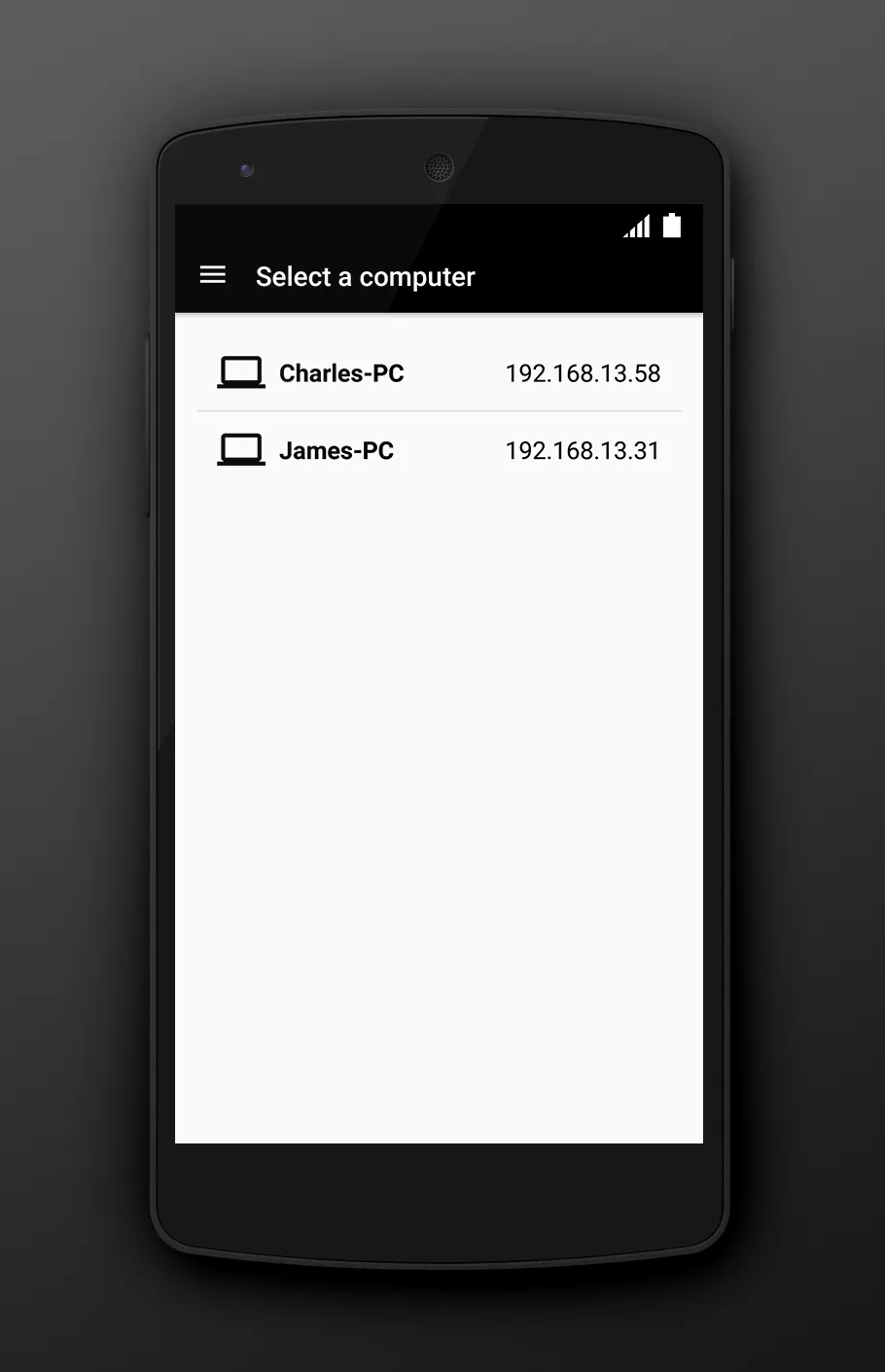
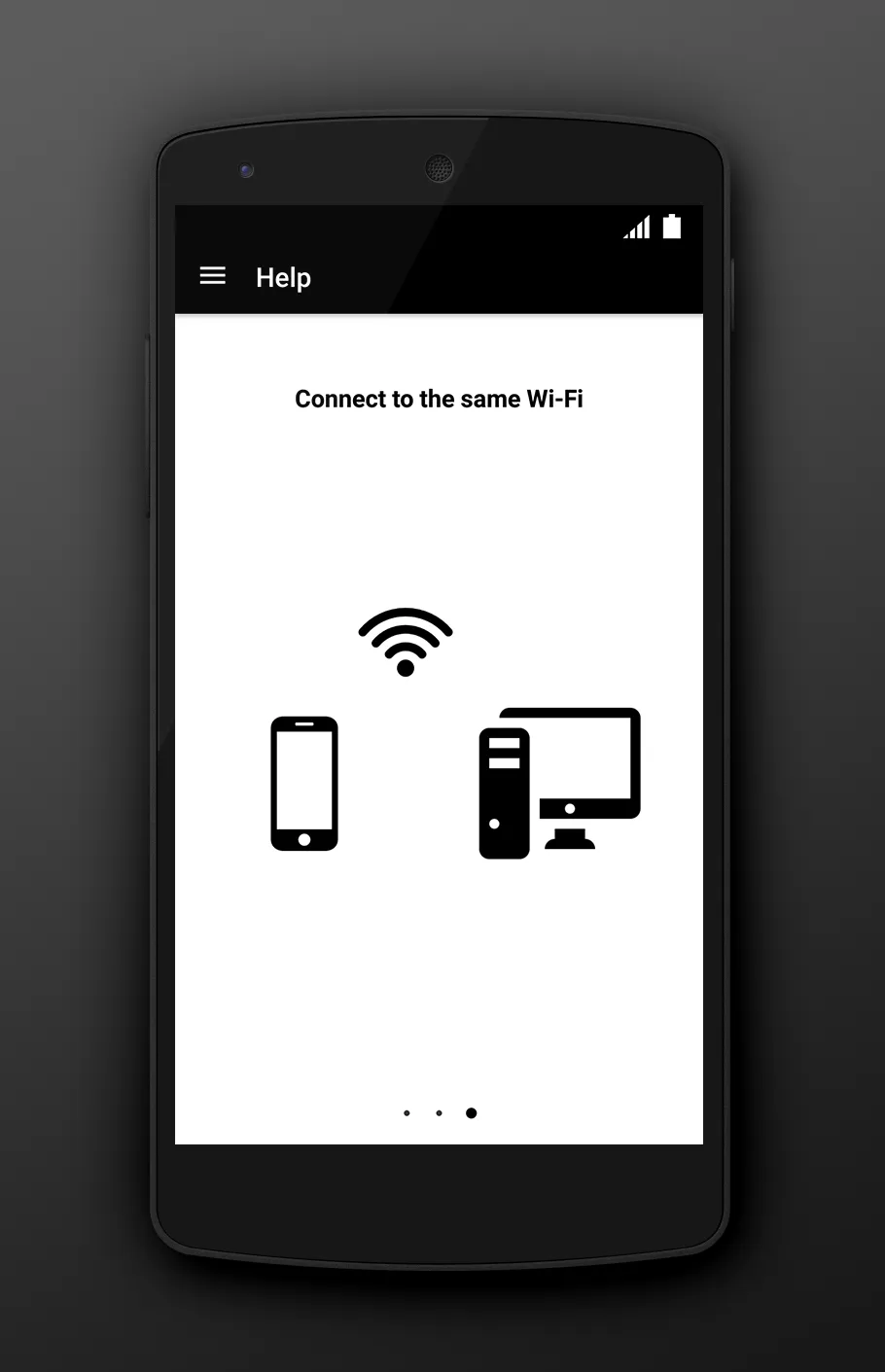
Is your laptop missing numeric keyboard? Download Numeric Keyboard and turn your mobile phone or tablet into a wireless easy-to-use remote control for your computer. Connect with just one click and enjoy your new keyboard. TO START USING, YOU NEED: 1. Visit http://numerickeyboard.com, download and install NumKey server on your Windows computer 2. Connect your mobile device and computer to the same Wi-Fi network (also bluetooth option for Windows) 3. Open app and select a computer to connect
Developer info
Popular Apps