re-Link
Verified | 4.0 Rating |

About App
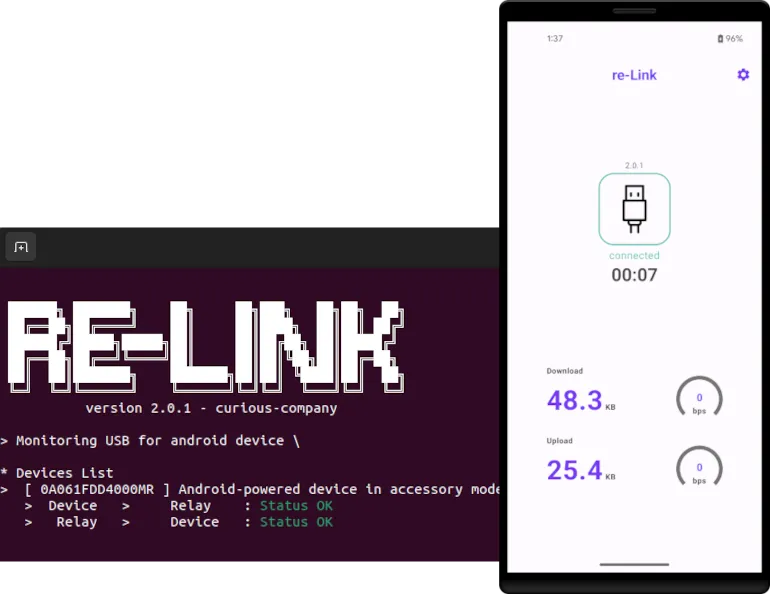
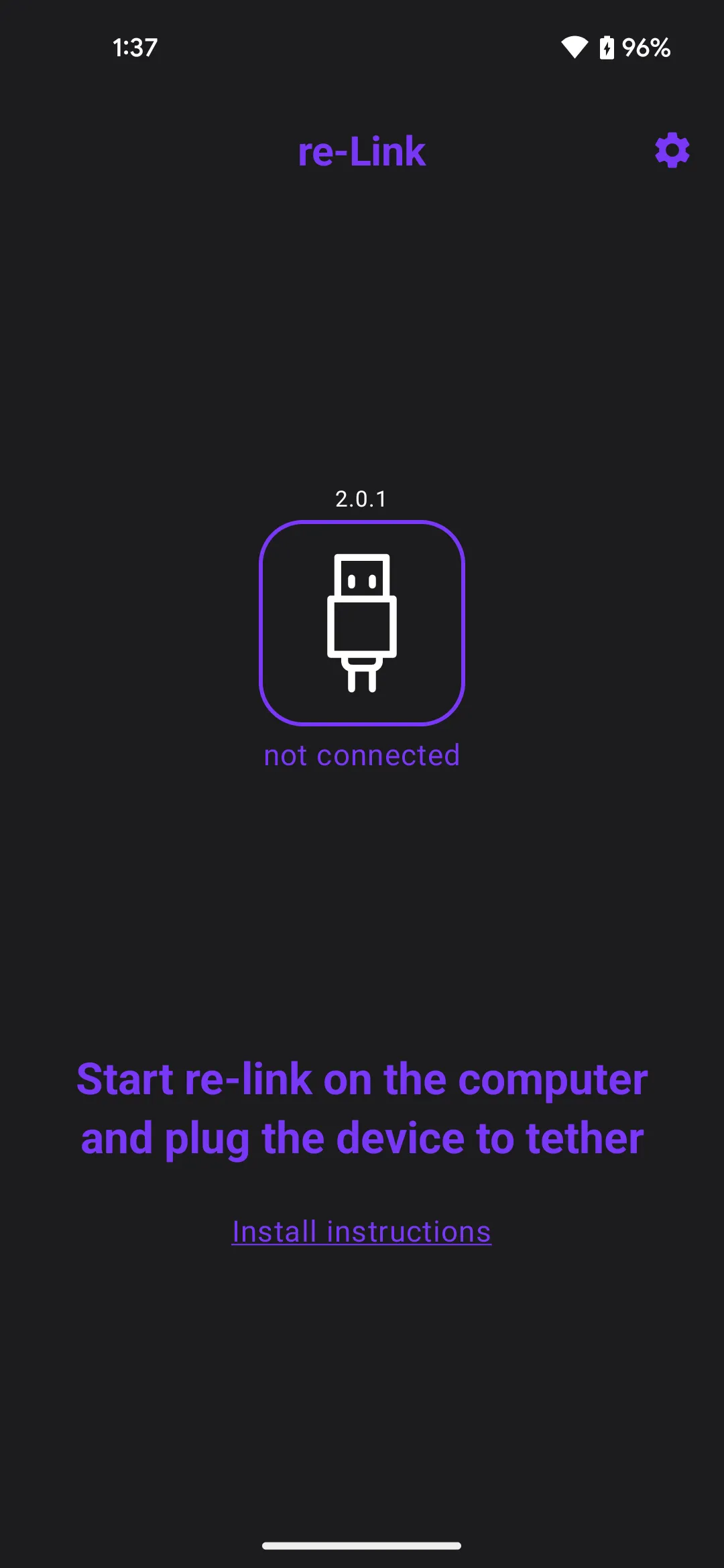
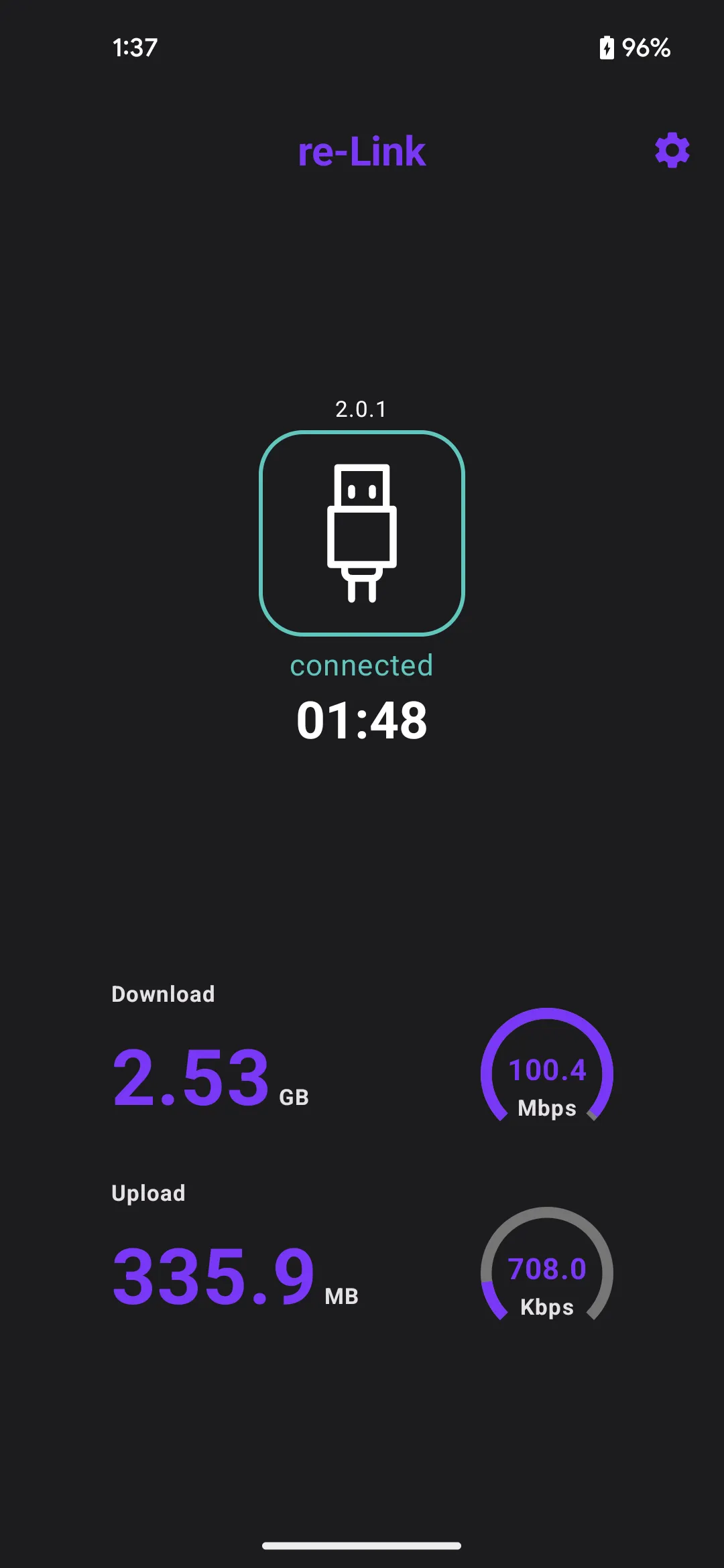
re-Link is a network tool allowing your Android device to use your computer's network connection via reverse tethering over USB. In order to share the connection from your computer, a relay application needs to be installed first. It is available for Win10+, MacOS and linux and can be downloaded from https://re-link.io/install#setup-relay. Once installed, start the relay and plug your android device via USB. All the network traffic of your device is now flowing through the computer's connection. Your device have now access to the internet even if no cellular or WiFi is available. Moreover, it will also have access to the resources and services in the local area network. WIRED CONNECTION RELIABILITY...
Developer info
Similar apps
Popular Apps