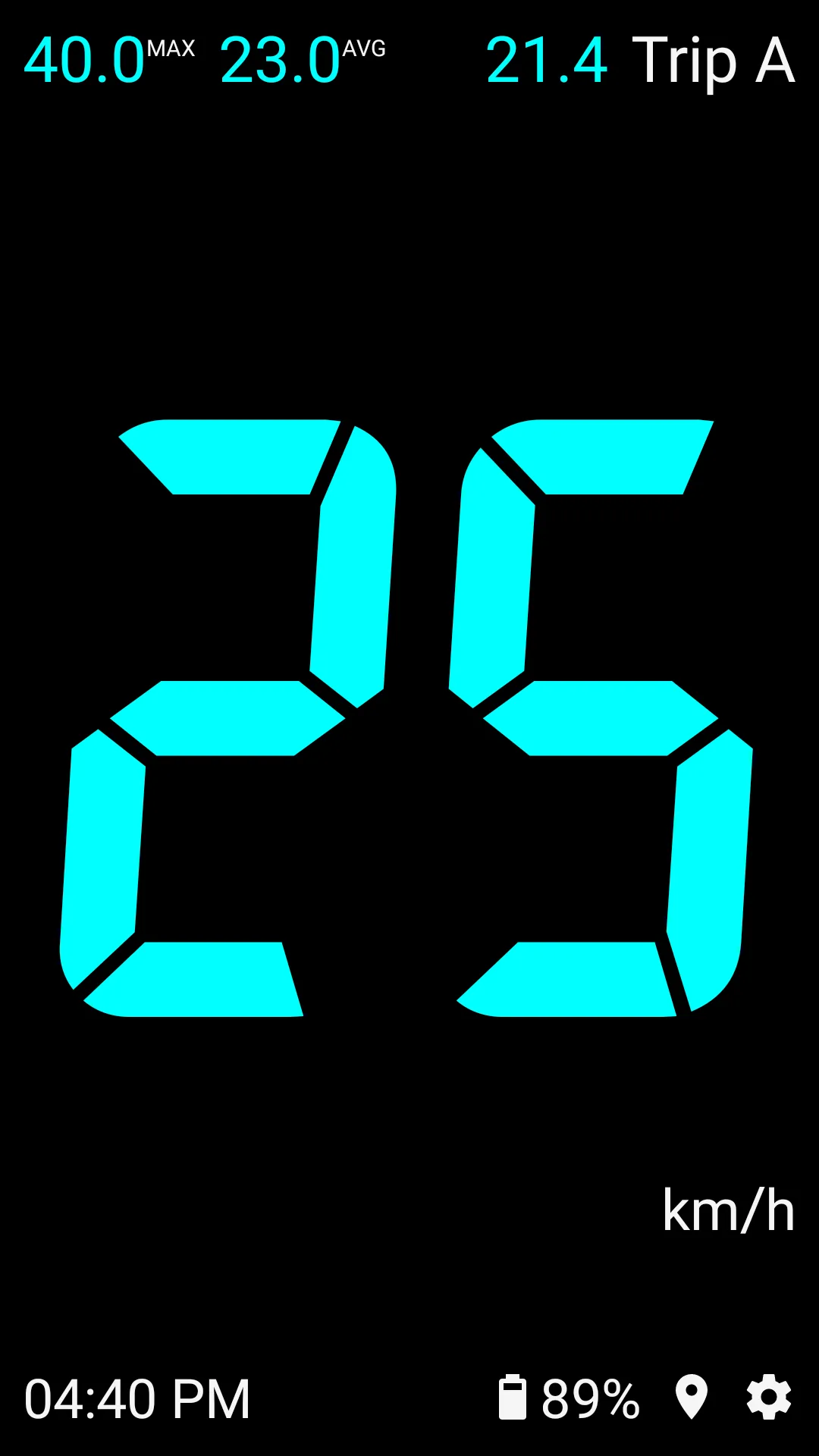
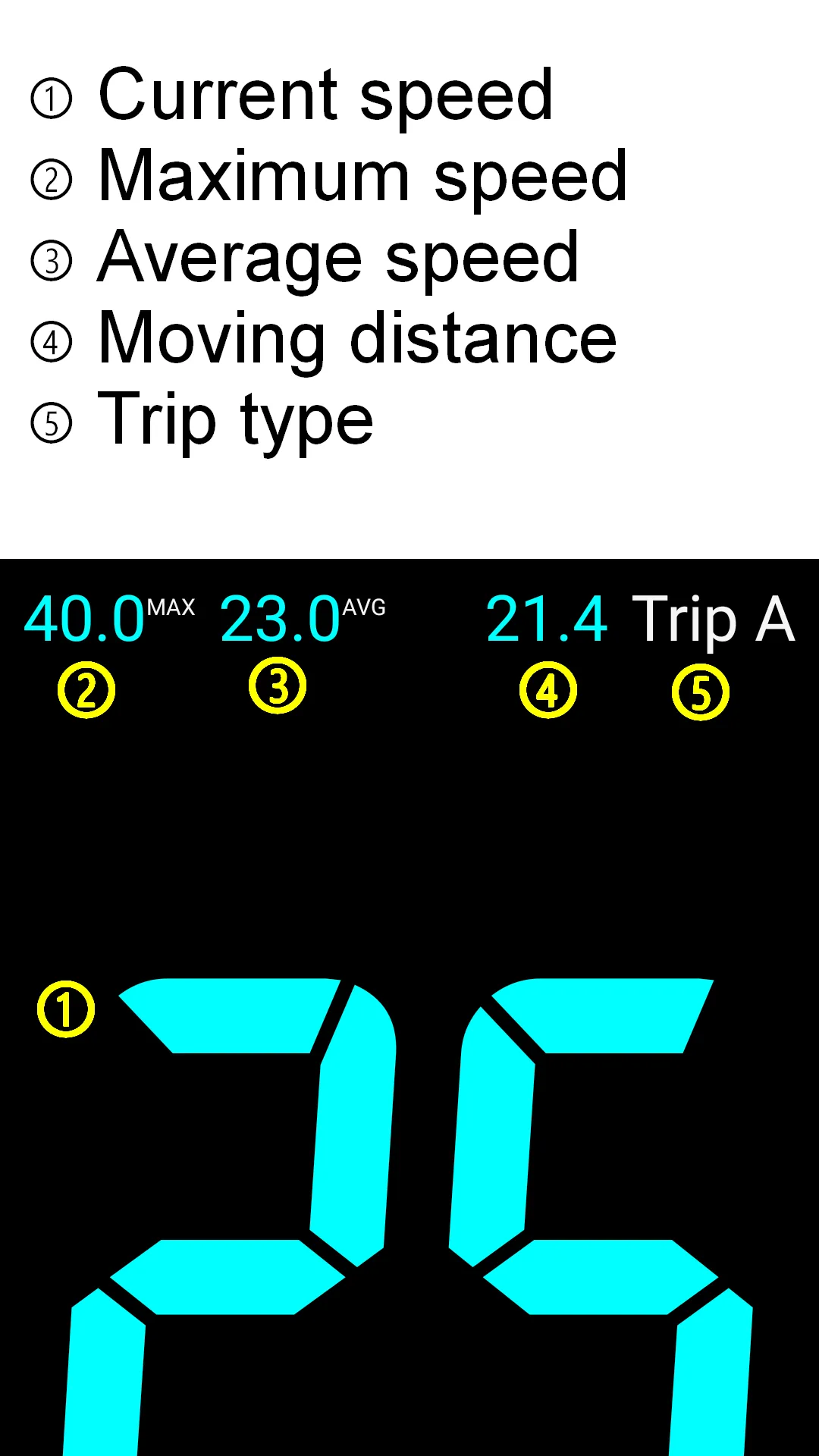
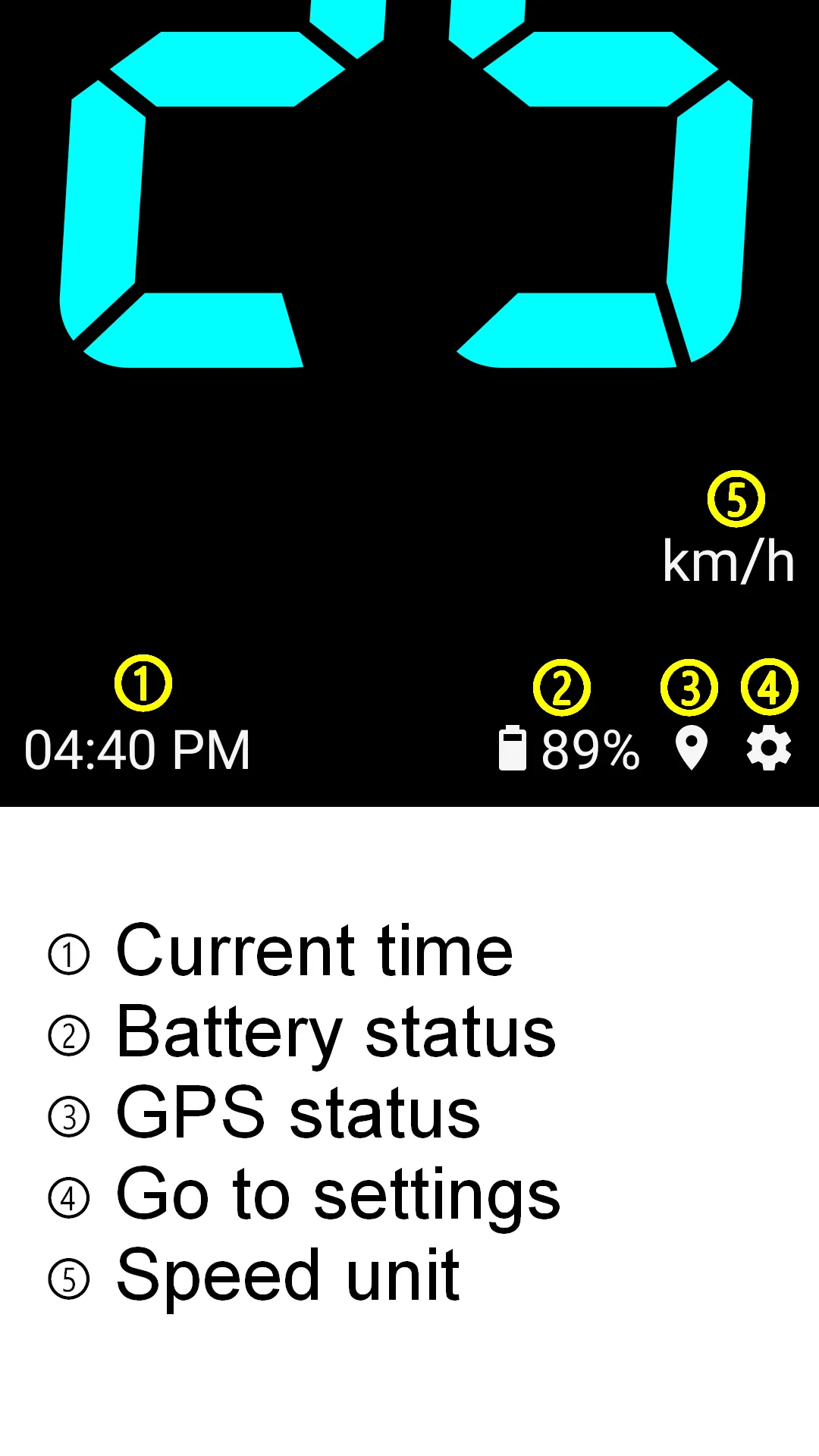
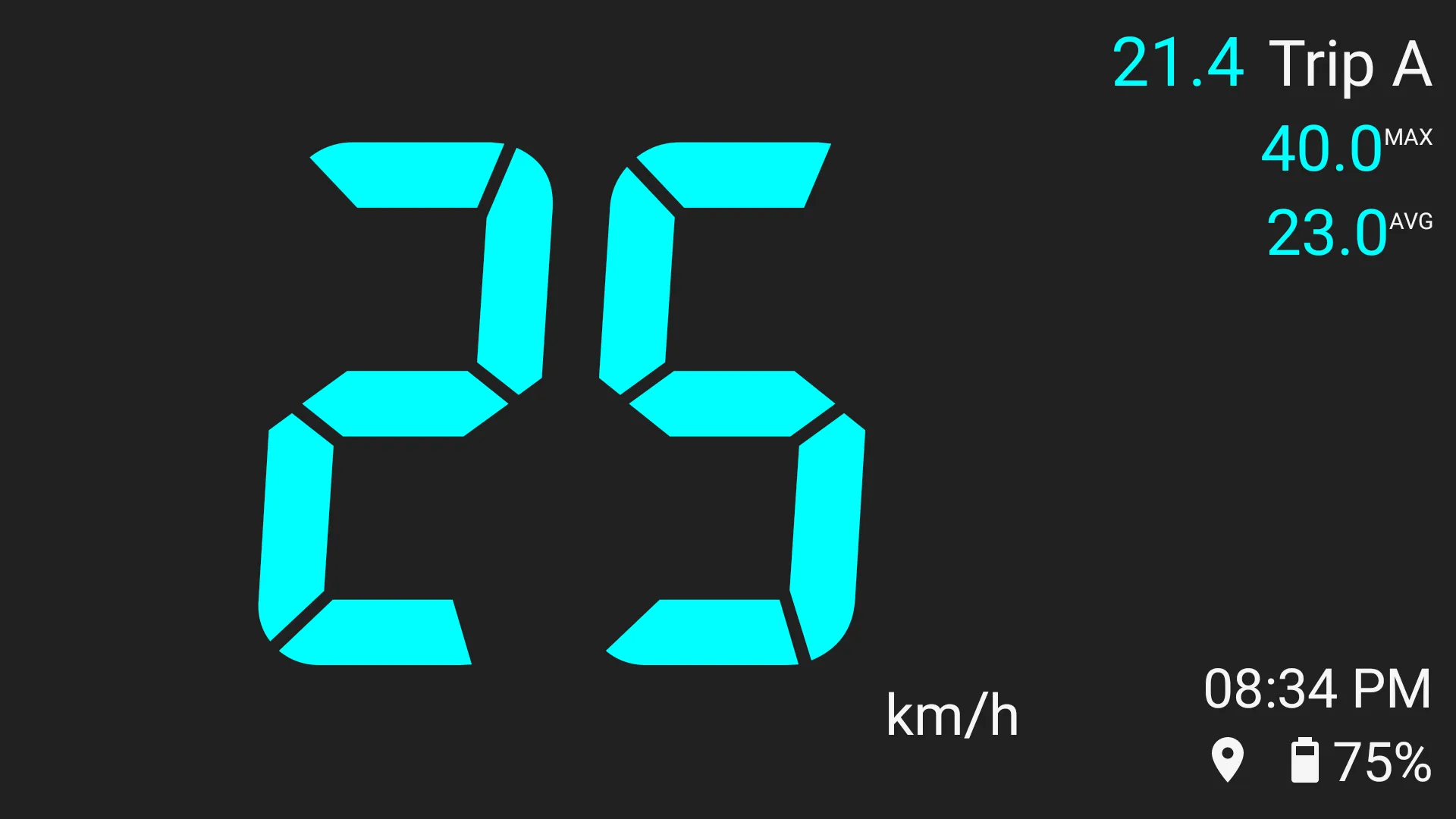
Main display contents
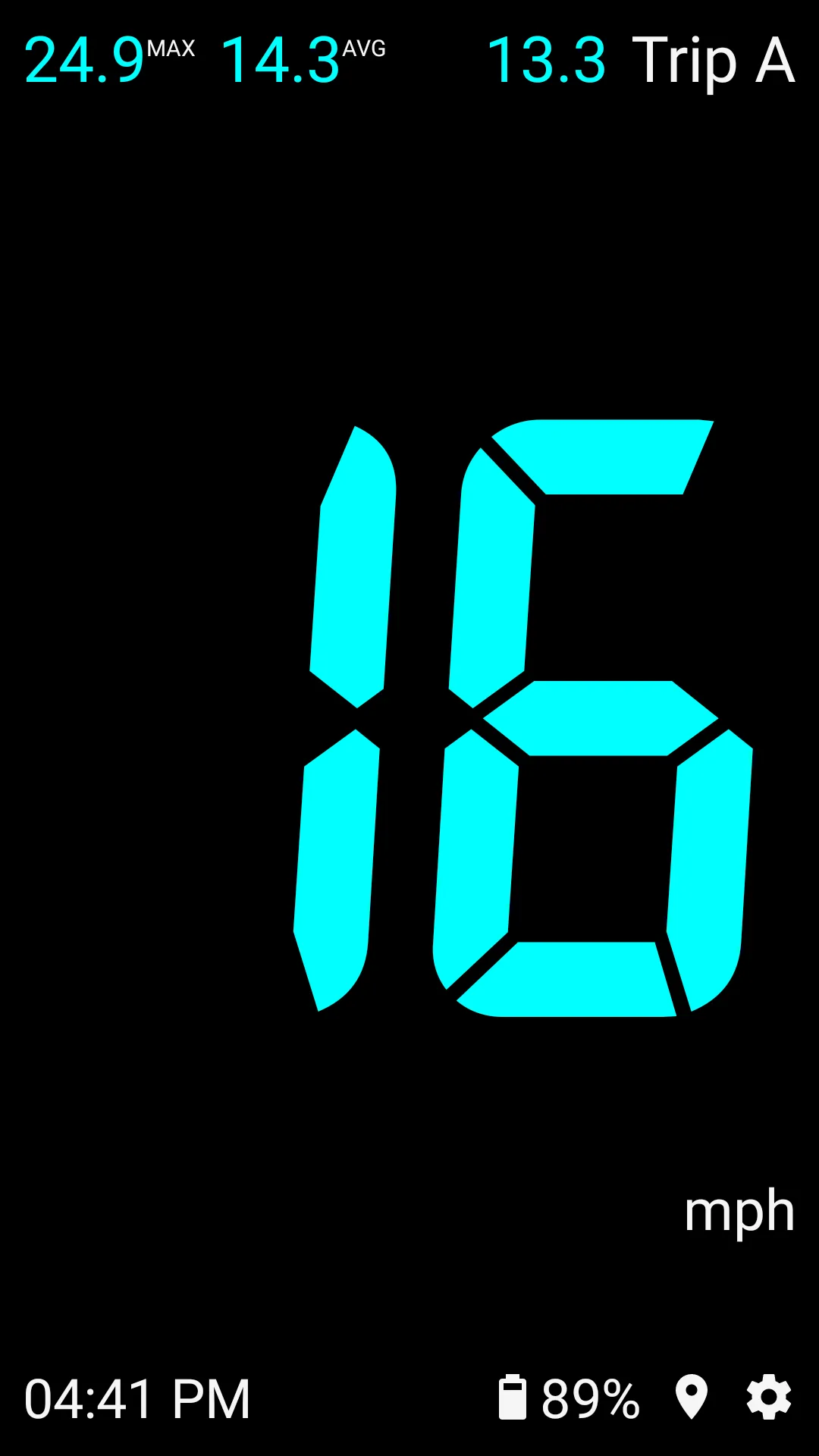
✓ Current speed, maximum speed, average speed, moving distance(mileage), etc.
Characteristic
✓ Neat screen composition that can grasp key data at a glance
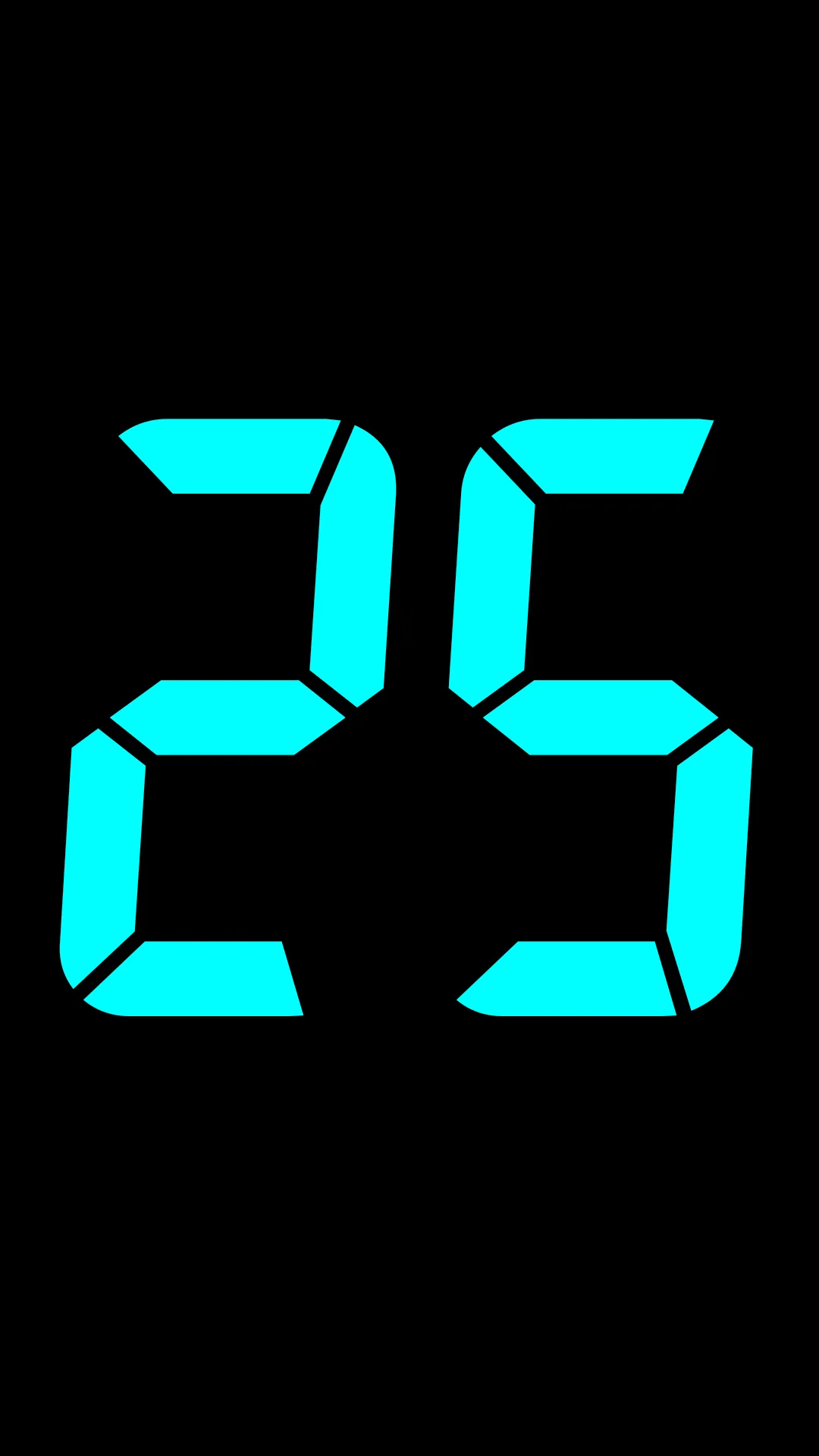
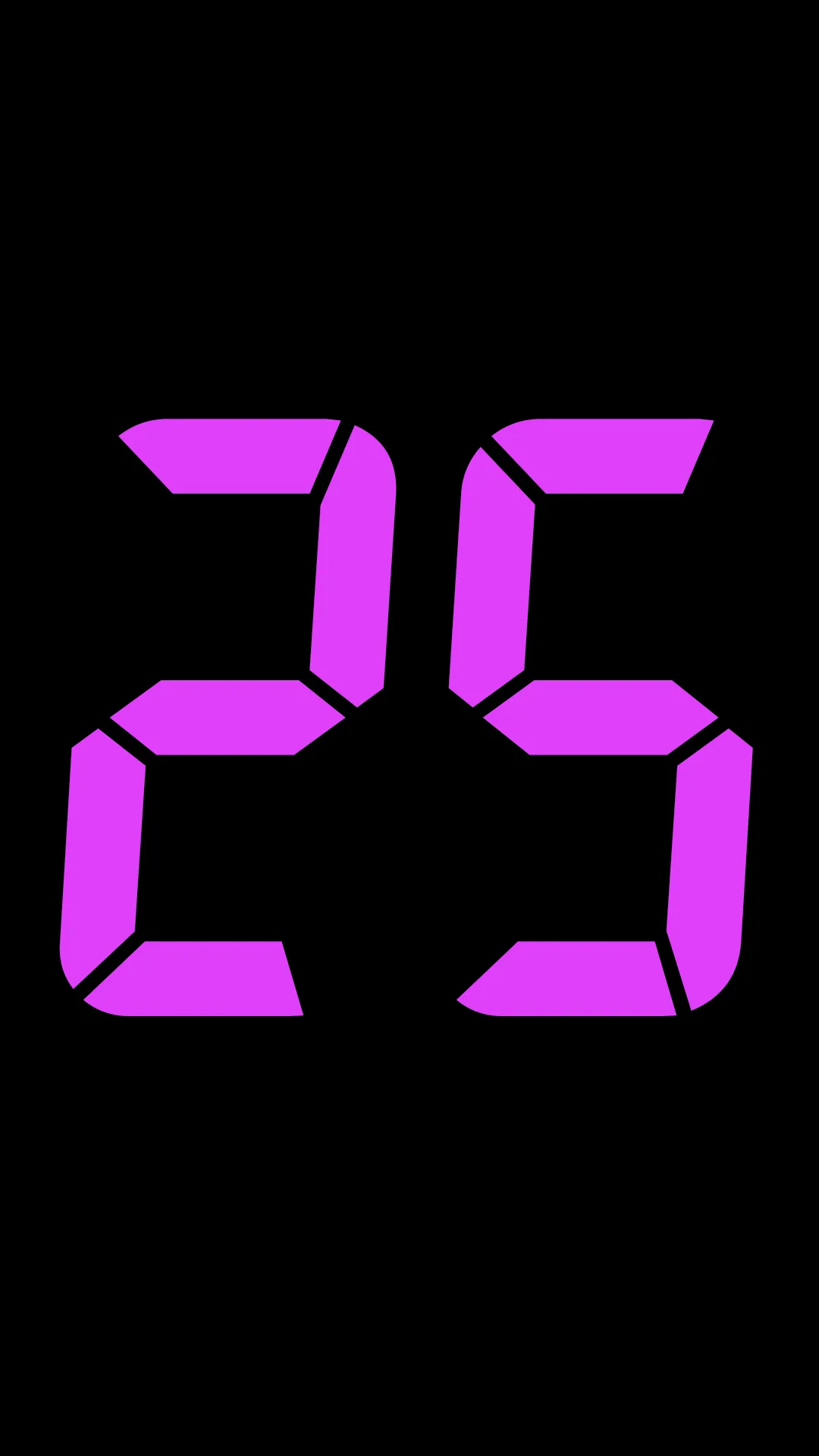
✓ Provides a simple view mode that displays only the current speed
✓ Convenient screen movement through swipe gesture
✓ 3 types of trip: A, B, C
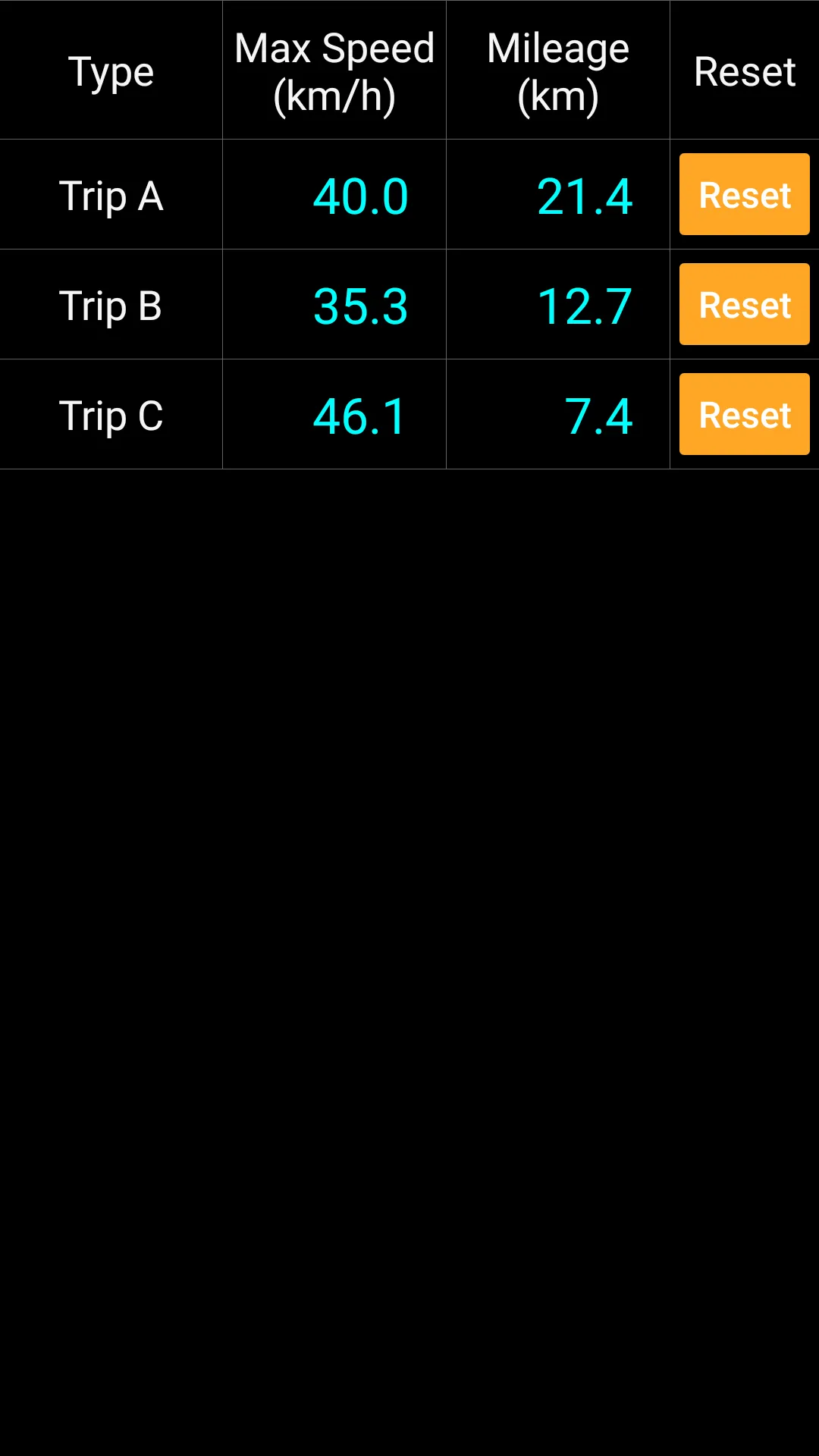
✓ Provides statistical information of Trip A, B, C
How to move the screen
✓ You can move between screens by swiping (sliding while touching).
✓ When swiping left or right, it cycles through the speedometer general mode, speedometer simple mode, and trip statistics screen.
✓ Swipe left : Speedometer general mode → Speedometer simple mode → Trip statistics → Speedometer general mode → ...
✓ Swipe right : Speedometer general mode → Trip statistics → Speedometer simple mode → Speedometer general mode → ...
Trip conversion
✓ When the trip name is touched on the main screen, data is displayed in the order of Trip A → B → C
✓ Trip reset: If you long touch the trip name, you can initialize that trip. (Trip reset button availvale in the statistics screen also.)
Settings
✓ Moves to the settings screen by clicking setting icon on the main screen.
✓ Speed Unit : km/h, mph
✓ Speed Color : 12 colors
✓ Burn-in Prevention : Occasionally blinks some elements on the main screen
✓ Bell Sound : select bell and volume
Caution
✓ Burn-in Prevention feature does not guarantee that screen burn-in will never occur.
✓ Do not stare at the screen for a long time while riding.
Health and Fitness
Ratings
0
0 total ratings
5
73%
4
10%
3
4%
2
3%
1
10%
REVIEWS
No reviews yet. Be the first one to review this app
Scan to download on Indus Appstore
Permissions
Location: access this device"s location
Storage: access photos, media, and files on your device