Find My Car will help you with reminders, notes and the location of the car, so you will never walk around, searching for your car anymore!
Features:
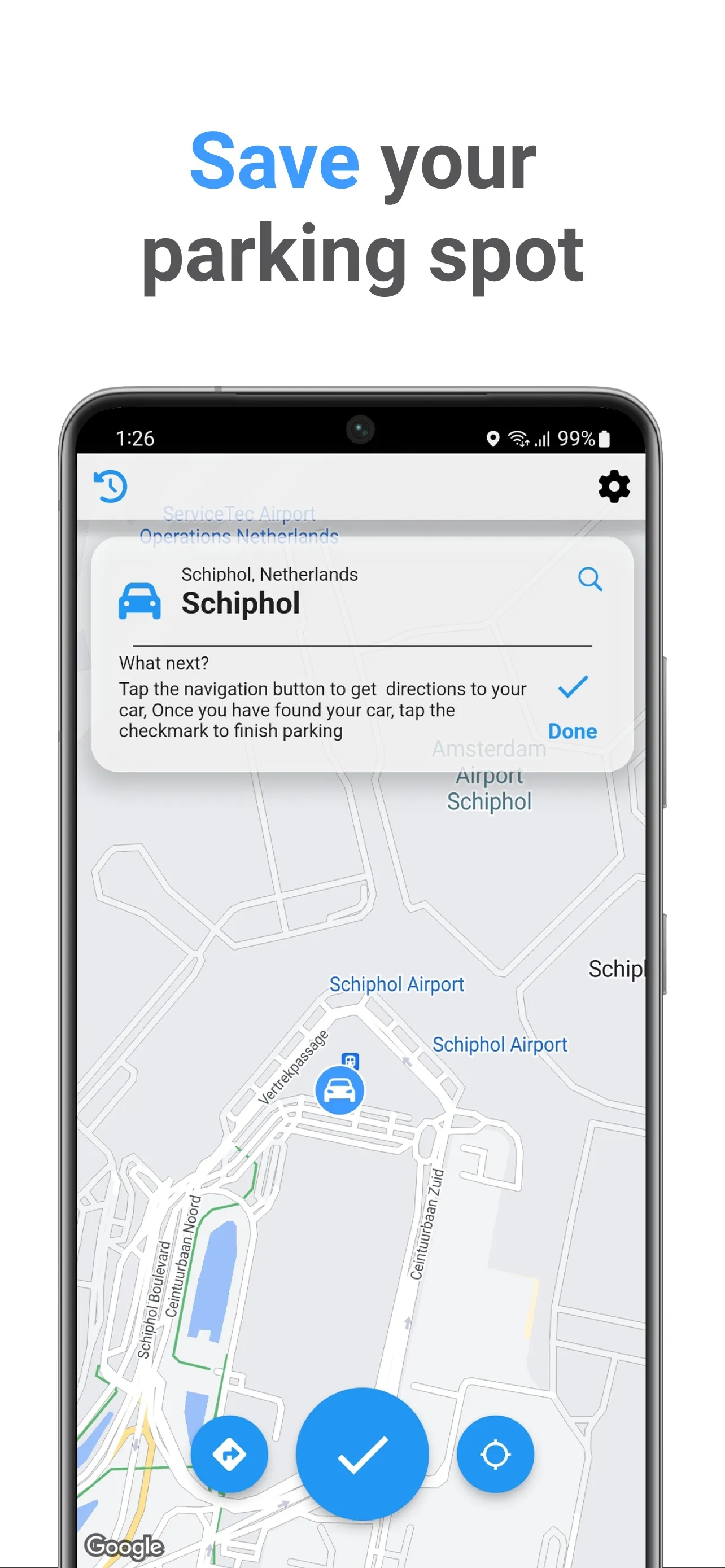
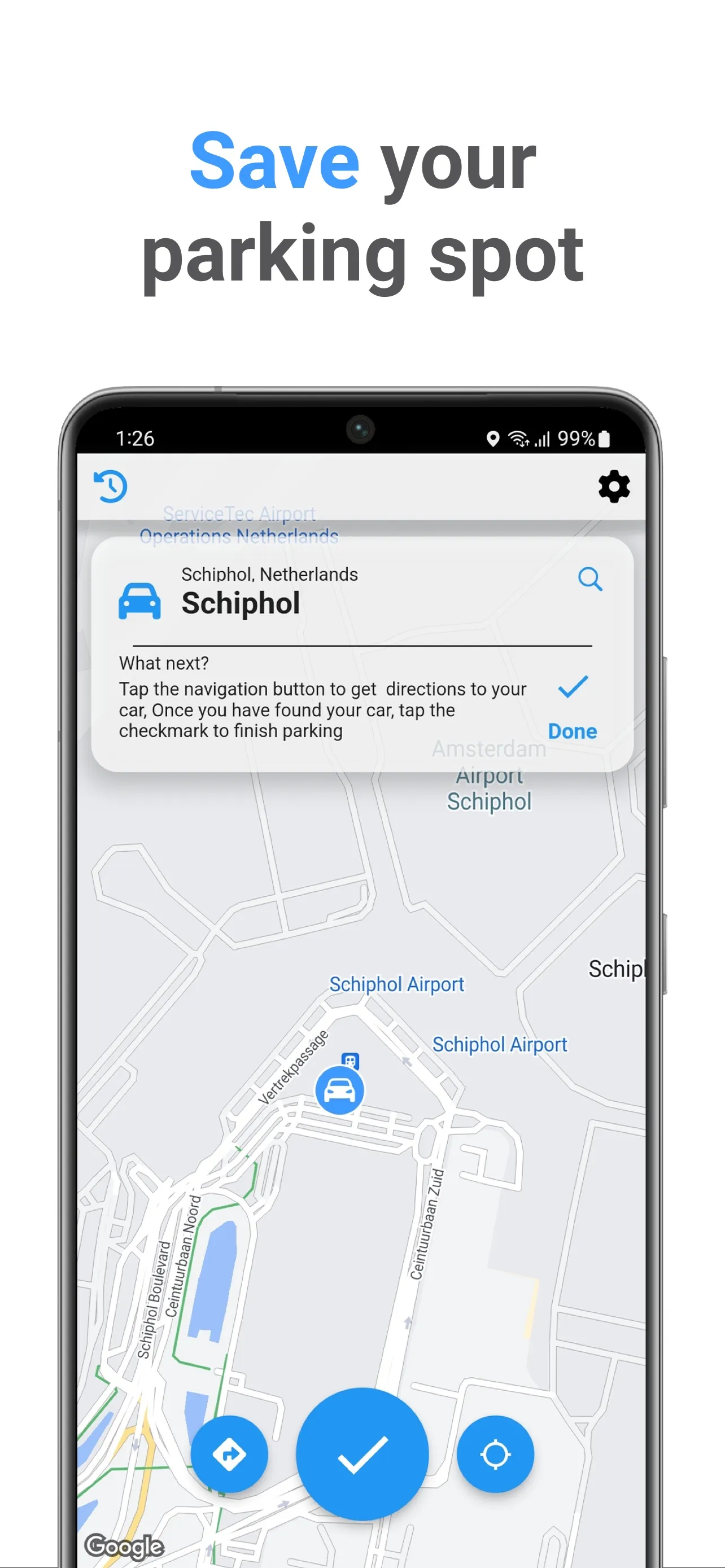
- Park at current location
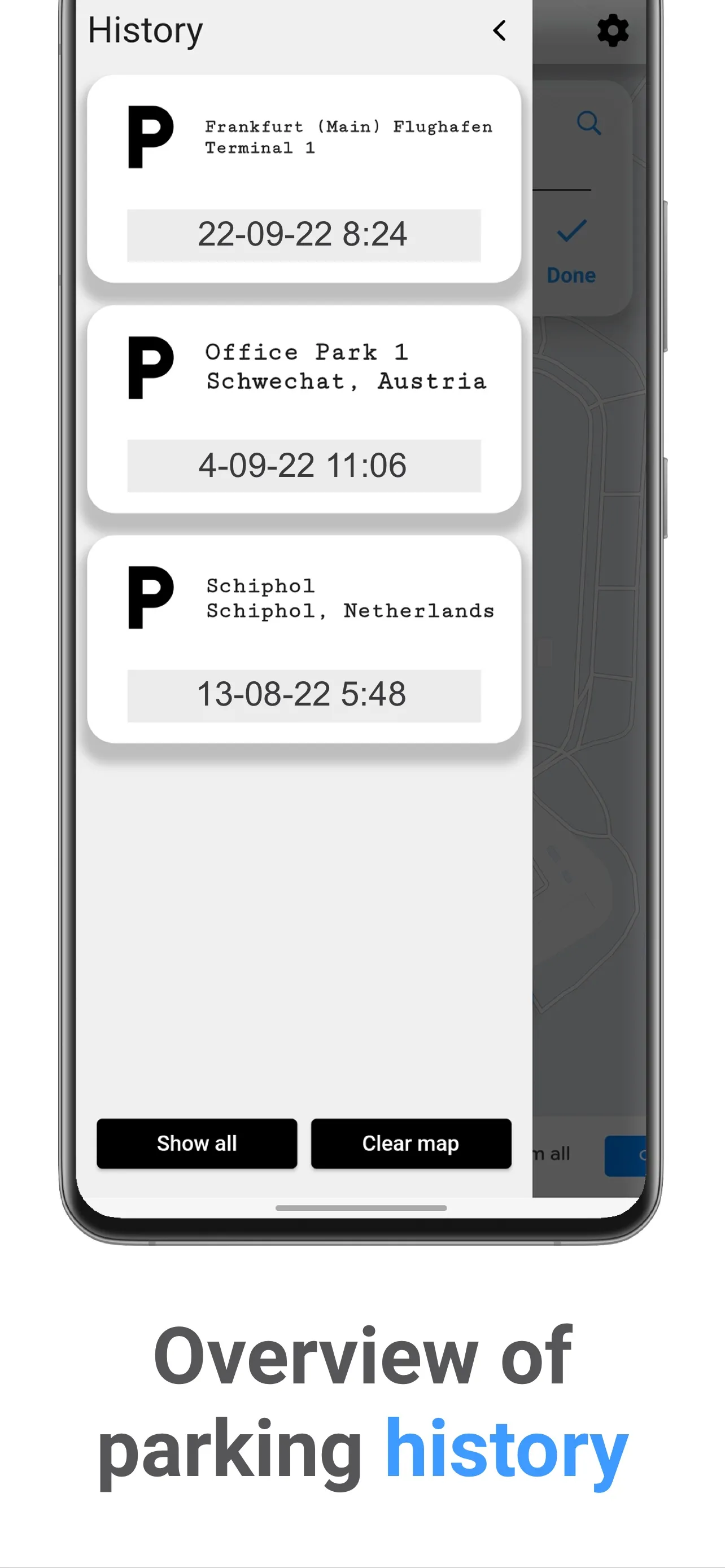
- Park at location saved in history
- Hold a point in the map to park at that spot
- View history of parked spots on the map
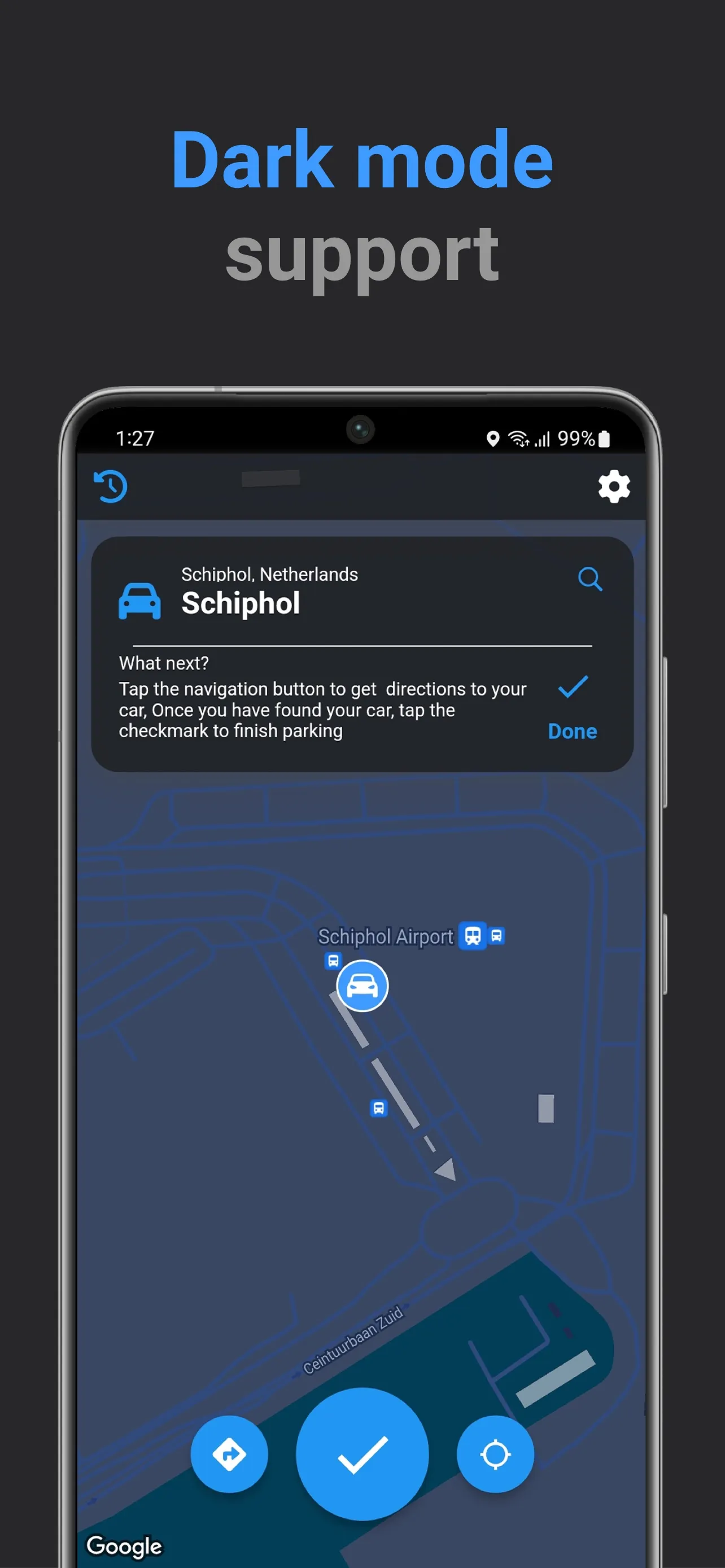
- Navigate to your car to find it with Google Maps
Find My Car is used as a parking reminder app. It can be used to park a car/vehicle/bike in three different ways, your current location, when you hold and select a point on the map, or via a historical location you saved from a previous time you parked, through the history view.
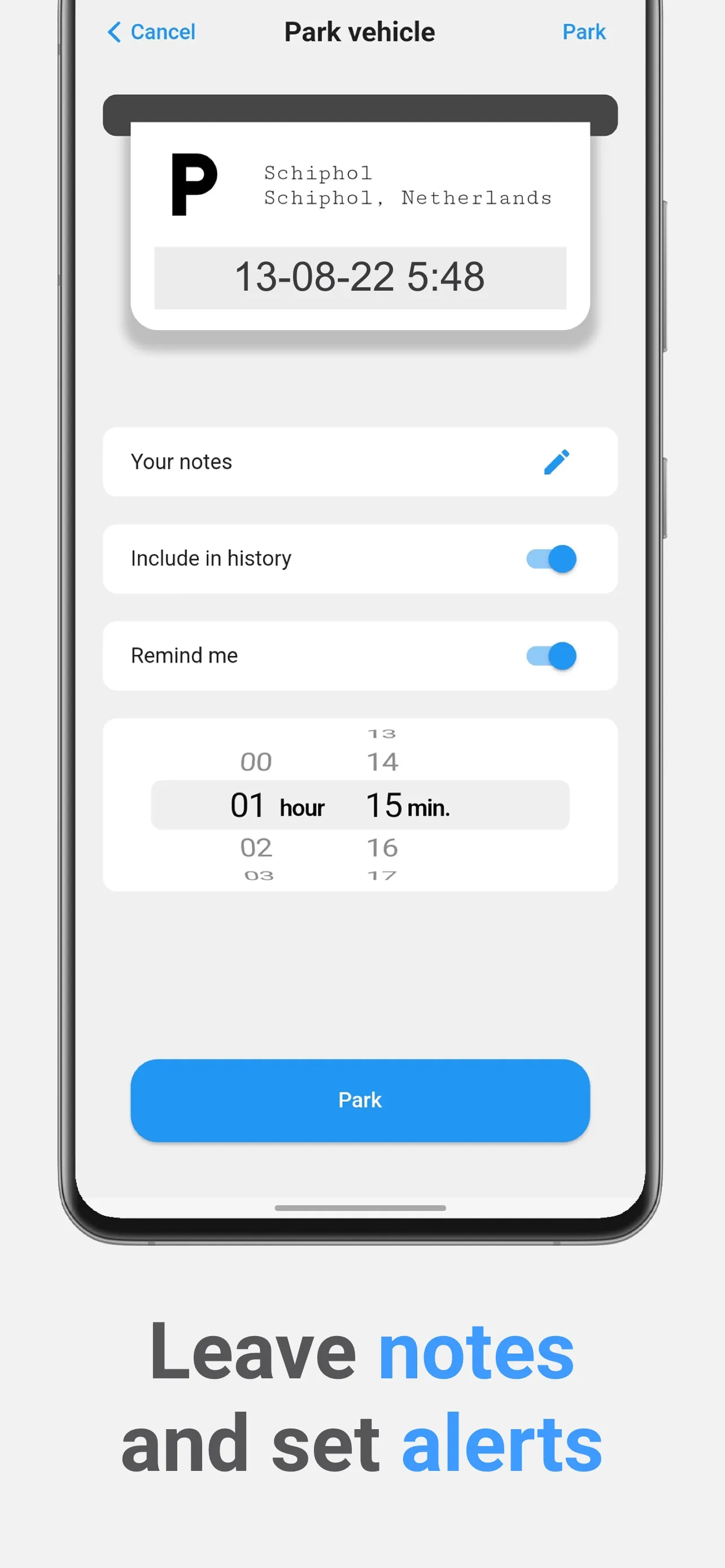
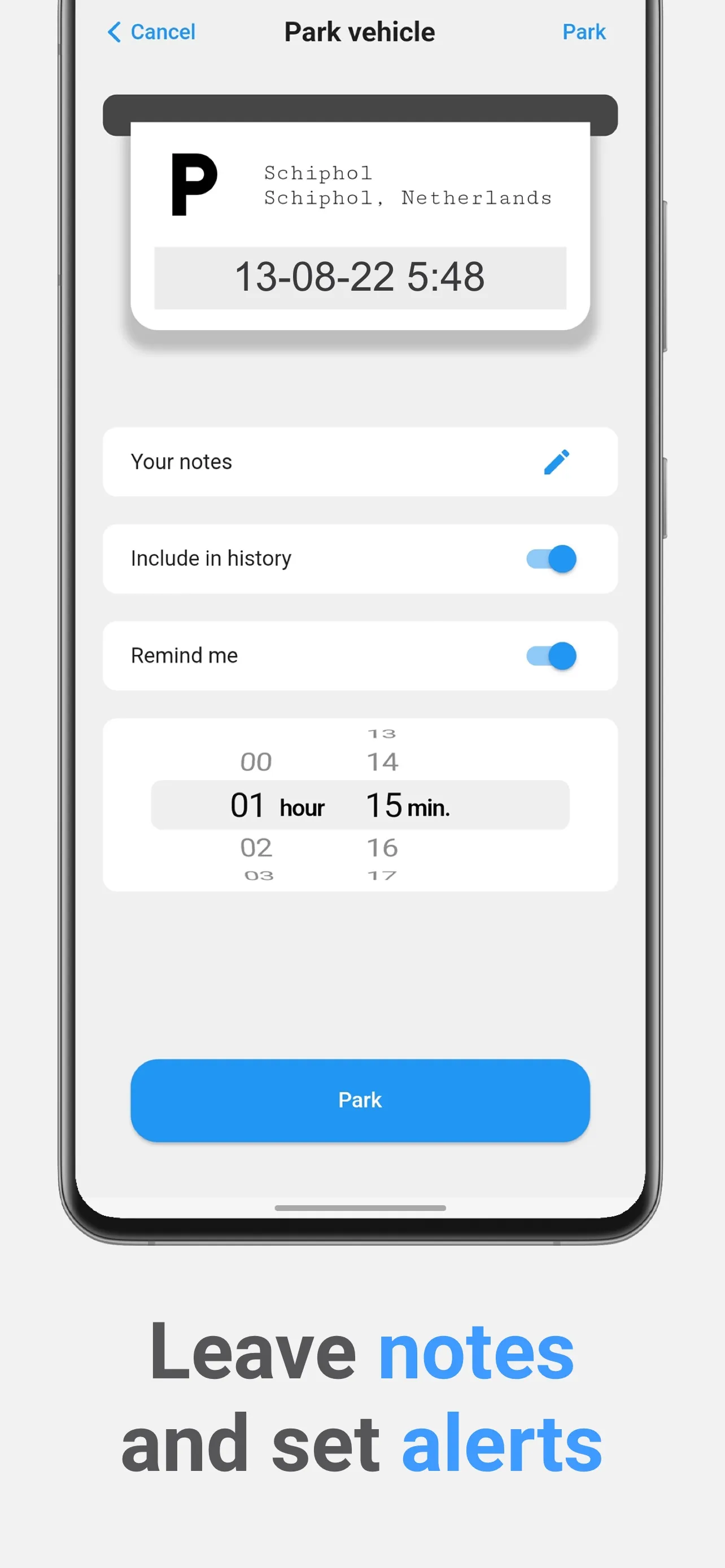
When your desired location to park has been selected, you can press the park button to open a screen which allows you to save the location at the parking spot. Additional features in this page includes the ability to save a note, the parking area in history and also set a reminder time, so that you can be reminded beforehand when to return to your car, in the case that you park in an area that has timed parking.
We will do our best, to remind you - So you don't get a parking fine!
When you want to return to your car, you can use the navigate button to open Google Maps to show you the quickest path to your car.
Maps and Navigation
Ratings
0
0 total ratings
5
73%
4
10%
3
4%
2
3%
1
10%
REVIEWS
No reviews yet. Be the first one to review this app
Scan to download on Indus Appstore
Permissions
Location: access this device"s location
Storage: access photos, media, and files on your device