Bring Seamless Navigation Gestures to Any Android Device!
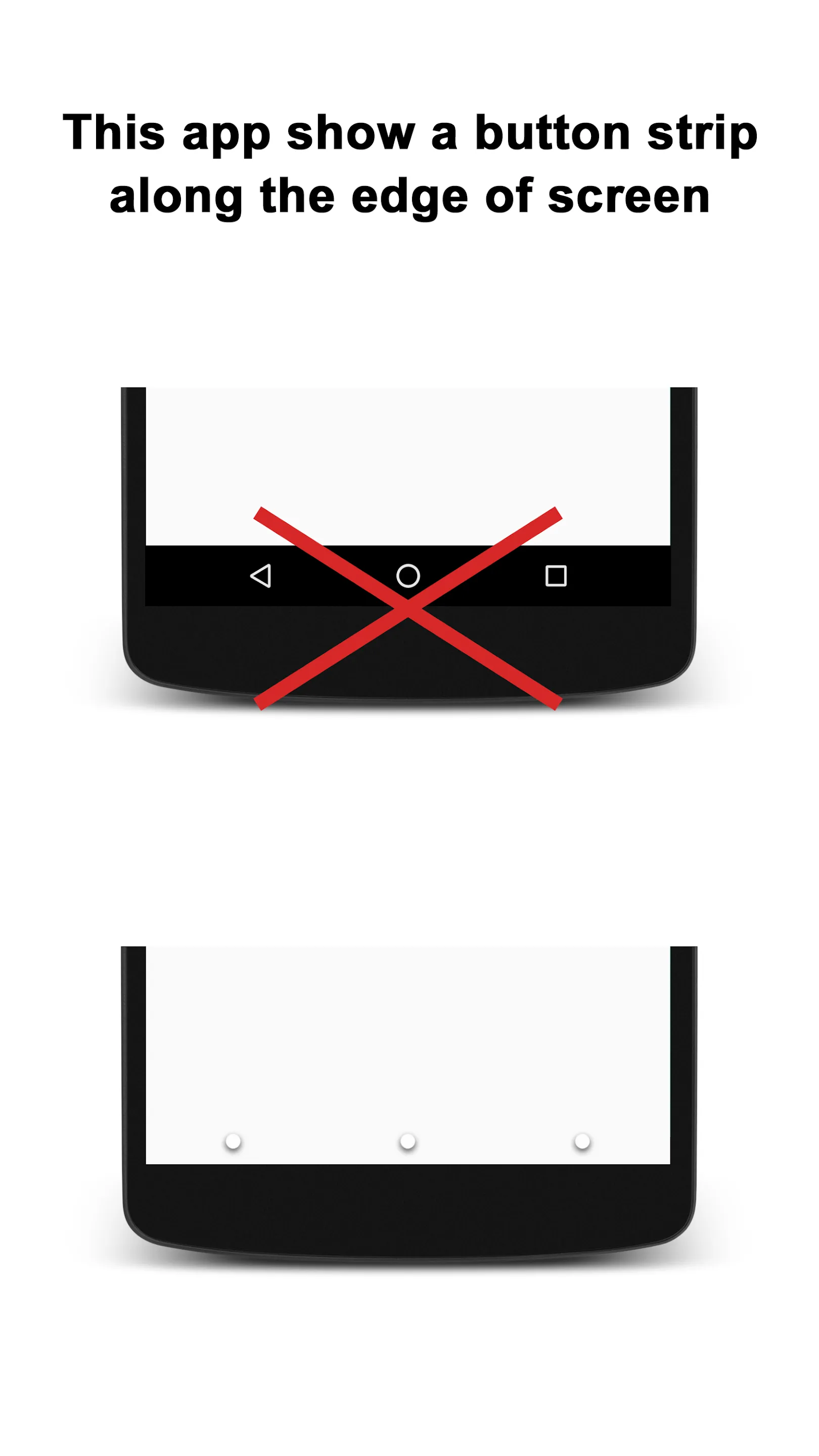
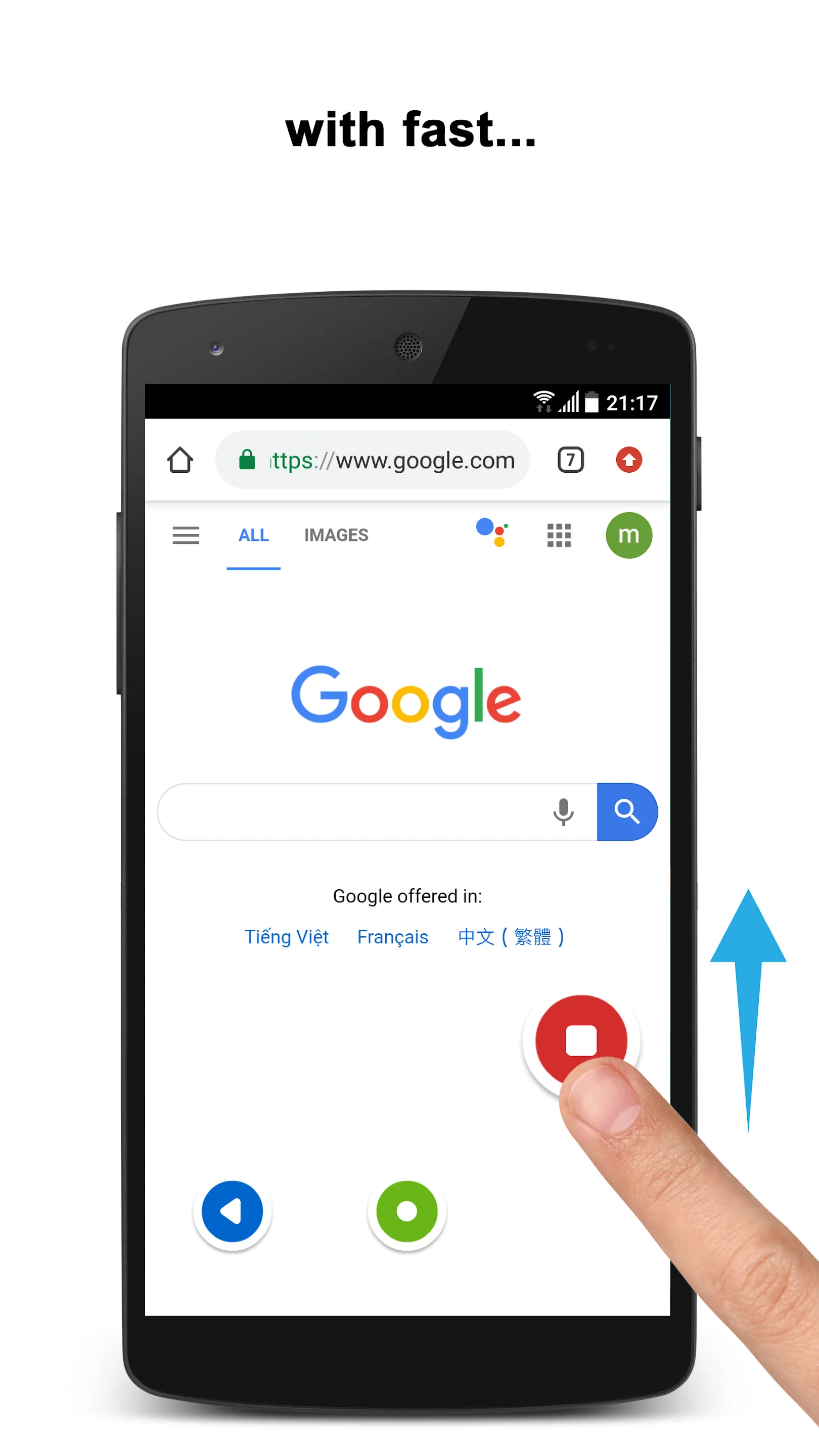
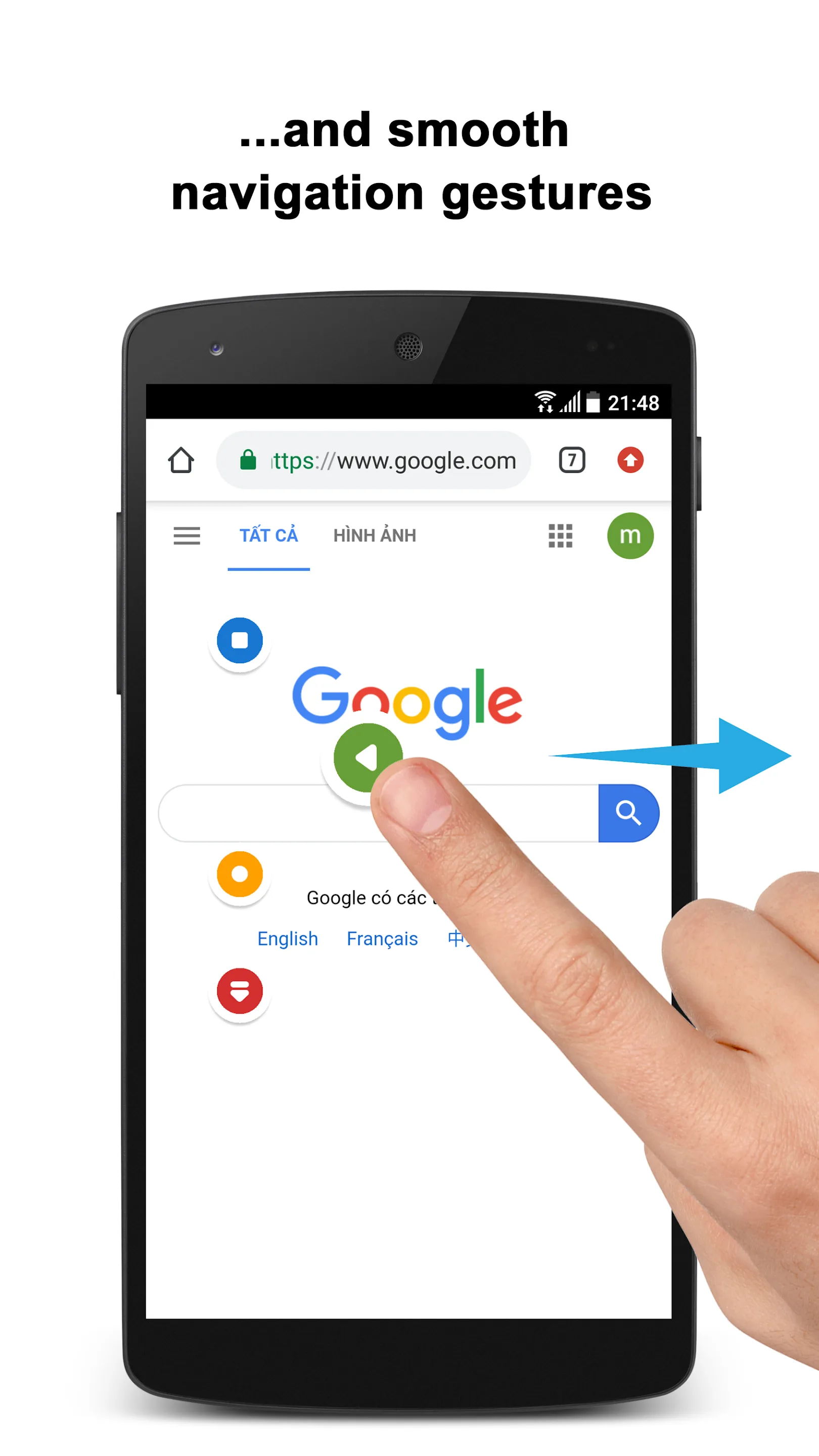
⭐ Experience the smooth and intuitive navigation gestures of Samsung Galaxy OneUI on any Android device. With fast and fluid animations, our app ensures a seamless transition between tasks, enhancing your smartphone experience with efficient swipe control.
Comprehensive Gesture Controls
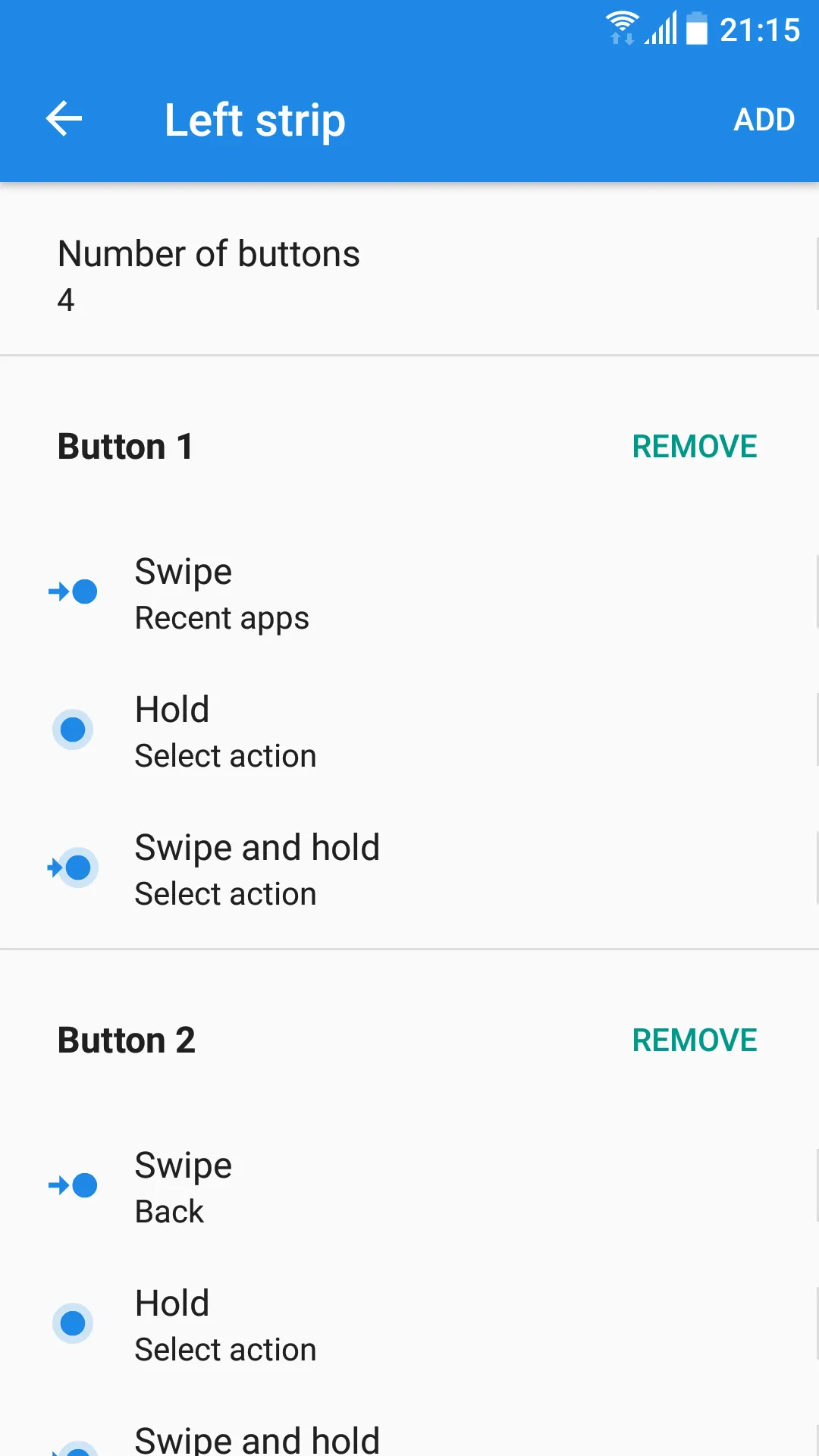
Gestures:
✅ Tap and hold;
✅ Swipe;
✅ Swipe and hold.
You can also tap once on the strip to temporarily hide it, making your navigation effortless and unobtrusive. Our gesture control app provides a variety of gestures to meet your needs.
Extensive Action Options
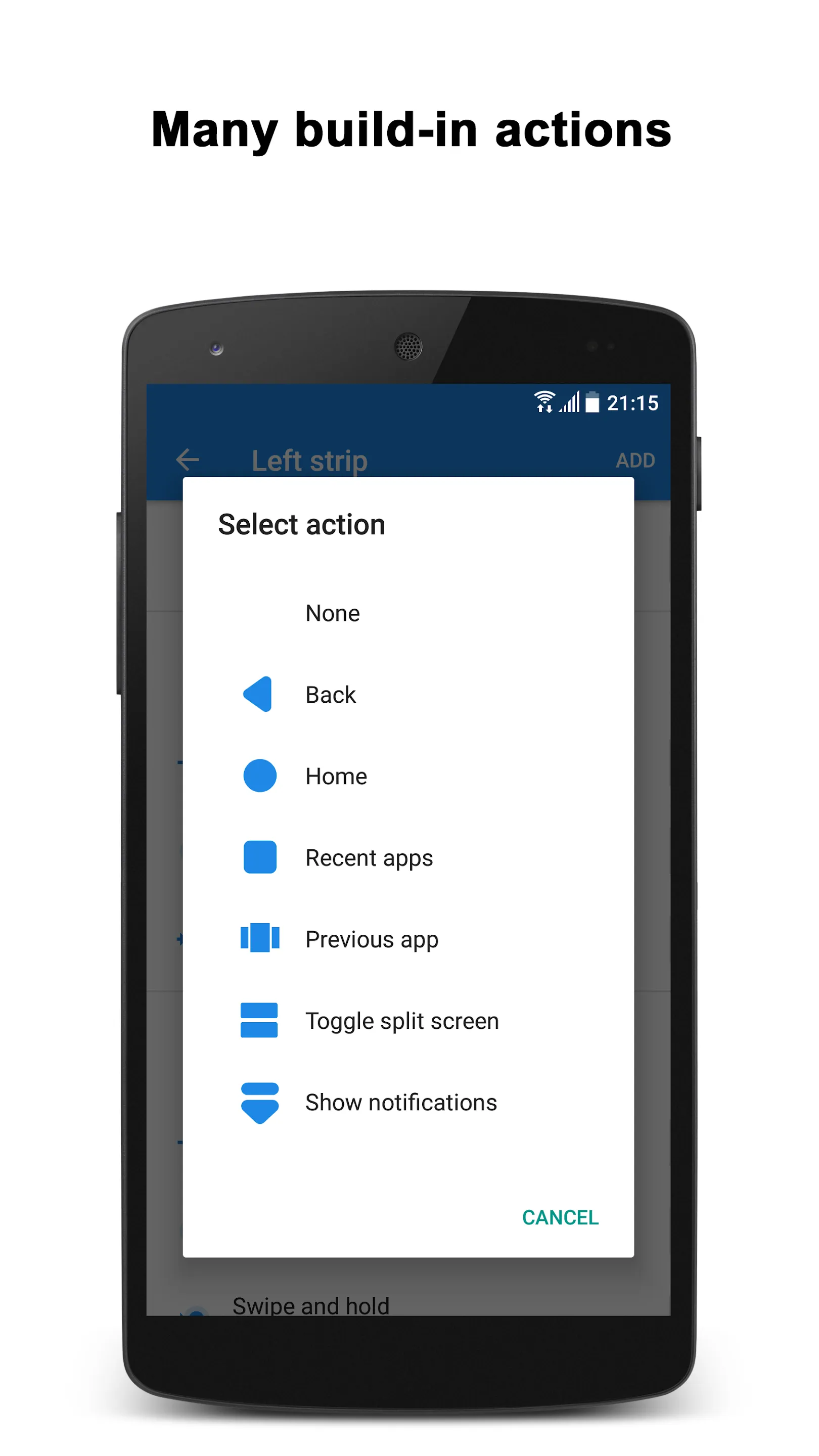
Actions:
+ Home;
+ Back;
+ Recent apps;
+ Toggle split-screen (Android Nougat+);
+ Open previous app (Android Nougat+);
+ Hide strip;
+ Pull down notifications;
+ Pull down quick settings;
+ Open power menu;
+ Show keyboard switch dialog;
+ Launch app;
+ Launch shortcut;
+ Lock screen (Android Pie+);
+ Take screenshot;
+ Toggle WiFi;
+ Toggle Bluetooth;
+ Toggle auto sync;
+ Toggle flashlight;
+ Toggle screen auto rotation;
+ Toggle screen auto brightness;
+ Toggle Ring/Vibration;
+ Volume control;
+ Change screen brightness.
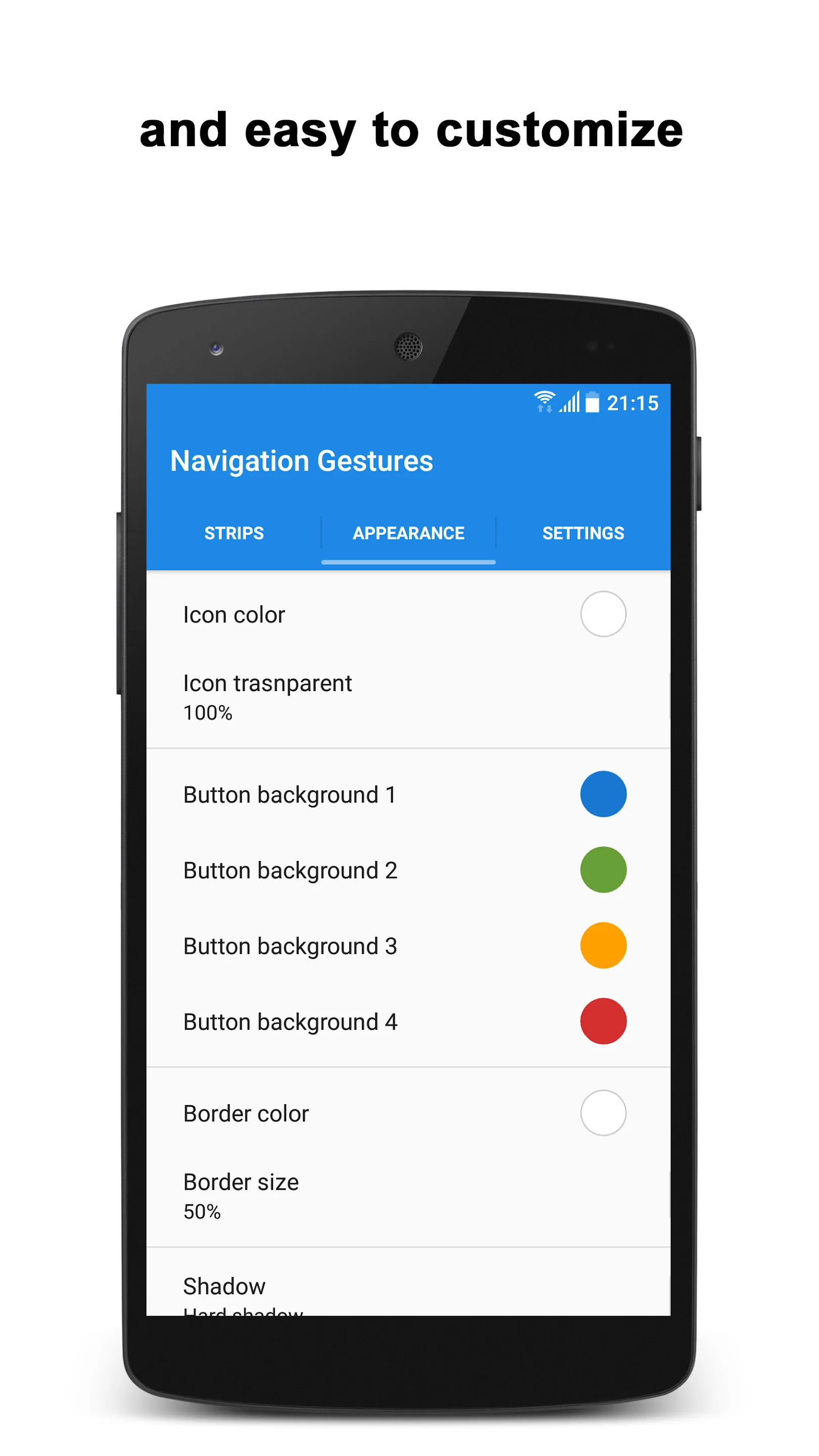
Customize Appearance and Behavior
Appearance and Behavior
✅ Customize the number of buttons;
✅ Customize buttons' color, style, and more;
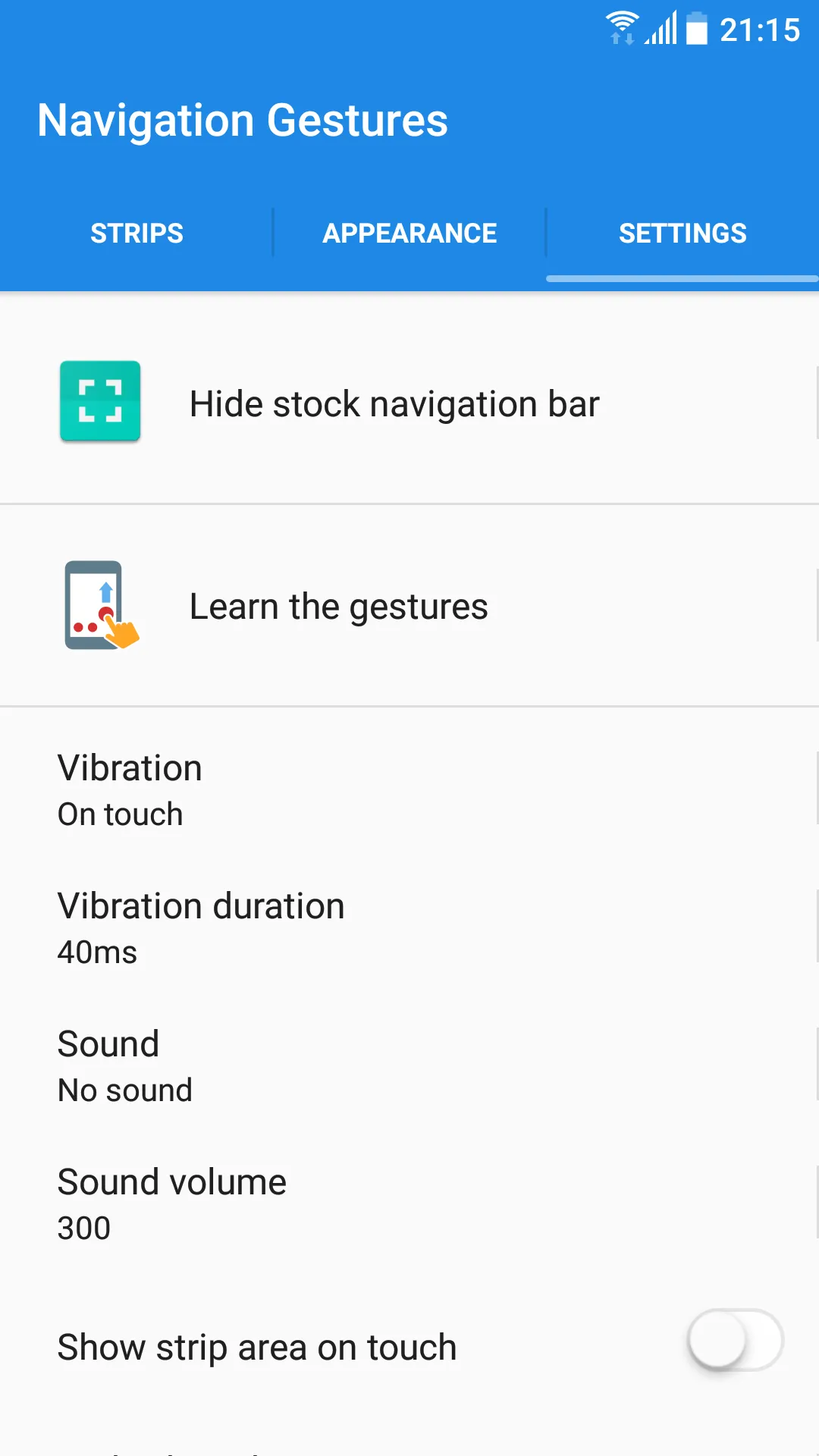
✅ Adjust sensitivity;
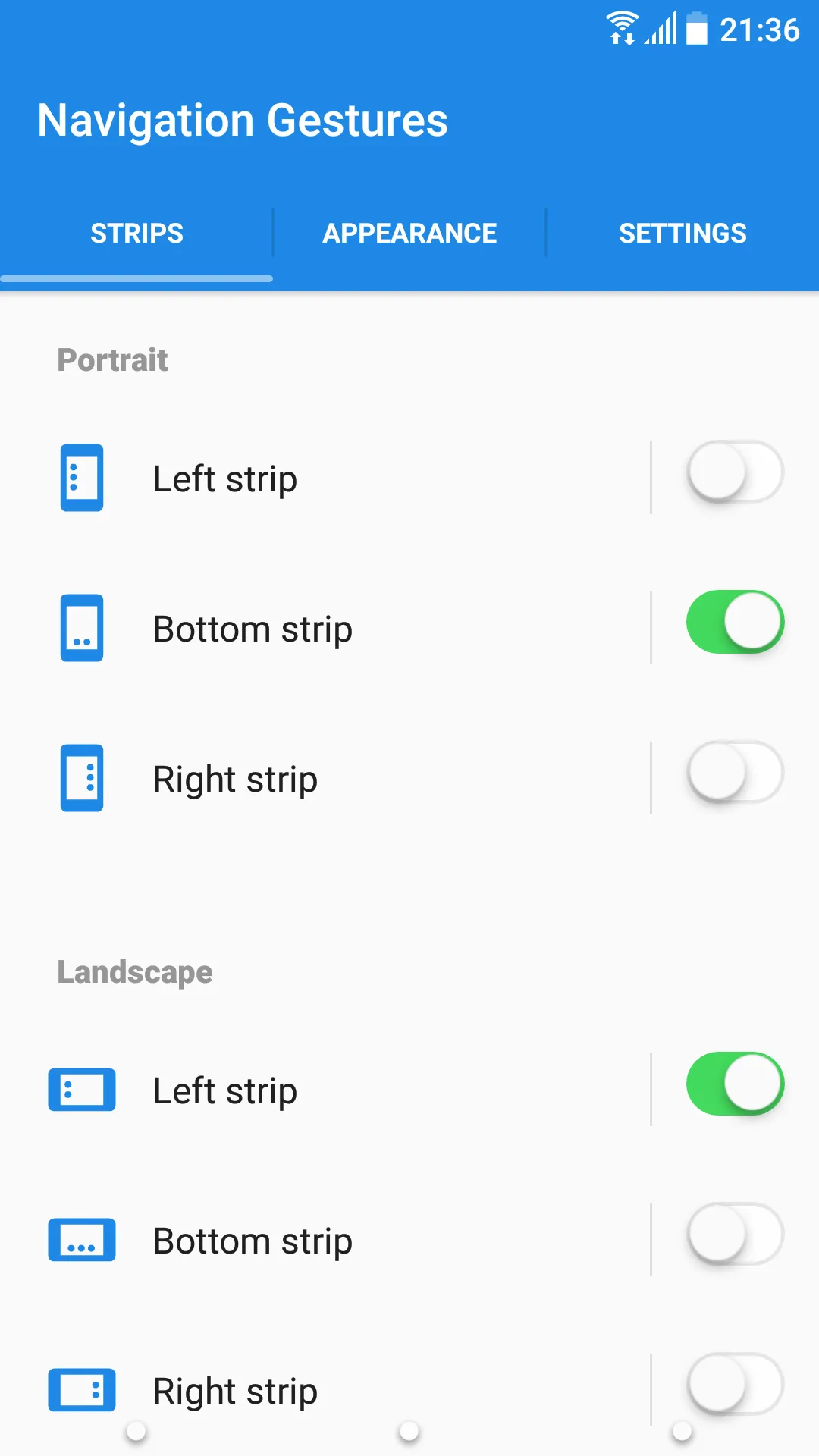
✅ Set size and position;
✅ Adjust transparency;
✅ Customize haptic feedback;
✅ Blacklist to hide strips in selected apps.
Our gesture control - navigation gestures app allows you to tailor every aspect of your navigation experience, providing unmatched flexibility and control. The swipe gesture control features make every interaction with your device smooth and intuitive.
Why Choose Our Swipe Control App?
✅ Effortless Navigation: Enjoy quick and easy access to essential functions with intuitive swipe gesture control.
✅ Highly Customizable: Personalize your device's navigation to match your preferences perfectly.
✅ Enhanced Productivity: Switch between apps, access settings, and control your device with simple gestures, saving you time and effort.
✅ Seamless Integration: Bring the advanced navigation gestures of top-tier devices to any Android smartphone.
Download Now Gesture Controls - Swipe Control App!
Transform your Android device with our advanced swipe control and gesture control app. Experience the convenience and efficiency of modern navigation gestures today. Download now and take control of your device with effortless swipes and taps! 🌟
Use of Accessibility Service:
Navigation Gestures Bar app uses the AccessibilityService API to provide the best possible experience.
- We do not collect any personal information through accessibility services.
- We will not read your screen's sensitive data or any content.
- For this app to function properly, we need the Accessibility Permission. Accessibility services are required to receive a response from the system and to activate button strips.
Photography
Ratings
0
0 total ratings
5
73%
4
10%
3
4%
2
3%
1
10%
REVIEWS
No reviews yet. Be the first one to review this app
Scan to download on Indus Appstore
Permissions
Storage: access photos, media, and files on your device