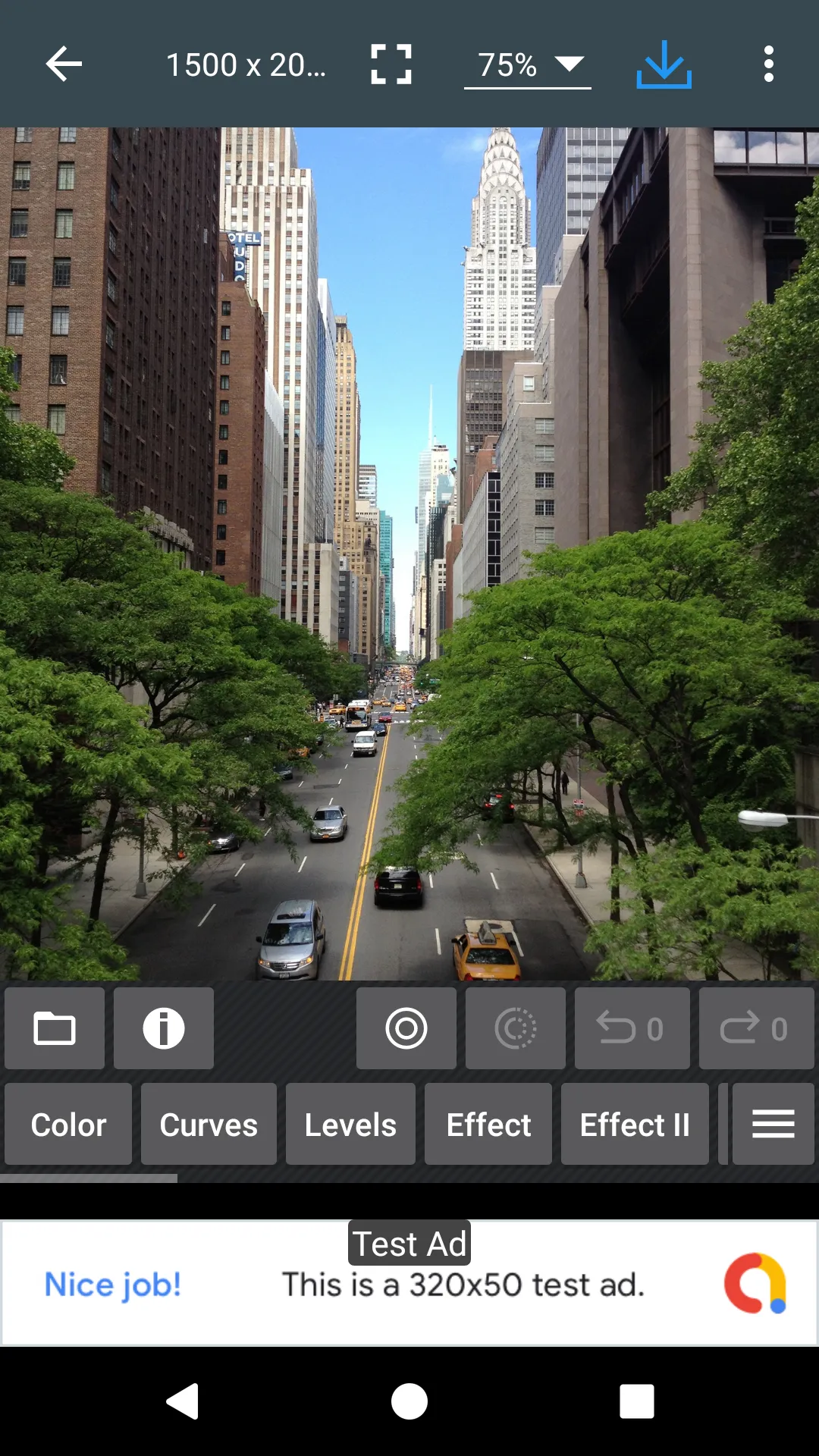
If you have some knowledge of photography, you can do a lot with Photo Editor.
Now use Photo Editor to edit photos on your mobile phone just like you would on a PC.
Features
* Color : exposure, brightness, contrast, saturation, temperature, tint and hue
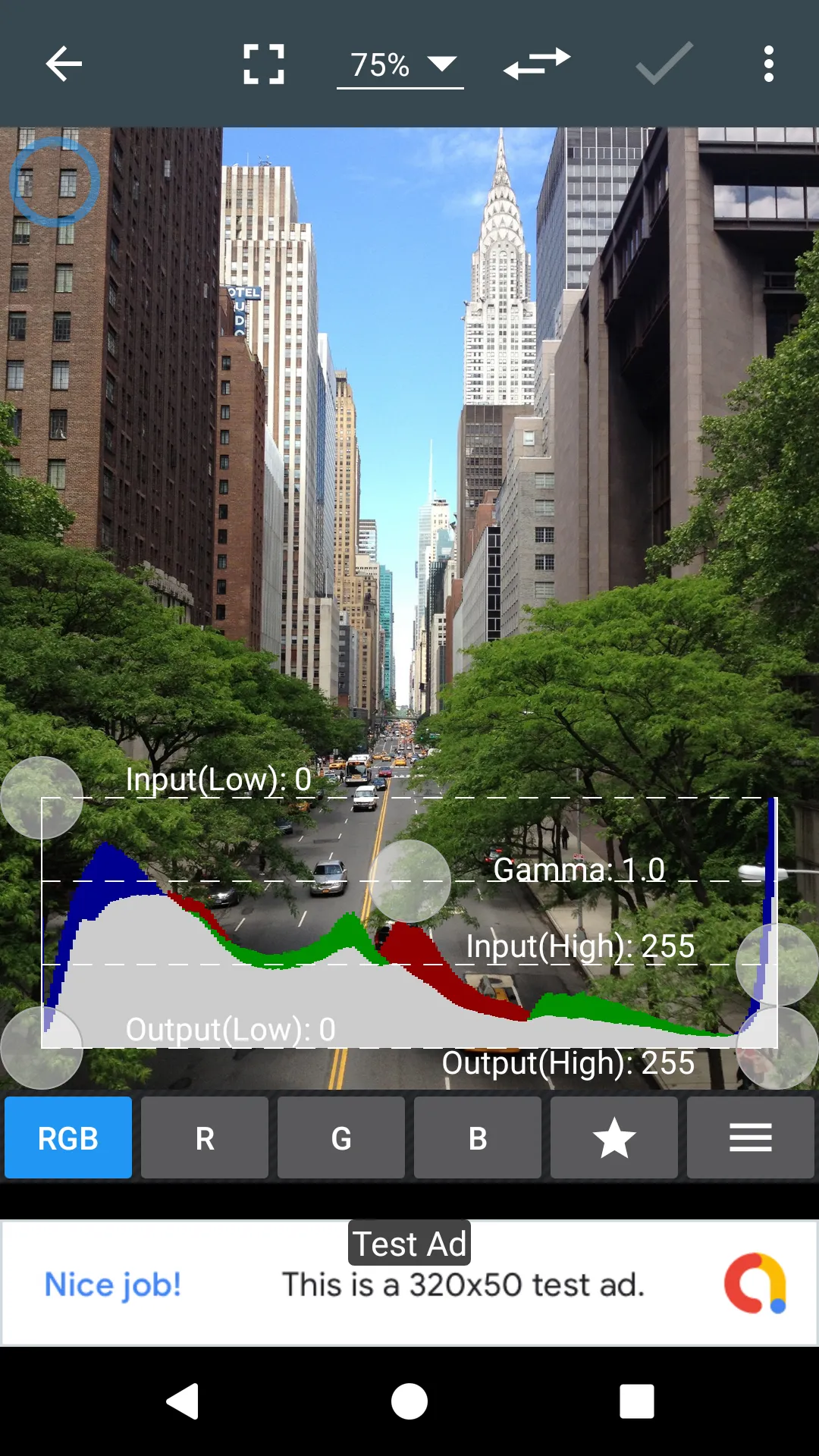
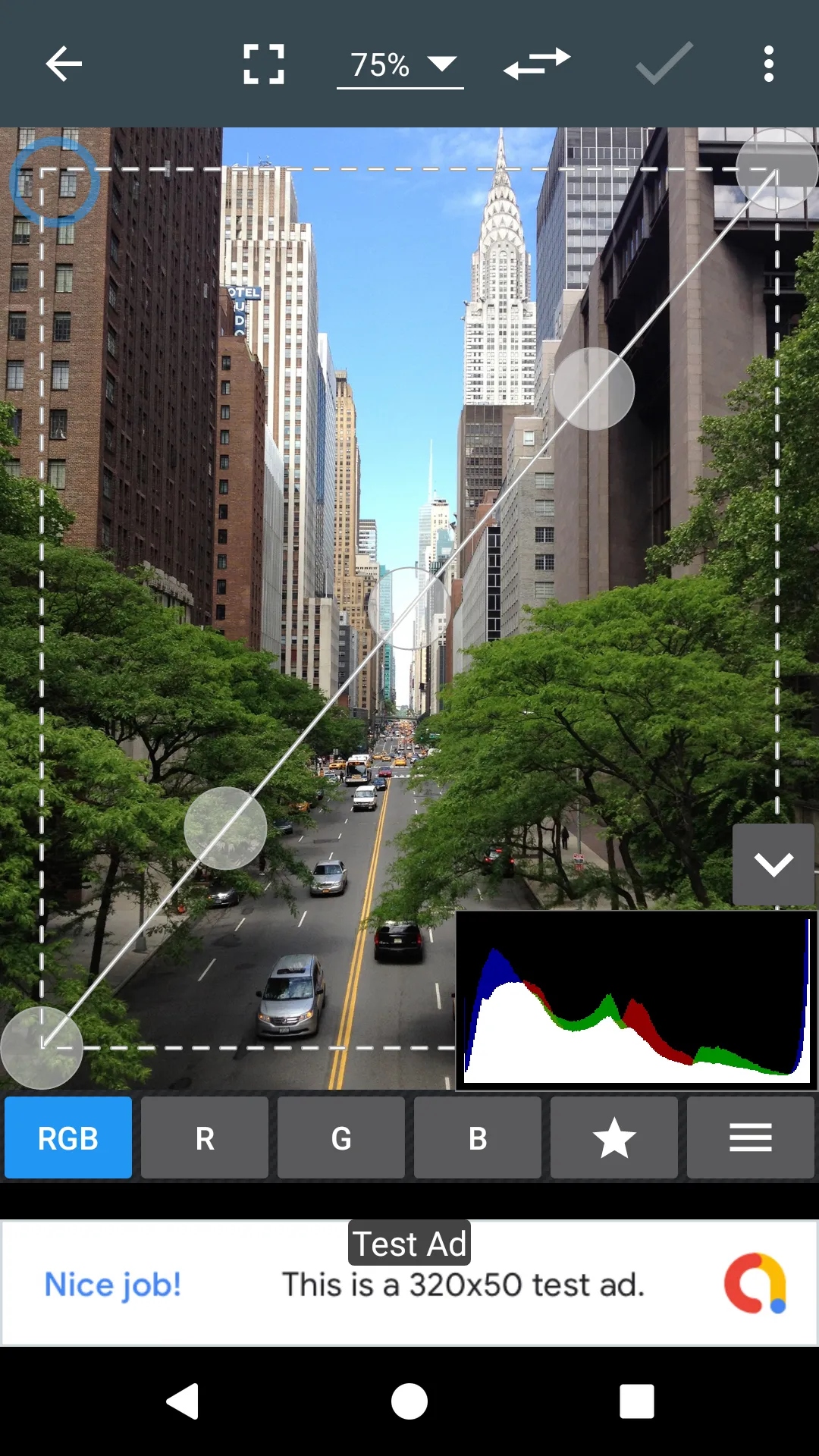
* Curves & Levels : fine-tuning of colors
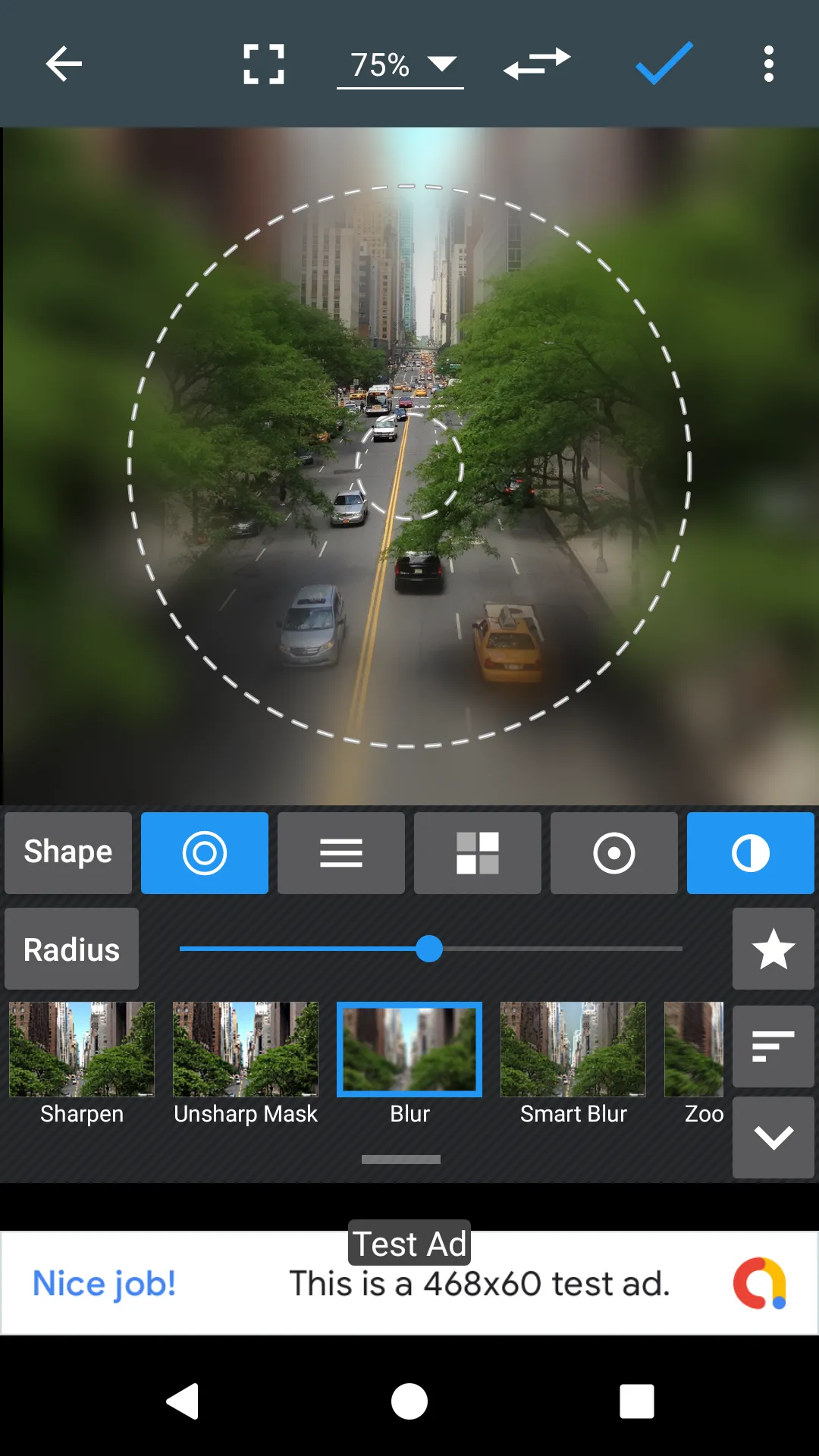
* Effects : gamma correction, auto contrast, auto tone, vibrance, blur, sharpen, oil paint, sketch, black & white high contrast, sepia, and more
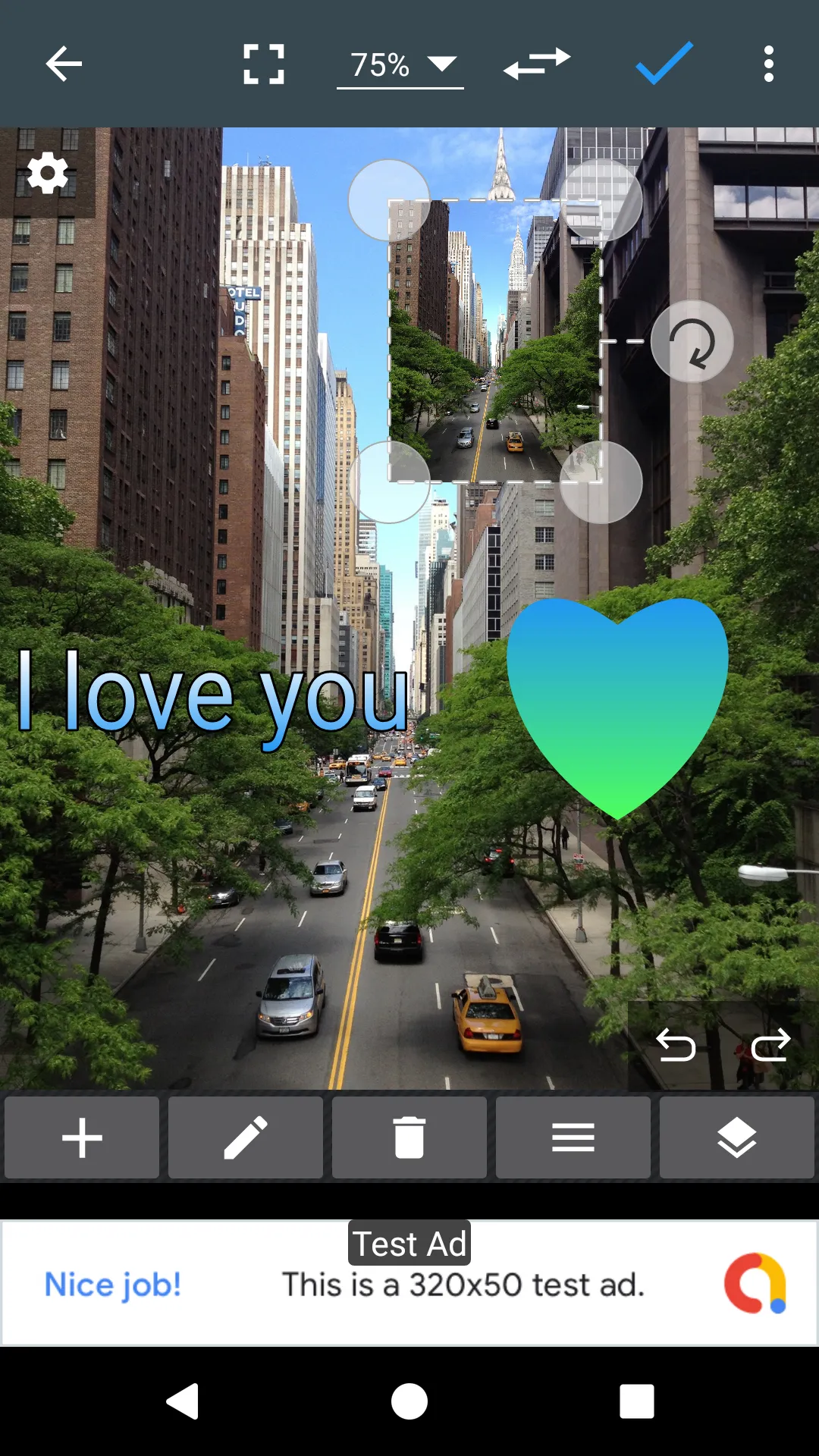
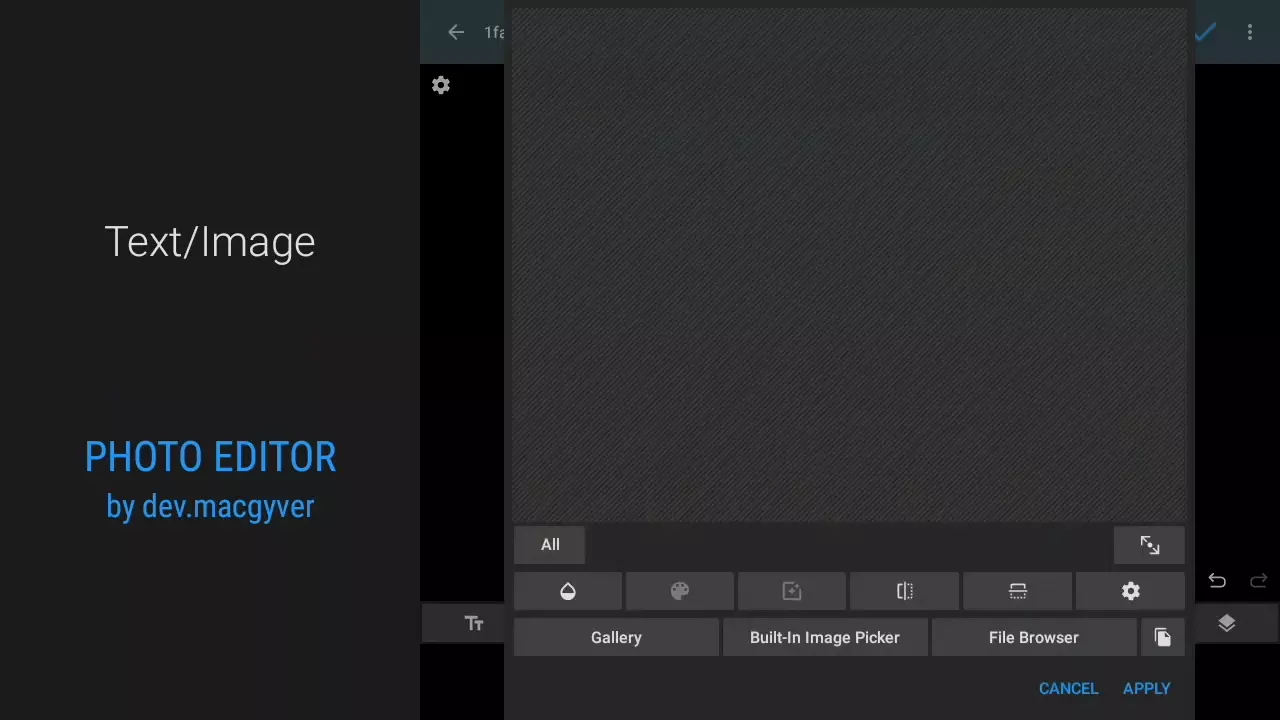
* Adding text, images or shapes
* Frame, Denoise, Drawing, Pixel, Clone, Cut Out
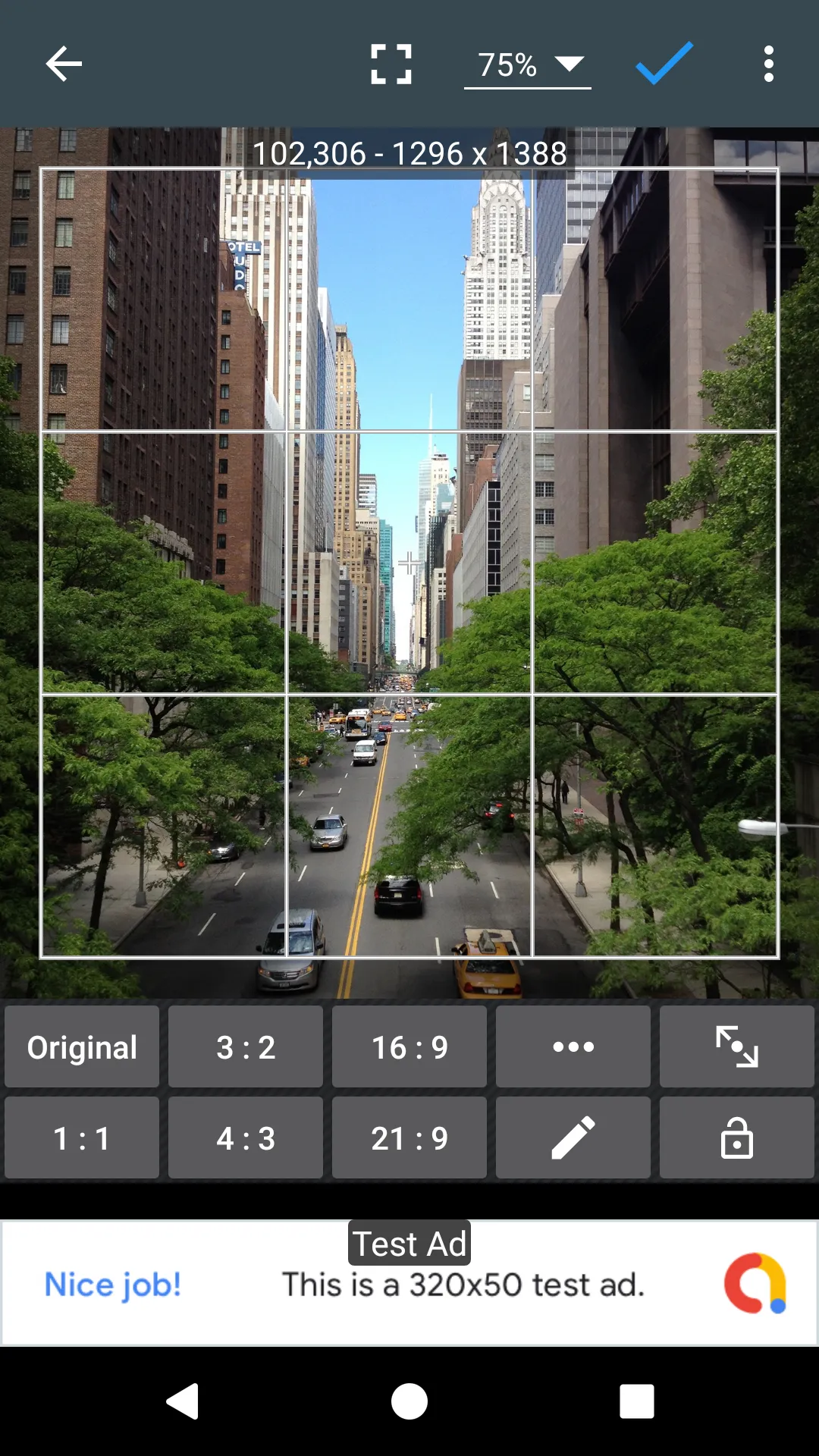
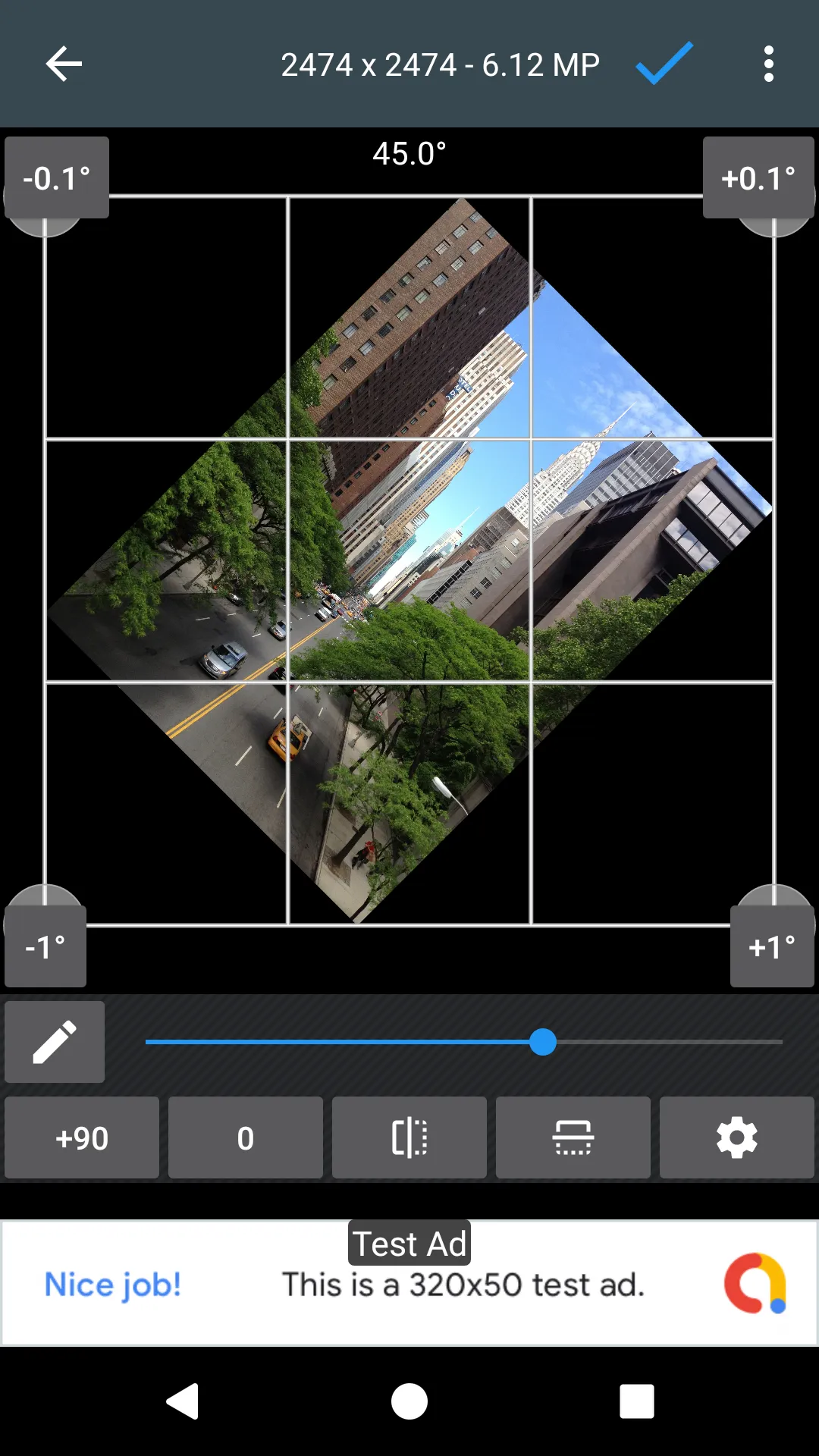
* Rotation, Straighten, Crop, Resize
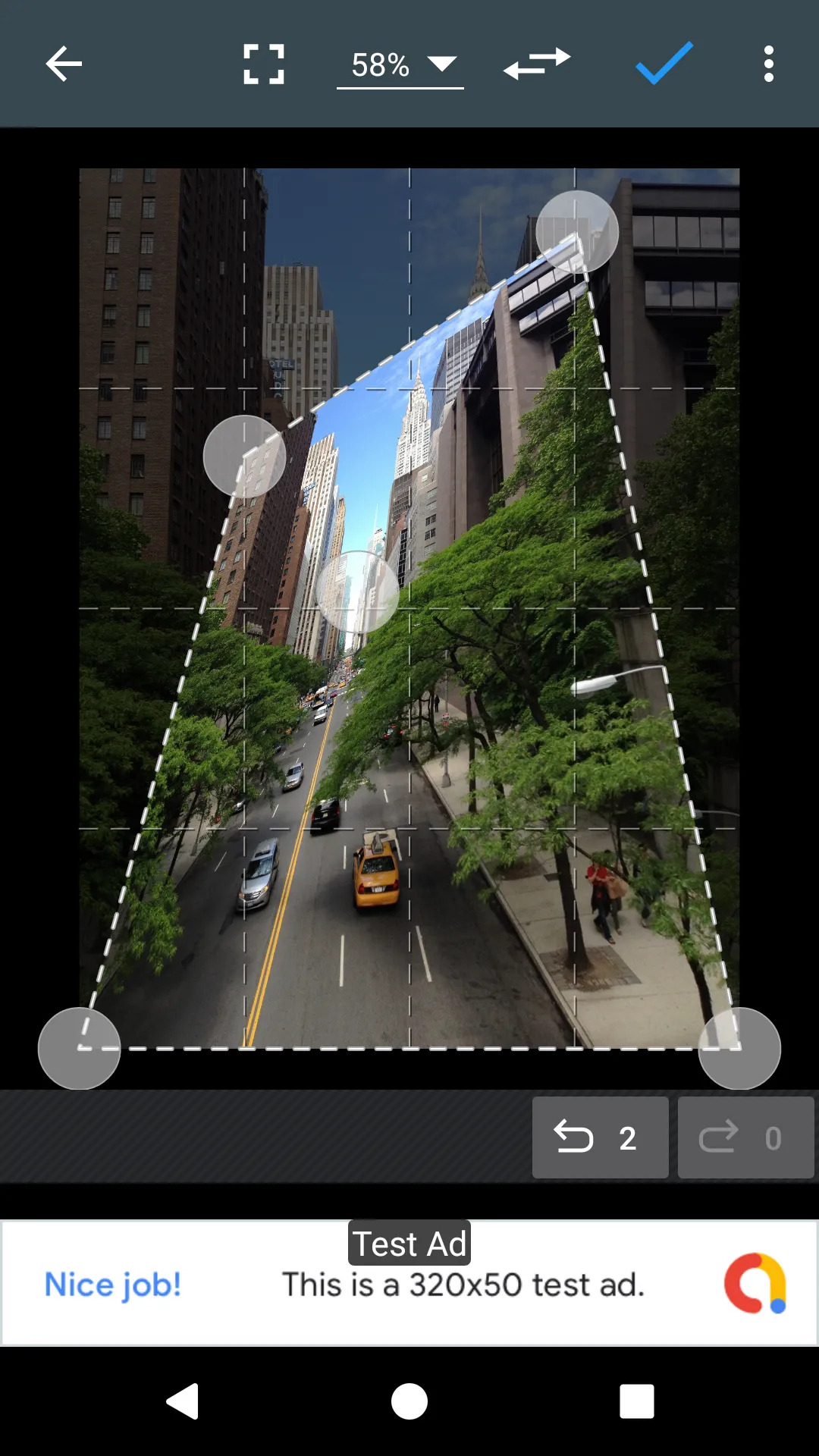
* Corrections : perspective, lens, red-eye, white balance and backlight
* Easily edit with the touch and pinch-to-zoom interface
* Save images in JPEG, PNG, GIF, WebP and PDF
* View, edit, or delete Metadata (EXIF, IPTC, XMP)
* Save your final result to your gallery, as wallpaper, or on your SD card
* Share photos with e-mail, SNS and more
* Batch, Crop(Puzzle), Compress to ZIP, Create PDF, Animated GIF
* Webpage Capture, Video Capture, PDF Capture
* Compare Photos, GIF Frame Extractor, SVG Rasterizer
* Ad-free option is available (Settings > Purchase Items)
*** Links
Website: https://www.iudesk.com
Tutorials: https://www.iudesk.com/photoeditor/tutorial
*** PHOTO EDITOR IS NOT SPYWARE/VIRUS!!!
Photo Editor does not contain virus or malicious code.
https://www.iudesk.com/photoeditor/security