Are you worried about exposing your PIN while you unlock your phone?
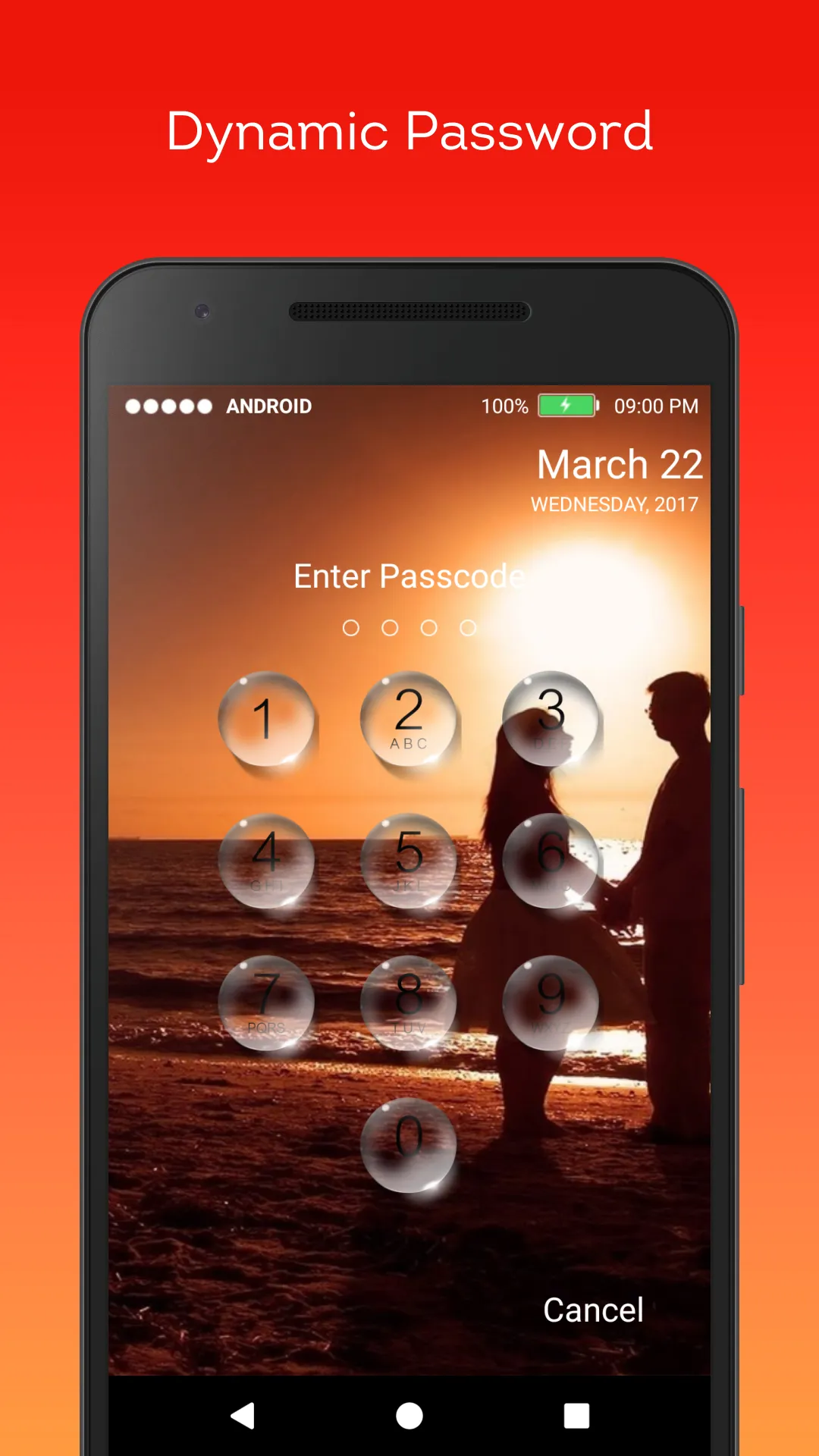
Here comes Keypad Time Password (Dynamic Password) for the rescue.You can make your phone current time its lock screen password.And time changes every minute, so does the password too, so no one can even guess it.
NEW FEATURES
★ Support on most of android phone.
★ Fully customisable lock screen.
★ Highly secure lock screen.
Features
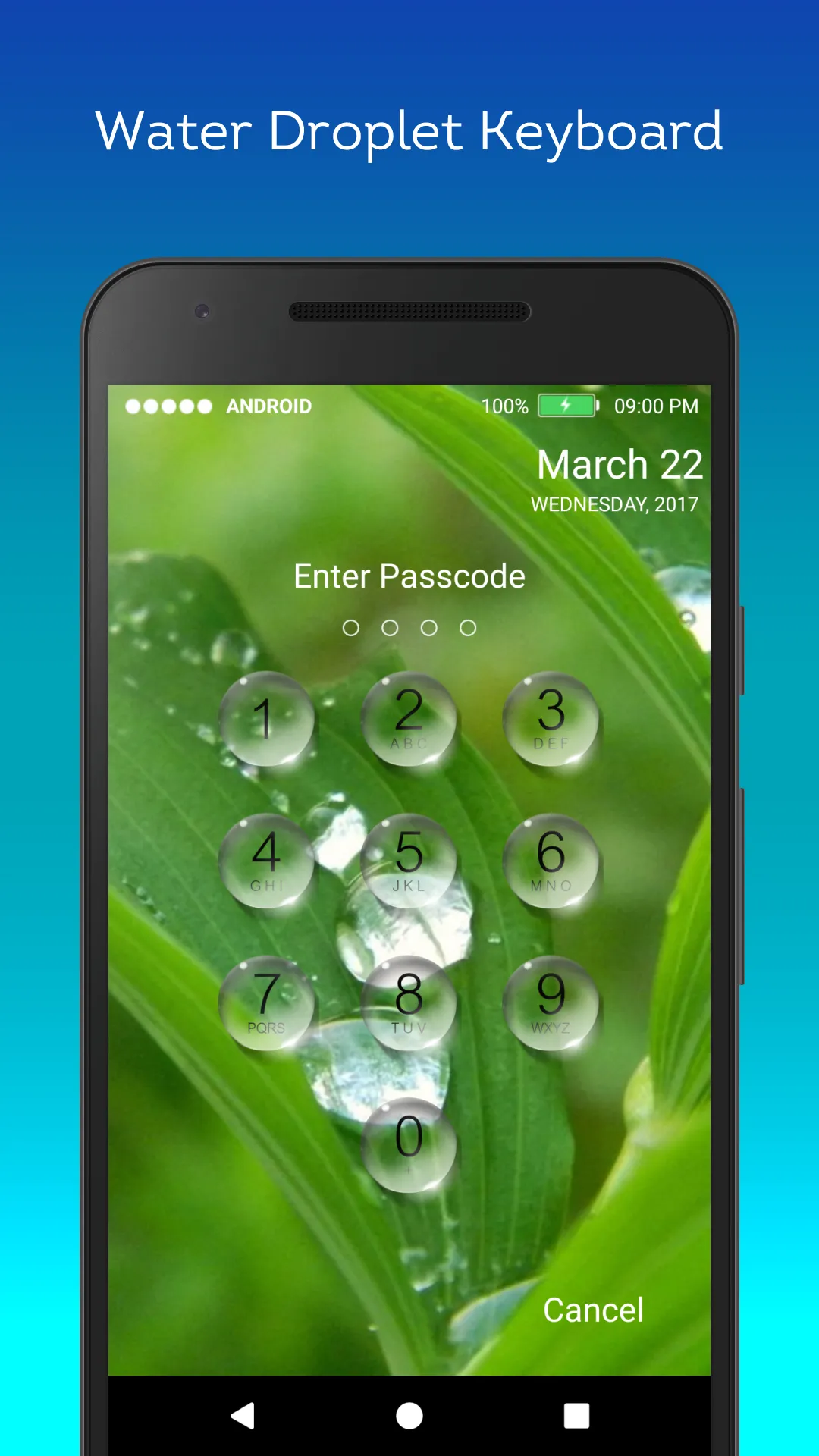
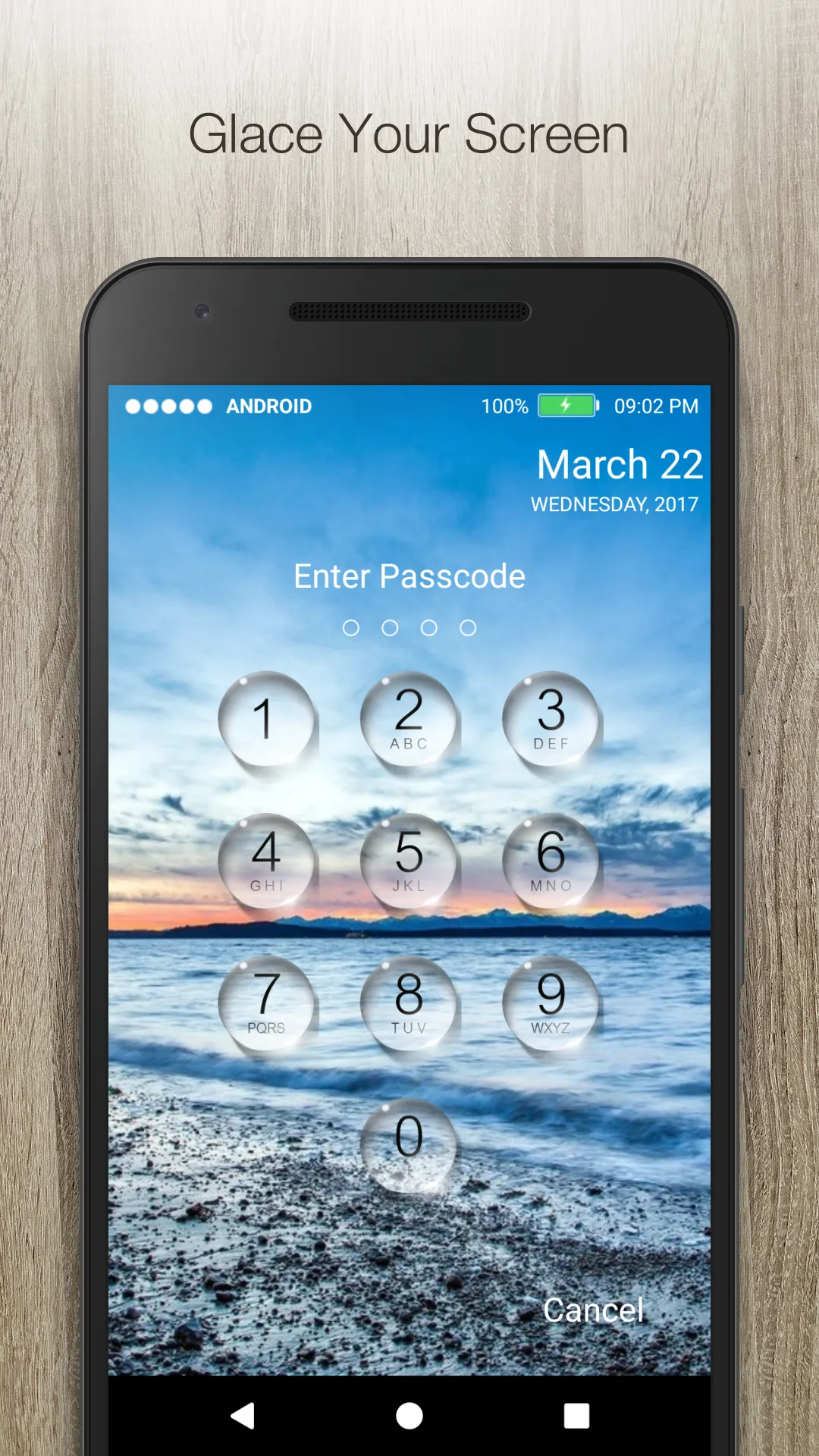
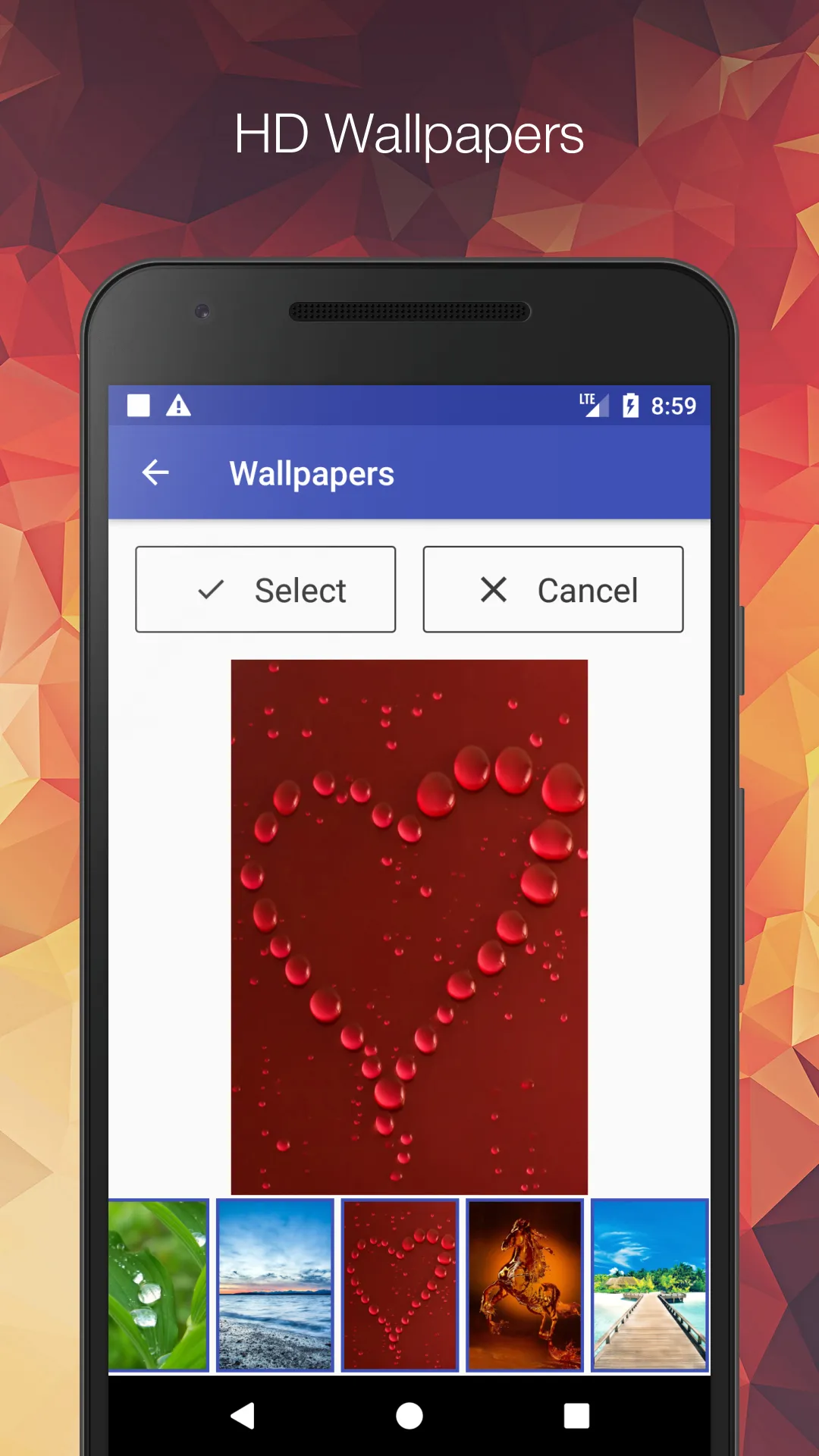
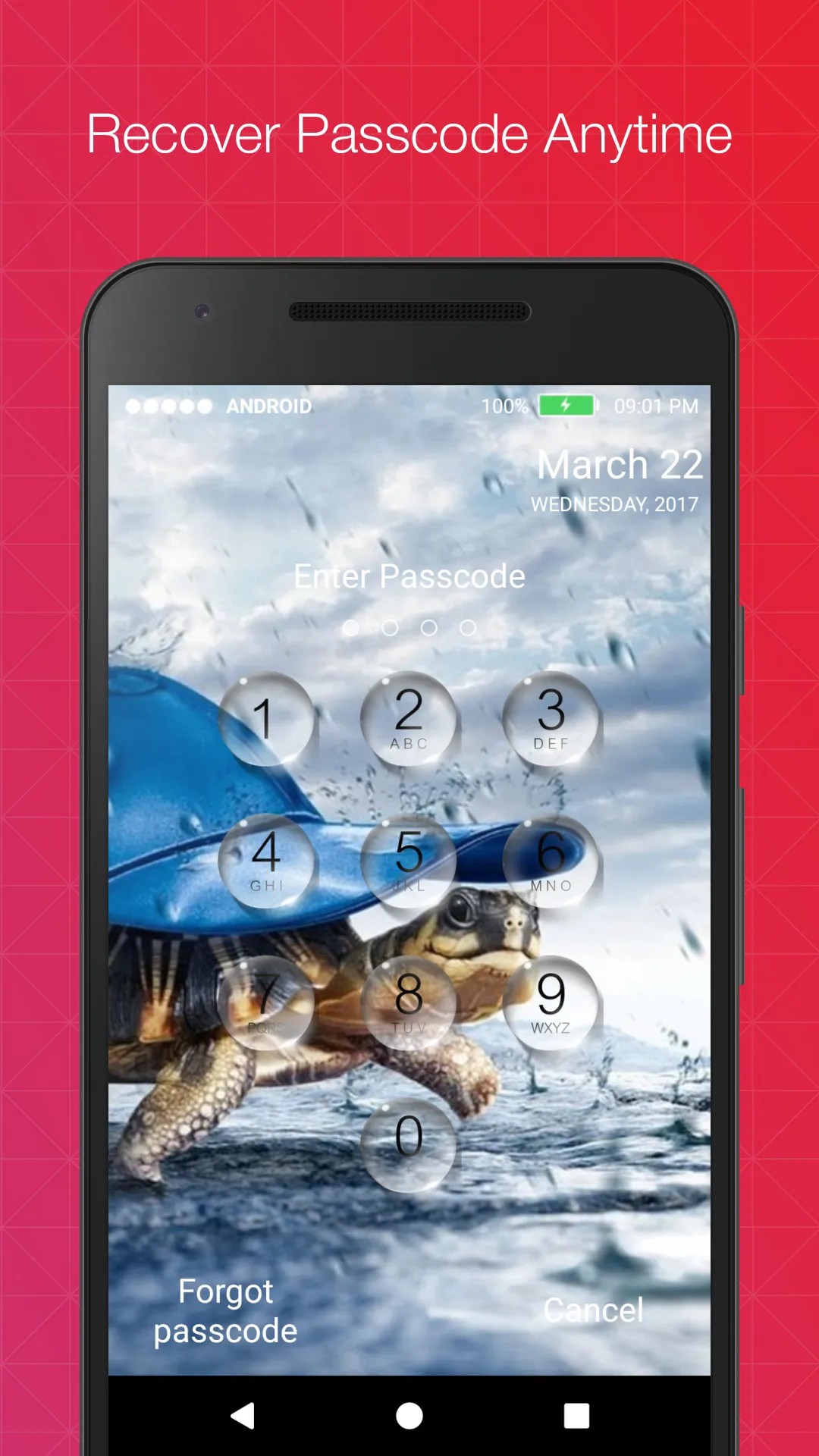
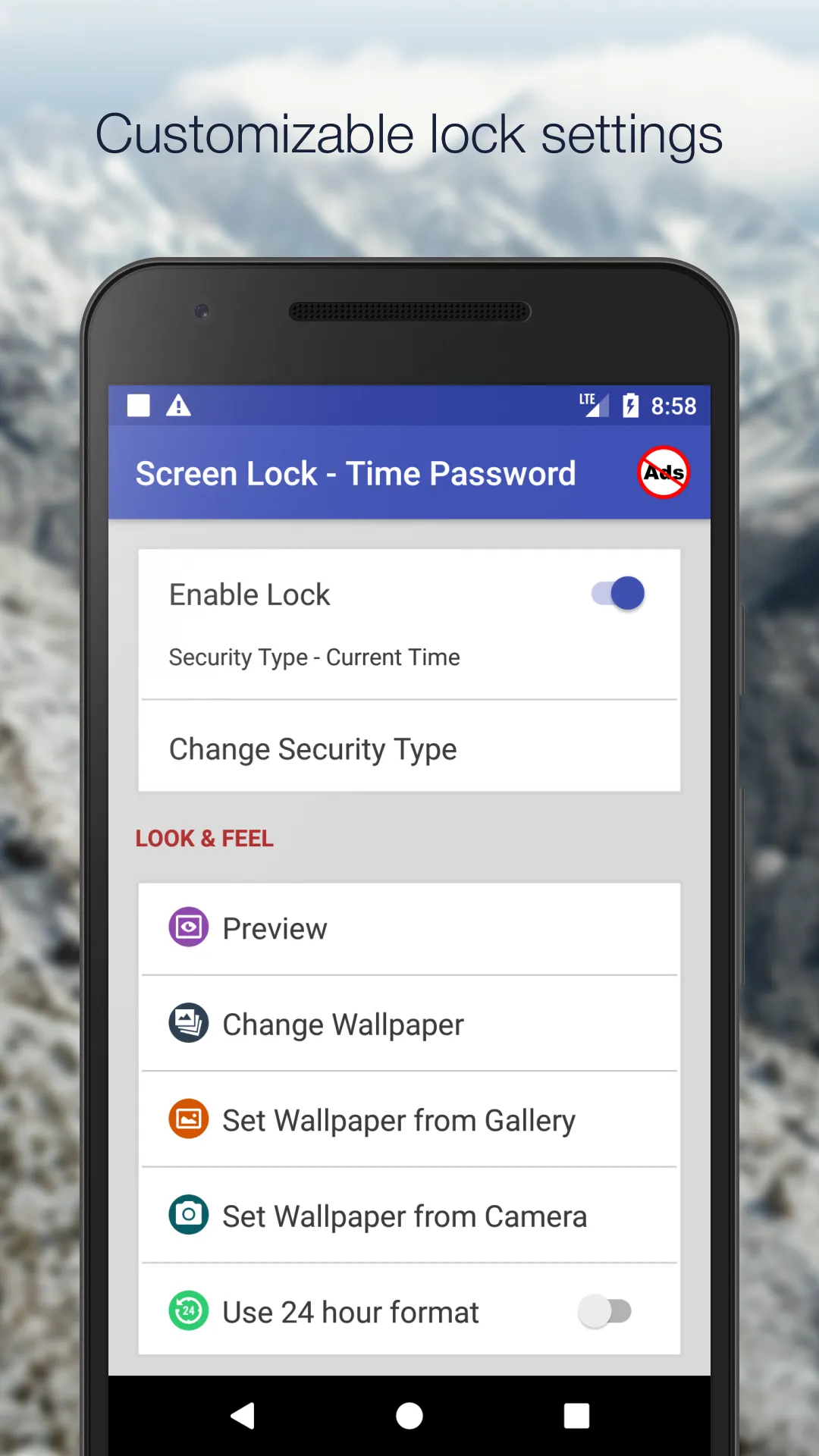
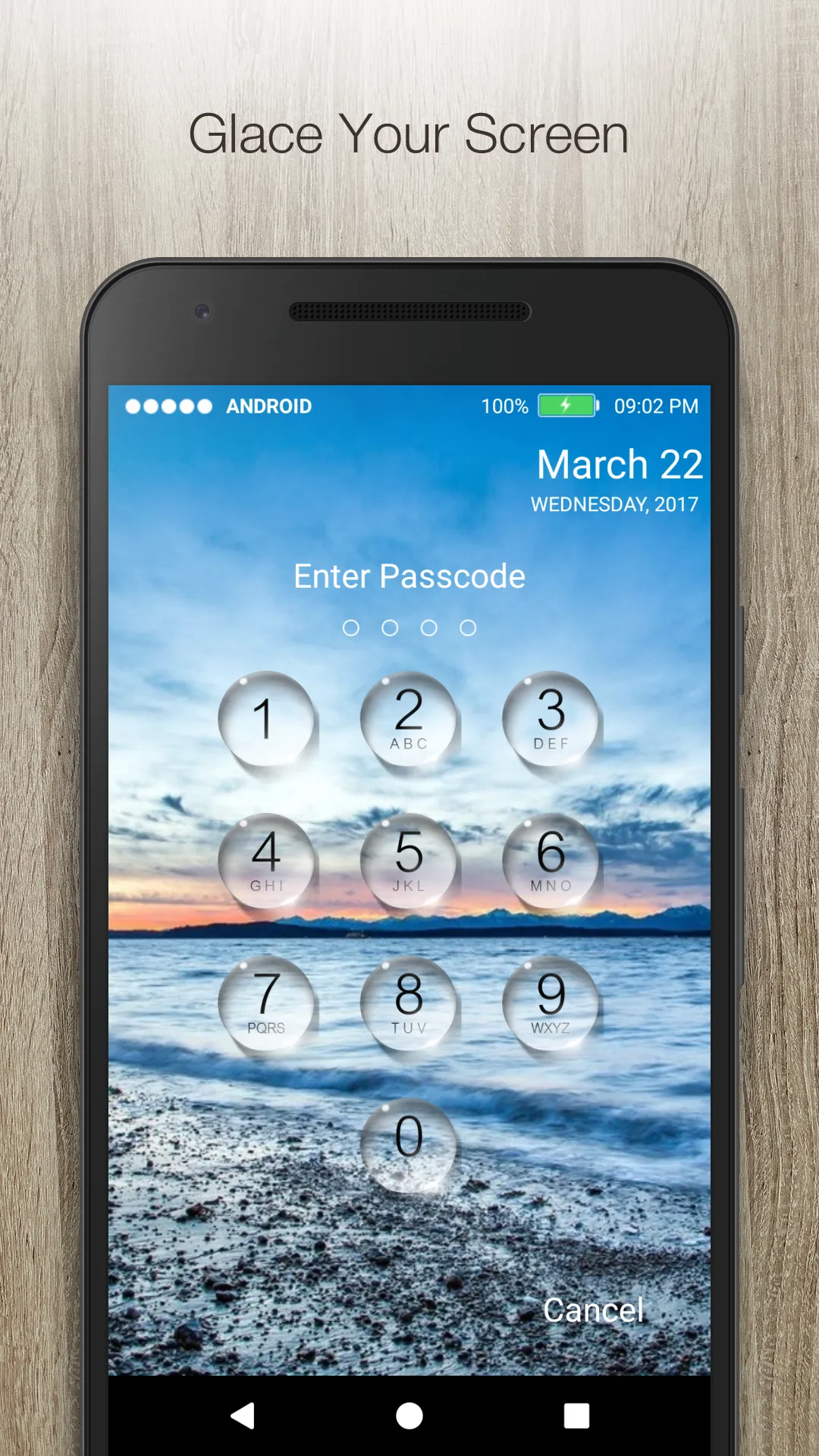
✔ Customise wallpaper for lock screen
You can apply HD Screen wallpaper or choose from Gallery or Camera.
✔ Unlock sound enable/disable.
✔ Unlock vibration enable/disable.
✔ 12 hour and 24 hour format both supported.
✔ Consume less memory and battery, Simple and Clean device.
✔ 100% safe and secure Screen Lock- Time Password
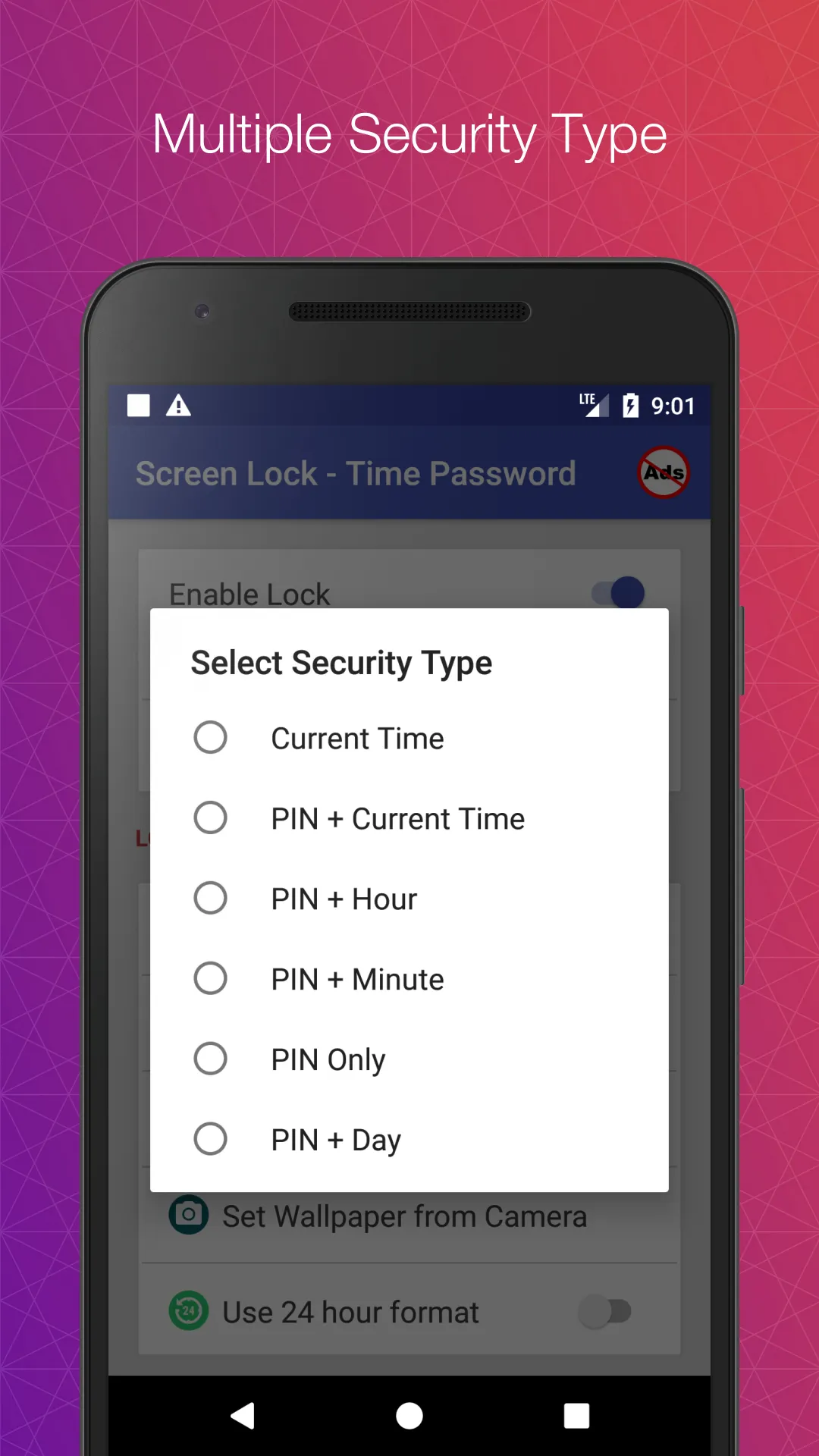
✔ Choose your own lock type
You can choose your own way to lock your android phone(Passcode change dynamically).
► Current Time : It is default password of your lock screen. e.g. If the time is 01:47, your PIN will be 0147.
► Pin Passcode - User can choose any password.
► Pin + Minute Passcode - e.g. if you choose digit is 12 and the time is 01:45 your PIN will be 1245.
► Pin + Current Time Passcode - e.g. if your choose digit is 45 and the time is 02:37 your PIN will be 450237.
► Pin + Day Passcode - e.g. if your choose digit is 45 and the date is 4 July 2017 your PIN will be 450407.
► Pin + Hour Passcode - e.g. if you choose digit is 12 and the time is 01:45 your PIN will be 4501.
FAQ
★How to open hidden Time Password?
1. Go to app info page (Settings -> Applications ->Keypad Screen Lock -> Storage) and tap to Manage space/Clear storage button.
★ How to lock Xiaomi / MI phones?
►Xiaomi / MI phones have different permission management style. To use Keypad Screen Lock - Time Password on Xiaomi / MI phones, please follow the following steps.
1. Open Security App -> permissions.
Choose option permissions -> Keypad Screen Lock - Time Password -> Allow all the permissions.
2. Go back to Permissions -> Auto Start -> Allow Time Password to Auto Start.
Photography
Ratings
2
1 total ratings
5
0%
4
0%
3
0%
2
100%
1
0%
REVIEWS
No reviews yet. Be the first one to review this app
Scan to download on Indus Appstore
Permissions
Storage: access photos, media, and files on your device
Biometric Information: access biometric data like fingerprint to unlock the app