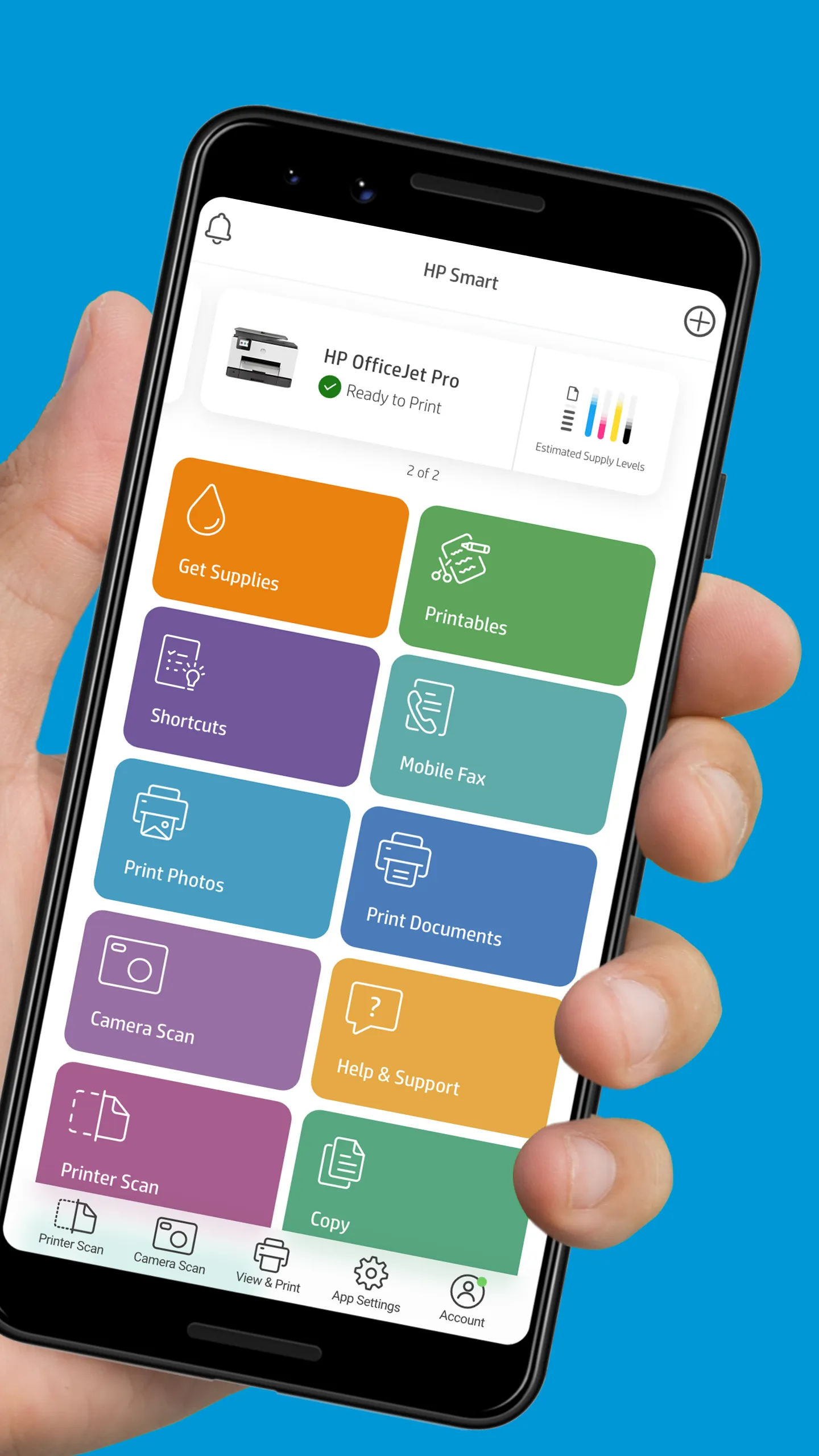
Print, scan, and share files by using HP Smart with your HP Printer. HP Smart makes it easy to get started and keeps you going with features like Print Anywhere or Mobile Fax!
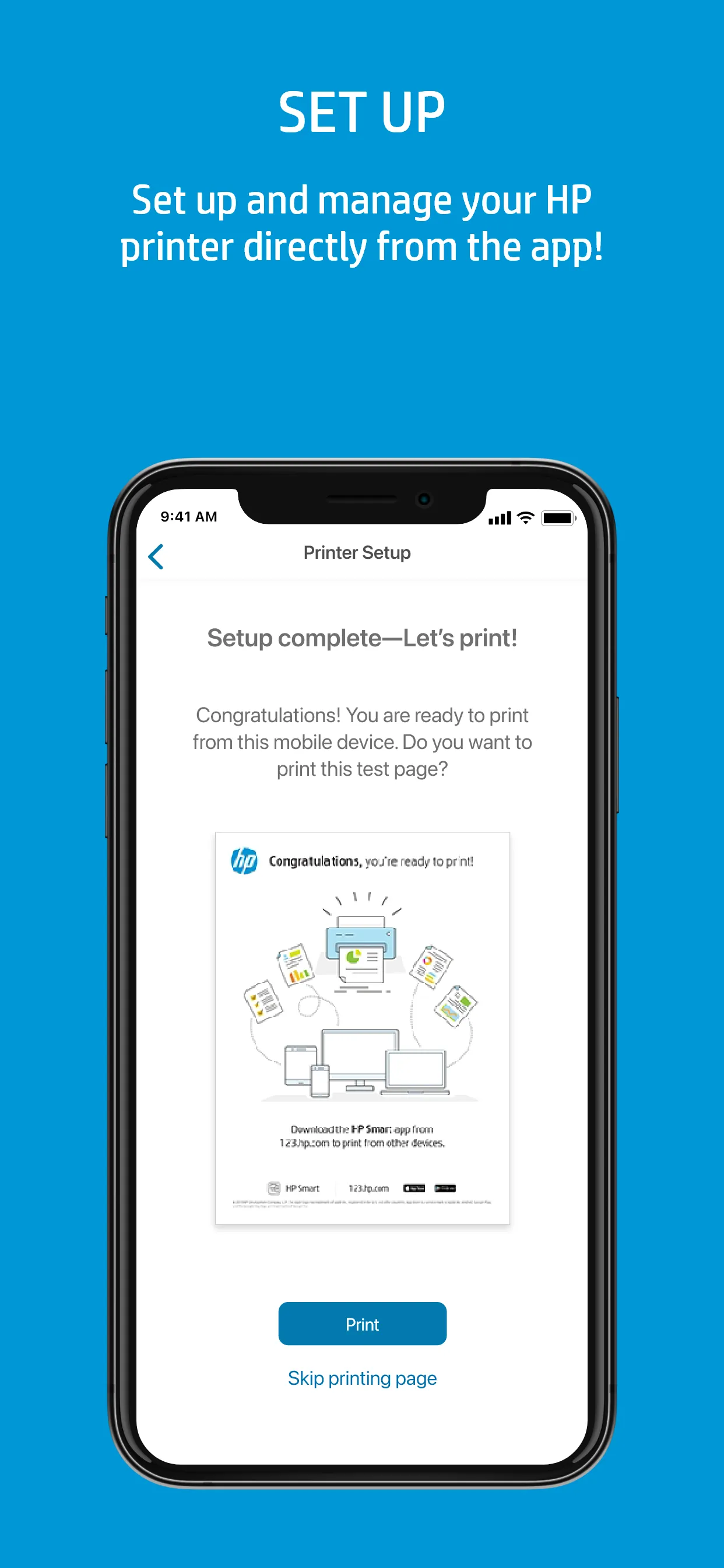
Start with a hassle-free set up, then print, scan, copy, and share files directly from your mobile device to your friends, co-workers, or a linked cloud account
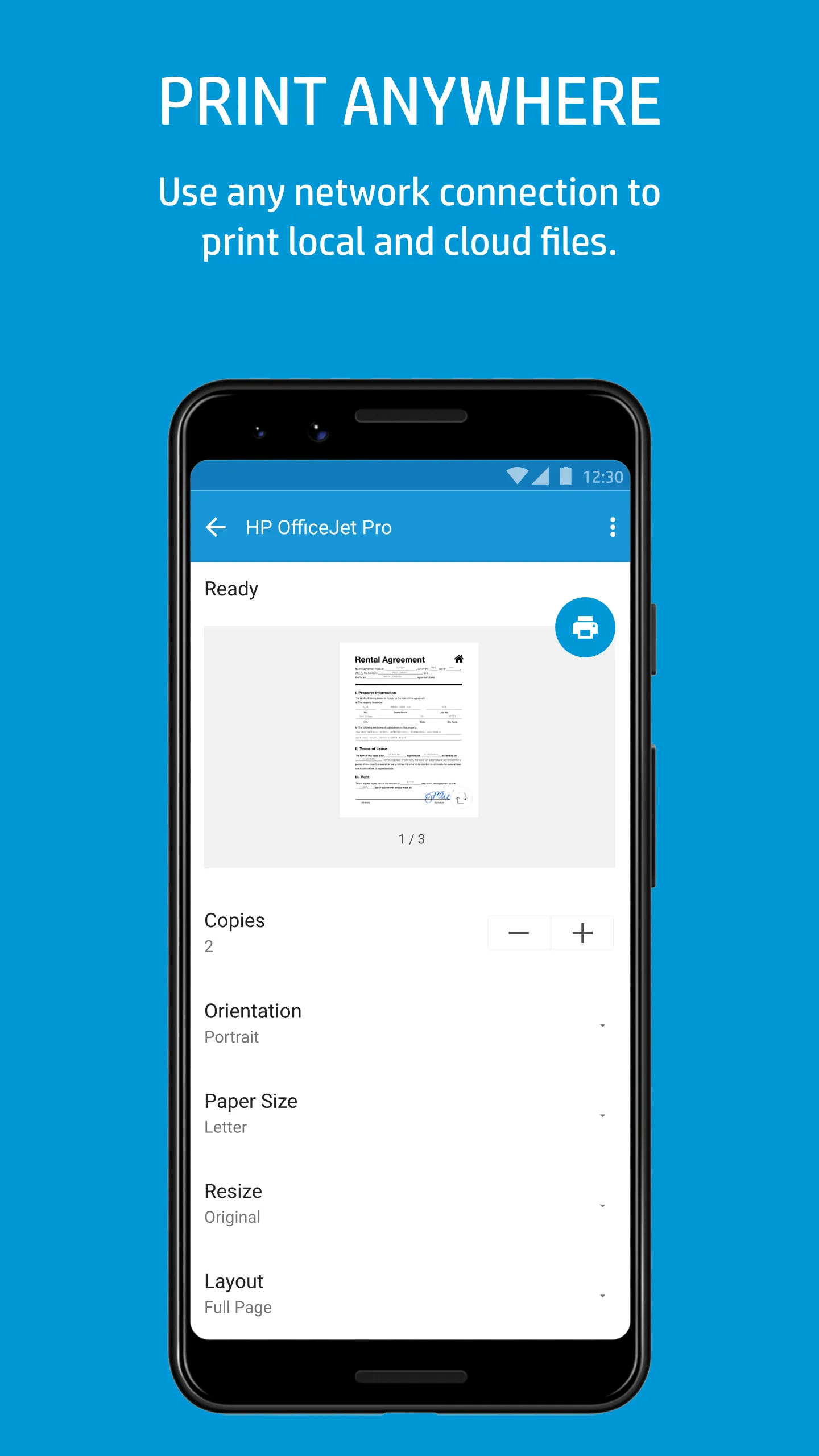
· Manage or print to your printer using any network connection
· Order supplies, get support, and manage your HP account straight from the app
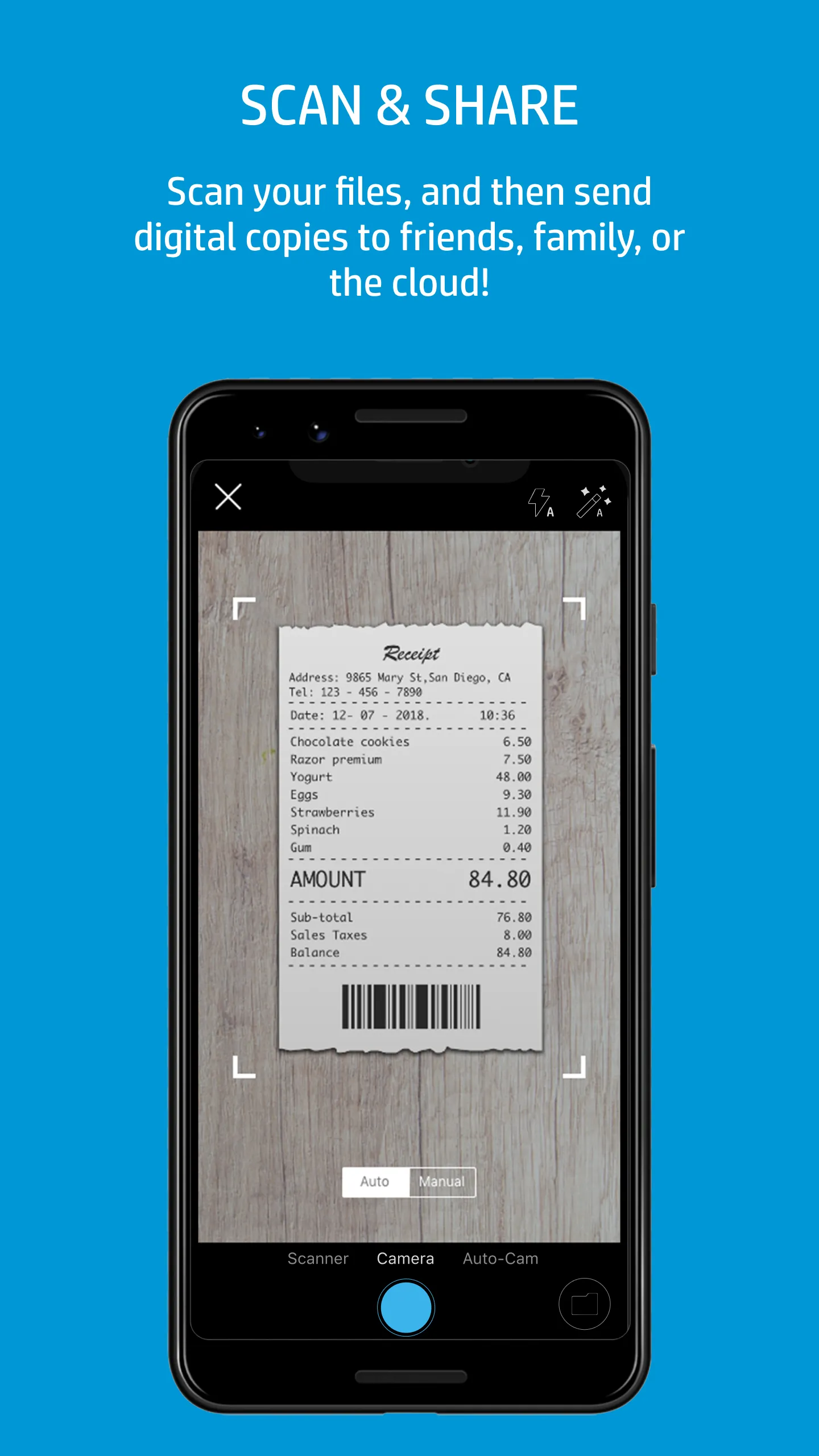
· Create high-quality scans with your mobile device’s camera or import existing files, then preview, edit, and save them as PDFs and JPEGs or send them in your favorite cloud storage account
· Edit and enhance your photos by adding filters and text, cropping, and adjusting the saturation, contrast, or brightness
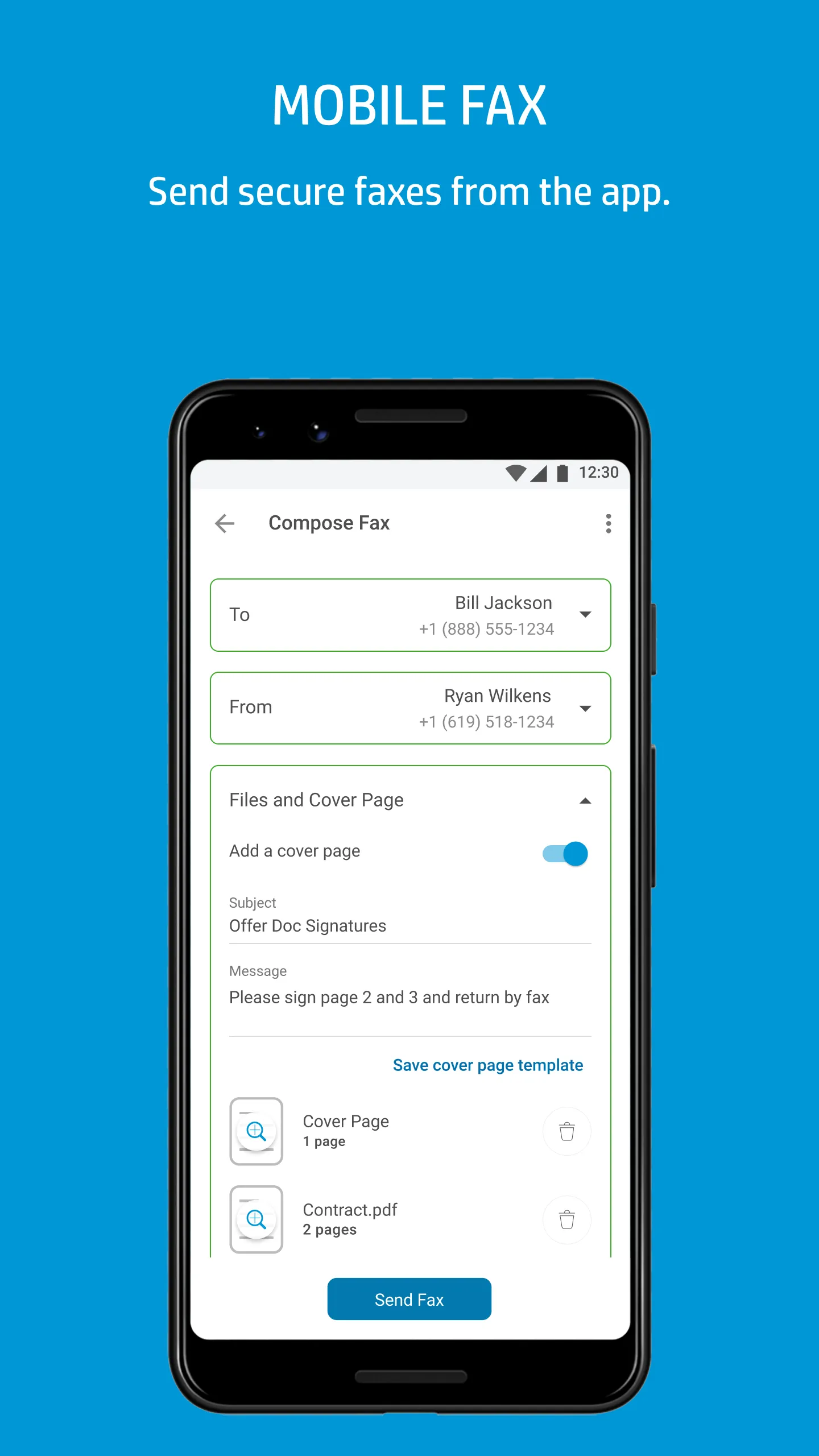
· It’s easy to send secure faxes from the app with Mobile Fax
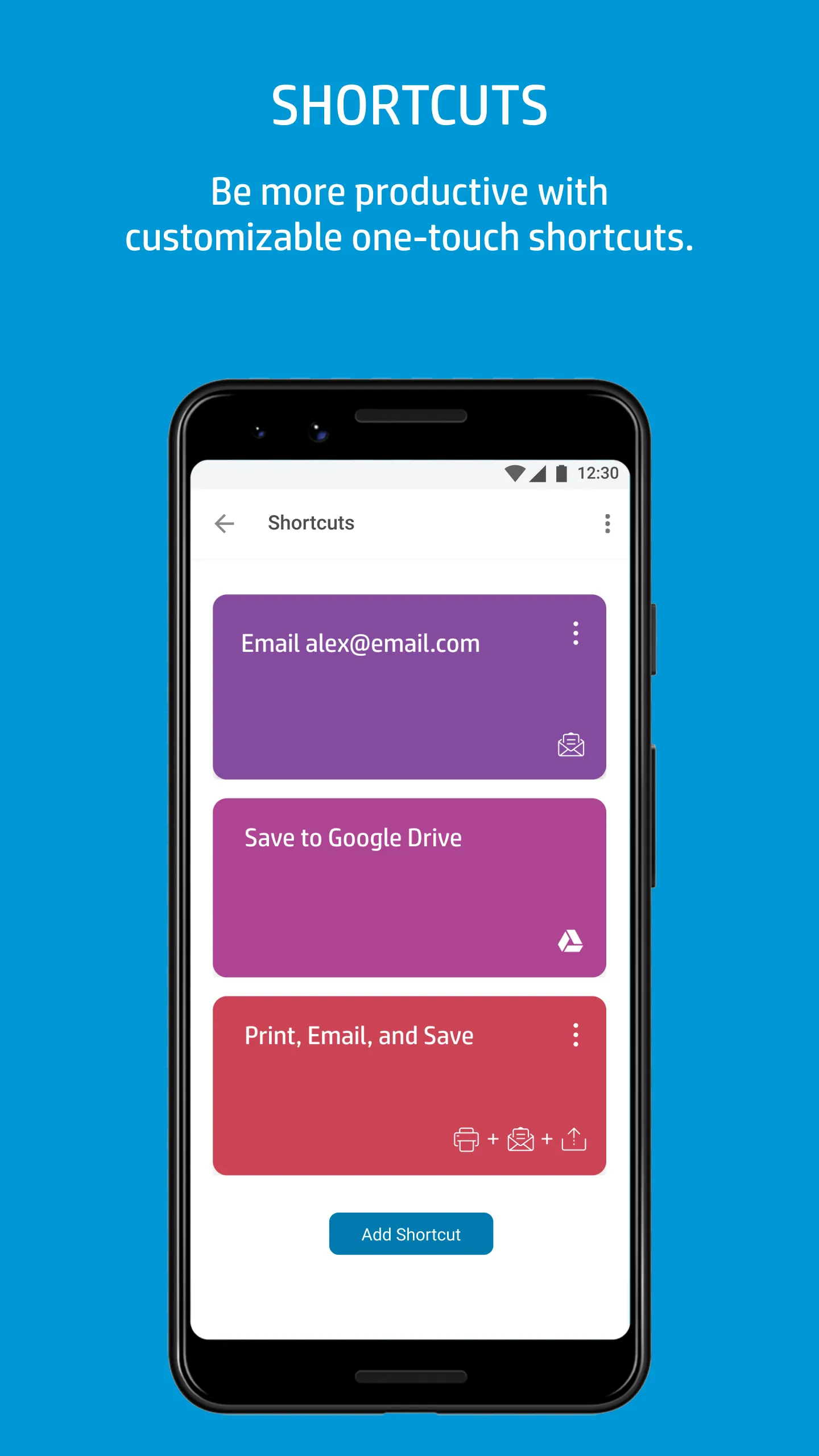
· Be more productive with Smart Tasks—customizable one-touch shortcuts
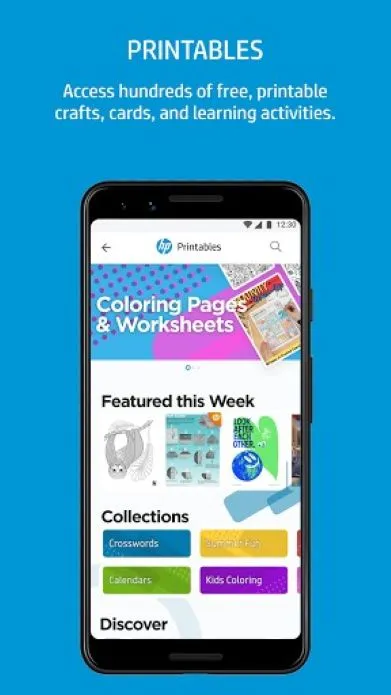
· Access hundreds of printable crafts, cards, and learning activities for free with Printables! Get involved and get your family creating together!
Some HP Smart features require a network connection and an HP account for full functionality. Certain features/software are available in English language only. For a full list of supported printers, visit: https://support.hp.com/document/ish_2843711-2427128-16?openCLC=true?
not able to connect the printer through this new app. it is not showing the printer to setup even. Older version app is far better. worst application..
madhusudan h s
20/12/2025
superb
Scan to download on Indus Appstore
Permissions
Location: access this device"s location
Storage: access photos, media, and files on your device
Biometric Information: access biometric data like fingerprint to unlock the app