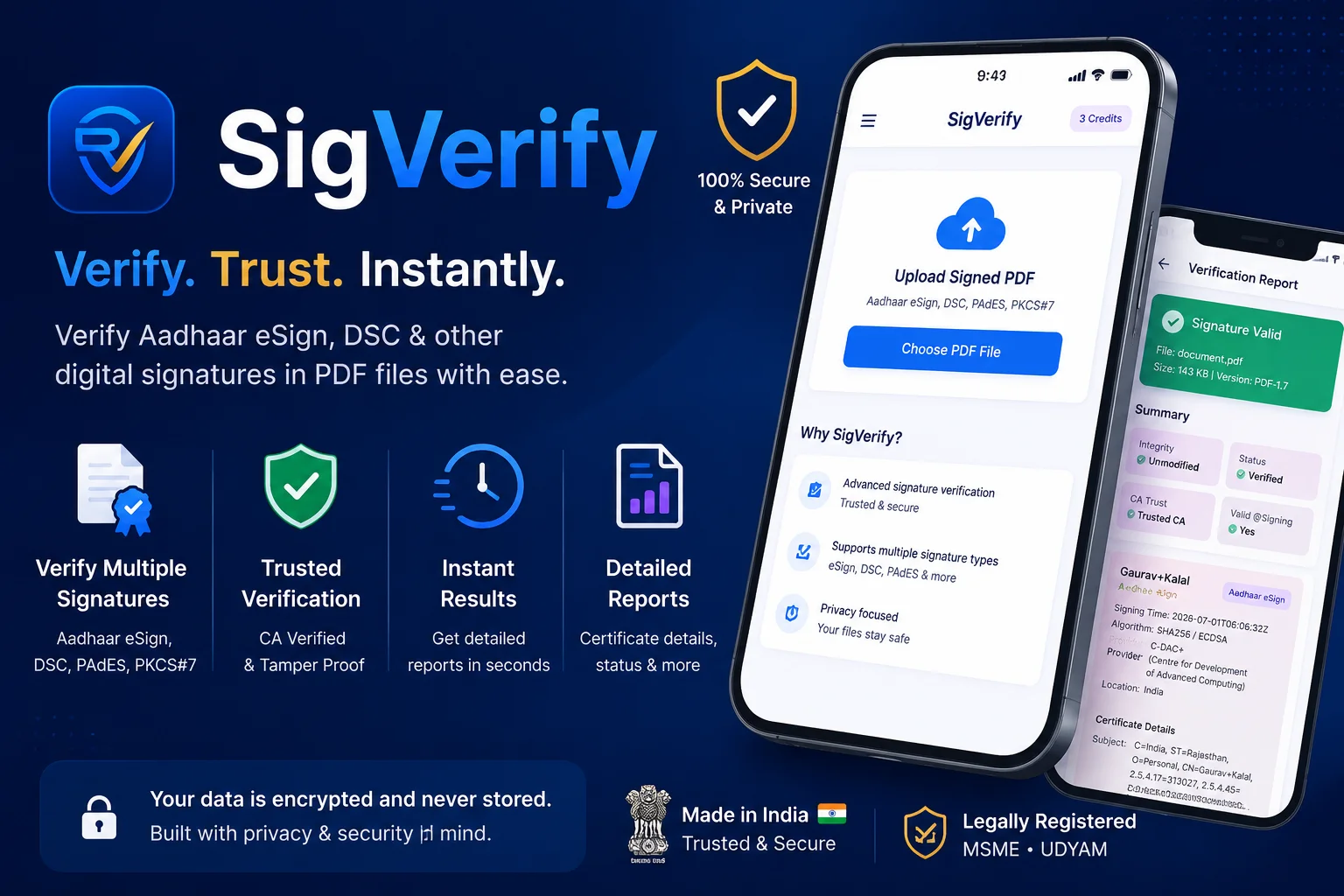
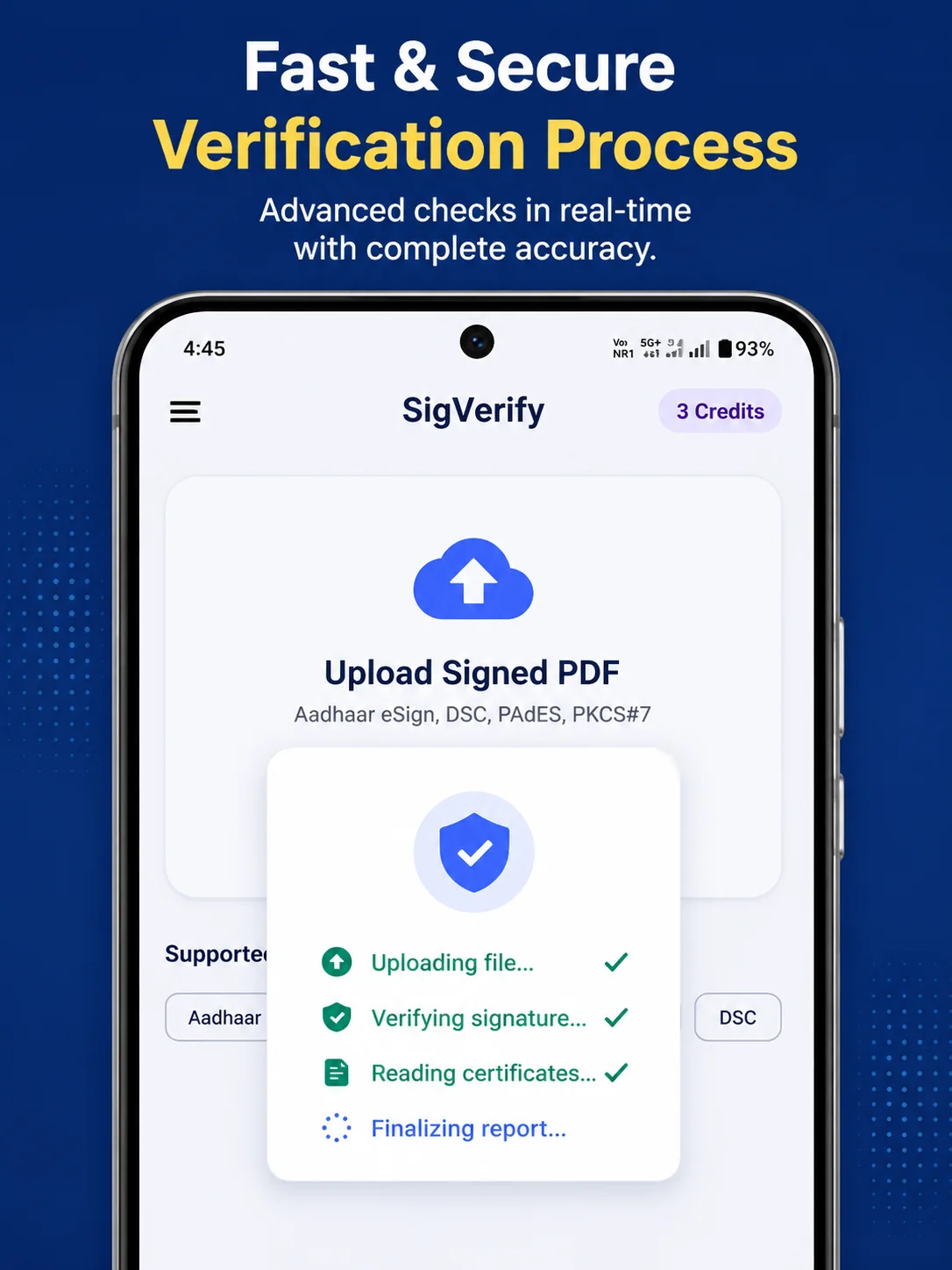
Verify Aadhaar eSign & DSC signatures in any PDF. Instant. Cryptographic.
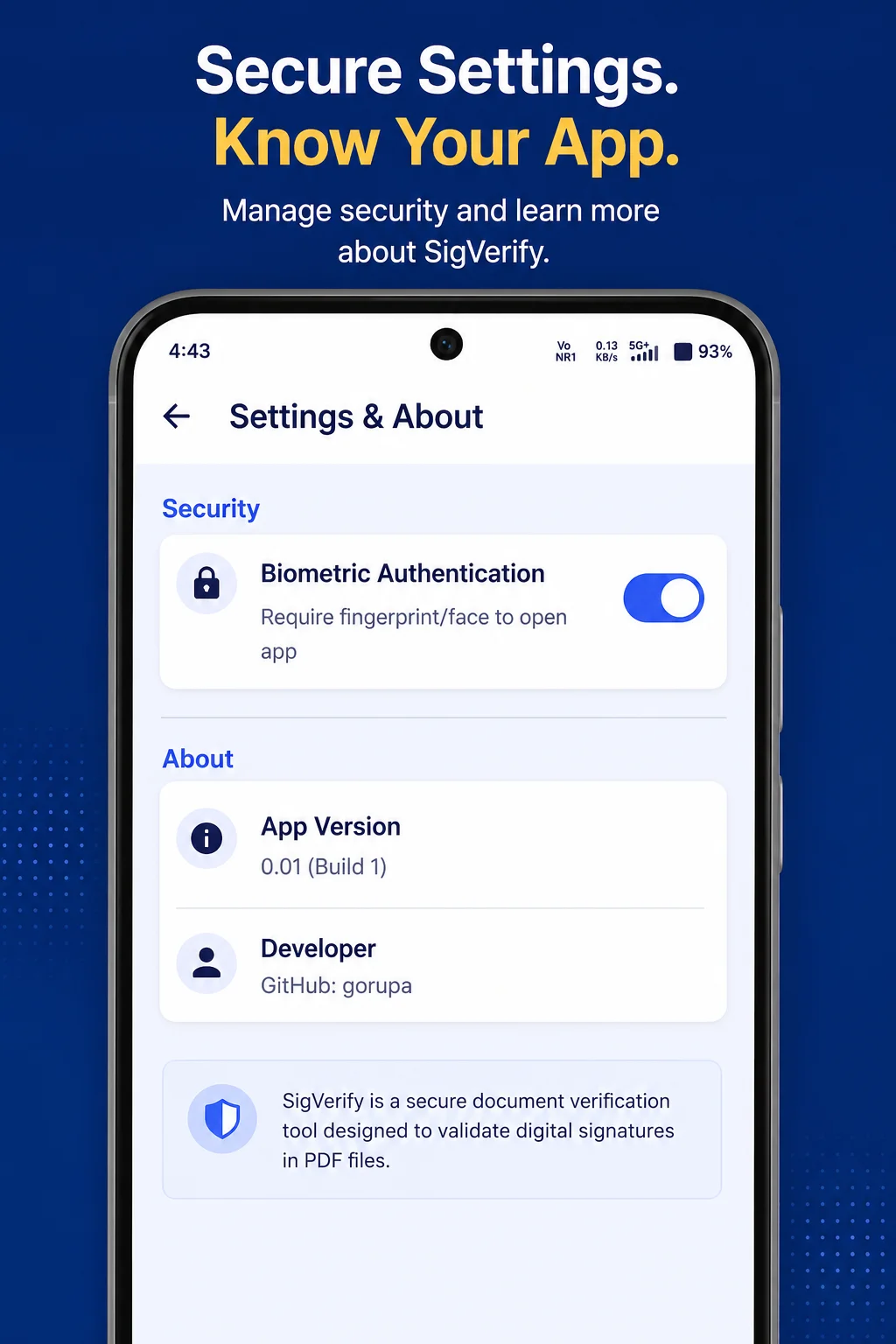
SigVerify is PDF digital signature verification tool.
If you've ever received a digitally signed PDF — a contract, agreement, government document, or Aadhaar eSign file — and wondered whether the signature is actually real, this app answers that question in seconds.
──────────────────────────
🔐 WHAT IS A DIGITAL SIGNATURE?
──────────────────────────
A real digital signature is NOT a scanned image of a handwritten signature. It is not drawing your name on a touchscreen. It is a cryptographic object embedded inside the PDF — mathematically tied to your identity and the exact contents of the document.
If the document is changed even by a single character after signing, the signature fails. If the certificate is forged, the signature fails. SigVerify checks all of this.
──────────────────────────
✅ WHAT SIGVERIFY SHOWS YOU
──────────────────────────
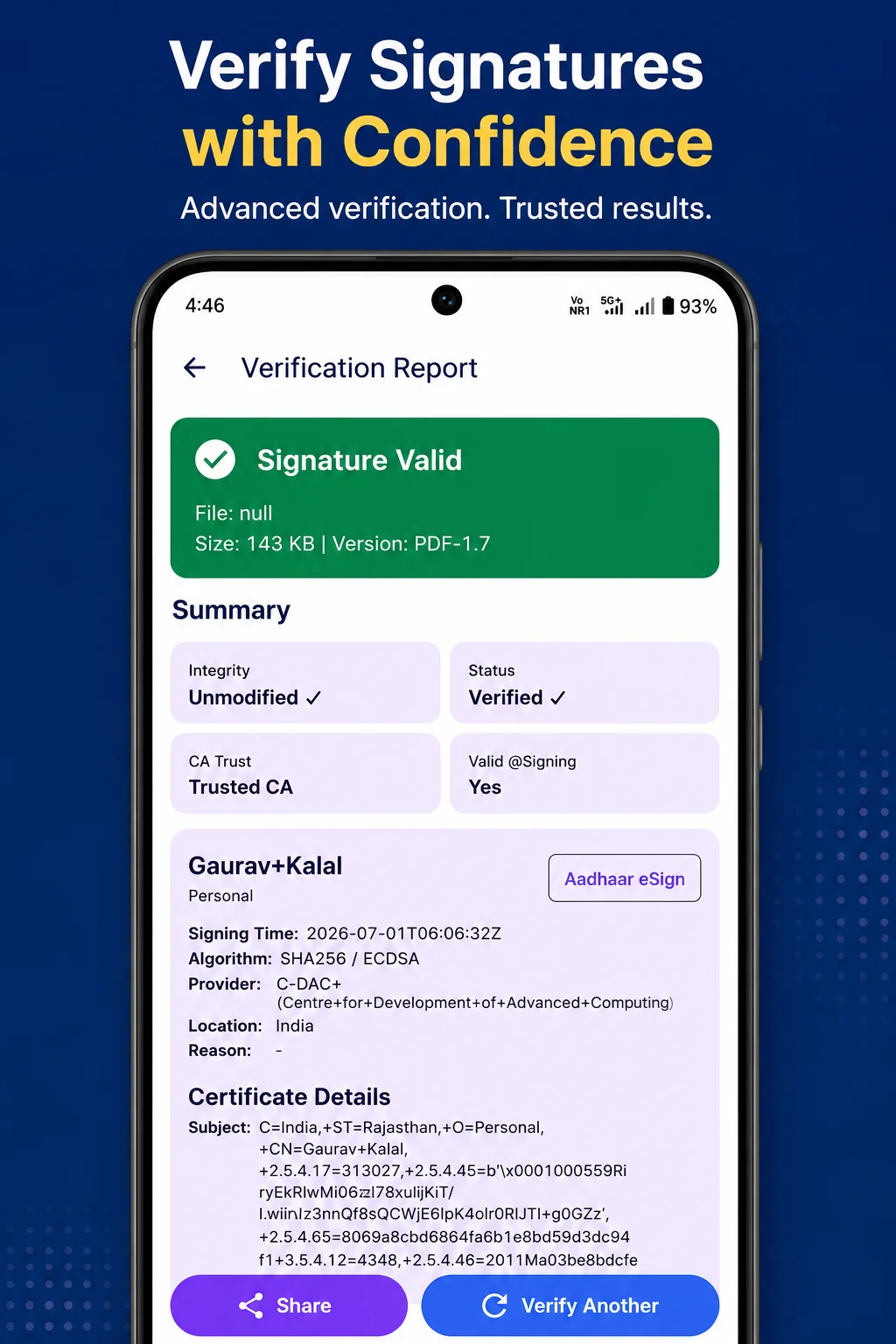
• Signer Name — from the actual X.509 certificate, not the stamp
• Certifying Authority — C-DAC, eMudhra, NSDL, SafeScrypt, Capricorn, NIC CA
• Signing Timestamp — both CMS and PDF date fields
• Document Modified? — cryptographic tamper detection
• Certificate Valid at Signing Time — handles Aadhaar's short-lived certs correctly
• Full Certificate Chain — End-Entity → Intermediate CA → Root CA (CCA India 2022)
• SHA-256 & SHA-1 Fingerprints — for each certificate
• CRL & OCSP URLs — for revocation reference
• Hash & Encryption Algorithm — SHA-256, ECDSA, RSA details
• ByteRange & Signed Content Hash — raw technical details
──────────────────────────
🇮🇳 SUPPORTED SIGNATURE TYPES
──────────────────────────
✓ Aadhaar eSign (C-DAC, OTP & Biometric)
✓ eMudhra DSC — Class 2 & Class 3
✓ NSDL e-Governance DSC
✓ SafeScrypt (Sify) DSC
✓ Capricorn Identity DSC
✓ NIC CA (Government employees)
✓ IDRBT CA (Banking sector)
✓ PAdES-B format
✓ PKCS#7 / CMS signatures
✓ Adobe Sign
✓ DocuSign
──────────────────────────
👤 WHO IS THIS FOR?
──────────────────────────
• Legal professionals receiving signed contracts
• CA firms verifying Aadhaar eSign filings
• HR teams checking digitally signed offer letters
• Banks and NBFCs verifying loan documents
• Citizens who signed with Aadhaar eSign and want to confirm it worked
• Developers building document workflows
──────────────────────────
💳 PRICING
──────────────────────────
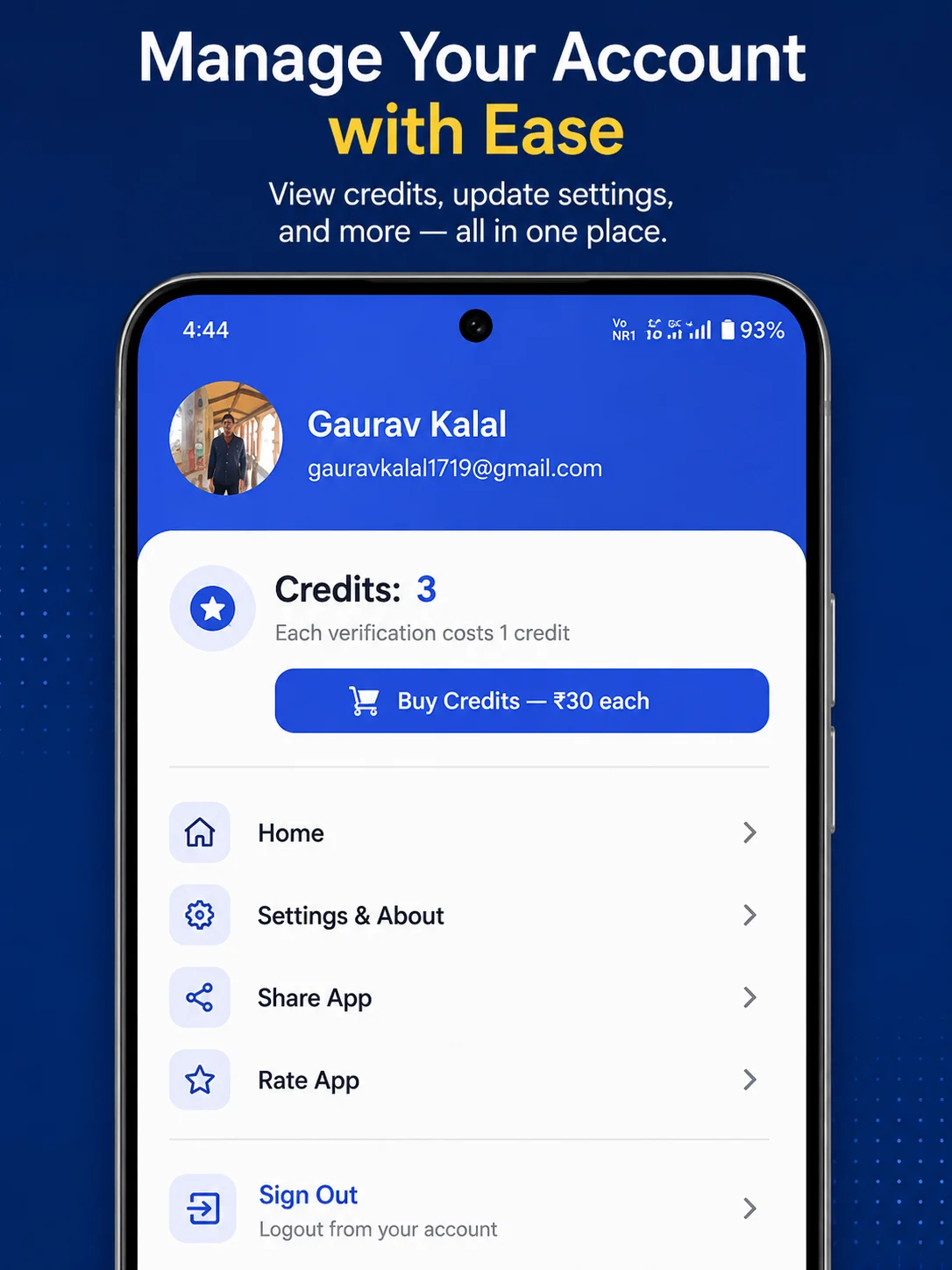
• First verification is FREE — just sign in with Google
• After that: ₹30 per verification
• Credits never expire
• No subscription — pay only when you need it
──────────────────────────
🔒 PRIVACY
──────────────────────────
Your PDF is sent securely to our verification server, processed, and deleted immediately. We do not store your documents. We do not share your data. Verification results are shown only to you.
──────────────────────────
Built by Gaurav Kalal (@gorupa) India
Productivity
Ratings
0
0 total ratings
5
73%
4
10%
3
4%
2
3%
1
10%
REVIEWS
No reviews yet. Be the first one to review this app
Scan to download on Indus Appstore
Permissions
Storage: access photos, media, and files on your device
Biometric Information: access biometric data like fingerprint to unlock the app