LCP image
4.0
ratings
33 MB
Size
Verified

SCREENSHOTS (6)

Screenshot
Screenshot
Screenshot
Screenshot
Screenshot
Screenshot

About the app

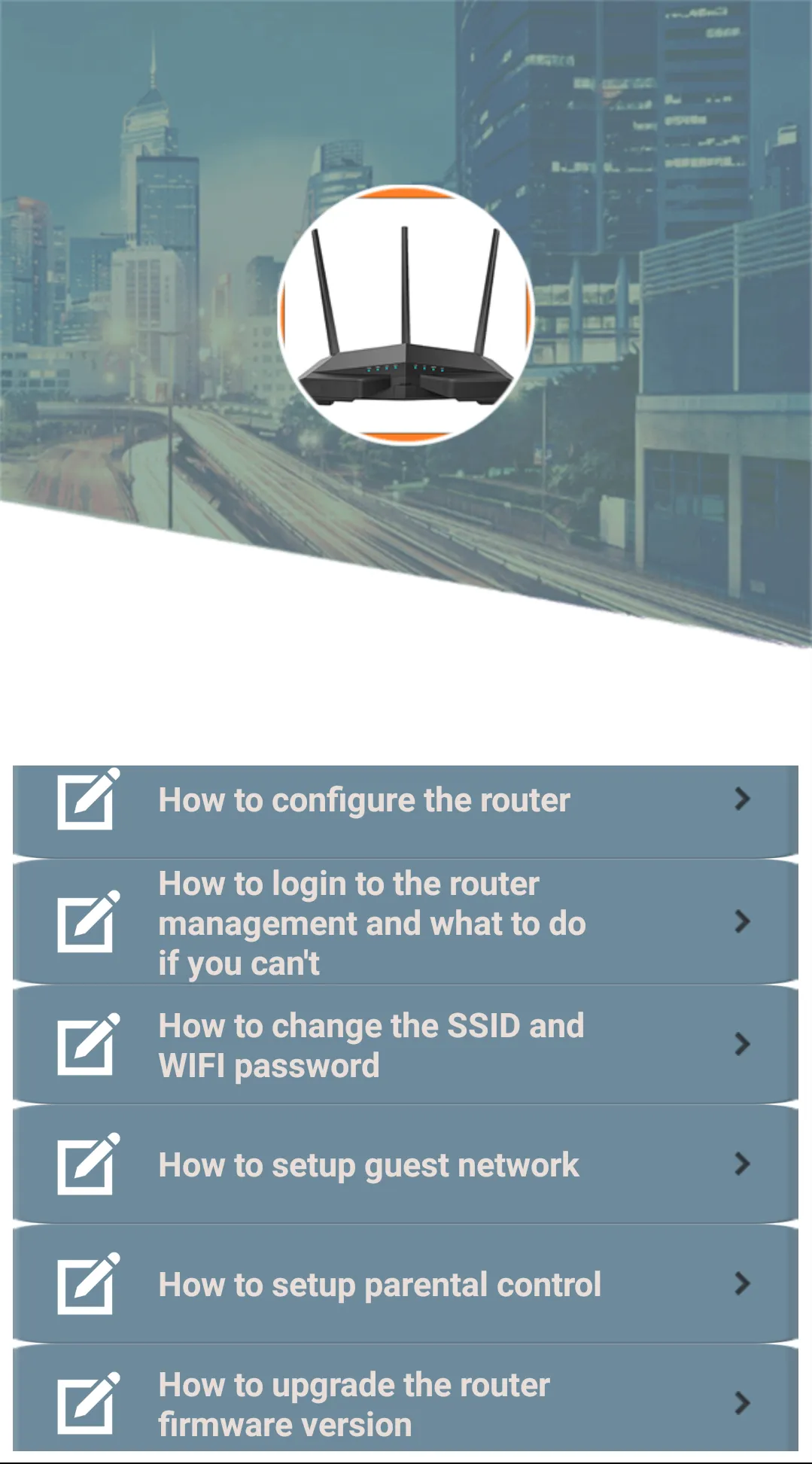
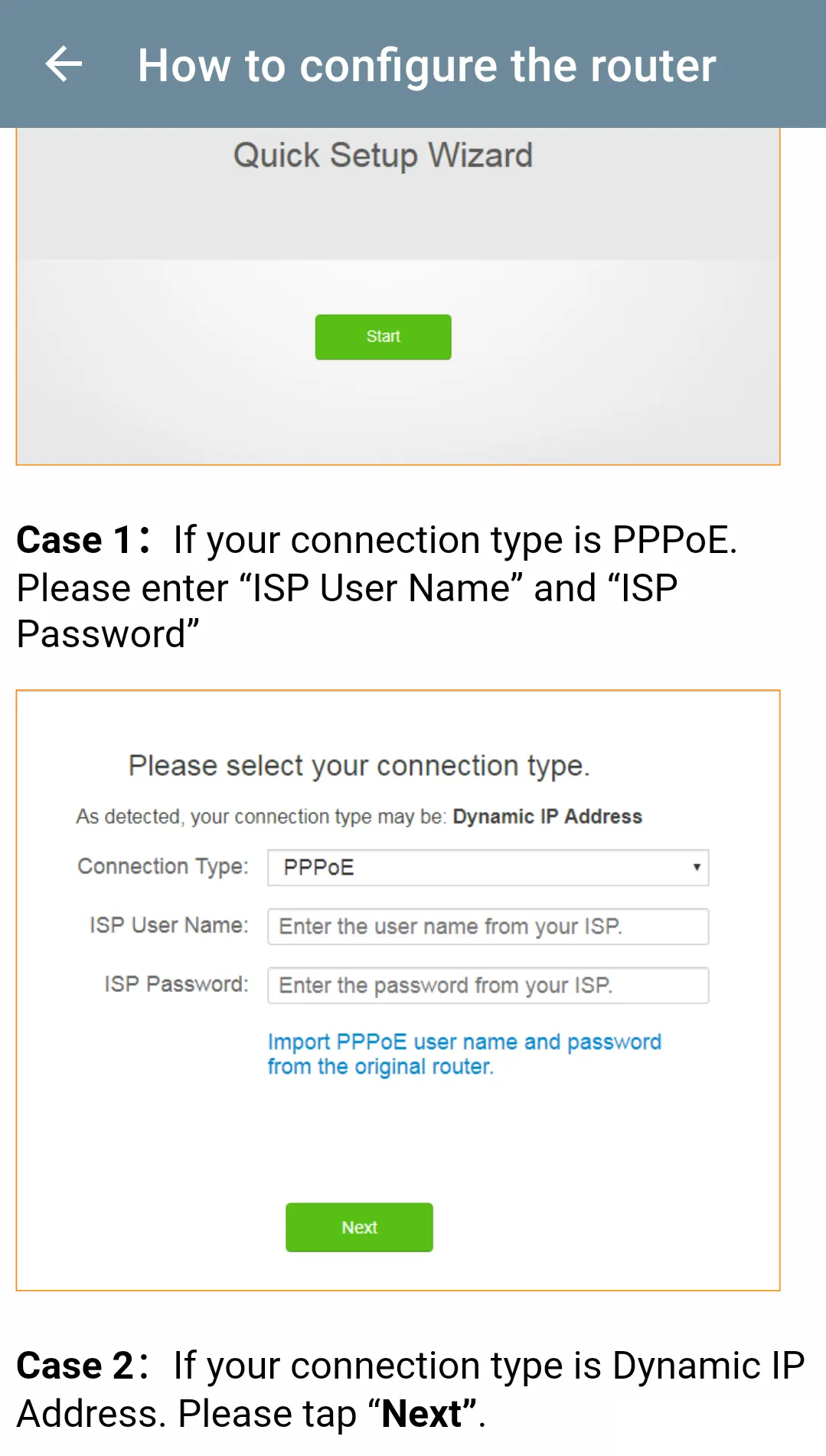
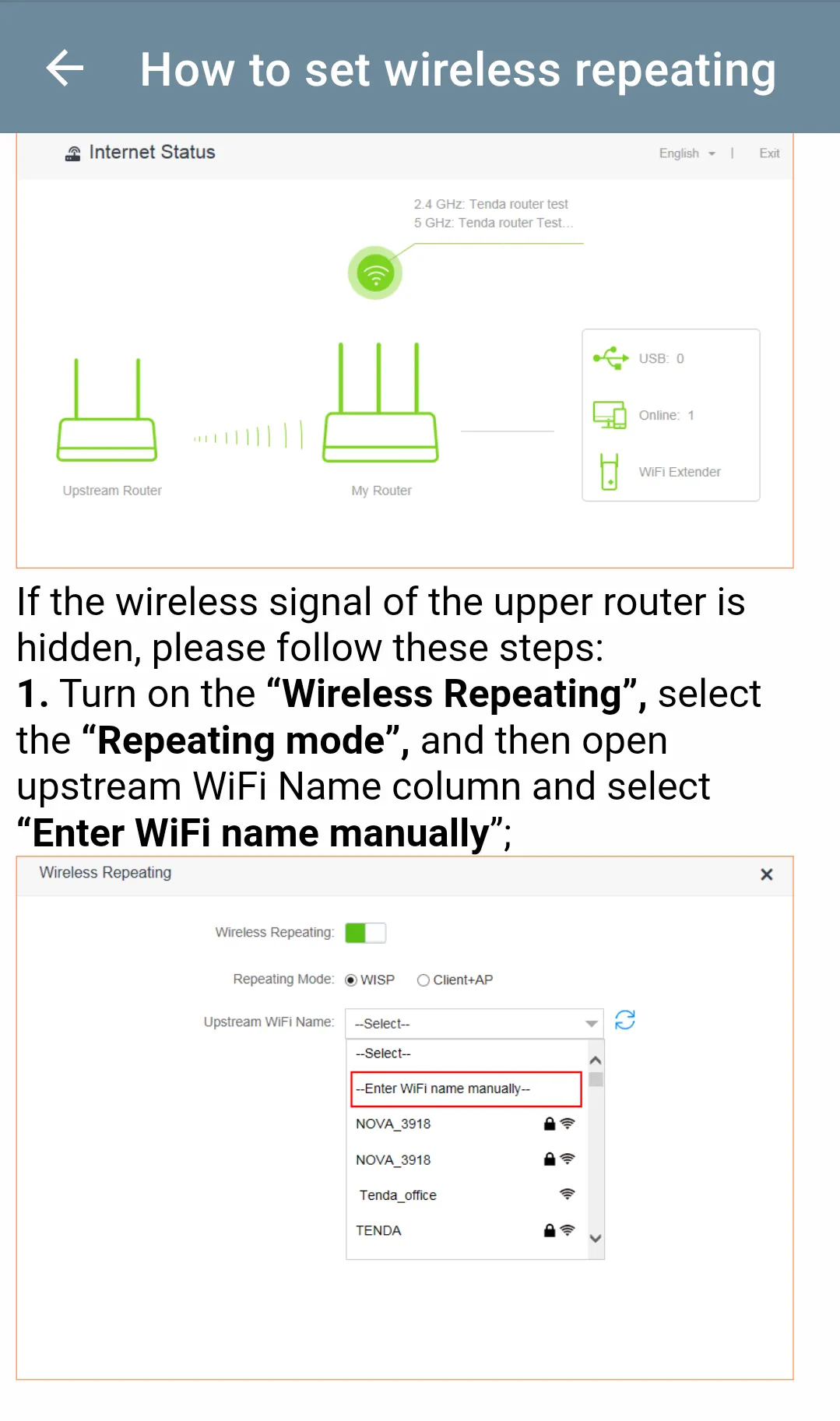
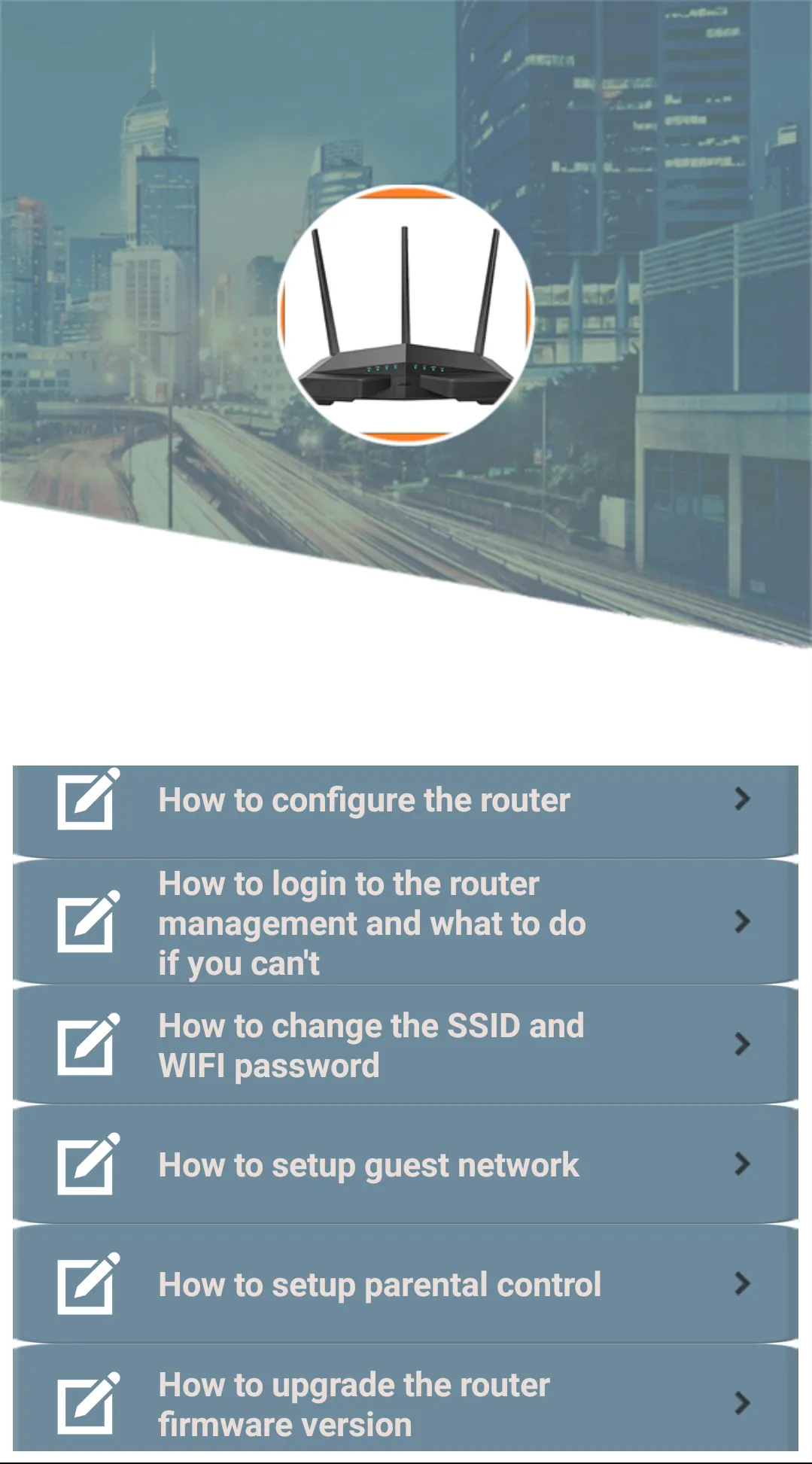
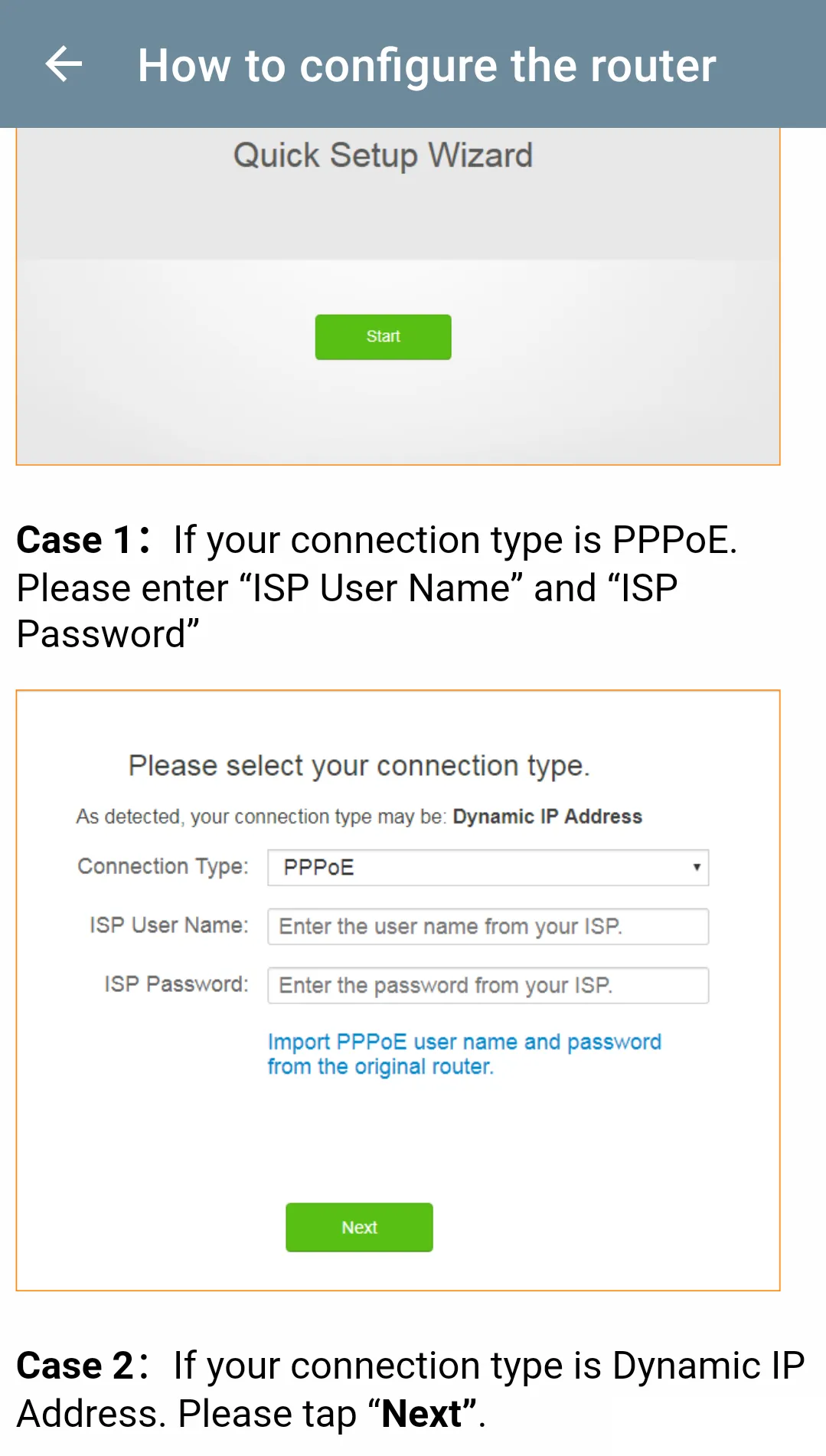
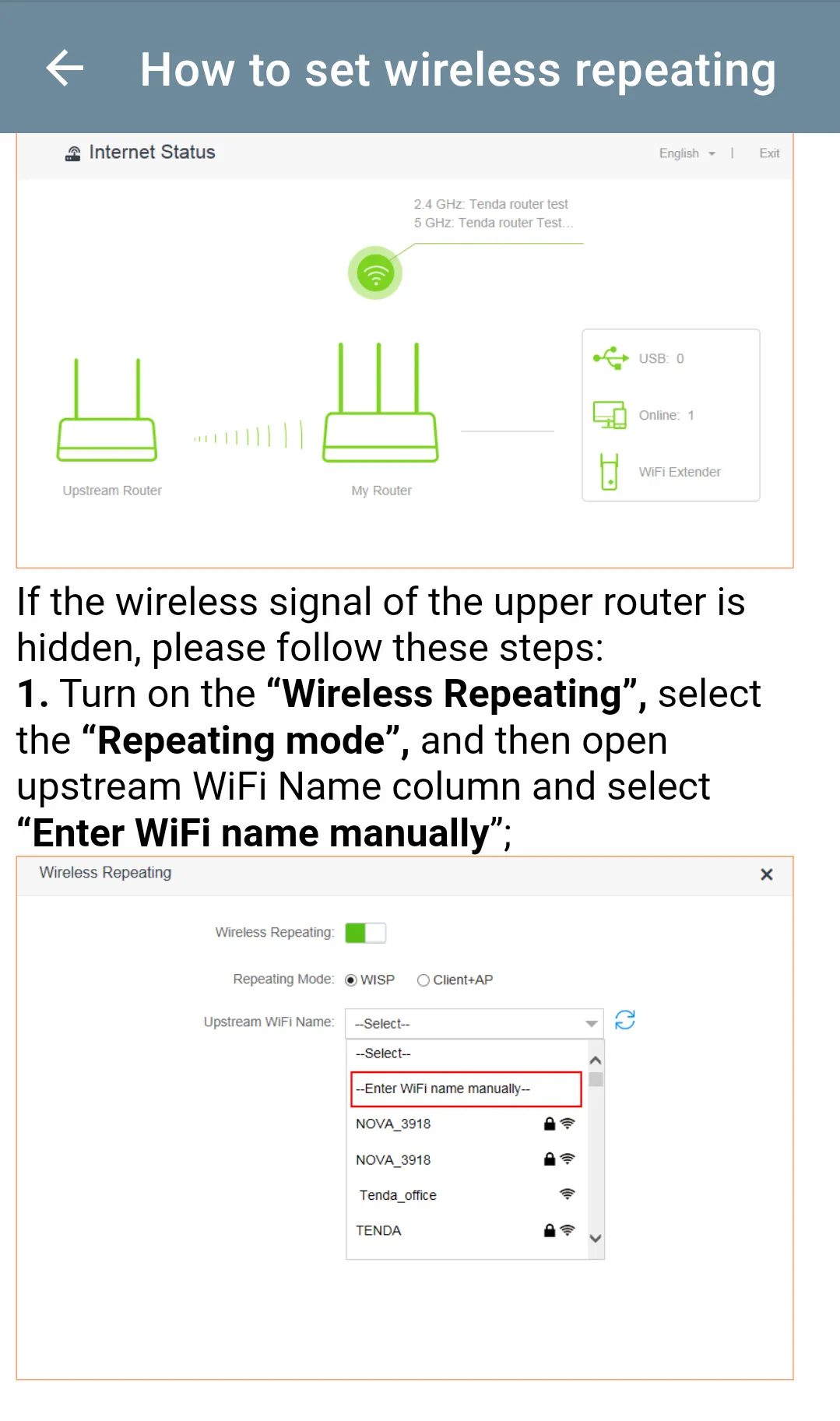
The app explains how to setup the router admin. You log into the router via your browser with your default username and password. When you have internet connection problems, you can setup and configure the router again after performing a "reset". Get the 192.168.1.1 tenda admin password information and then whenever you have connection problems, you can solve the problem by installing from scratch. The content of the application explains how the following subjects are done. Router configuration, tenda wifi password change, router login and solution if not done, wifi repeating (using router as tenda wifi extender, parental control settings and router reset.

Tools

Ratings

0

0 total ratings

5

73%

4

10%

3

4%

2

3%

1

10%

REVIEWS

No reviews yet. Be the first one to review this app

Permissions

Storage: access photos, media, and files on your device

Internet: use your internet connection

Phone: make and manage phone calls

Camera: take pictures and record video

Scan to download on Indus Appstore