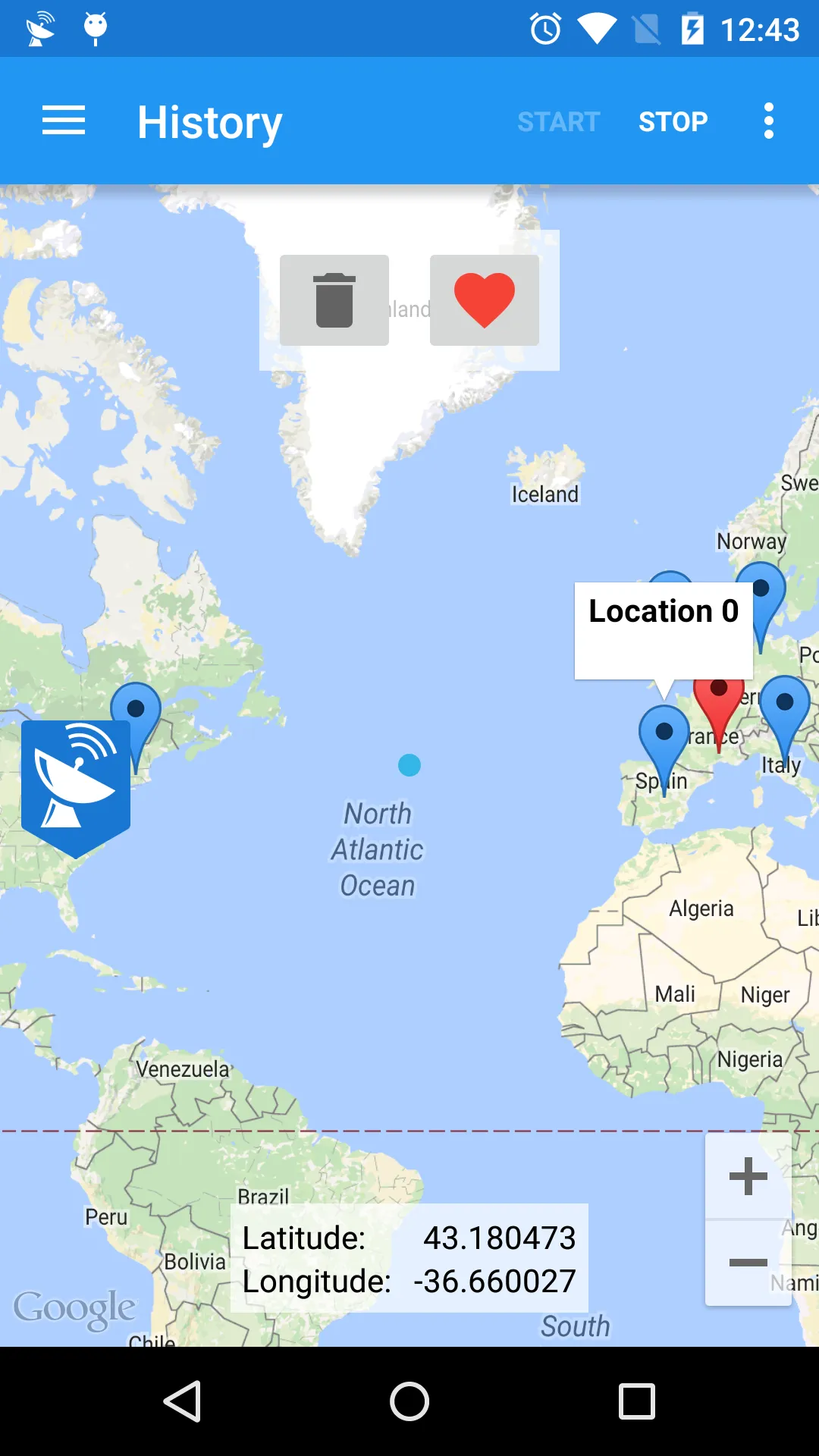
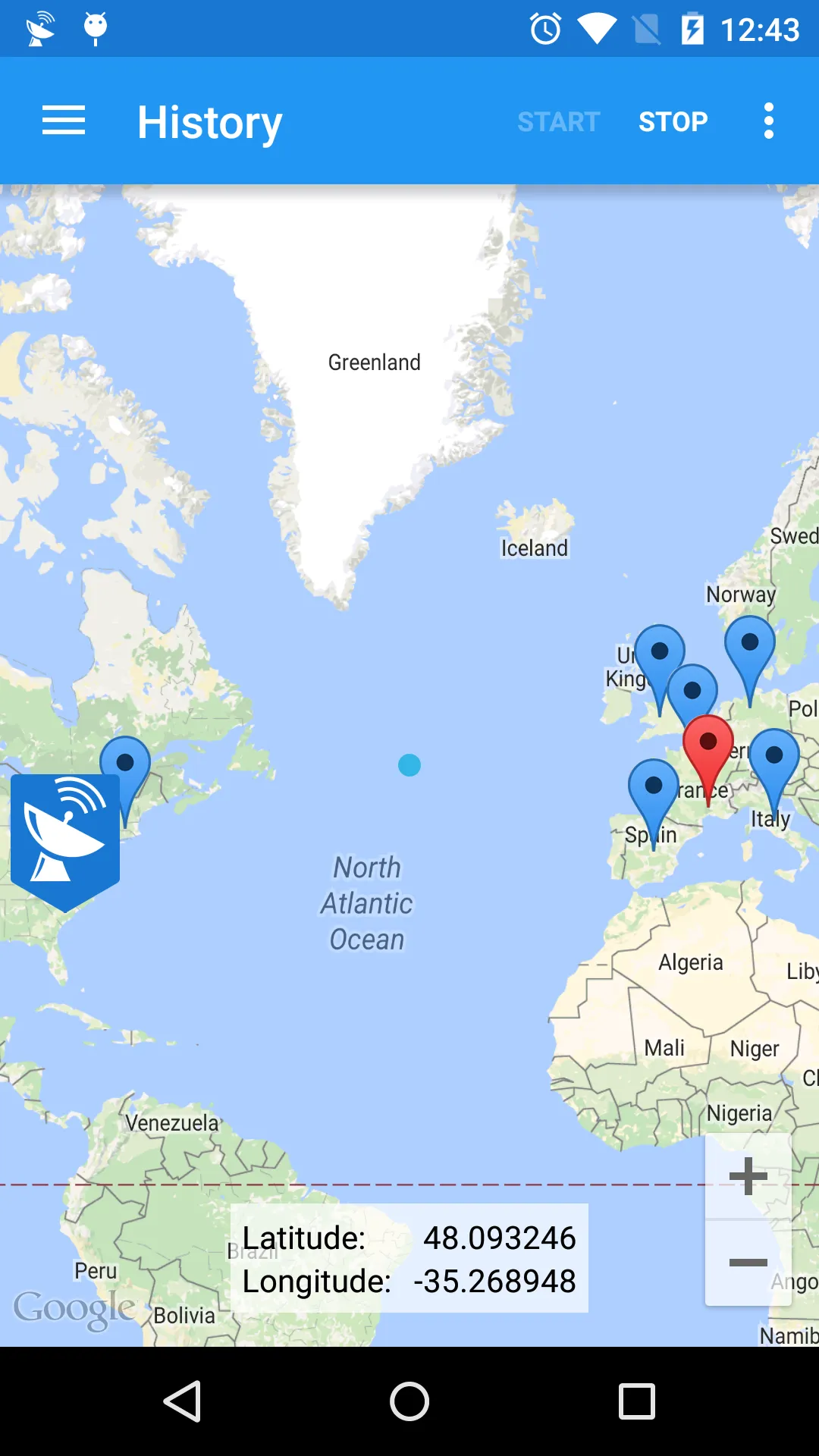
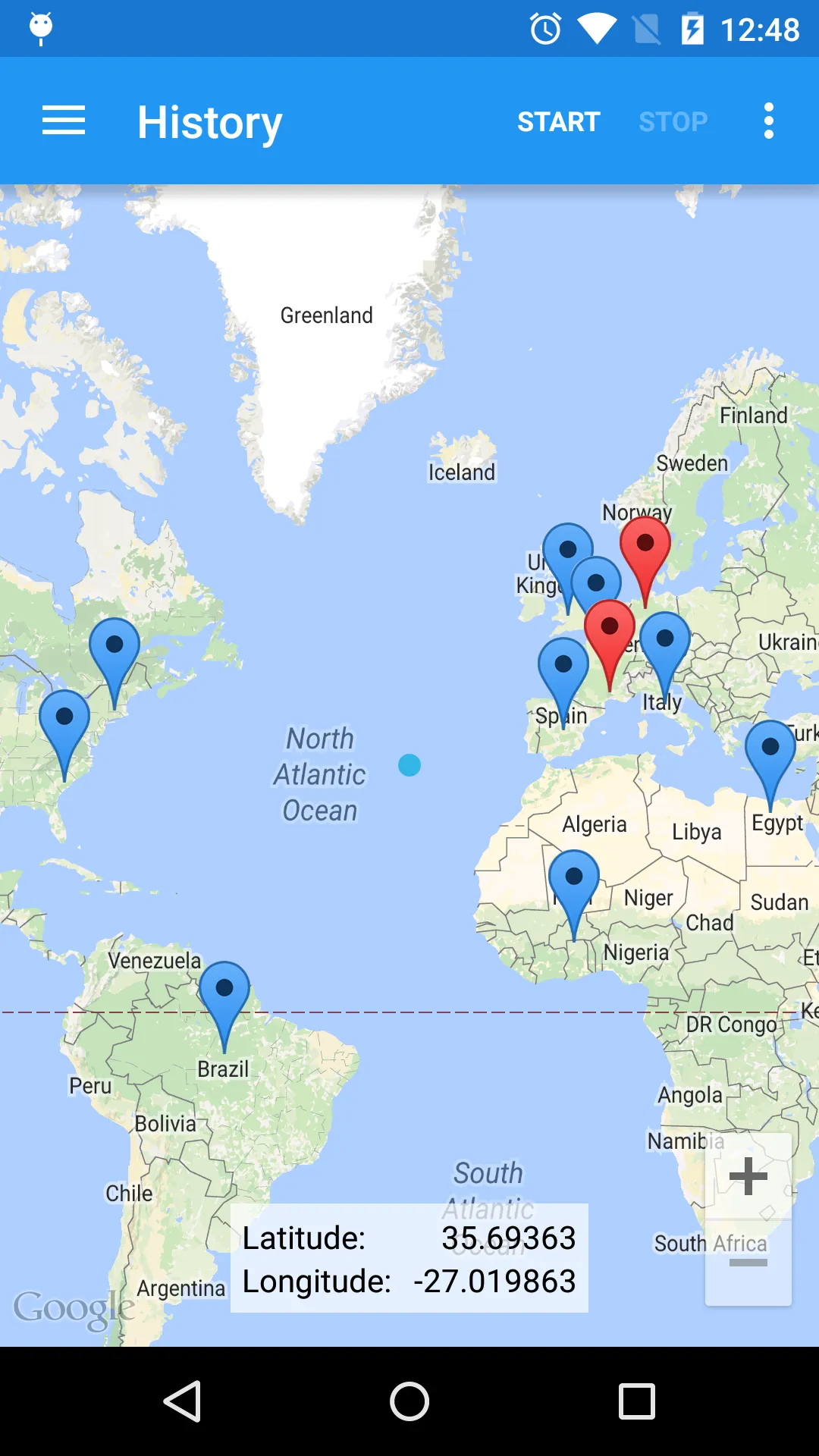
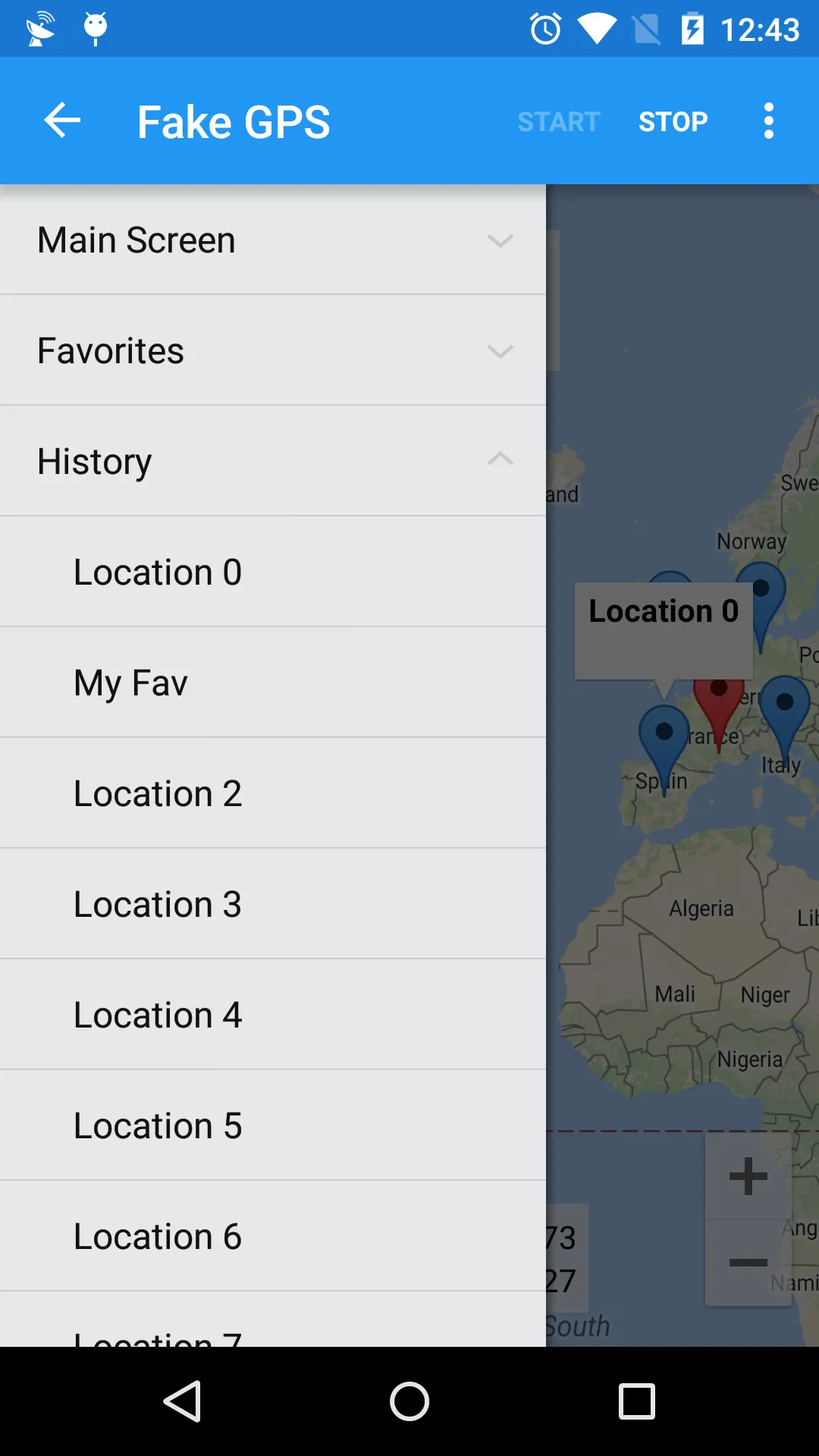
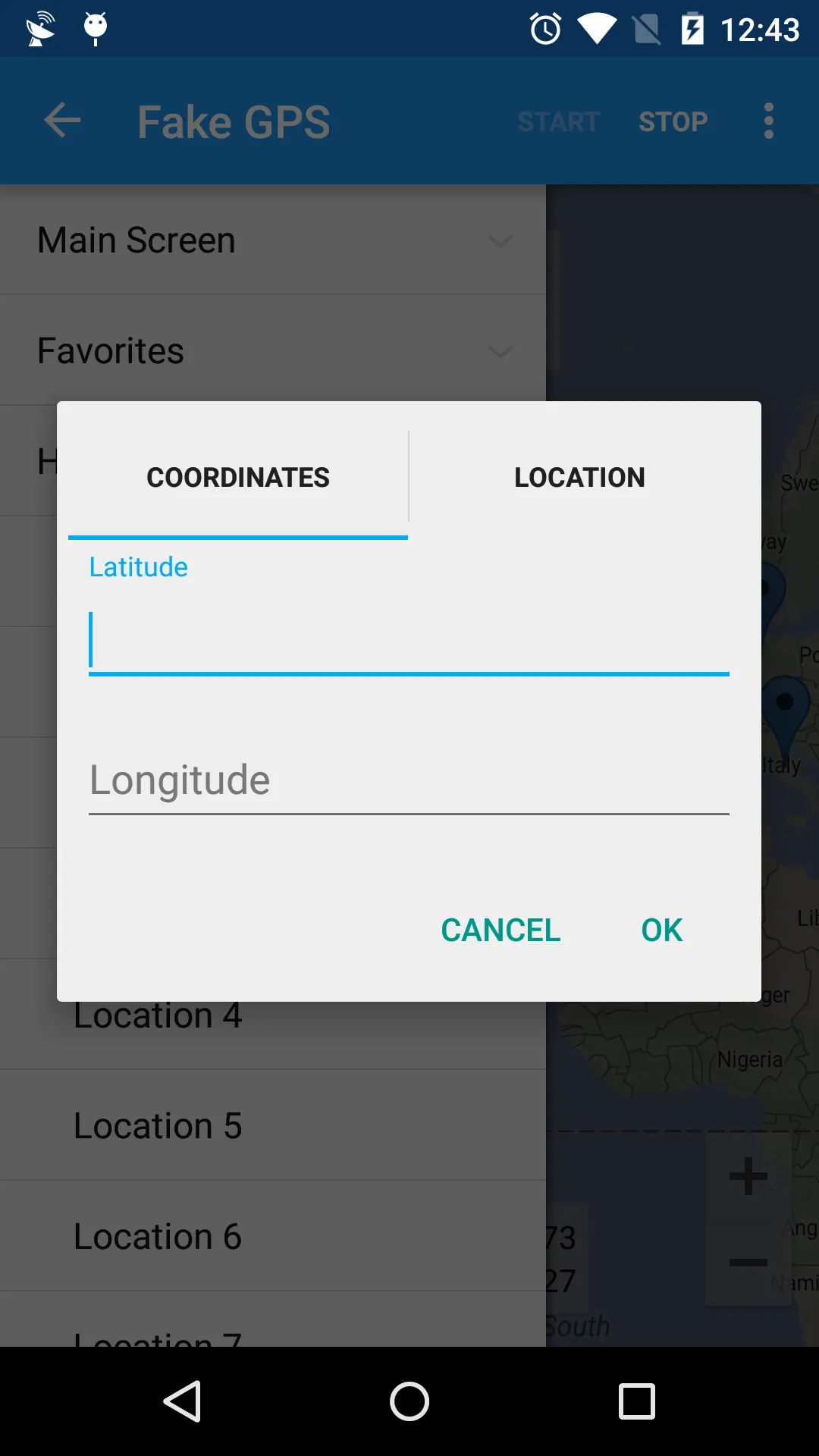
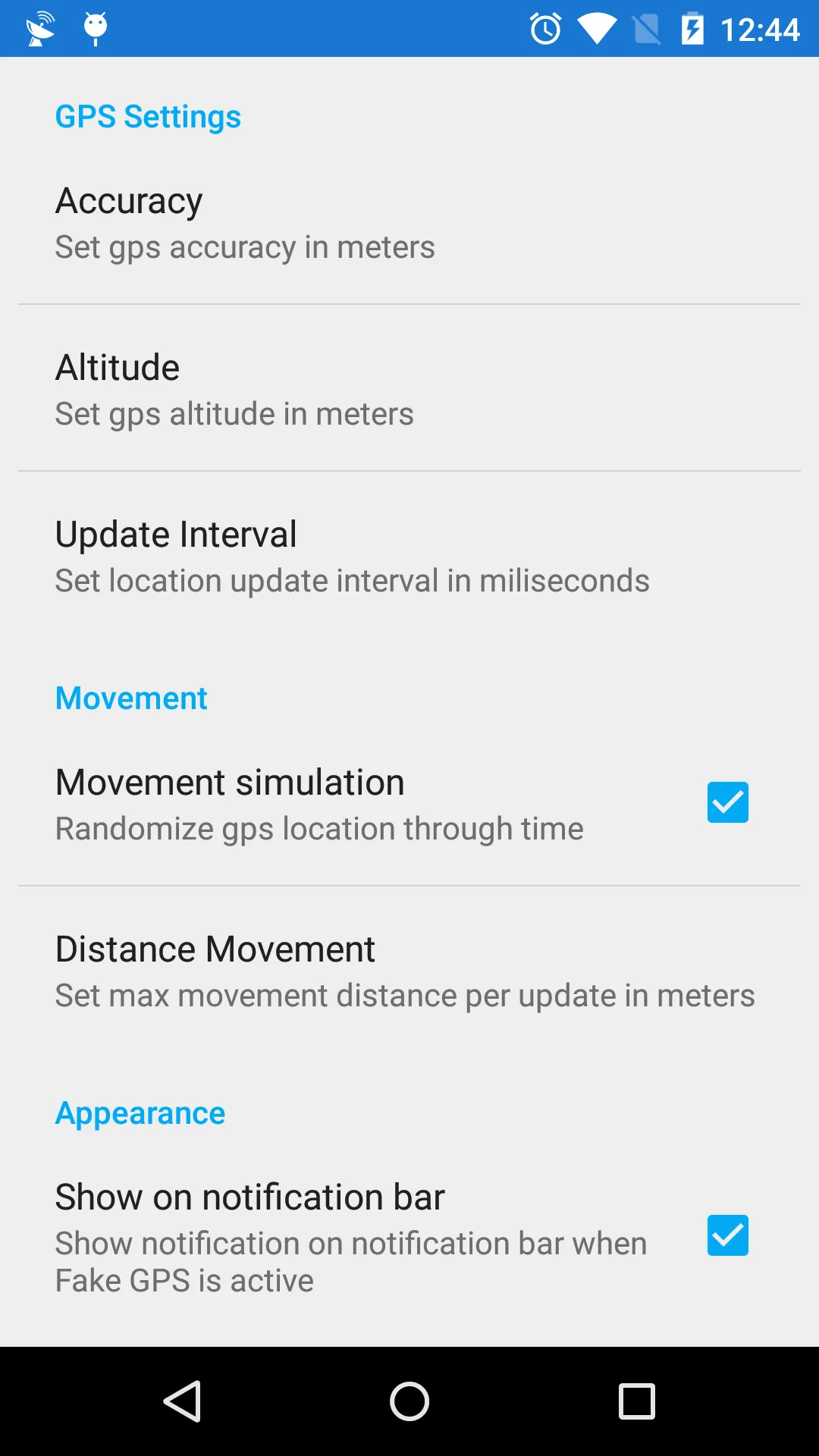
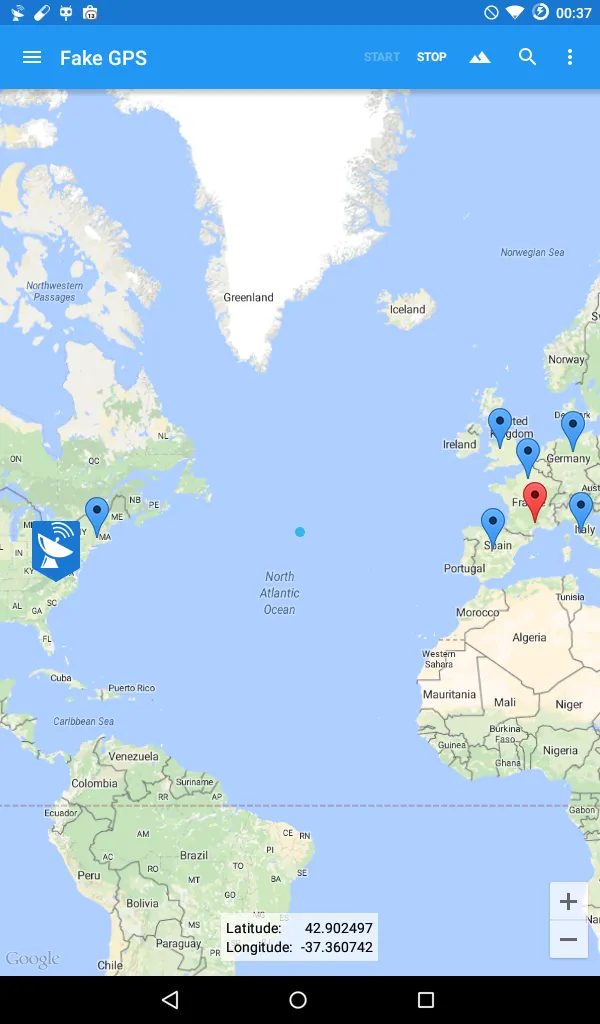
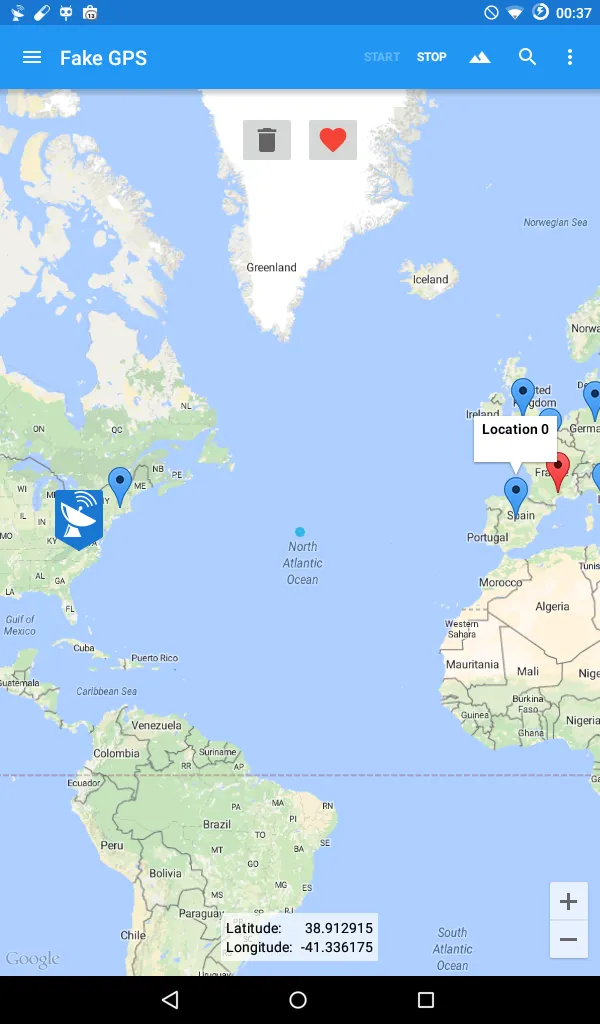
Set your phone location to anywhere in the world with just one click, if you need to develop or test other apps ability to track GPS information without the need to catch a GPS signal then this app is for you.
The following is needed to make sure the app runs smoothly:
1 - It is needed that you turn on "Allow Mock Locations" on Development Settings
2 - It is recommend that you switch location mode to "GPS Only" or disable Location Services altogether to avoid receiving cached mock locations after stopping Fake GPS, if this happens check our help section inside the app.
3. Make sure you run Fake GPS first before running your app.
To help development you can use the following commands from the command line:
adb shell am startservice -a com.blogspot.newapphorizons.fakegps.START -e latitude 11.11 -e longitude 32.21
adb shell am startservice -a com.blogspot.newapphorizons.fakegps.UPDATE -e "latitude" 1.11 -e "longitude" 0.21
adb shell am startservice -a com.blogspot.newapphorizons.fakegps.STOP
If you find any bugs - please feel free to contact us