📱 What is HifyShare?
HifyShare is an Android file-transfer application that provides multiple ways to connect your phone with a computer and transfer files over a local network.
Whether you want to send files from your phone to your PC or copy files from your PC to your Android phone, HifyShare provides different server and connection options.
🚀 HifyShare Features
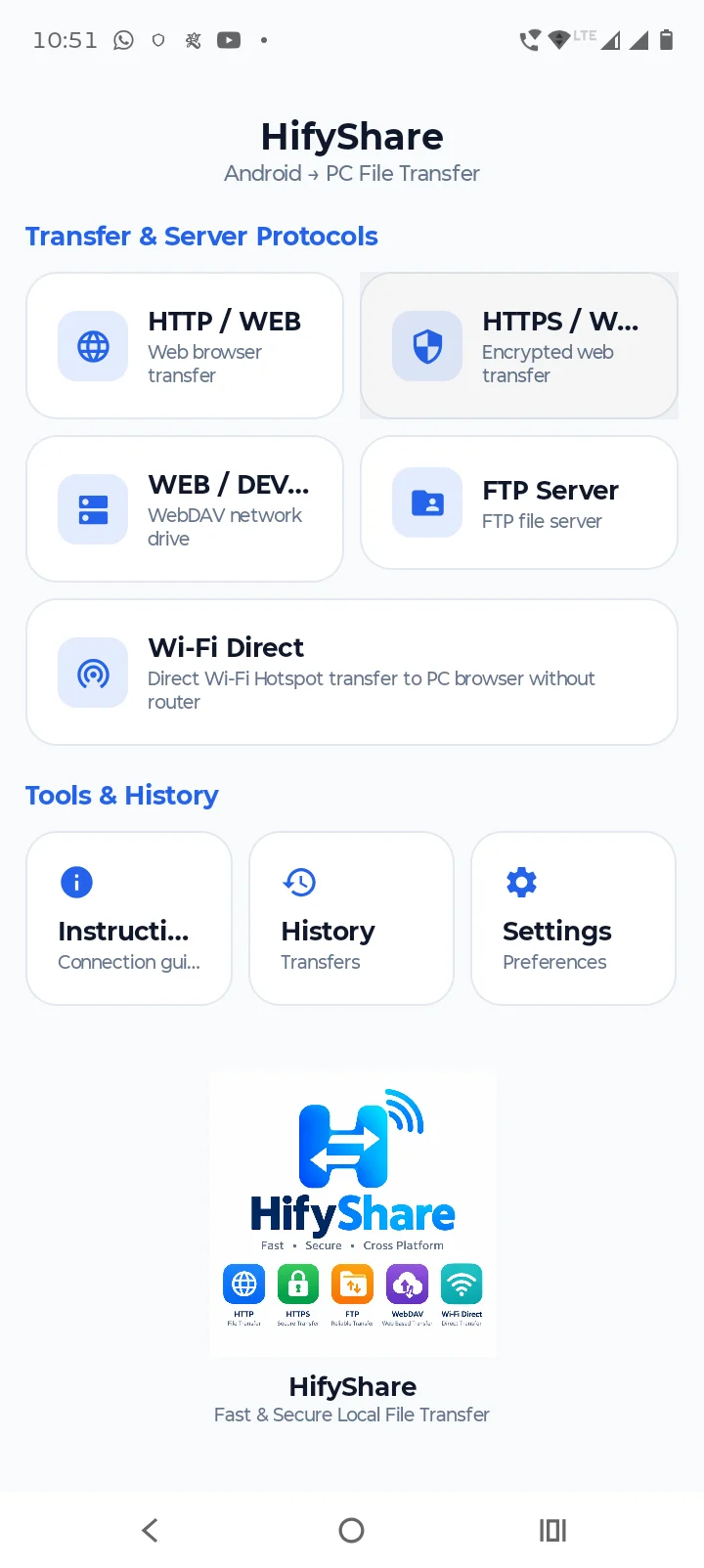
HTTP / WEB
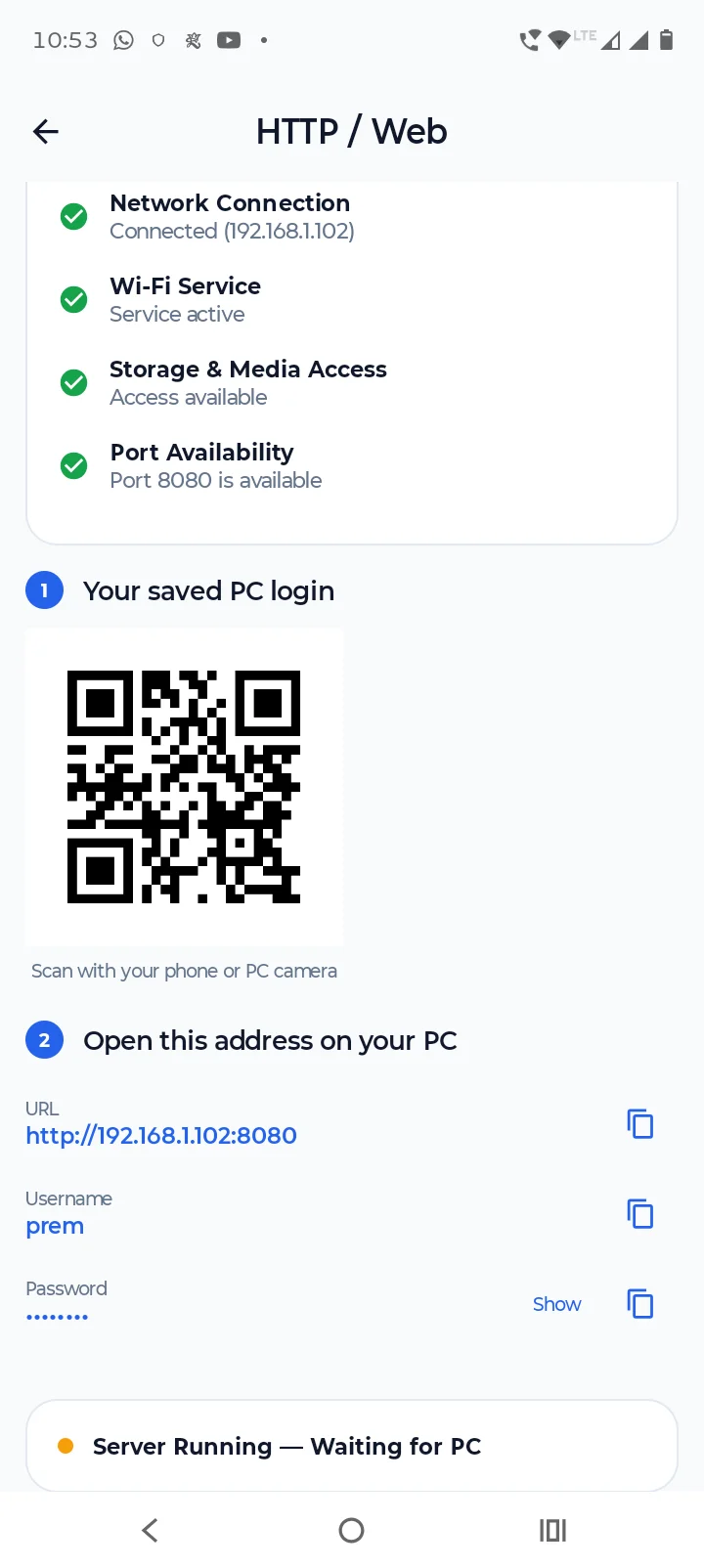
Connect your Android phone to a PC using a web browser and transfer files through a simple web interface.
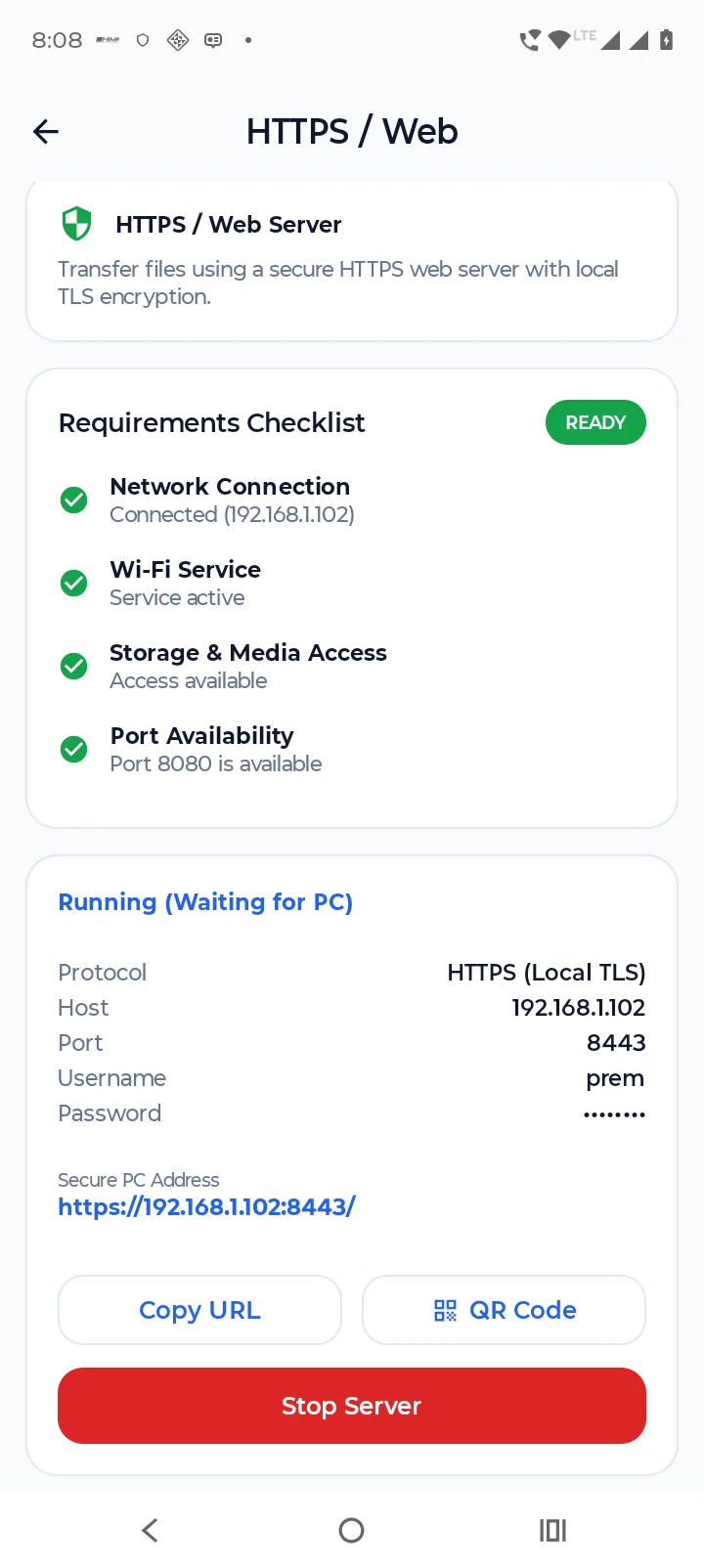
HTTPS / WEB
Use an HTTPS-based web connection for file transfer between your Android phone and PC.
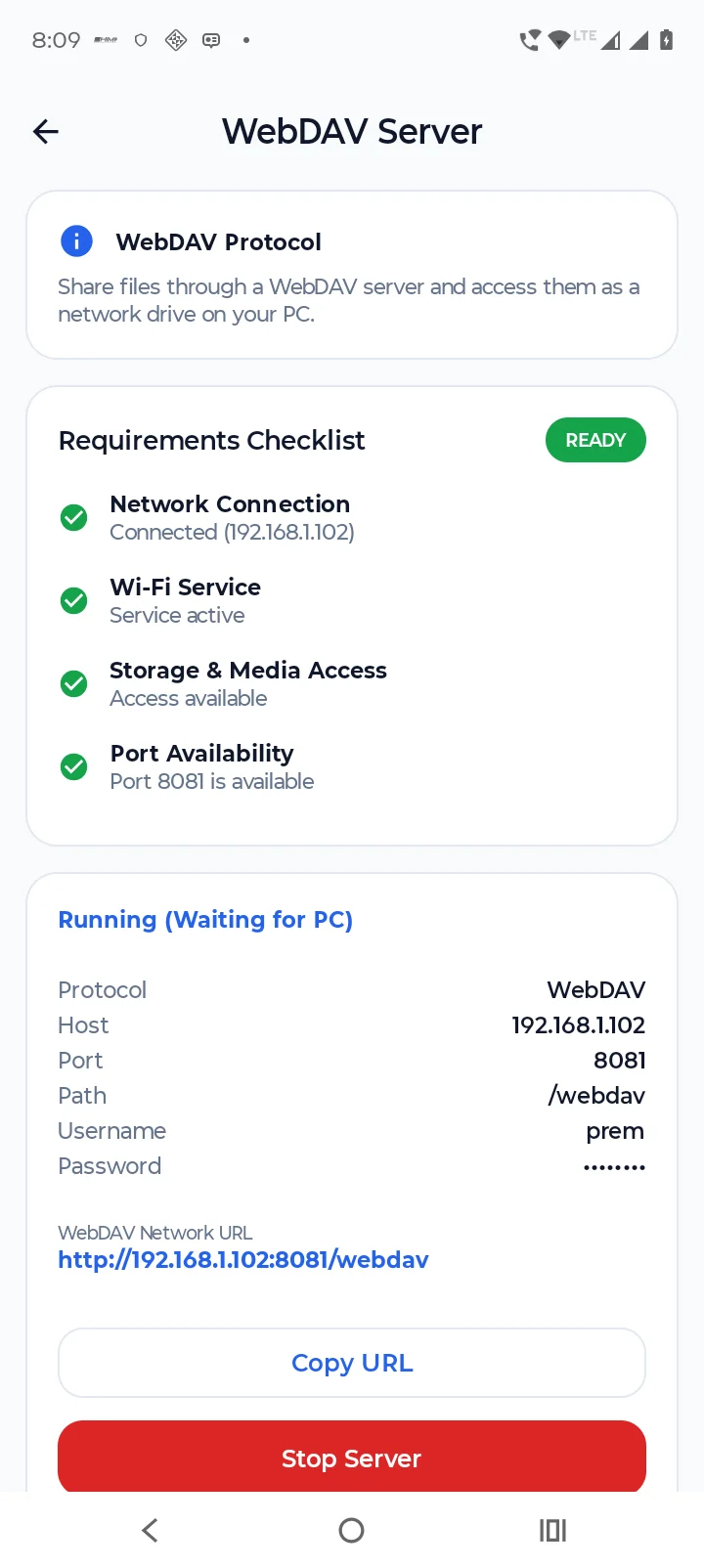
WEB / DEV Server
Start a local development-style file server and browse your selected phone storage from a PC.
You can use the selected storage folder as the server root and manage files and folders from your computer.
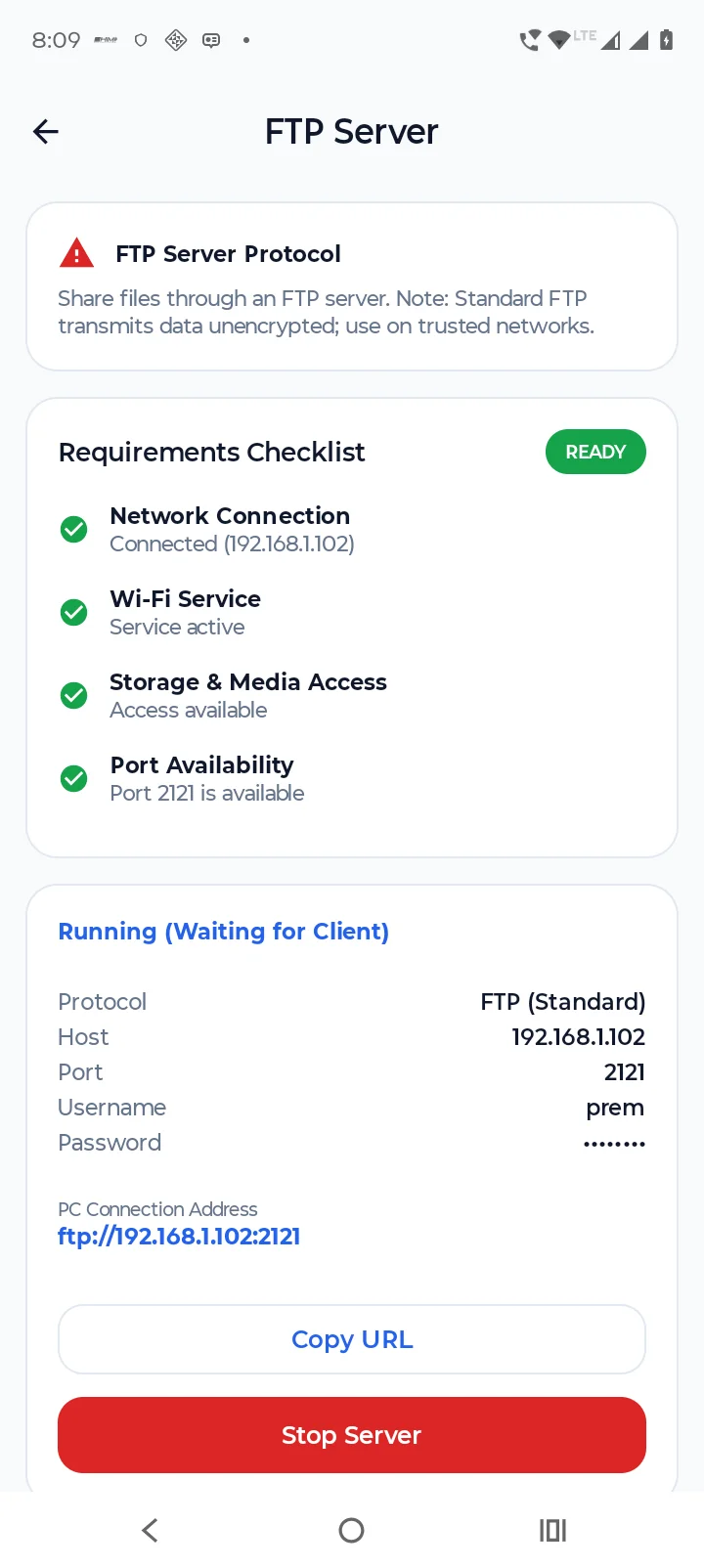
FTP Server
HifyShare also provides an FTP server for accessing Android storage from an FTP client or compatible file manager on your PC.
You can browse folders, upload files, download files, create folders, delete files and folders, and rename files and folders.
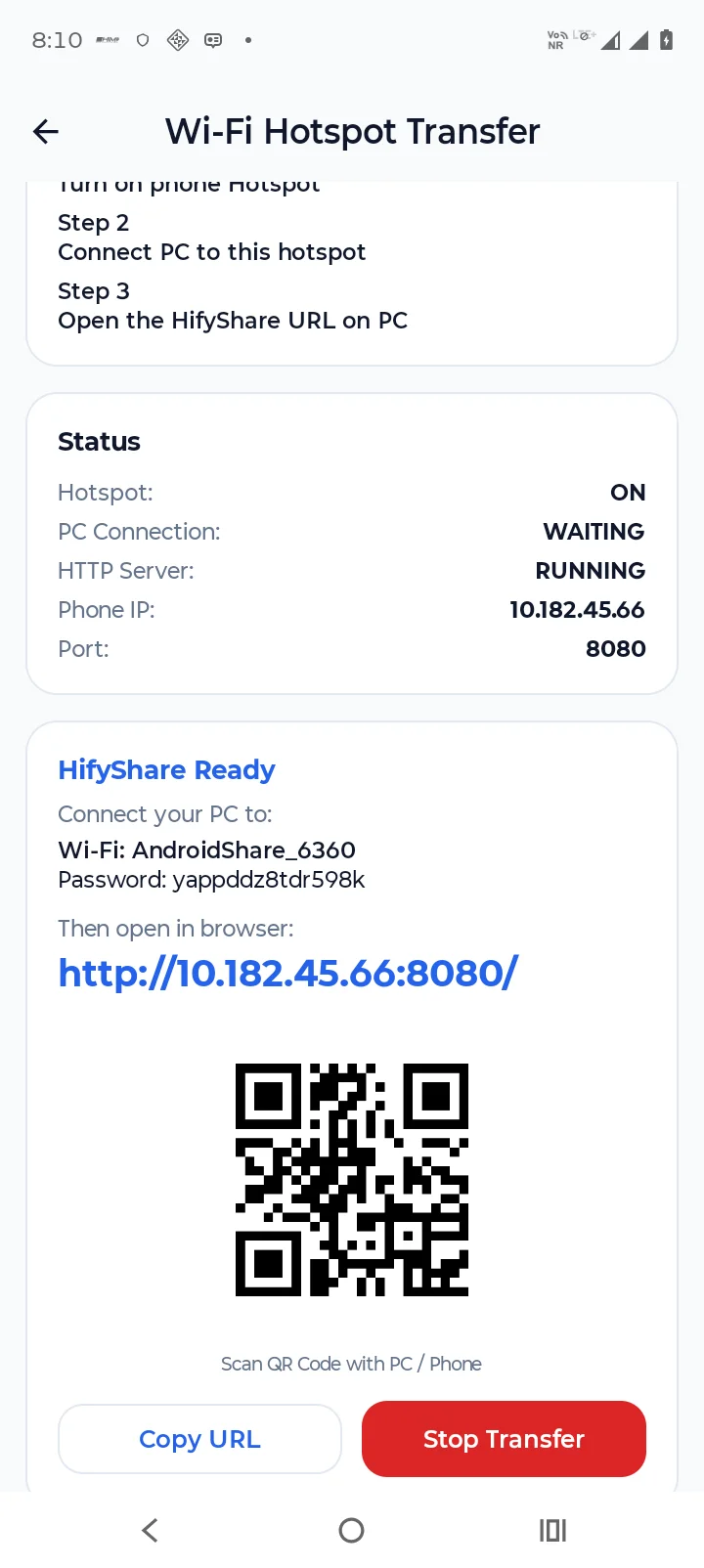
Wi-Fi Hotspot
When a normal Wi-Fi network is not available, your Android phone can use a hotspot connection so the PC can connect to the phone for file transfer.
📂 Storage Support
HifyShare is designed to work with Android storage and user-selected folders.
You can select the appropriate storage location and use it as the server root for supported transfer methods.
The application is designed to support:
Internal storage
User-selected folders
External/SAF storage where supported
Nested folders
Files with spaces in their names
Unicode file and folder names
Large files
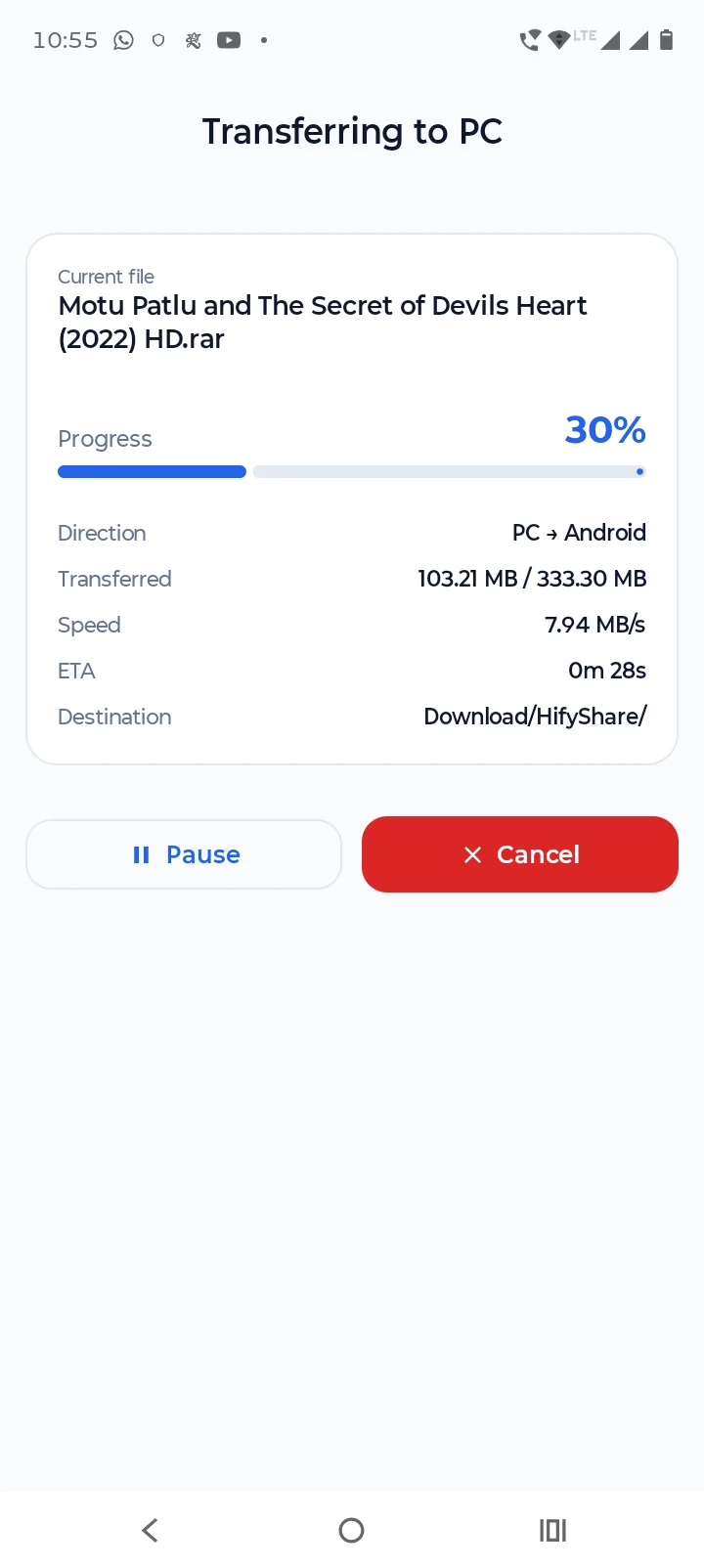
📤 PC to Android
Transfer files from your computer directly to your Android phone.
Depending on the selected transfer method, you can browse the server root and upload files or create folders on the phone.
📥 Android to PC
Browse files stored on your Android device from your computer and download them when needed.
HifyShare is designed for large-file streaming instead of loading an entire large file into memory.
⚡ Large File Transfer
HifyShare is designed with streaming-based file transfer so large files can be transferred without unnecessarily loading the entire file into RAM.
This is useful for large:
Videos
ZIP files
Backups
Documents
Music collections
Other large files
🔒 Local Network File Sharing
HifyShare is designed primarily for local-network file transfer between your Android device and connected computer.
Always make sure you understand who has access to your local network and server before starting a transfer server.
🌐 Multiple Transfer Methods
HifyShare brings several transfer methods into one Android application:
Android → PC
📱 → 💻
PC → Android
💻 → 📱
Choose the connection/server method that fits your situation.
🎯 Simple File Transfer
HifyShare is designed to provide a straightforward workflow:
Open HifyShare.
Select a transfer method.
Select the required files or storage folder.
Start the server or connection.
Connect your PC.
Transfer your files.
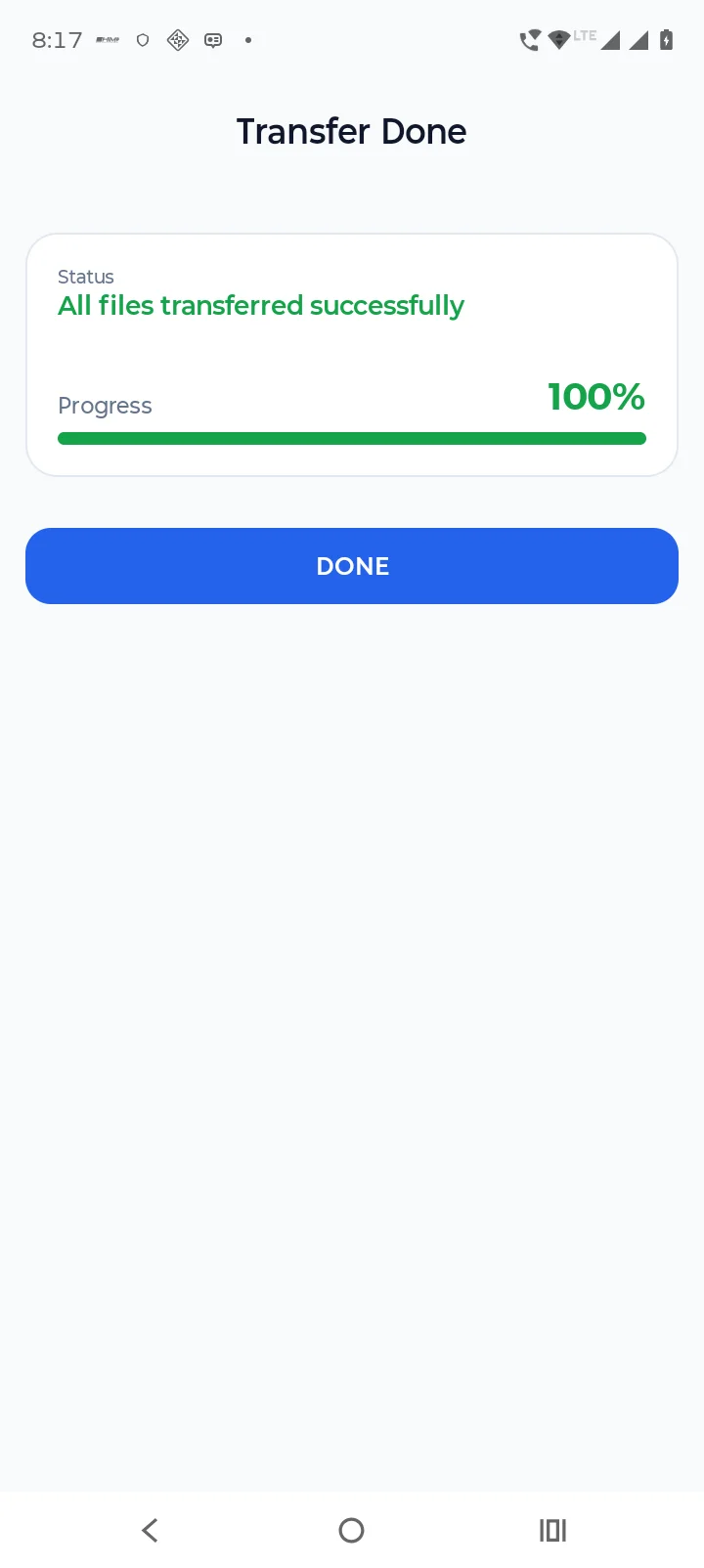
Finish the transfer and return to the server screen.
📲 Who Can Use HifyShare?
HifyShare can be useful for:
Android users transferring photos to a PC
Moving videos between phone and computer
Copying documents
Managing folders from a PC
Transferring music collections
Moving large files over a local network
Users who want an alternative to USB cable transfers
🔄 No Cable Required
For supported network connections, HifyShare allows your Android phone and PC to communicate over Wi-Fi or hotspot instead of requiring a USB cable for every transfer.
🛠️ HifyShare
HifyShare aims to provide a convenient collection of Android-to-PC and PC-to-Android file-transfer tools in one application.
If you frequently move files between your Android phone and computer, HifyShare can provide a convenient local-network transfer option.
Tools
Ratings
0
0 total ratings
5
73%
4
10%
3
4%
2
3%
1
10%
REVIEWS
No reviews yet. Be the first one to review this app
Scan to download on Indus Appstore
Permissions
Location: access this device"s location
Storage: access photos, media, and files on your device