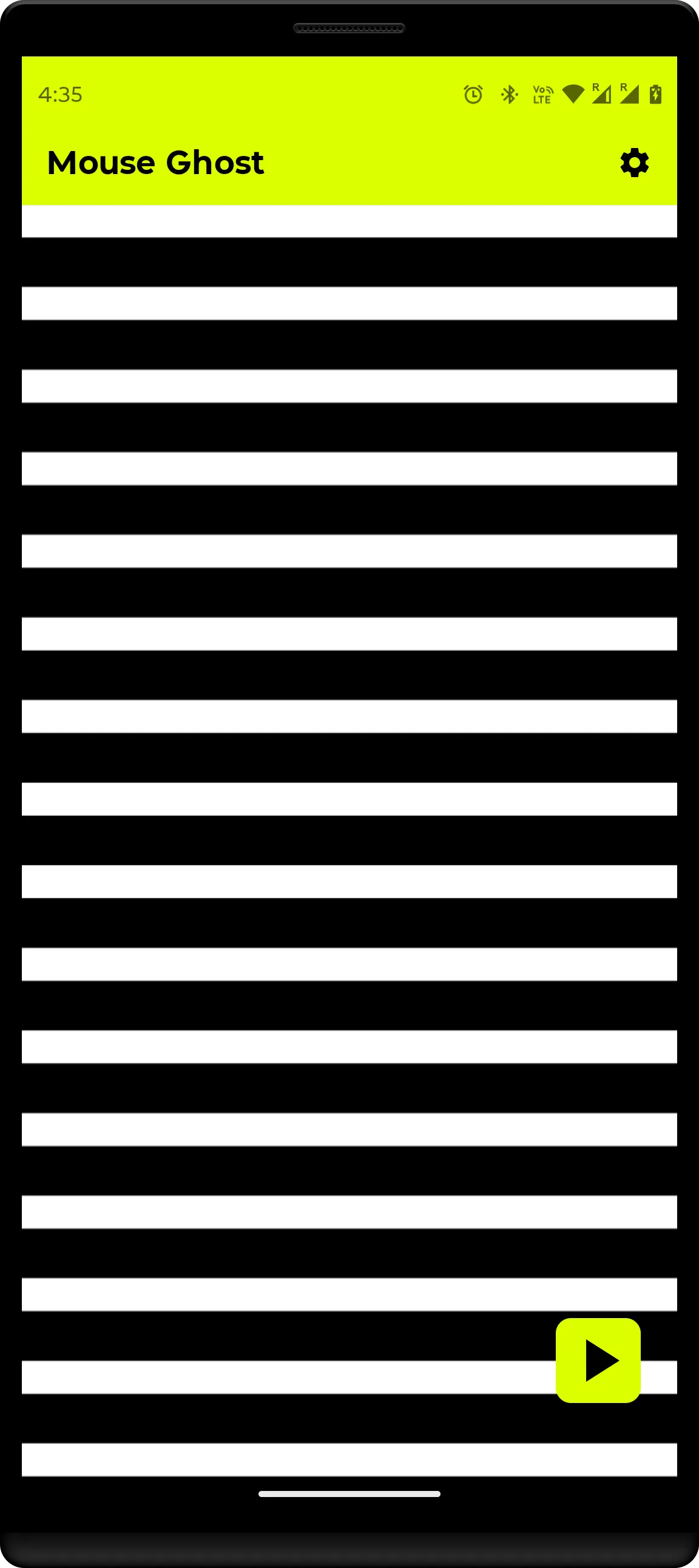
Mouse Ghost displays a subtle moving screen pattern that triggers movement in red-light (visible LED) optical mice placed on the display. The app is hardware-only — it does not install drivers, connect to the host computer, or run services on the monitored system. Intended for benign situations such as presentations, demos, device testing, or avoiding accidental lock during long reads. This project is not intended to help break rules, evade monitoring, or misrepresent activity.
✨ Key Features
Hardware-only interaction – no drivers, no host-side software, and no network access.
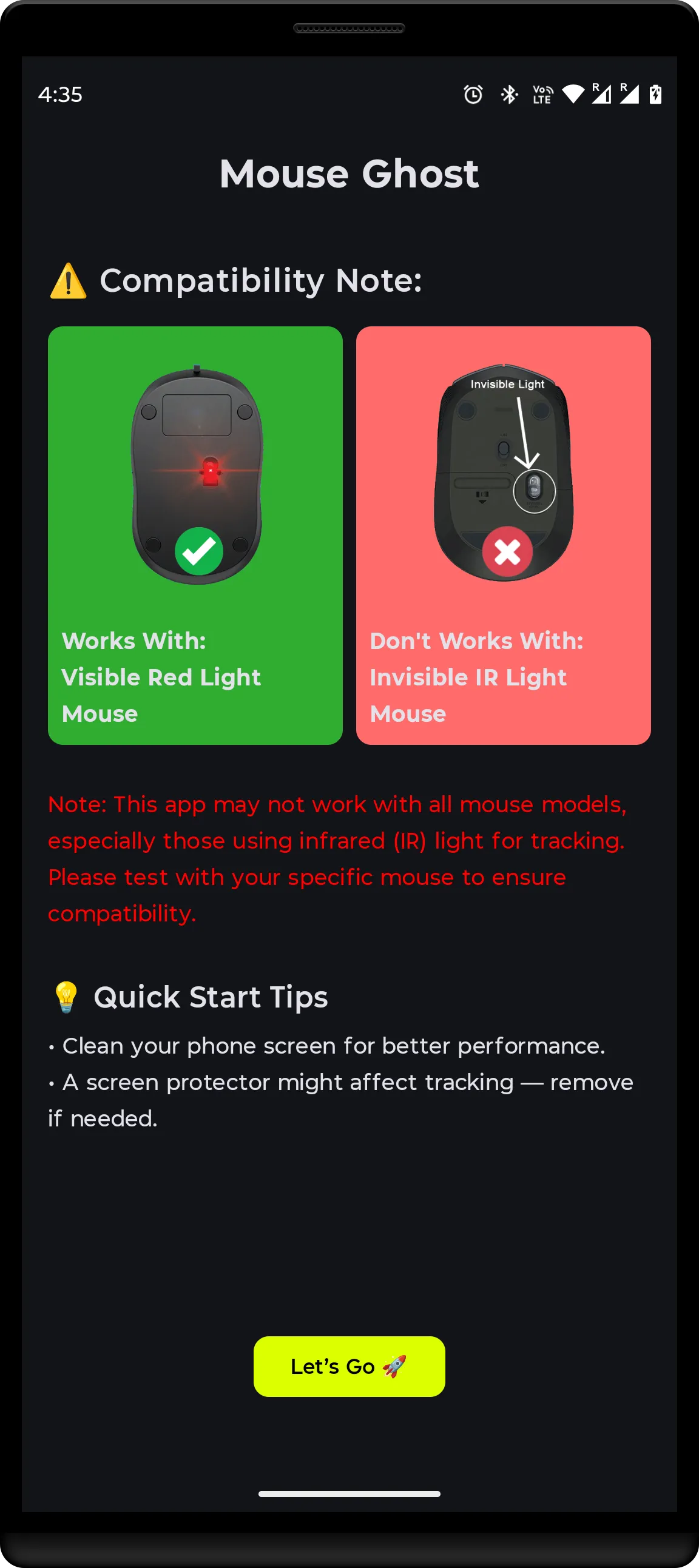
Red-light optical mouse compatible – designed for mice that use a visible red LED sensor.
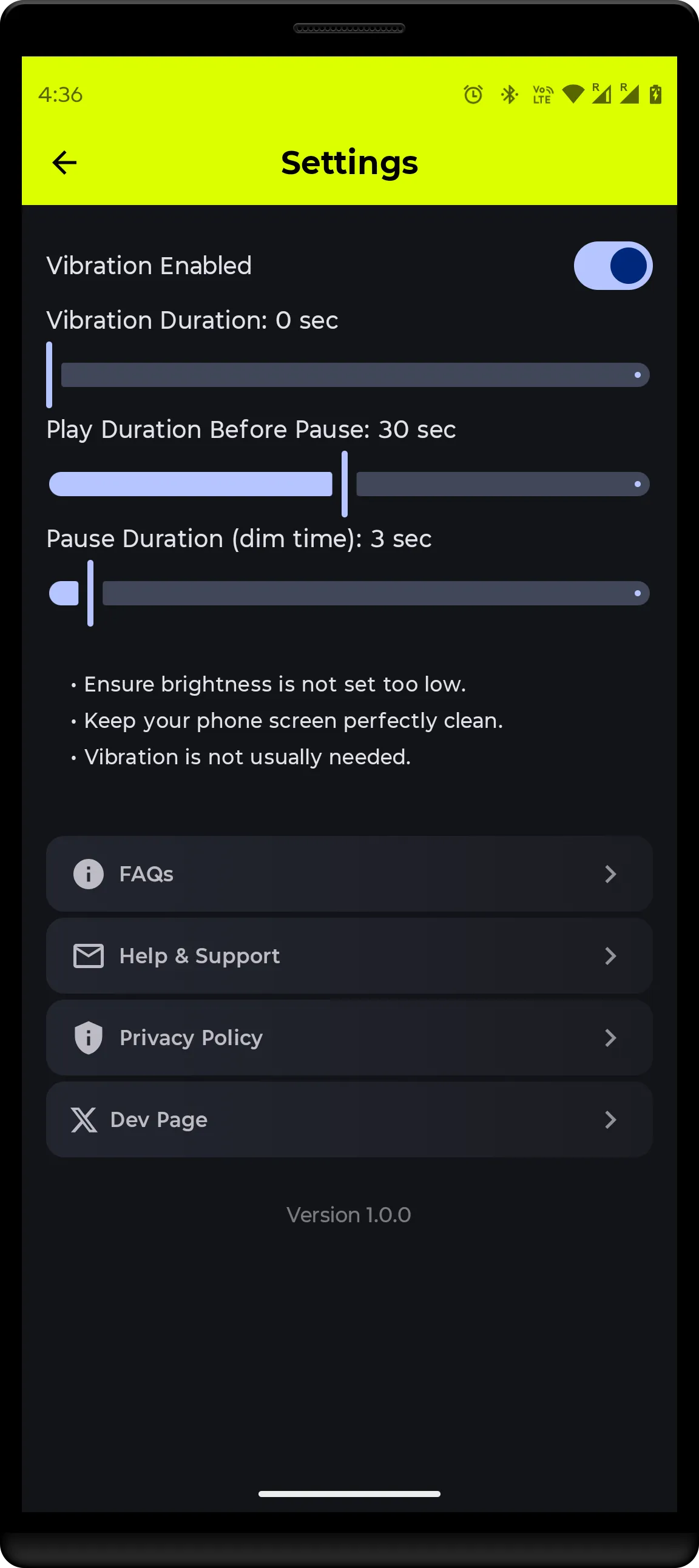
Pattern with vibration effect – adds micro-shakes to mimic natural hand movement.
Sleep control & battery saver – automatically pauses/resumes patterns to reduce power consumption.
Low display intensity & power-aware – optimized visuals to stay subtle while saving energy.
Simple UI – start a pattern, pick type/speed, then place your mouse on the screen.
✅ Legitimate Example Use Cases
Preventing accidental screen lock during presentations or demos.
Avoiding timeouts while reading or doing long, uninterrupted work where you remain present.
Testing or calibrating optical mouse behavior for hardware development or QA.
Accessibility scenarios where small continuous motion supports an assistive setup.
Compatibility & Safety Notes
Works only with visible red-LED optical mice. Laser and IR mice are typically incompatible.
Results vary by mouse model, display technology, and ambient light. You may need to adjust brightness/contrast.
Tools
Ratings
5
3 total ratings
5
100%
4
0%
3
0%
2
0%
1
0%
REVIEWS
No reviews yet. Be the first one to review this app