PDFZenix is an all-in-one document scanner, AI-powered OCR converter, photo resizer, and PDF utility designed for students, professionals, and everyday productivity.
Turn your device into a portable digital workstation. Capture documents with smart edge detection, extract editable text and tabular data into Word and Excel, resize images to target file sizes, and manage your PDF files seamlessly offline.
KEY FEATURES:
• HD Document Scanner
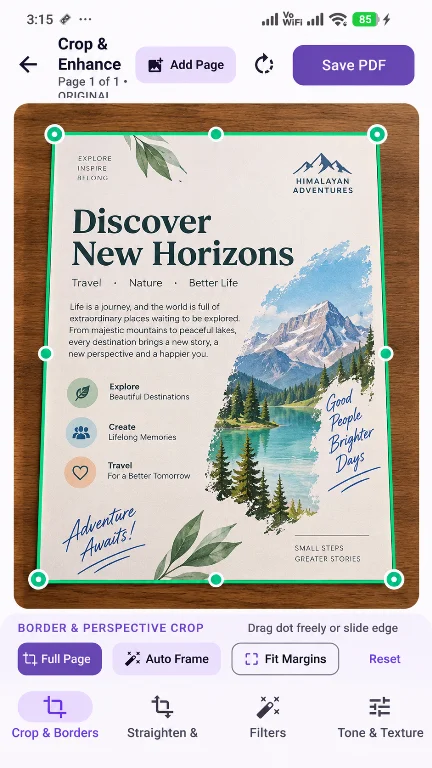
Scan receipts, contracts, notes, and multi-page documents using your camera. Includes automatic edge detection, manual perspective correction with 4-corner adjustment, and document filters (Magic Color, Sharp B&W, and Grayscale) for clean, readable results.
• AI OCR: Text & Table Recognition
Extract text from images and scanned documents with high accuracy.
- Export recognized text directly into Microsoft Word (.docx).
- Parse tables, invoices, and structured sheets directly into Microsoft Excel (.xlsx).
- Search, copy, and share extracted plain text.
• Photo Resizer & Compressor
Quickly adjust image dimensions and target file sizes:
- Compress images to specific target sizes in KB or MB.
- Resize by exact pixel dimensions, percentage, or standard aspect ratios.
- Perspective correction and skew adjustments for distorted photos.
• Comprehensive PDF Tools
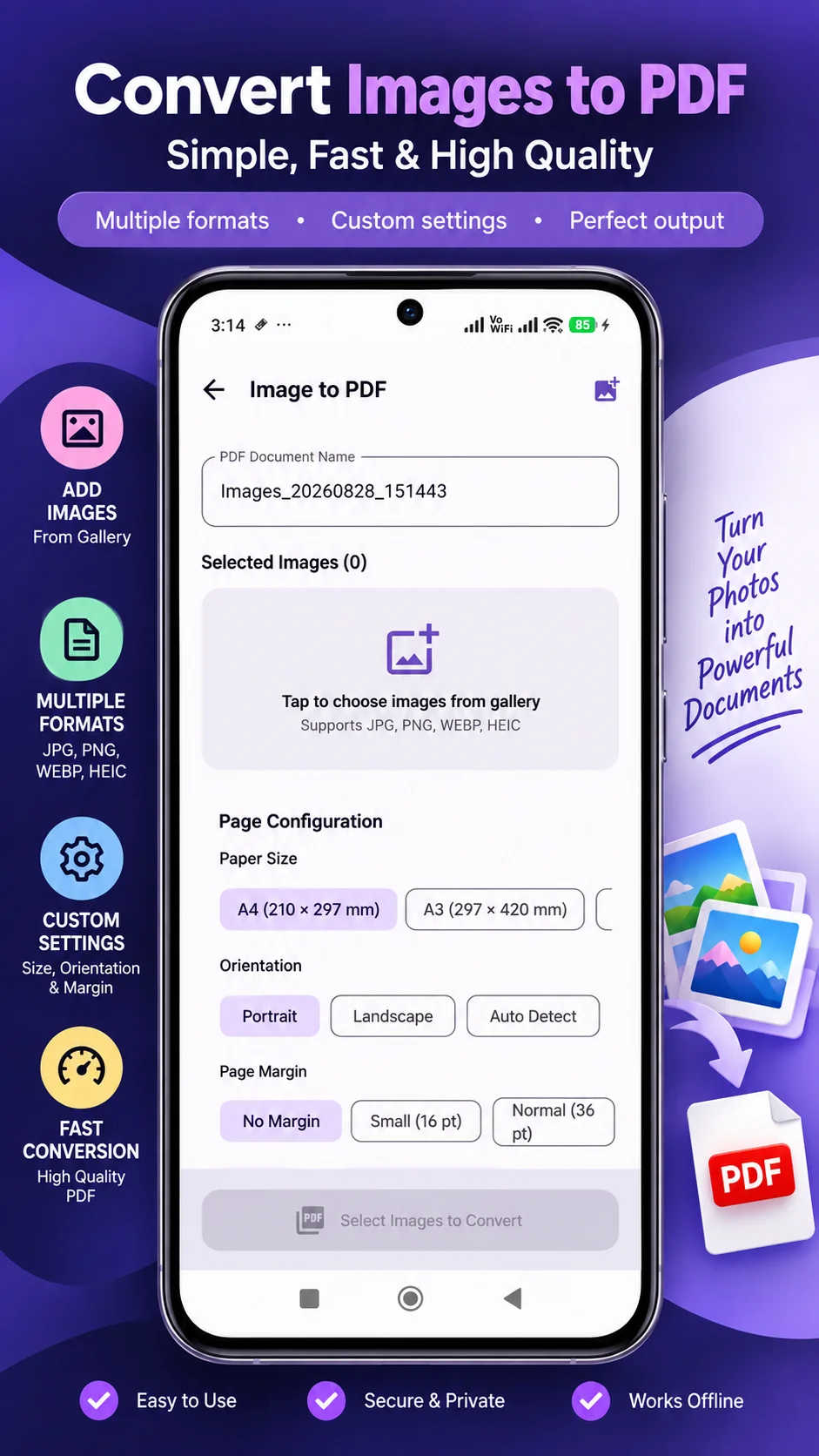
- Merge PDF: Combine multiple PDF files and images into a single organized document.
- Split PDF: Extract specific page ranges or split documents into individual files.
- Organize & Reorder: Drag, reorder, rotate, or delete individual pages.
- PDF Compressor: Reduce PDF file size without sacrificing readability.
- Protect & Encrypt: Secure sensitive documents with standard password encryption.
- Unlock PDF: Remove passwords from your protected files.
• Built-in File Manager
Organize, rename, categorize, and search all your scanned and exported documents in one clean interface. Easily share files via email, messaging apps, or cloud storage.
• Privacy-First & Offline
Your documents remain on your device. Scanning, OCR processing, image resizing, and file manipulations are performed locally to help protect your data and privacy.
Permissions Notice:
• Camera: Required to capture photos and scan physical documents.
• Storage / Photo Picker: Required to import images, save converted documents, and export PDFs.
Tools
Ratings
0
0 total ratings
5
73%
4
10%
3
4%
2
3%
1
10%
REVIEWS
No reviews yet. Be the first one to review this app
Scan to download on Indus Appstore
Permissions
Storage: access photos, media, and files on your device