PeerDrop – Fast & Secure Offline File Sharing
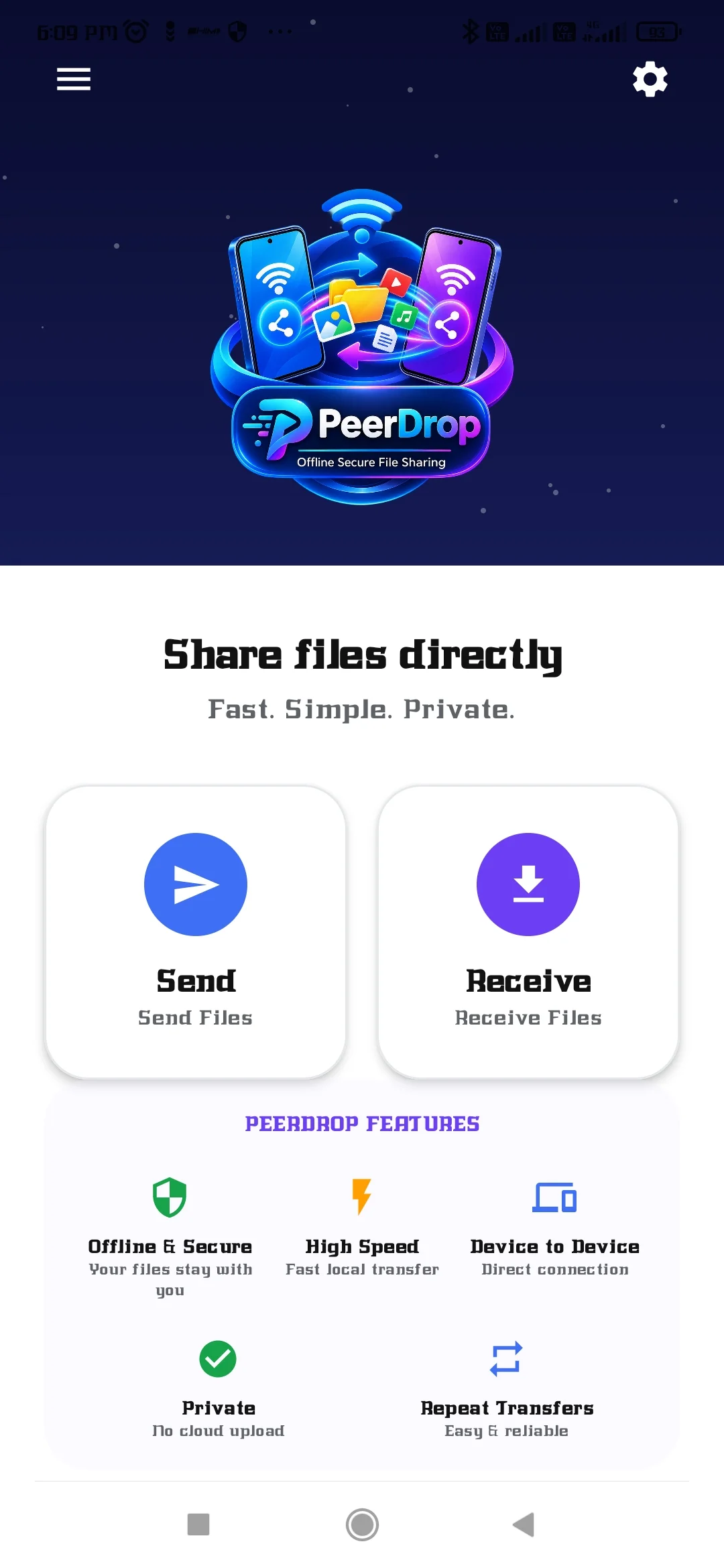
PeerDrop is a fast, simple, and secure file-sharing app designed to transfer files between nearby devices without relying on cloud storage or mobile data.
Share photos, videos, documents, music, and other files directly between compatible devices using nearby wireless connectivity.
🚀 Fast File Sharing
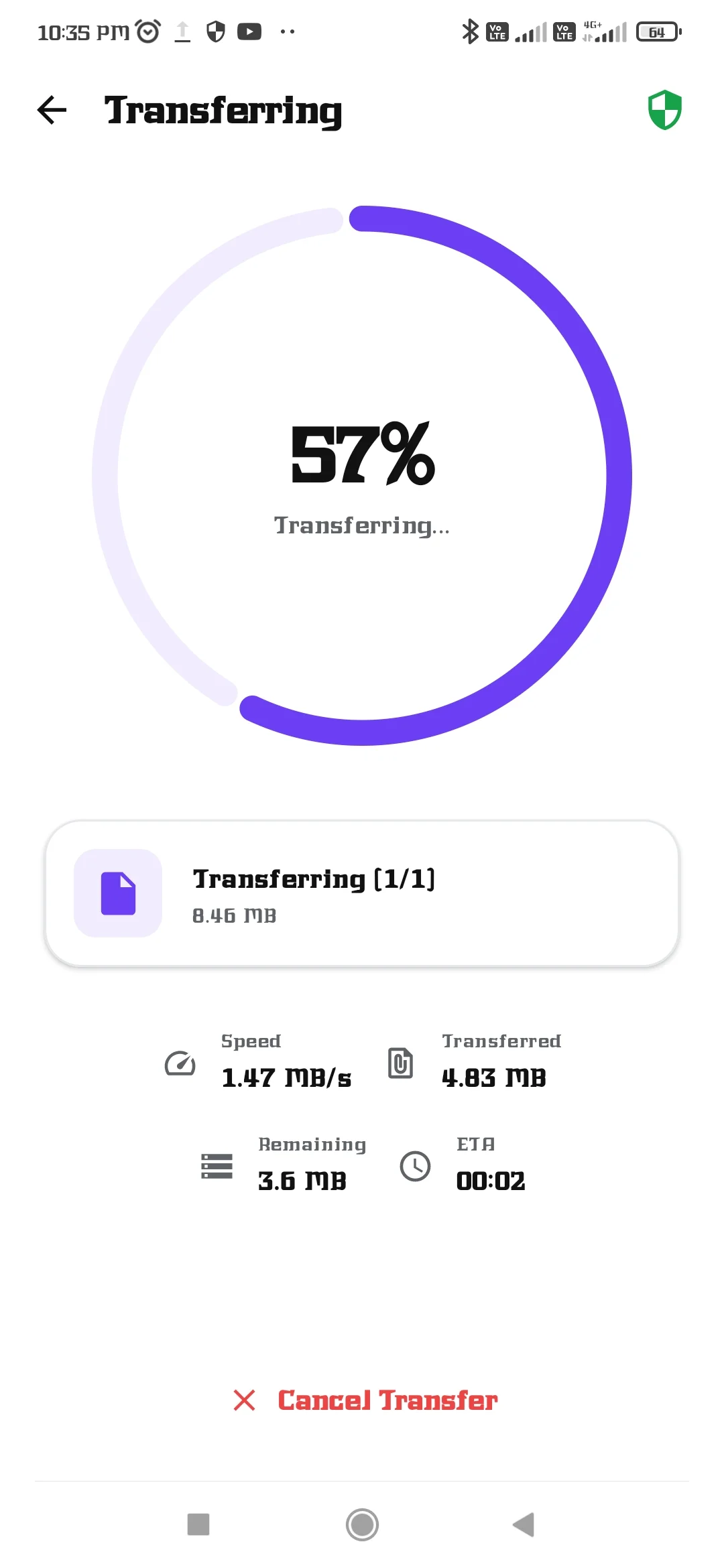
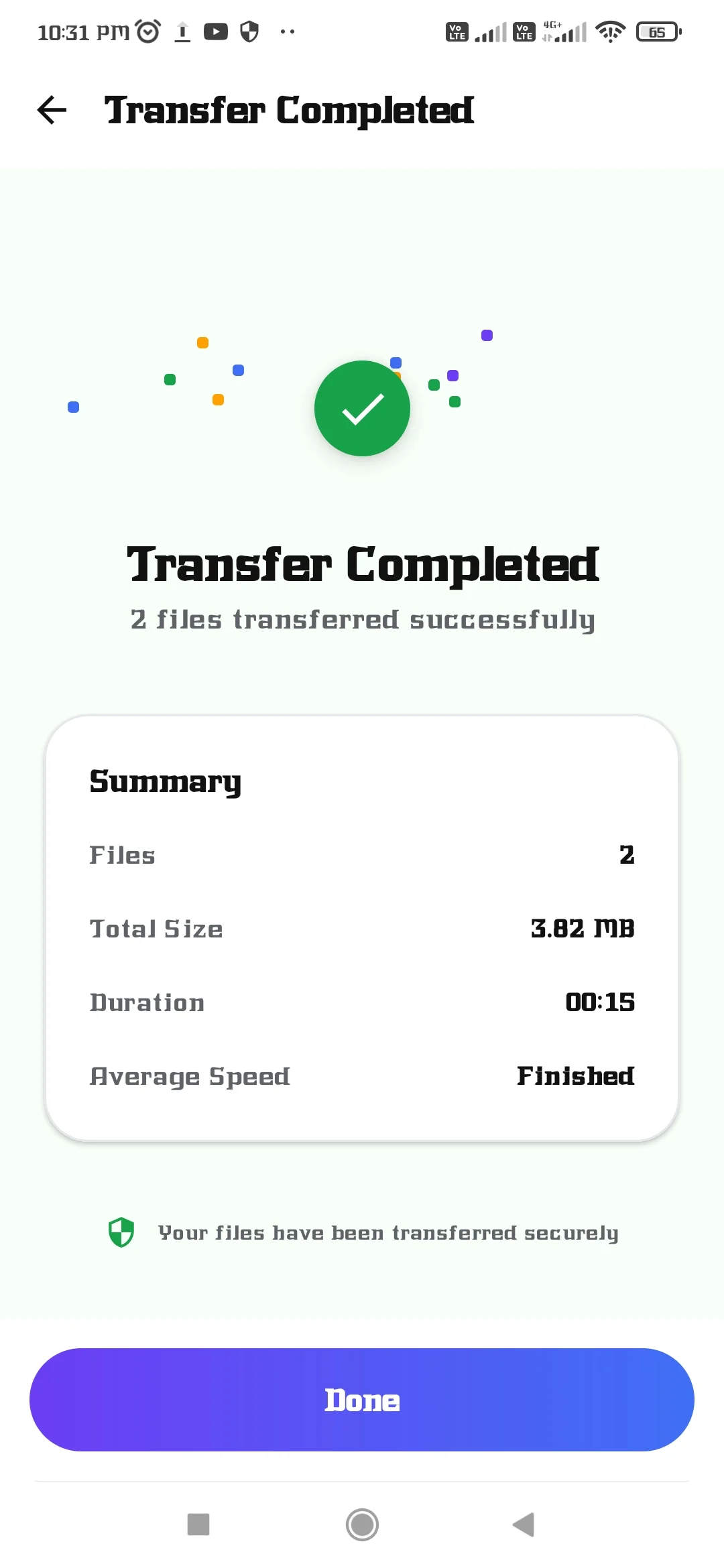
Transfer files directly between devices with a simple Send and Receive experience. Track transfer progress, file size, transfer status, and completion in real time.
🔒 Private & Secure
PeerDrop is designed for local device-to-device transfers. Your files don't need to be uploaded to a cloud server before sharing.
📱 Easy to Use
1. Open PeerDrop.
2. Choose Send or Receive.
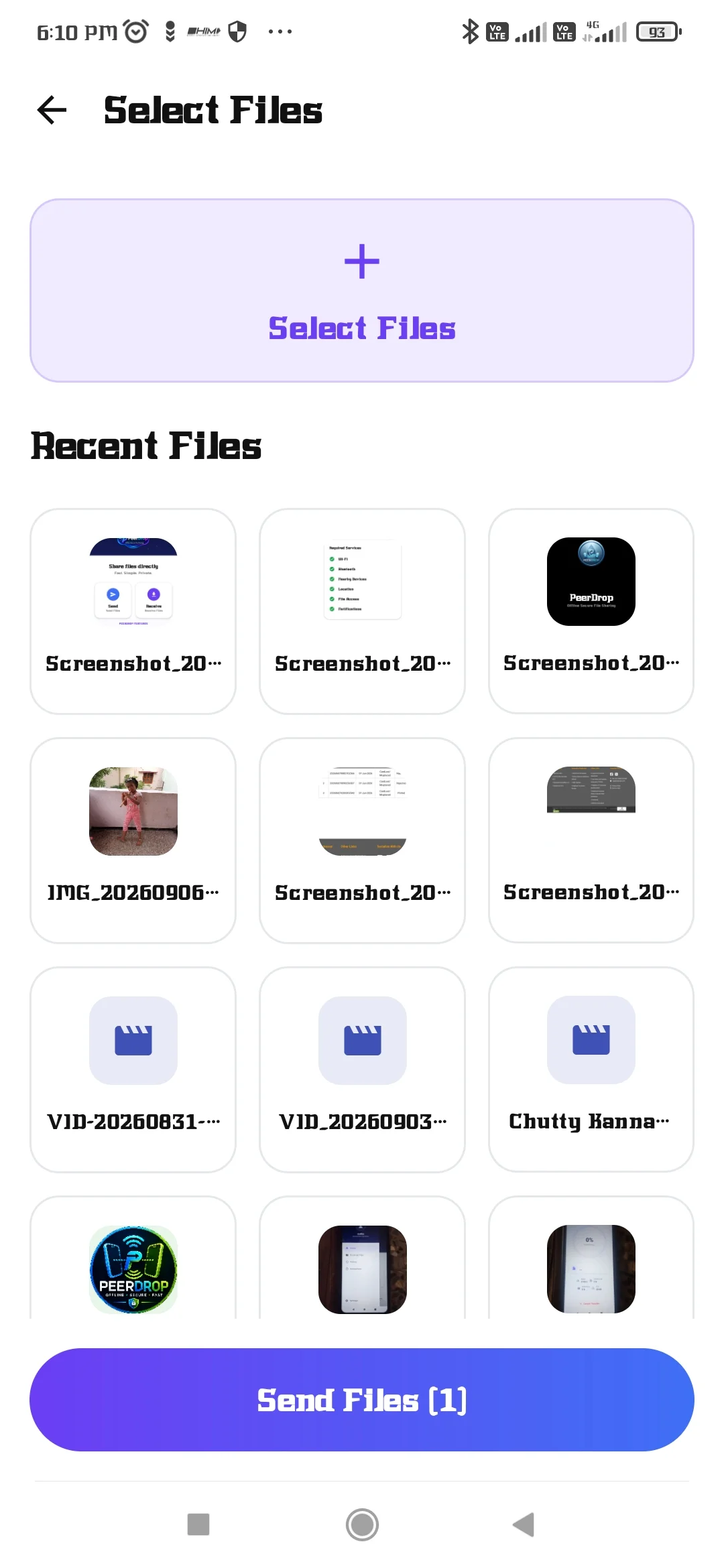
3. Select the files you want to share.
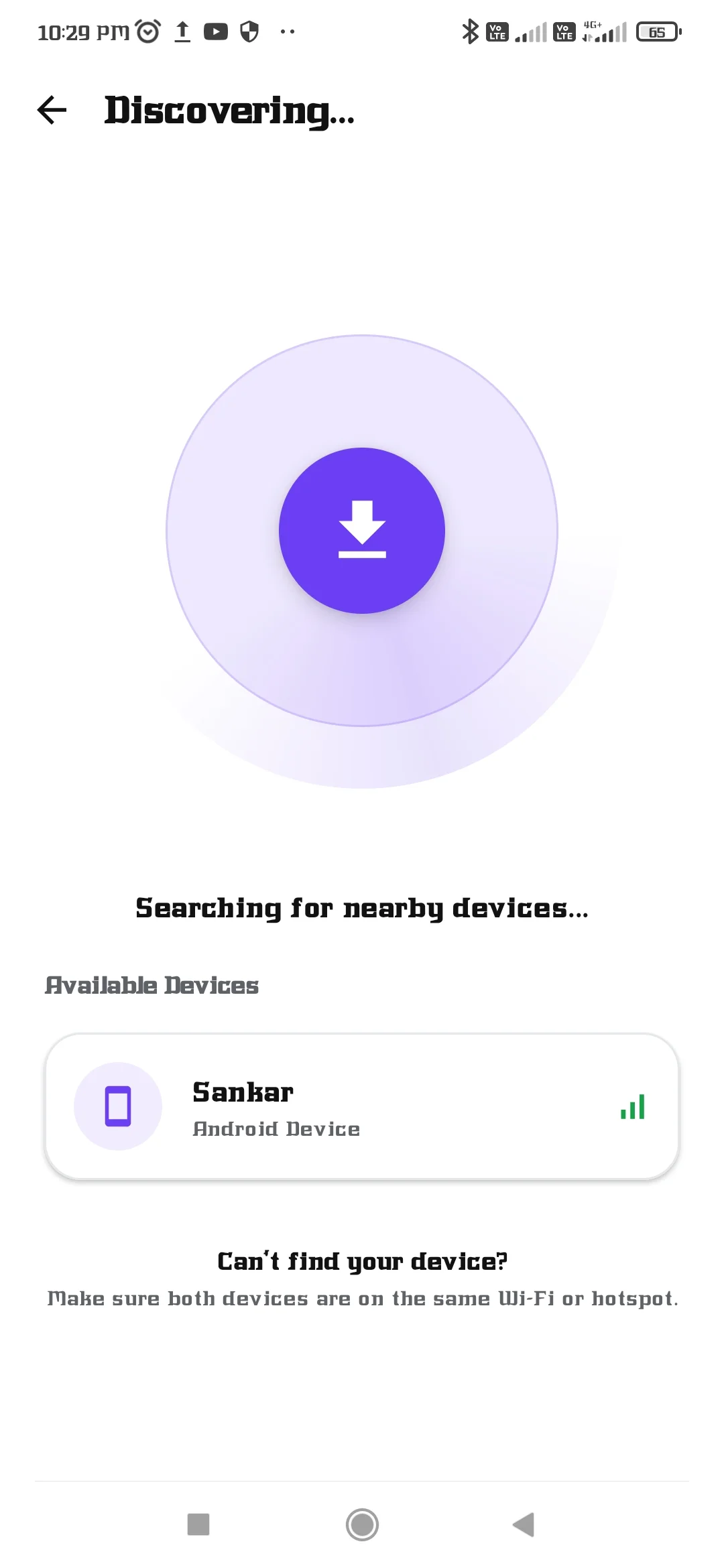
4. Connect to the nearby device.
5. Start the transfer.
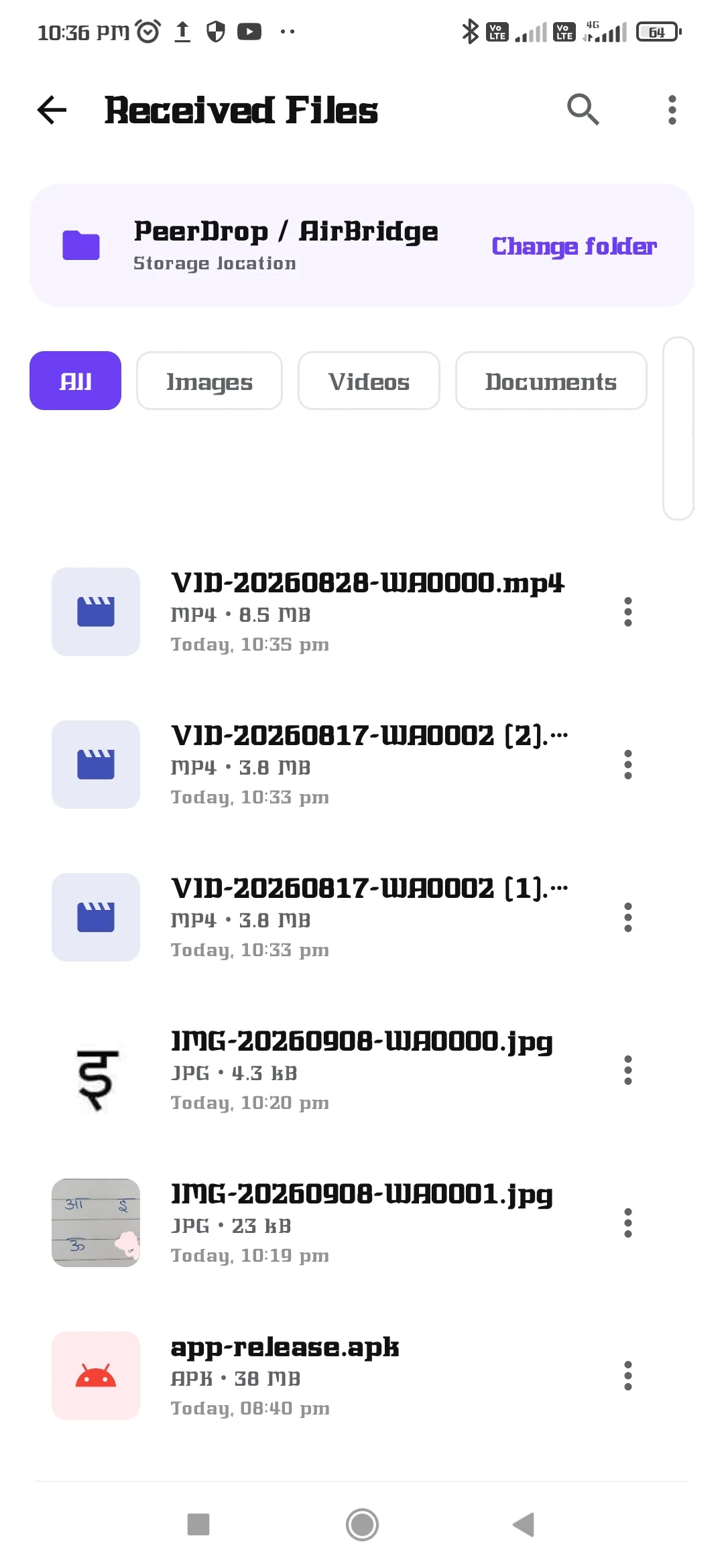
6. Find completed files in the Received Files section.
📂 Manage Received Files
Easily access files received through PeerDrop from the dedicated Received Files section.
📊 Transfer Progress
See the progress of your transfer, including transferred size, total size, speed, and completion status.
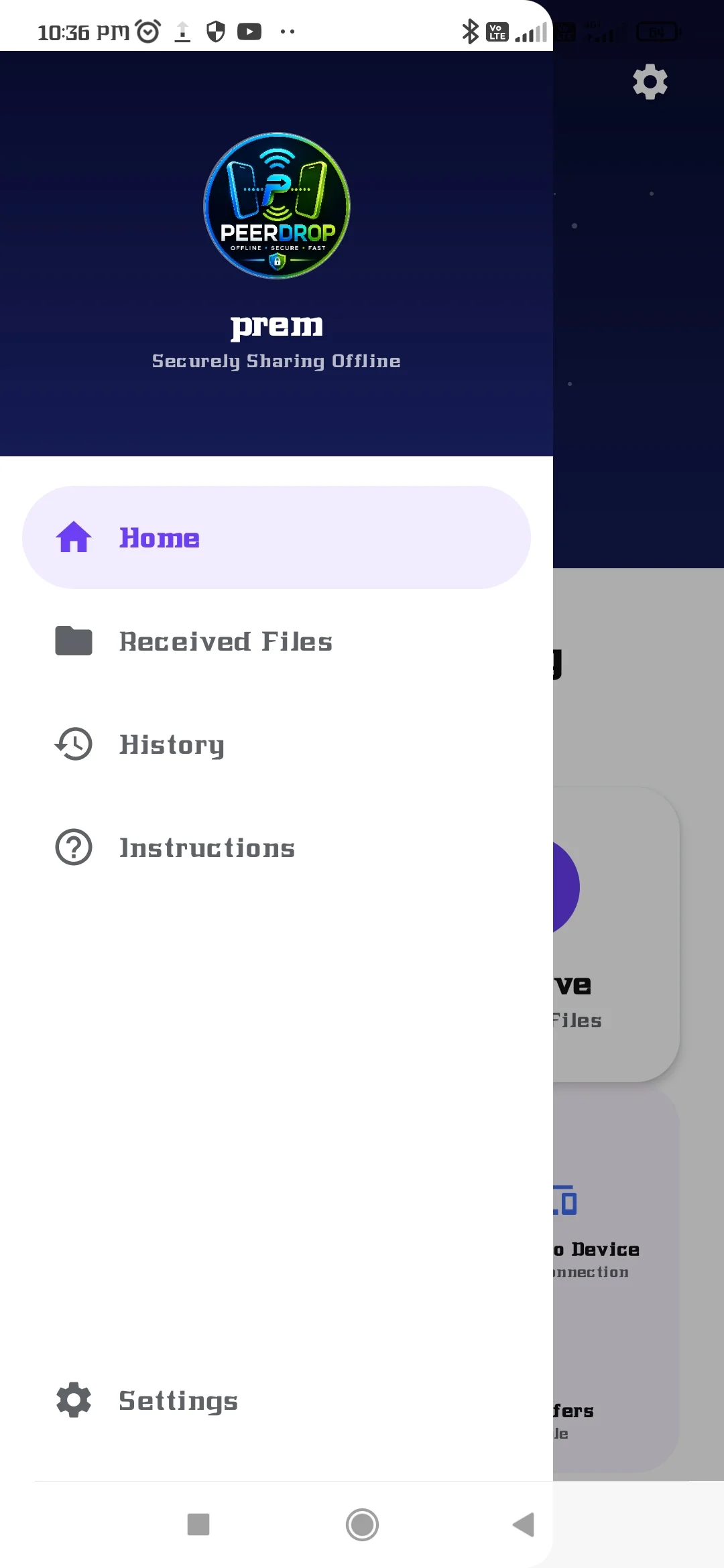
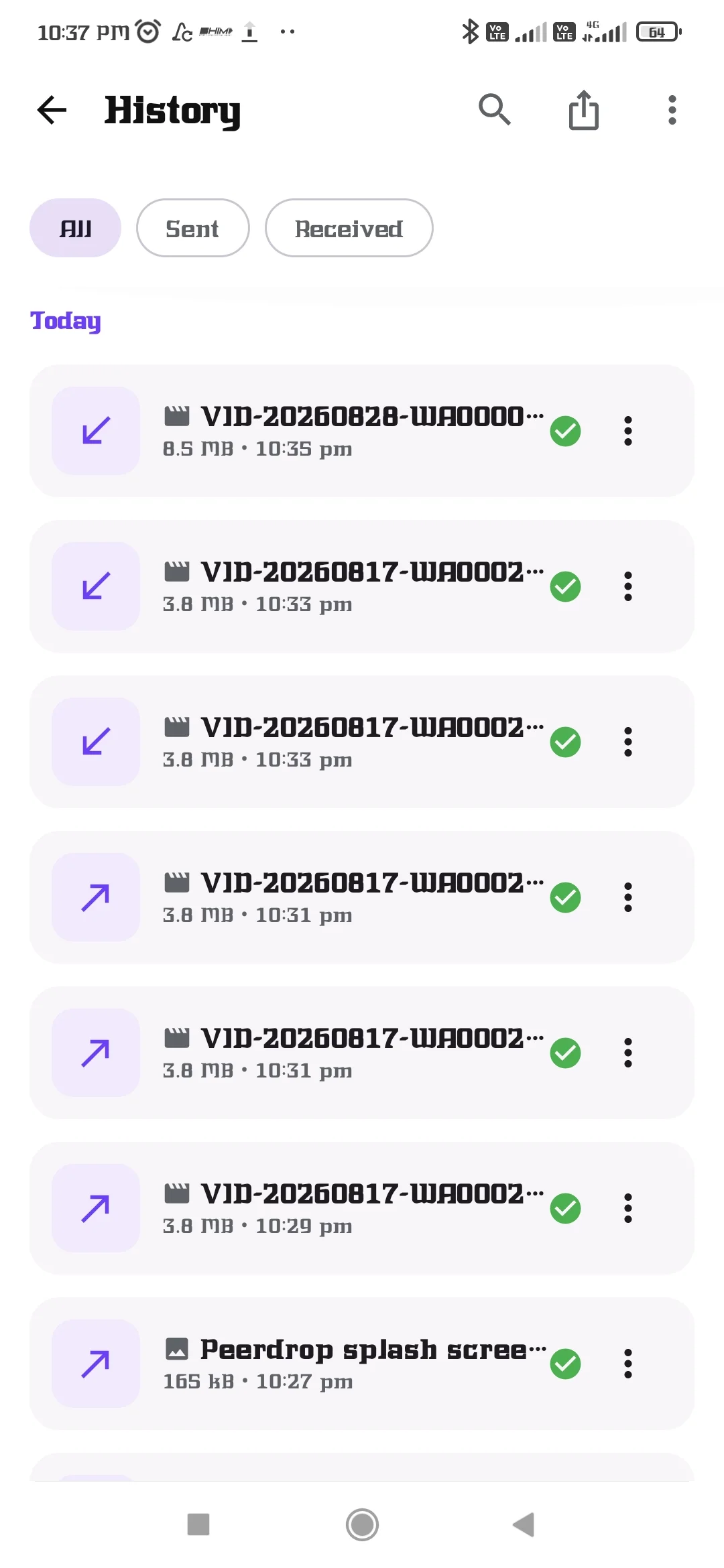
🕘 Transfer History
Keep track of previous file transfers with useful transfer information.
⚙️ Simple Settings
Customize your PeerDrop profile and manage app preferences from the Settings section.
📤 Share from Other Apps
PeerDrop can be used from the Android Share menu to send supported files directly from other apps.
🌐 Offline Sharing
PeerDrop is designed for nearby device-to-device sharing, helping you transfer files without uploading them to an online storage service.
Why PeerDrop?
Fast nearby file sharing
Simple Send & Receive workflow
Local device-to-device transfers
Real-time transfer progress
Multiple file selection
Received Files management
Transfer history
Android Share menu integration
Secure local-first approach
No cloud upload required
PeerDrop — Share files. Stay connected.
Availability and transfer performance may vary depending on your device, Android version, wireless hardware, and network environment.