Ultra-fast HD video player with subtitle support, Playback speed, Dual audio support, Playback speed, Video popup, Cast to TV, private folder protection, and built-in video downloader.
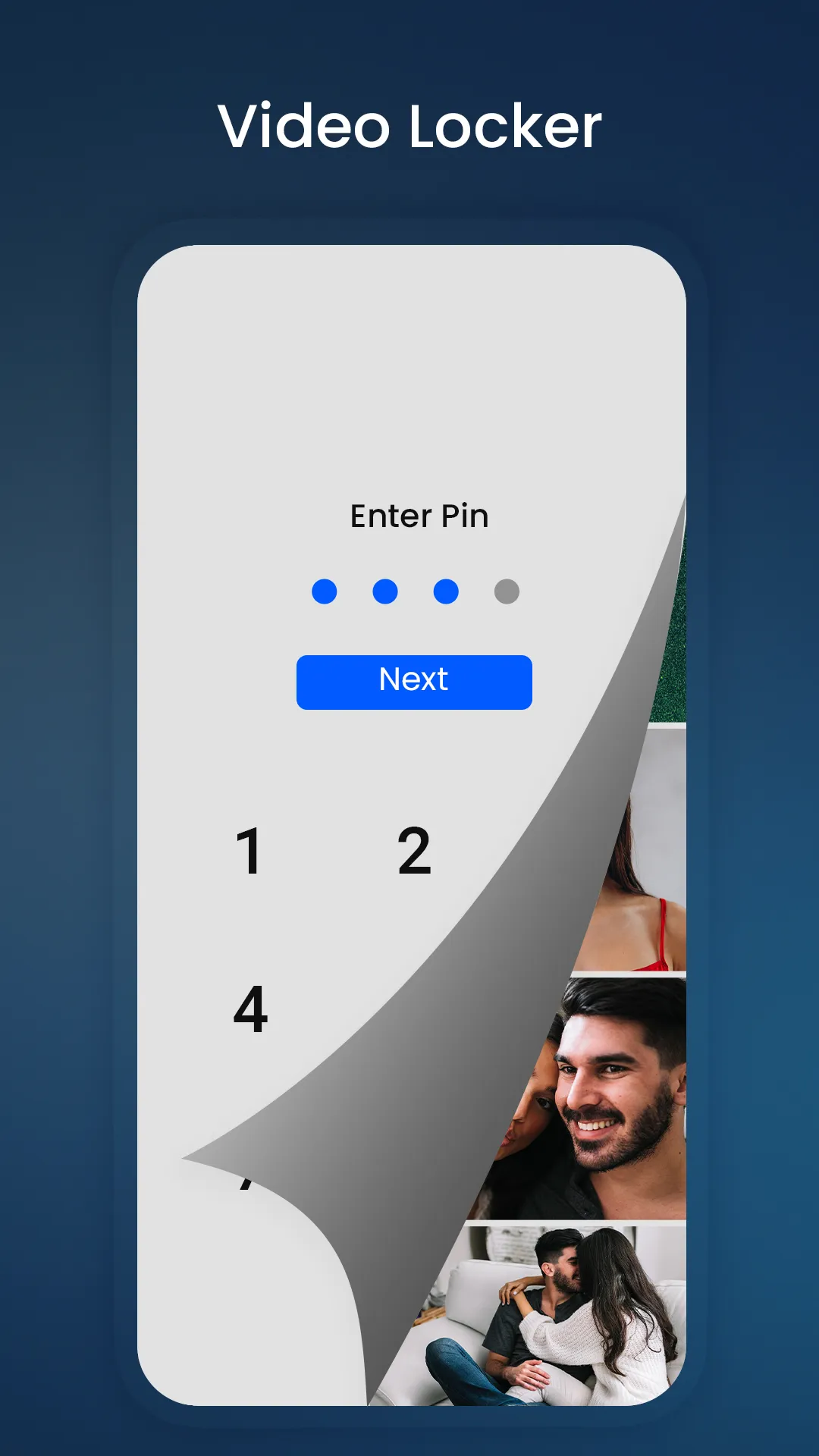
HDx Video Player All Format allows you to set a password for your private album, keeping your personal videos secure and protected from unauthorized access or accidental deletion.
Versatile video player for managing files, downloading subtitles, scanning duplicates, and securing videos.
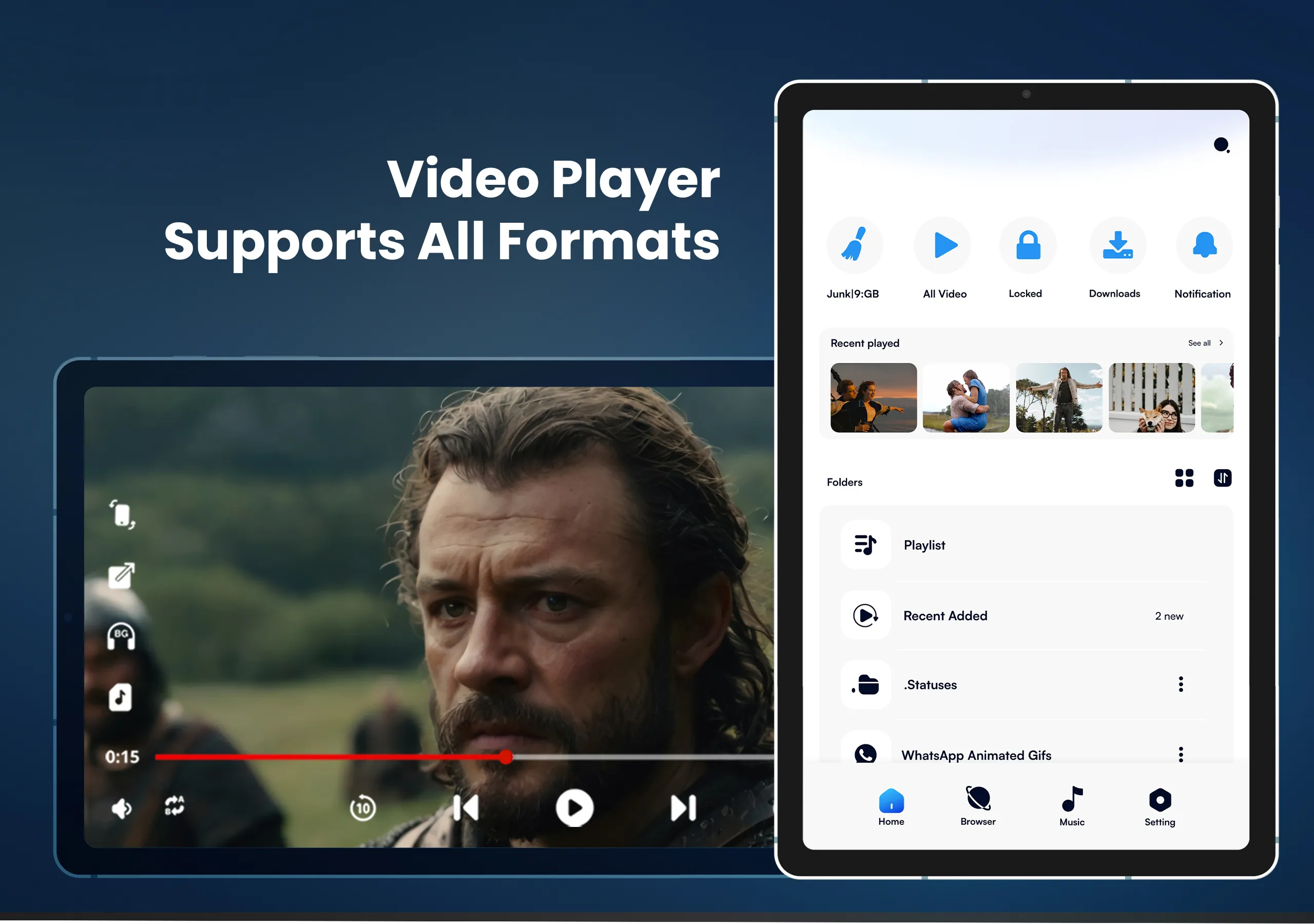
Full HDx Video Player & Downloader is a free multi-media player with various features and functionalities. It provides online and offline content with an HD video experience. This video player supports all formats like MP4, MOV, MKV, FLV, MP3, RMVB, 3gp player, mpg player, 1080p video player, 8k video player, and much more.
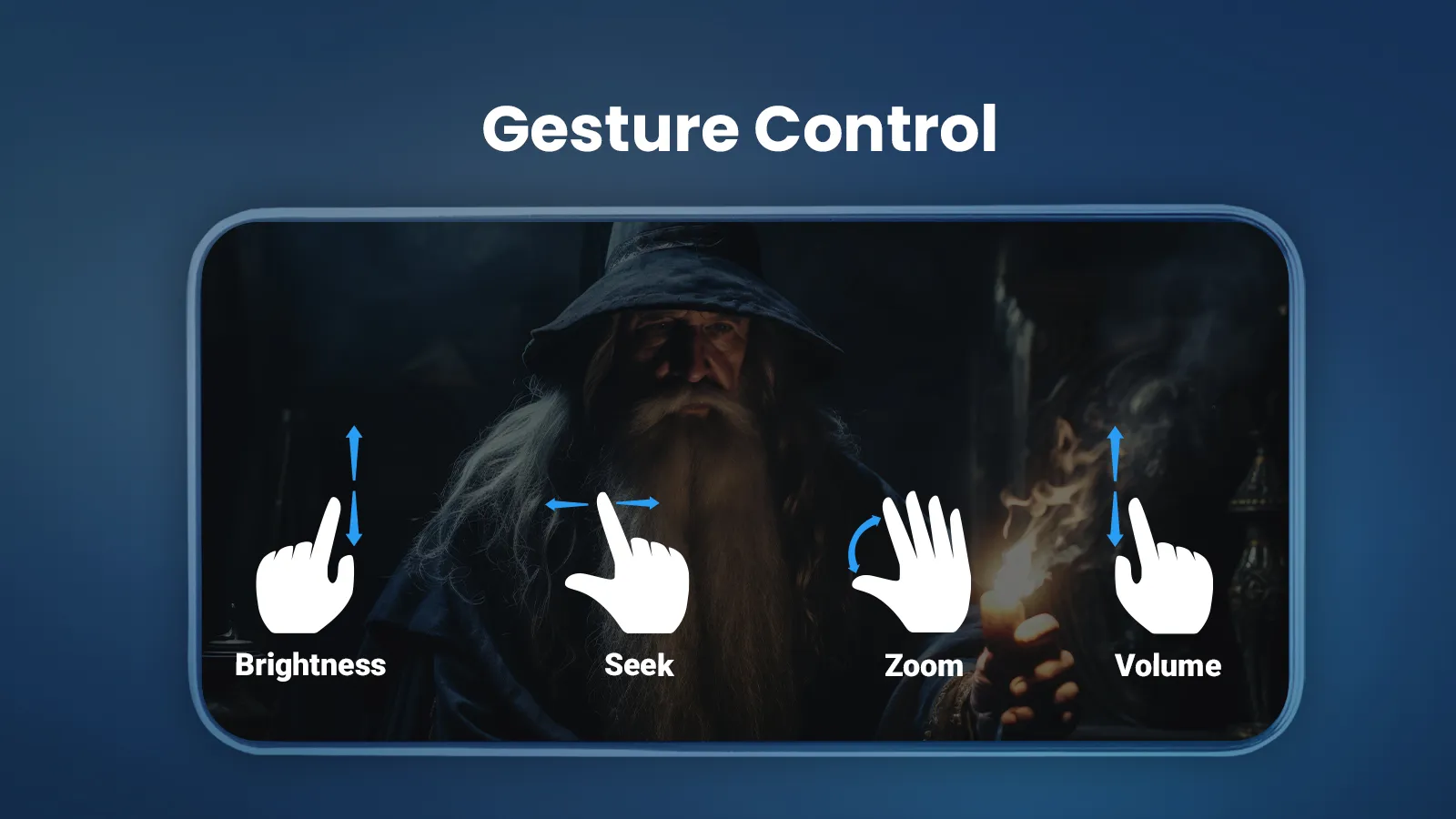
This media player offers a plethora of features to enrich your experience such as Chromecast, Equalizer, Subtitle Support, In-built Video Downloader, Trending Playlist, URL Streaming, Music library, Video Hider, Gesture Control, Closed caption, Multiple Language Support, Easy share files, and much more to explore.
KEY FEATURES
🌟Supports multiple formats like MKV, AVI, FLV, 4K, MP4, 3GP player, MPG player, 1080p video player, 8k video player, MP3, etc.
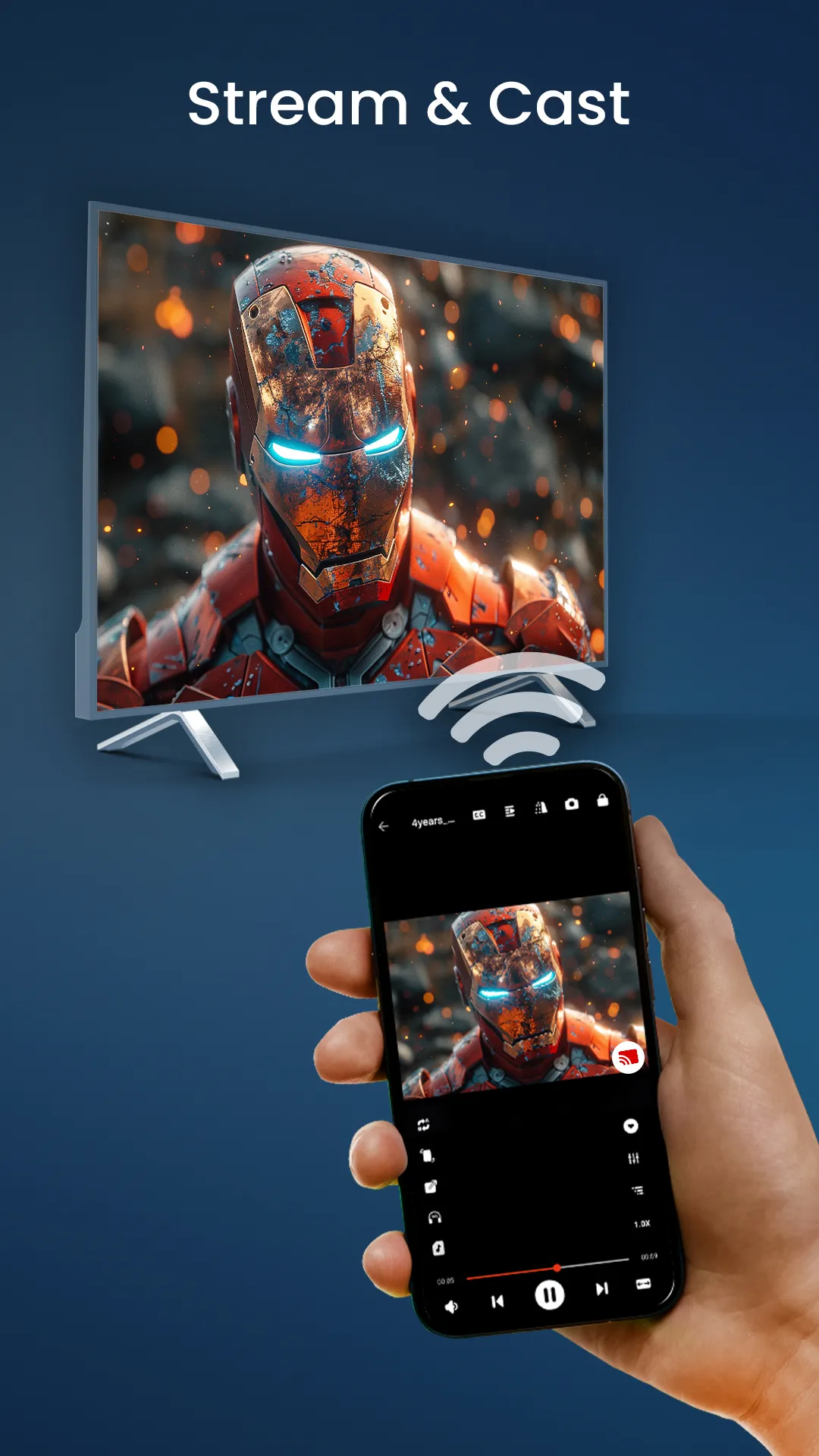
🌟Cast videos to the TV from Android with Chromecast
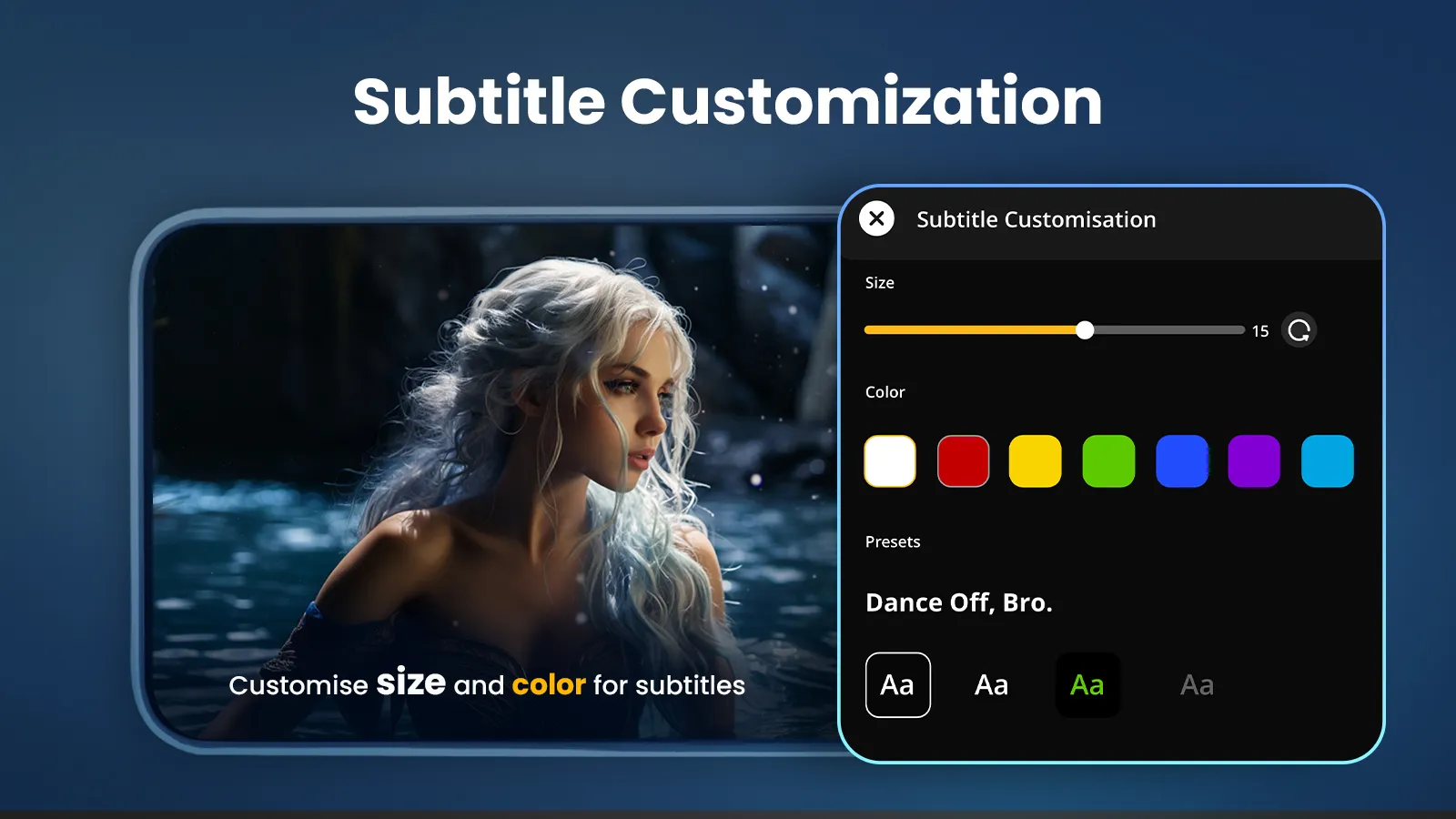
🌟HD Video Player supports Subtitle and Closed Captions for videos and movies
🌟Online Video Streaming
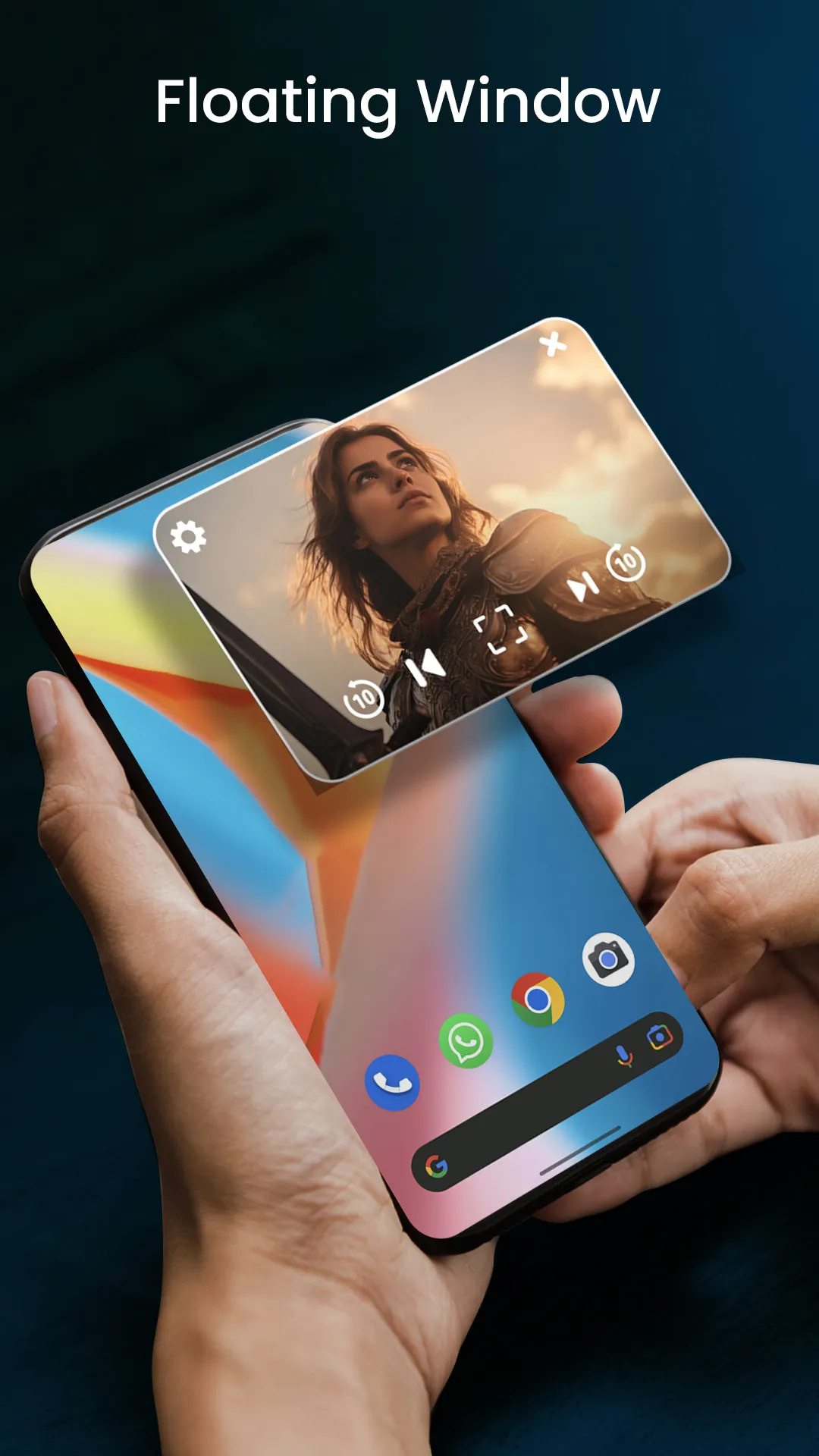
🌟Play videos easily with Gesture Control, Floating Window, etc.
🌟Hide your photos and videos to protect your privacy
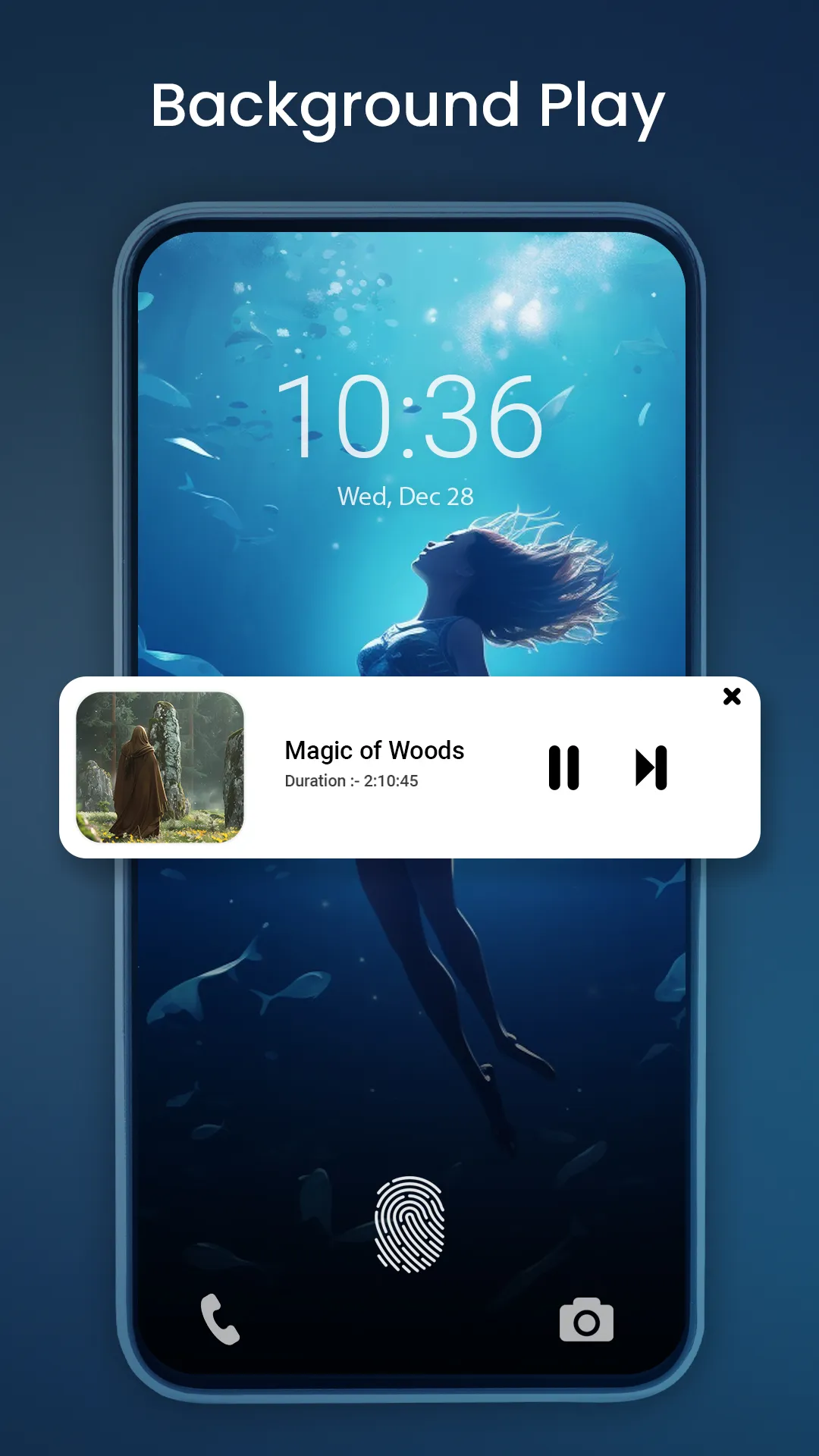
🌟Play your favorite video or movie with background play in MP3
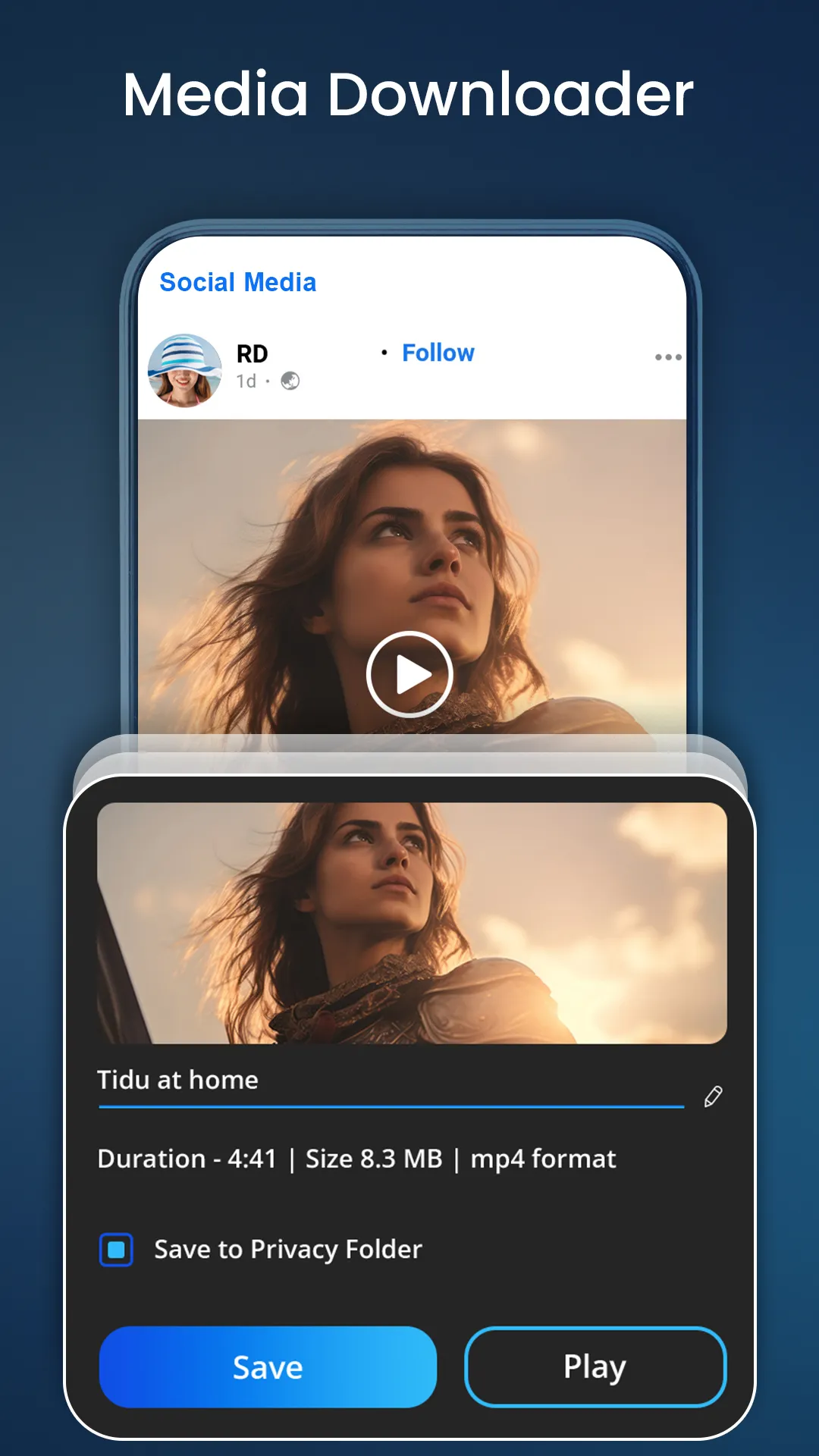
🌟Download any videos, reels, etc. from multiple social media platforms i.e., IG, FB, Vimeo, etc. with Video Downloader.
🌟Manage and Search Albums, Artists, Genres, and trending playlists with the built-in music player.
Cast local Videos to TV with HDx Video Player
You can now cast videos, movies, and much more from your Android device to your TV with the Chromecast feature in the HDx Video Player & Downloader.
Create and manage Playlists
Play your favorite songs, artists, albums, and genres in the trending playlist with the built-in music player and manage according to your preference.
Video Hider with PIN and Fingerprint protection
Hide your private photos, videos, audio, etc. with the pin-protected password as we value your privacy and this video player provides you that extra layer of security.
Subtitle Support and Closed Caption
This video player enhances your viewing experience by providing customized subtitles where you can change text size, color, etc., and the same with closed captions.
HDx Video player for Android requires access to:
• "Photos/Media/Files" to access all your media files.
• "Storage" to read media files stored on SD cards.
Permission Details:
To provide quality service, the app needs the below Permissions.
✅ Read the contents of your USB storage" is required to access and play your media files.
✅ Modify or delete the contents of your USB storage and internal storage is needed to manage file deletions and save subtitles.
✅ "READ_EXTERNAL_STORAGE" - Request for access to photos, music, and videos stored on the device.
✅ "MANAGE_EXTERNAL_STORAGE" - Request to manage local storage, delete files, rename, and save the downloaded subtitles.
Our app is not sponsored or affiliated with YouTube, Facebook, Instagram, and other social sites.
Full HDx Video Player & Downloader is a free & powerful media player app.
We love to hear your suggestions and feedback at
[email protected] as your feedback is valuable to us.