VivaCut AI Video Editor is an all-in-one AI video editor & video maker that lets you effortlessly create high-quality, eye-catching videos.
Whether you're a beginner or a pro, VivaCut covers all your video editing needs. Along with essential tools like trim, split, and music, it offers advanced features such as keyframe animation, smooth slow-motion, chromakey effects, and VivaCut exclusive video templates.
Make your videos stand out with VivaCut's video editing features: AI styles, auto captions, image-to-video templates, AI remover, and more. Create and share stunning content on TikTok, YouTube, Instagram, WhatsApp, and Facebook!
FREE & easy to use!
🤩 Powerful AI Video Editor Tools
📝 AI Auto Captions:
Automatically generate speech-to-text captions for your talking videos.
🌟 Dynamic Captions:
Make your videos engaging with stylish and animated caption effects.
🖼️ Image-to-Video:
Let AI magically bring life to your photos with AI kiss, AI hug, AI fight, AI muscle video effects.
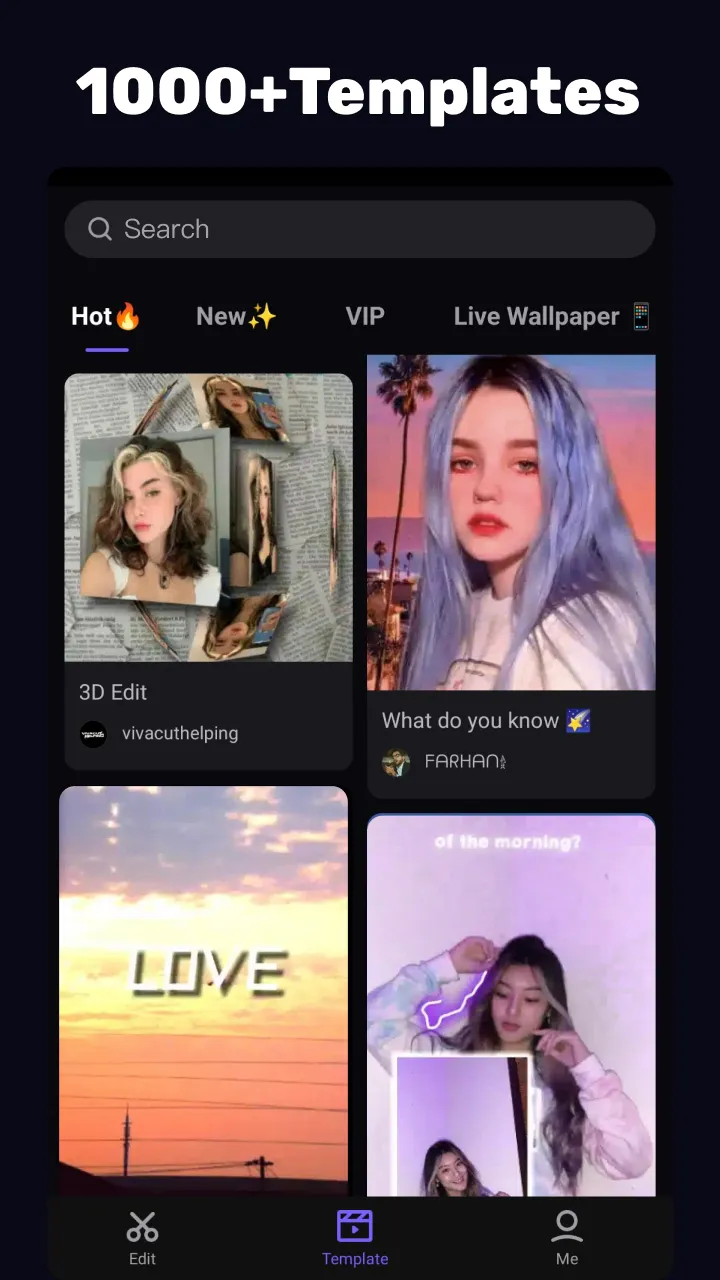
🔥 Exclusive Video Templates:
Choose from a vast library of trending music video templates to create viral content with one tap.
🧽 AI Remover:
Effortlessly remove unwanted objects from your videos with AI.
🎞 Slow-Motion:
Achieve smoother and more cinematic slow-motion effects.
🚀 AI Enhancer:
Upgrade your videos and photos to HD quality with a single tap.
🎬 User-Friendly Video Editor for Beginners
- Trim, cut, split, or merge video clips without quality loss.
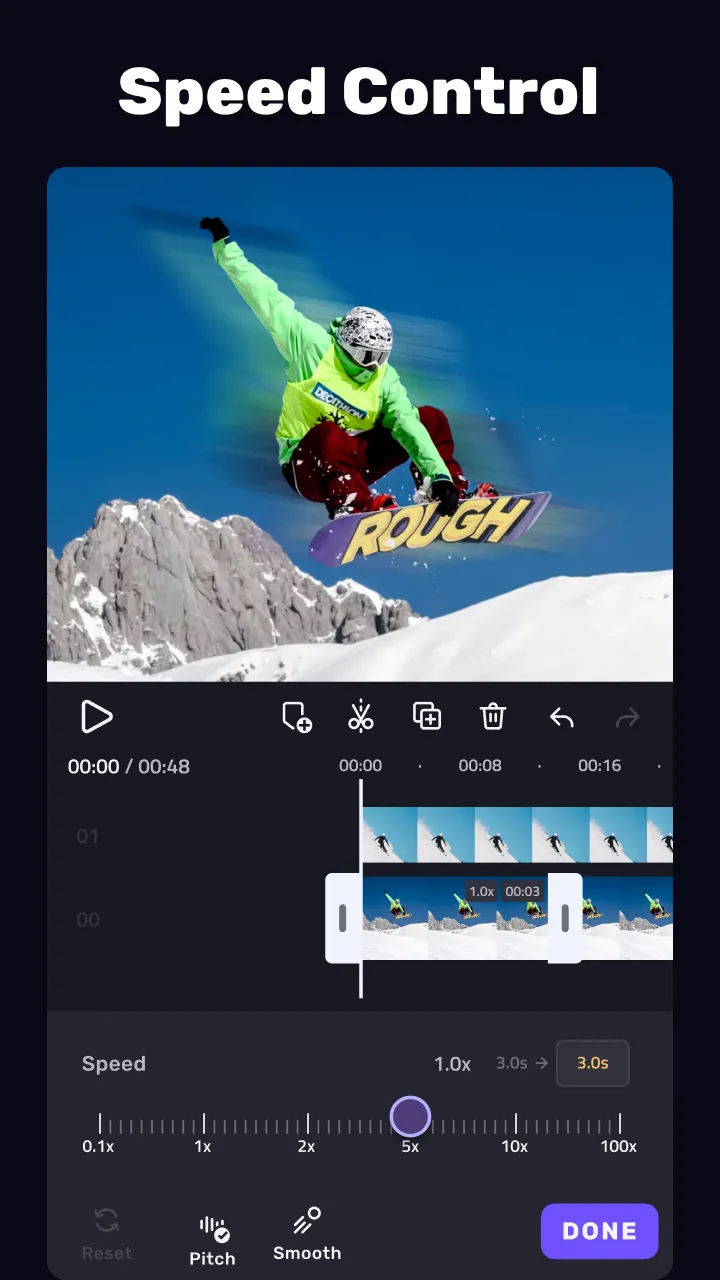
- Speed curve: control video speed with customizable & pre-set curves.
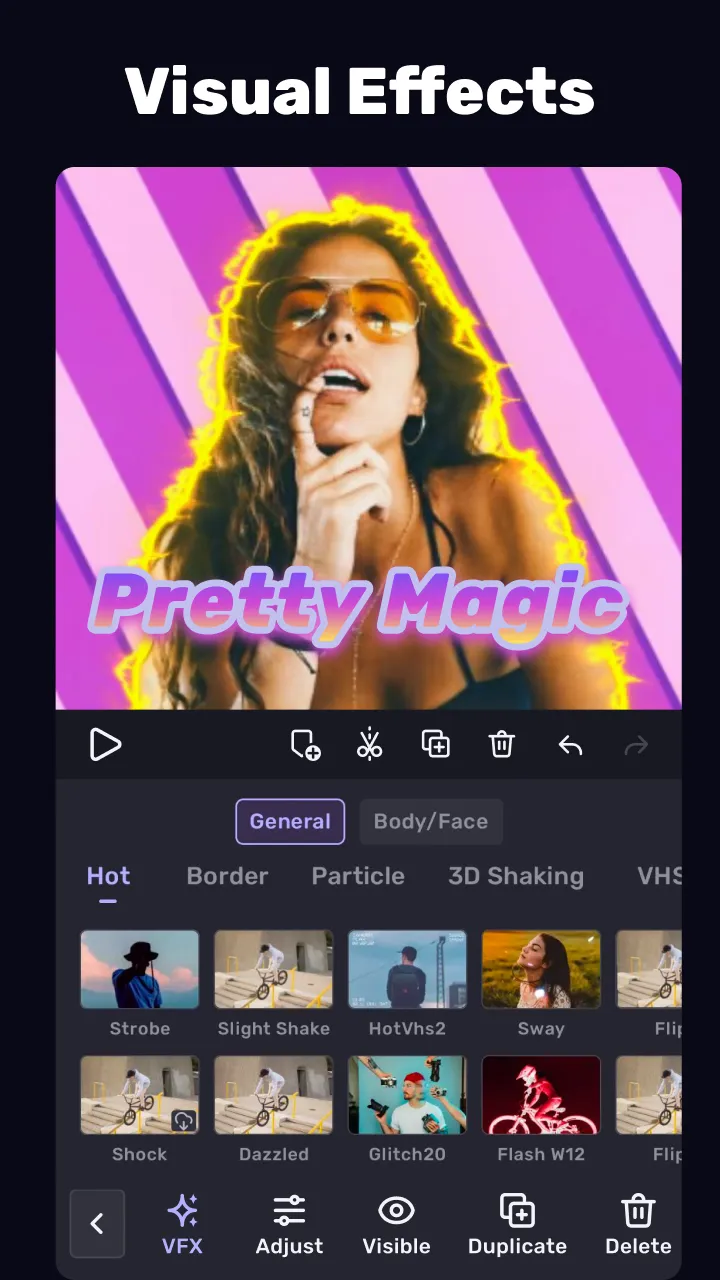
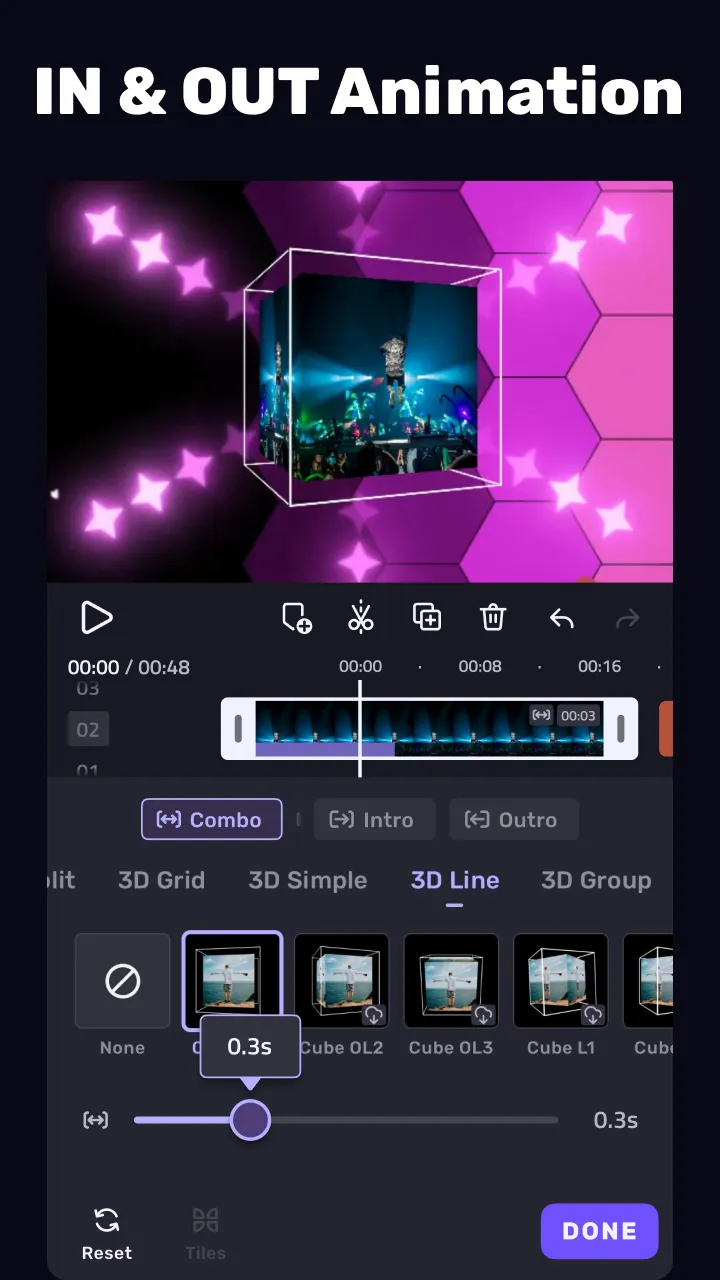
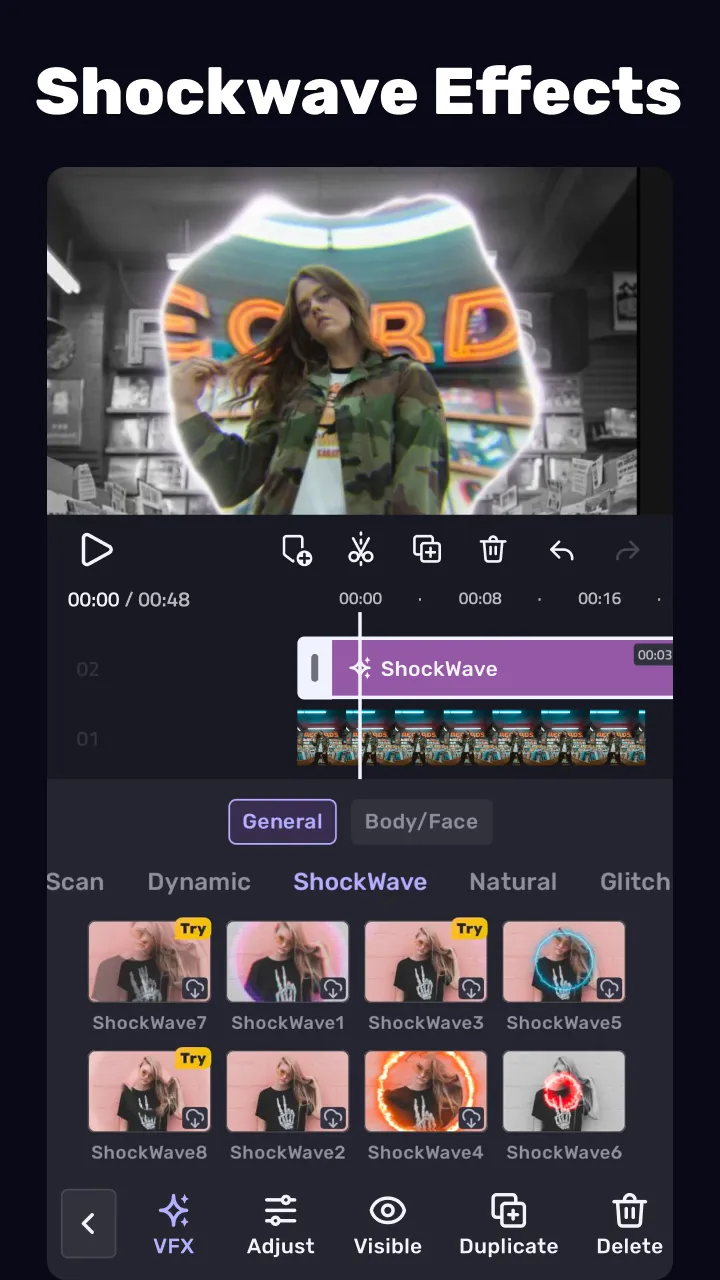
- Add smooth transitions and visual effects to enhance your video.
- Text styles & fonts: personalize text for titles and captions.
- Fun stickers & emojis: add personality to your videos.
- Color adjustments: adjust video brightness, contrast, and saturation.
🏆 Full-Featured Video Editor for Professionals
- Keyframe editing: create fluid animations with precise control.
- Apply slow-motion effects to specific video segments.
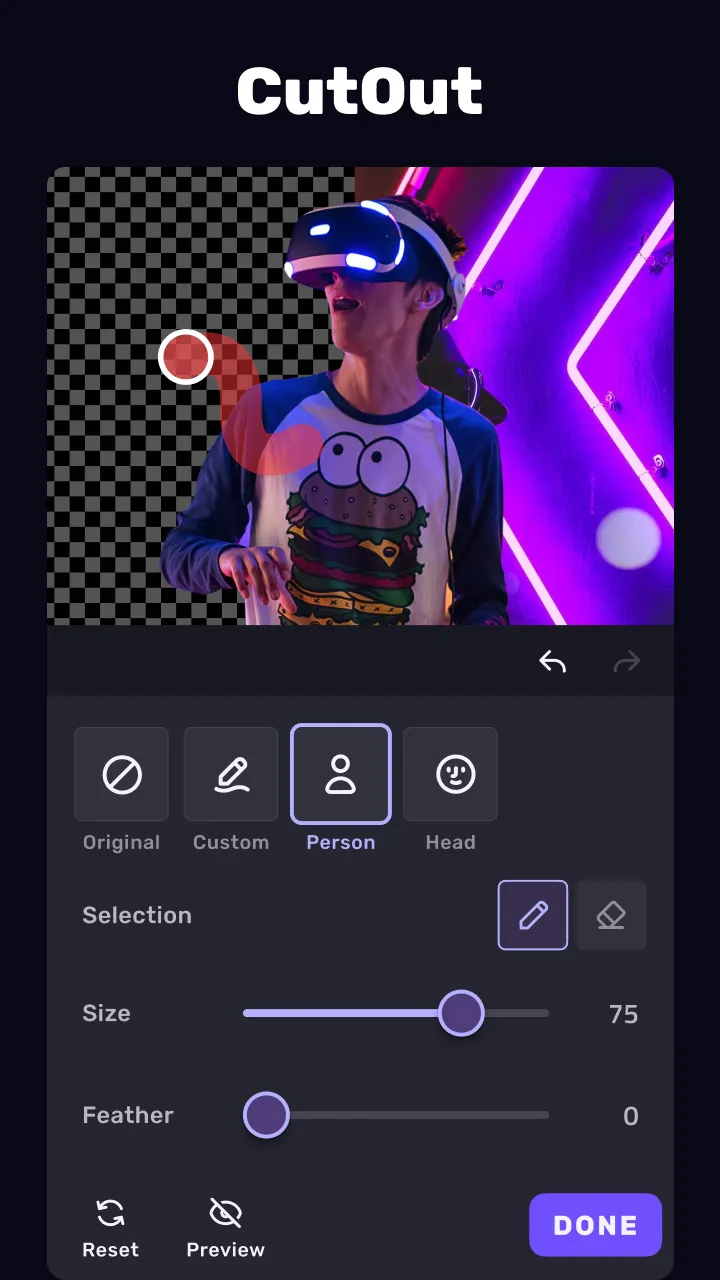
- Chromakey effects: use green screen to craft immersive scenes.
- Mask: linear, mirror, radial, rectangle, and oval, all for the scene. Full-screen video editor for YouTube.
- Picture-in-Picture (PIP): layer videos, images, stickers, and effects.
- Mosaic: blur or pixelate sensitive areas in your video.
- Video collage: add pictures to your clips and edit videos, then go viral with VivaCut!
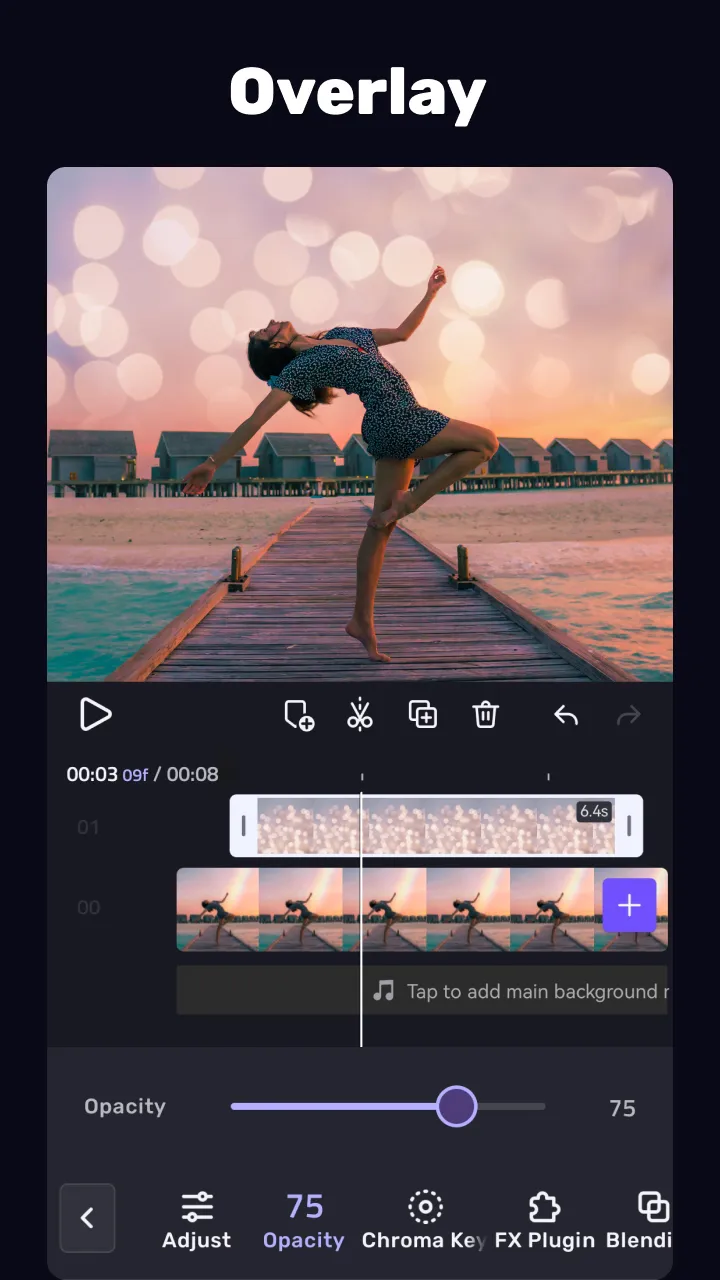
- Overlay: customize layers with tools such as opacity and blending.
- Blend videos: mix videos using powerful blending modes such as Color Burn, Multiply, Screen, Soft Light, Hard Light, etc. VivaCut - video background changer editor.
🌟 Special Video Editing Features
- Auto captions: generate accurate speech-to-text subtitles effortlessly.
- Photo slideshow maker: turn your photos into stunning music video slideshows.
🎞 Trending Effects & Filters
- Access a variety of effects like Glitch, Fade, Retro DV, Blur, 3D, and more.
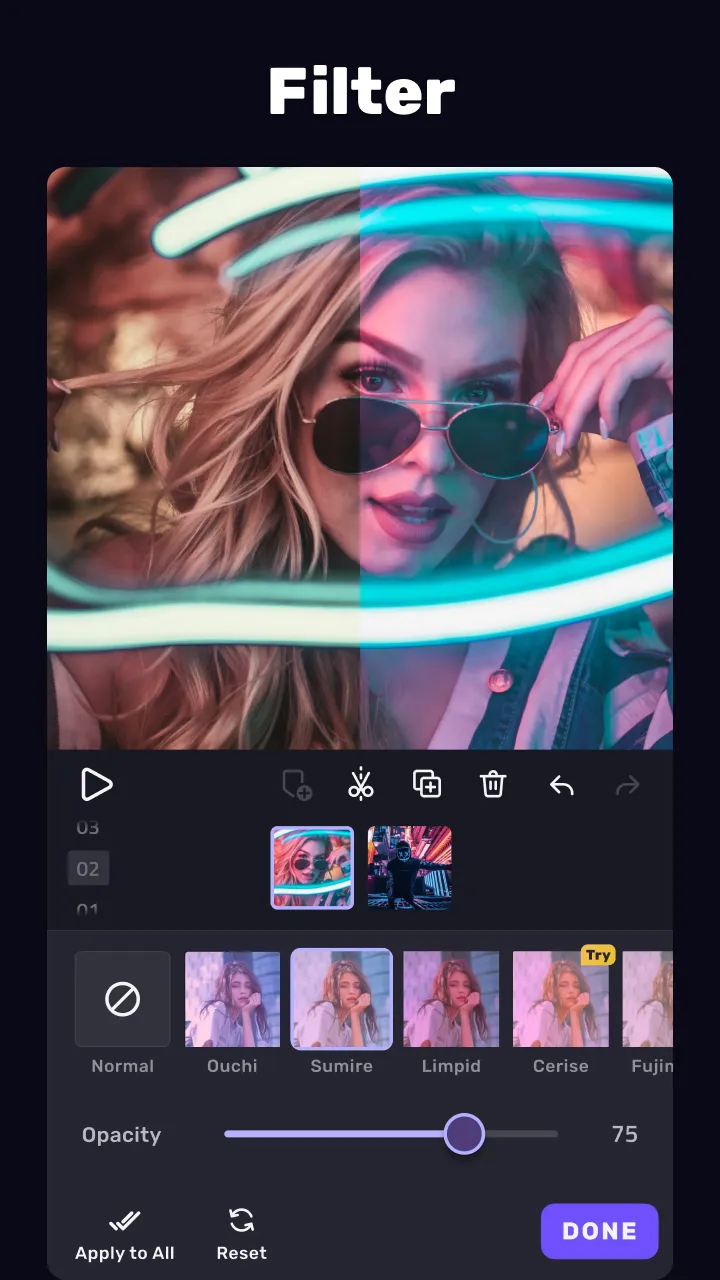
- Enhance your videos with cinematic filters & color grading tools.
🎵 Music & Sound Effects
- Add depth to your videos with a vast library of music and sound effects.
- Audio extraction: aesthetic video editor with transition effects: extract music/audio from any video. Pro video editing app with sound effects.
📲 Save & Share
- Export videos in Full HD 1080p and 4K resolution.
- Save creations directly to your device or share on TikTok, YouTube, Instagram, Snapchat, and WhatsApp.
With VivaCut AI Video Editor & video maker with music, you can effortlessly craft stunning content. Whether you're an amateur or a professional, powerful tools like trendy templates, AI remover, and keyframe animations help you create high-quality videos in minutes!